How to Organize Design Assets: A UI/UX Workflow Guide

Jump to section
Design asset organization gets messy because every project creates exports, screenshots, versions, icons, mockups, and references faster than most teams can name them well. The fix is not more folders. It is clearer structure and better naming.
Best structure for design assets
Use a consistent split like:
- source files
- exports
- references
- handoff assets
- archive
That structure works because it separates working files from outputs.
Naming rules that help most
A good design filename usually includes:
- project or feature
- asset type
- description
- version or state when needed
Examples:
checkout-flow-mobile-dark.pngdesign-system-button-primary-hover.svgclient-homepage-hero-v2.psd
Why exports are the problem
Design source files are often already named reasonably. Exports are where chaos appears: export-2.png, final-final.svg, hero@2x.png with no surrounding context.
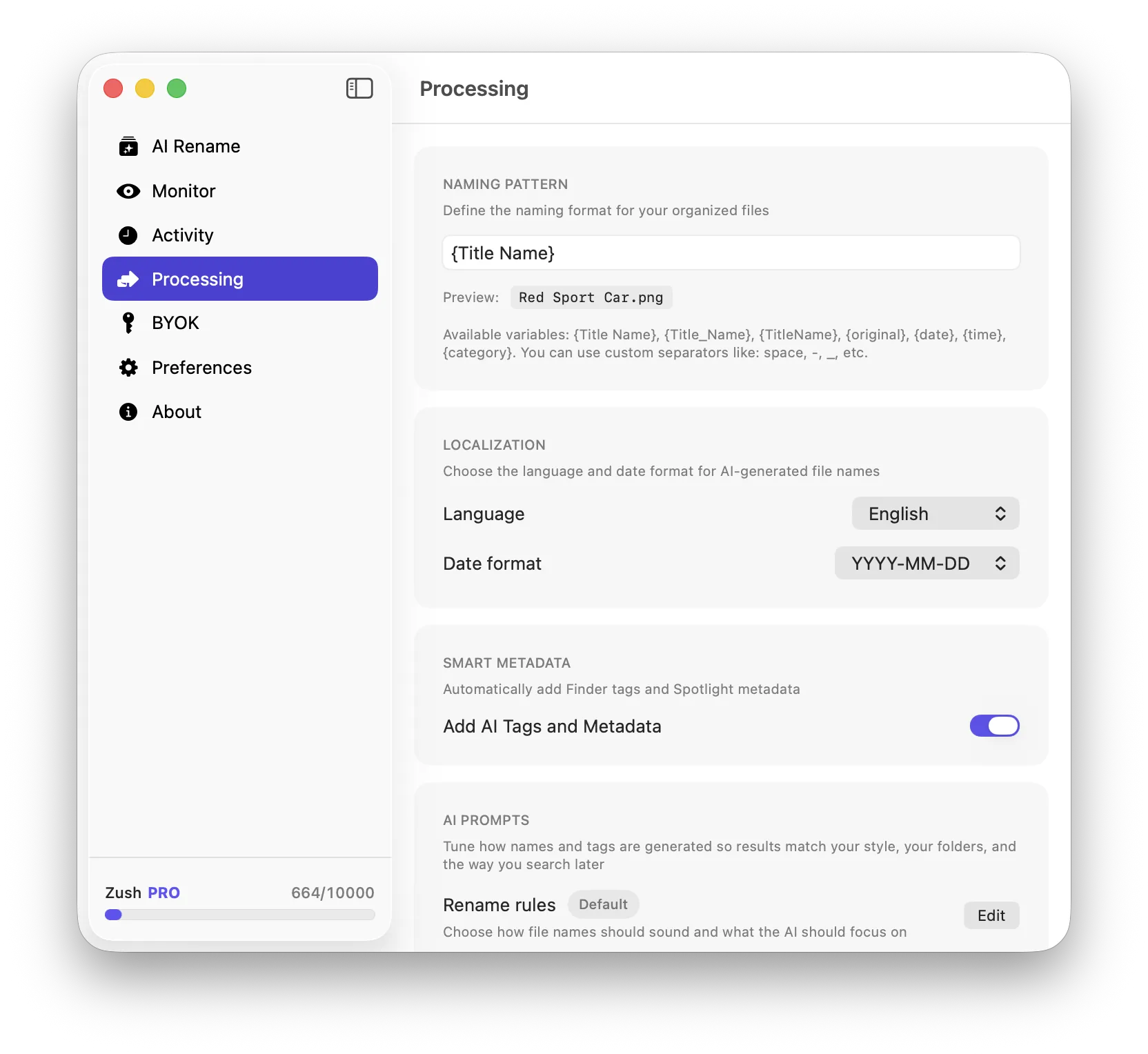
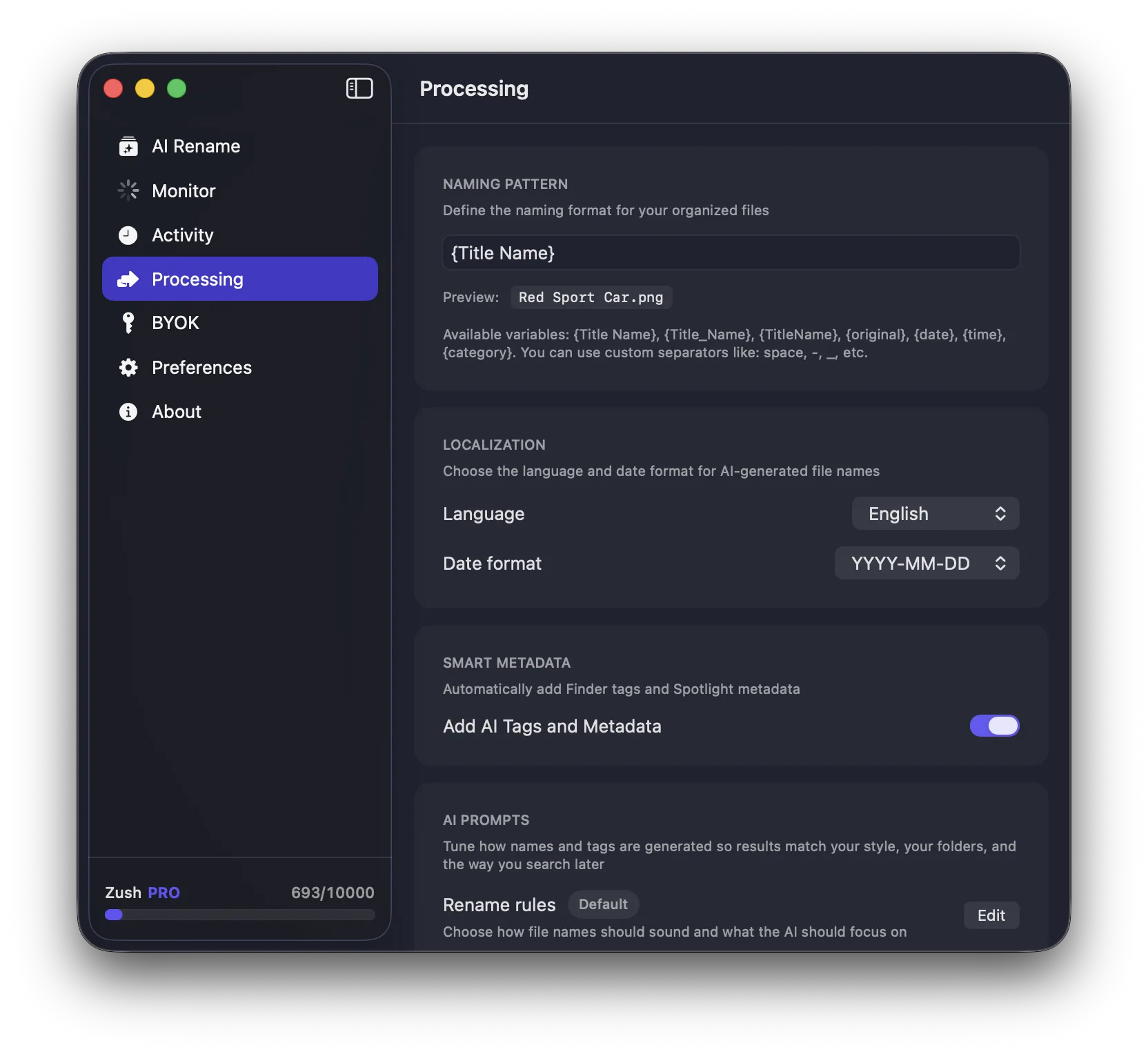
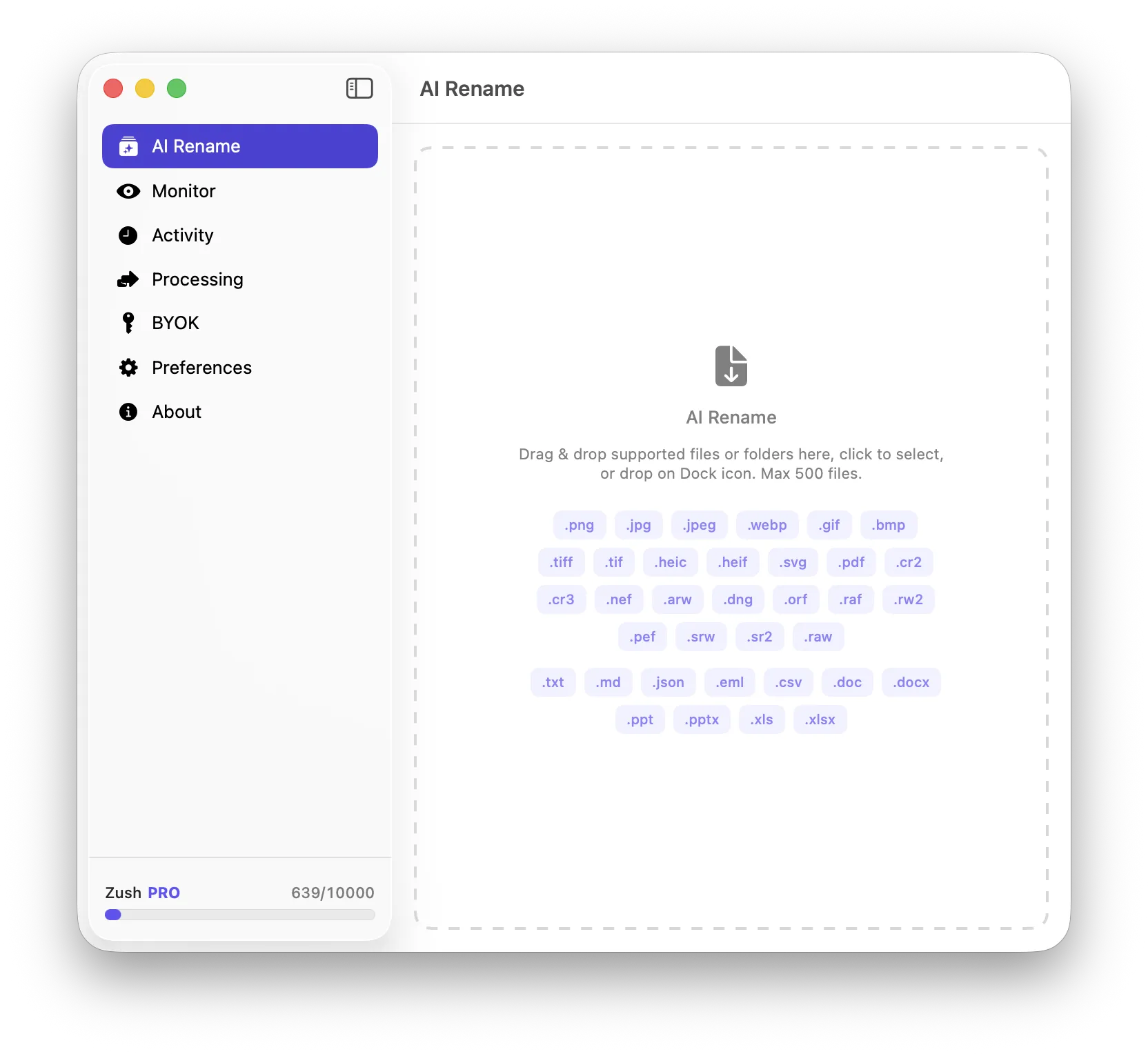
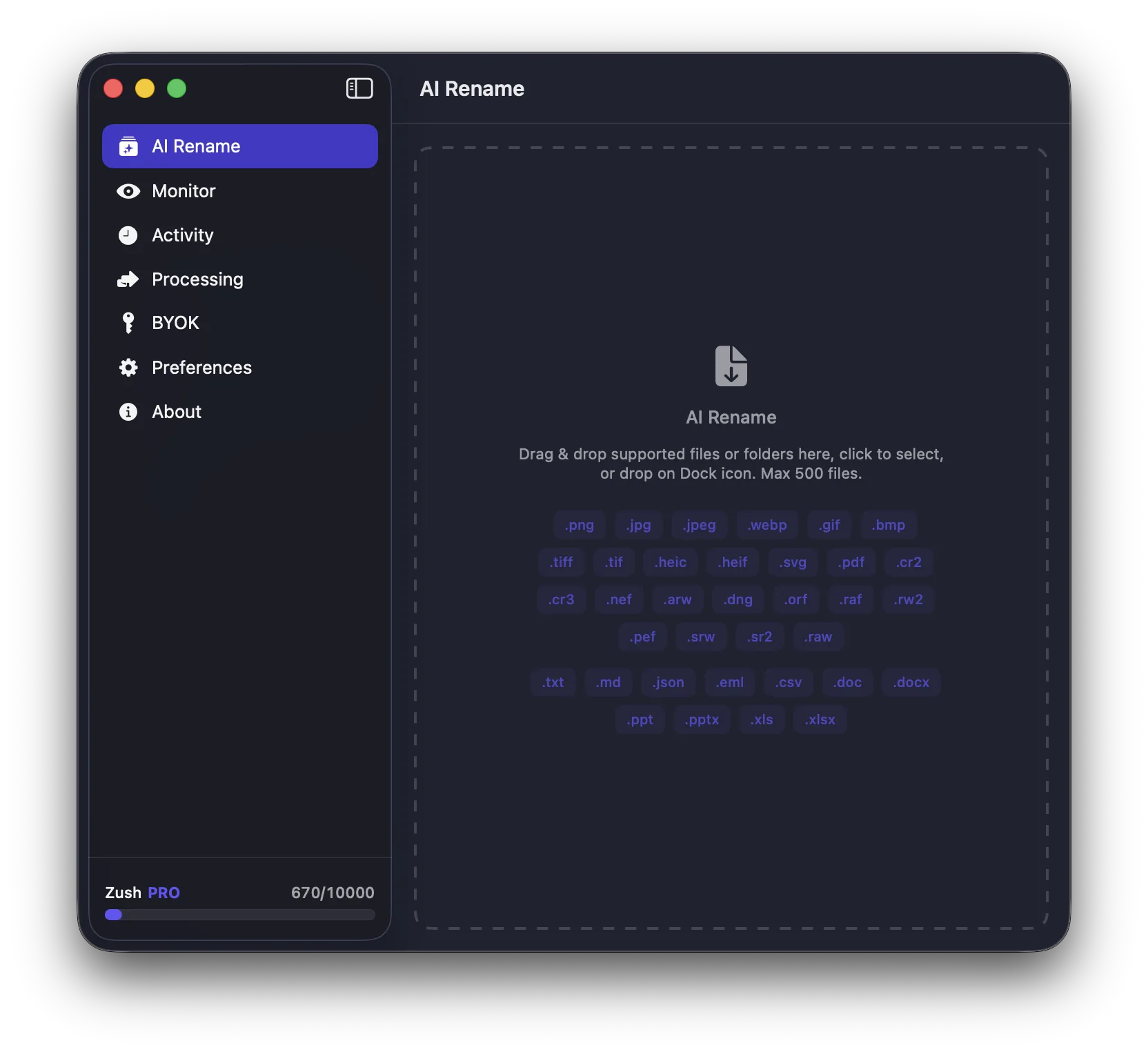
That is where AI-assisted naming can help. Zush is useful when you need screenshot and export files to become descriptive enough for later search and reuse.
Best workflow habits
- keep versioning explicit
- separate source files from exports
- rename important exports immediately
- avoid saving every asset into one mixed folder
Conclusion
Design asset organization is mostly a naming and export discipline problem. Solve that well, and the folder structure becomes much easier to maintain.