How to Organize Photos by Date on Mac

Jump to section
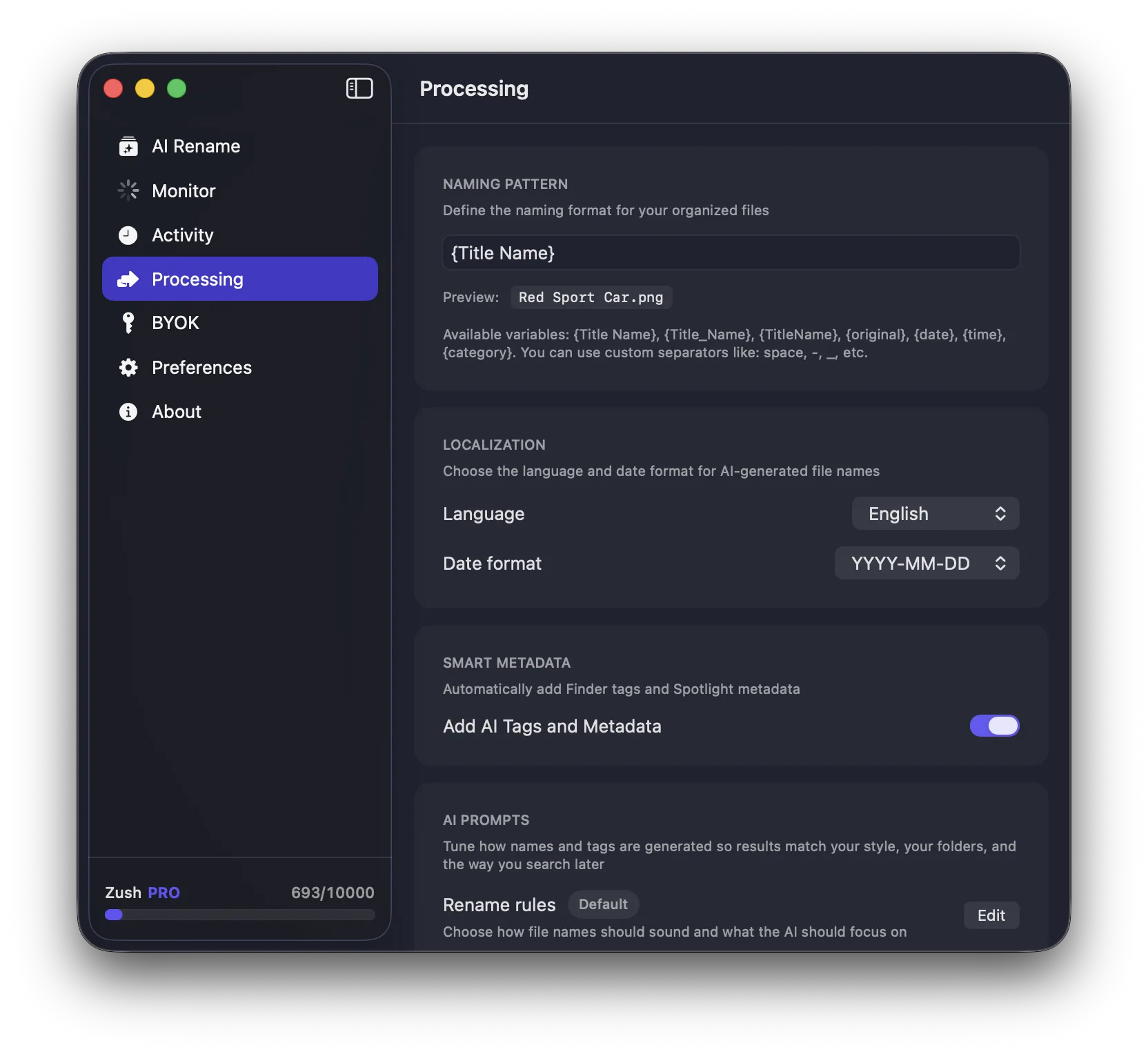
Organizing photos by date on Mac works because it mirrors how people remember events: trips, shoots, holidays, and projects happened at a specific time. It is also one of the easiest systems to scale.
Why date-based organization works
Dates are:

- objective
- easy to sort
- already present in most image files
- useful even when you forget the exact subject of a photo
Best date-based structures
Year > Month > Event
A strong default for most people.
Example:
Photos/2026/03-March/Tokyo-Trip/
Year > Event only
Works if your library is smaller and you do not want extra nesting.
Date in filename
Useful when photos move between folders or get shared.
Example:
2026-03-12_sunset-over-lake.heic
Finder vs Apple Photos
Use Finder if you want direct file control and custom folder structures.
Use Apple Photos if you prefer app-based browsing and automatic timeline views.
Best paired strategy
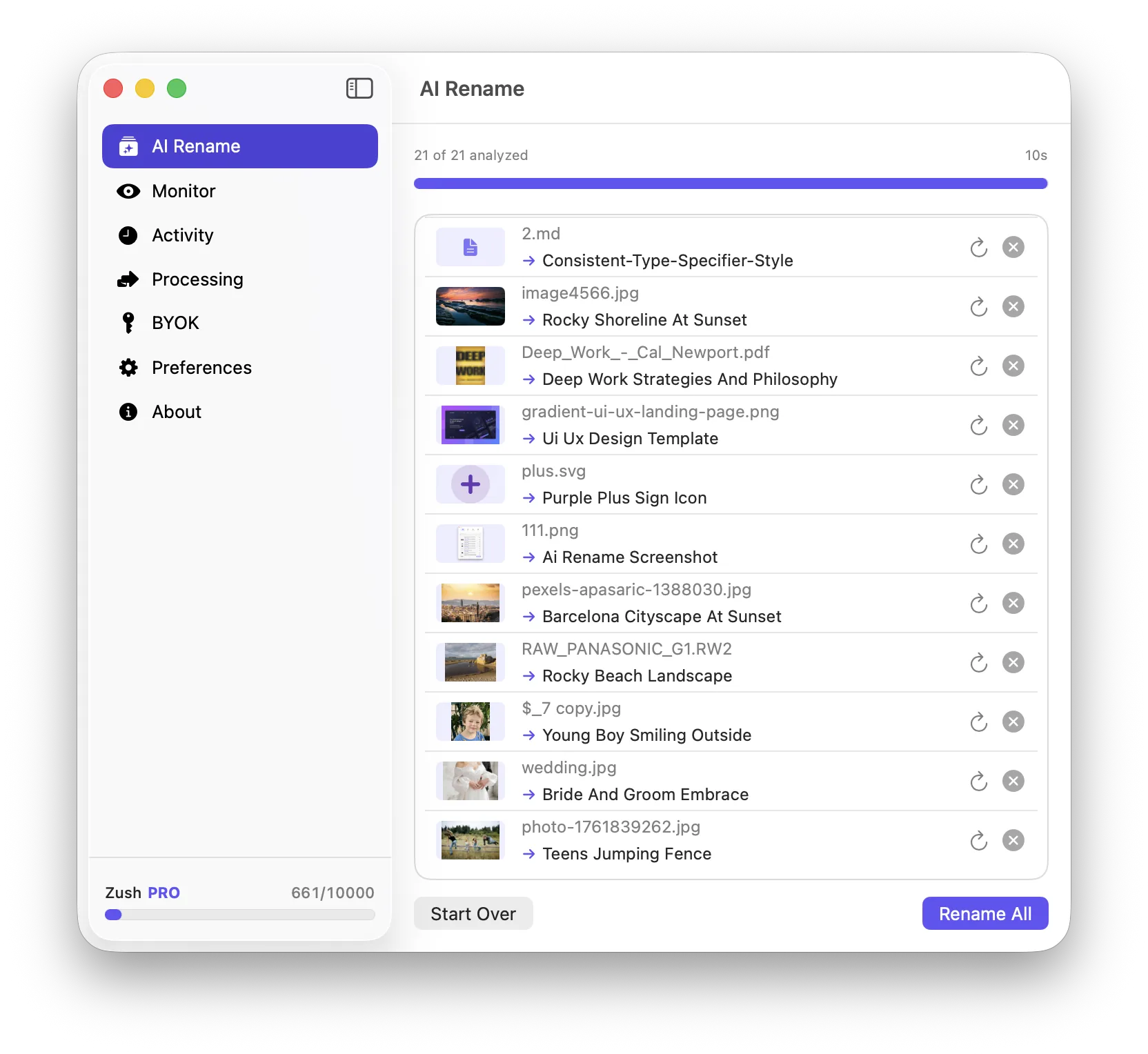
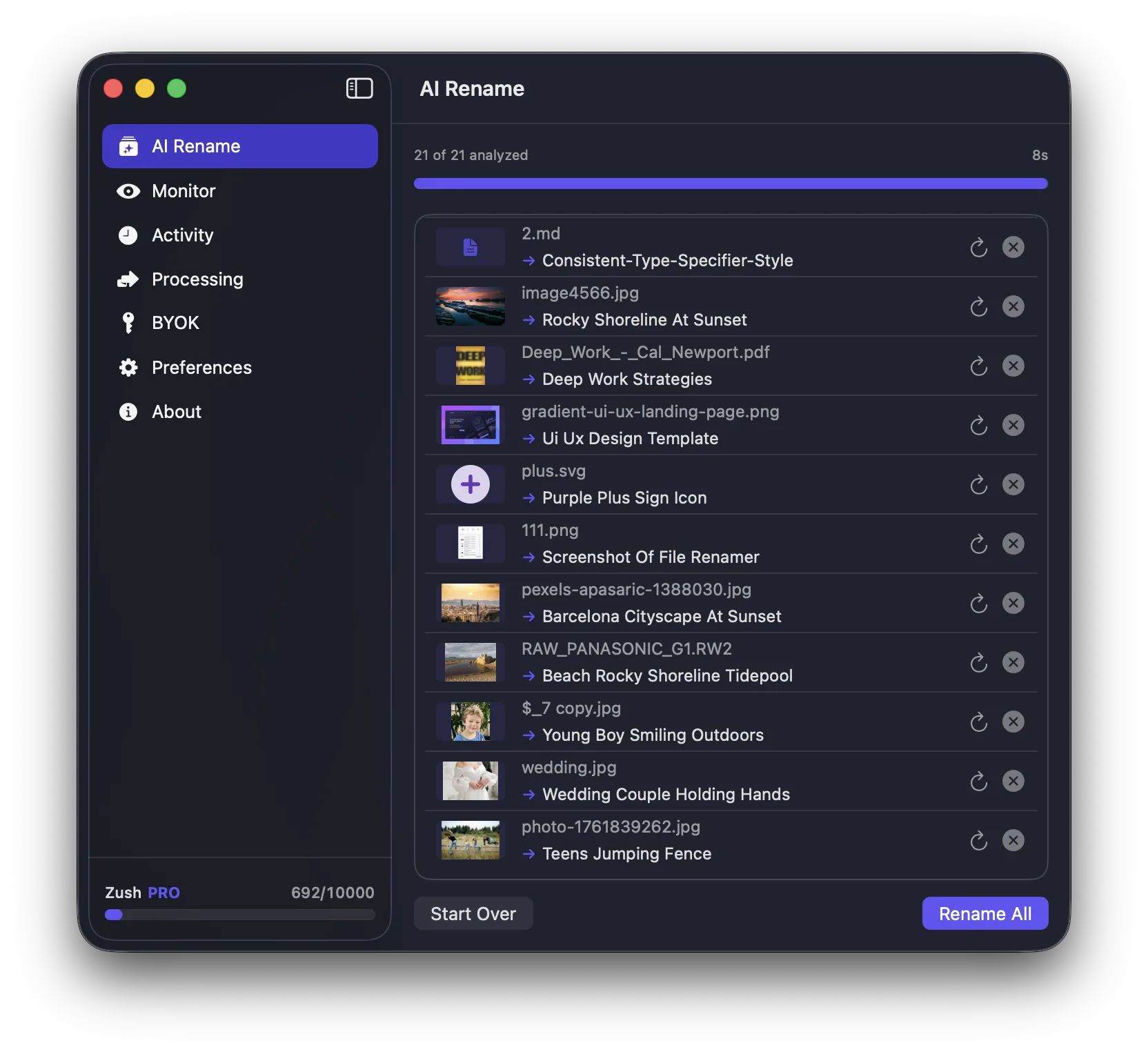
Date-based organization gets stronger when you combine it with descriptive naming. A file called 2026-03-12_IMG_4822.HEIC is better than IMG_4822, but 2026-03-12_sunset-over-lake.heic is much better still.
That is one reason AI-assisted naming can help. Zush can generate descriptive names while keeping the date-based structure useful.
Conclusion
If you want a durable photo organization system on Mac, organizing by date is one of the safest choices. It scales well, supports memory, and works in both Finder and app-based libraries.