Photo Backup Strategy for Mac: Never Lose a Photo Again

Jump to section
If your photo backup strategy for Mac is “they are on my laptop and in the cloud somewhere,” you do not really have a backup strategy. Photos need redundancy, not hope.
The safest default: 3-2-1 thinking
The classic rule is simple:
- 3 copies of your data
- 2 different storage media
- 1 copy off-device or off-site
For most Mac users, that means:
- the working copy on your Mac or external working drive
- a local backup drive
- a cloud or off-site backup
What each layer should do
Working copy
This is the library you actively use.
Local backup
This protects you from accidental deletion, corruption, or drive failure when the internet is irrelevant.
Off-site or cloud backup
This protects you from theft, fire, and local hardware disasters.
Common backup mistakes
- keeping only one copy
- trusting sync as if it were backup
- never testing restores
- mixing working files and archives without a plan
Why organization still matters
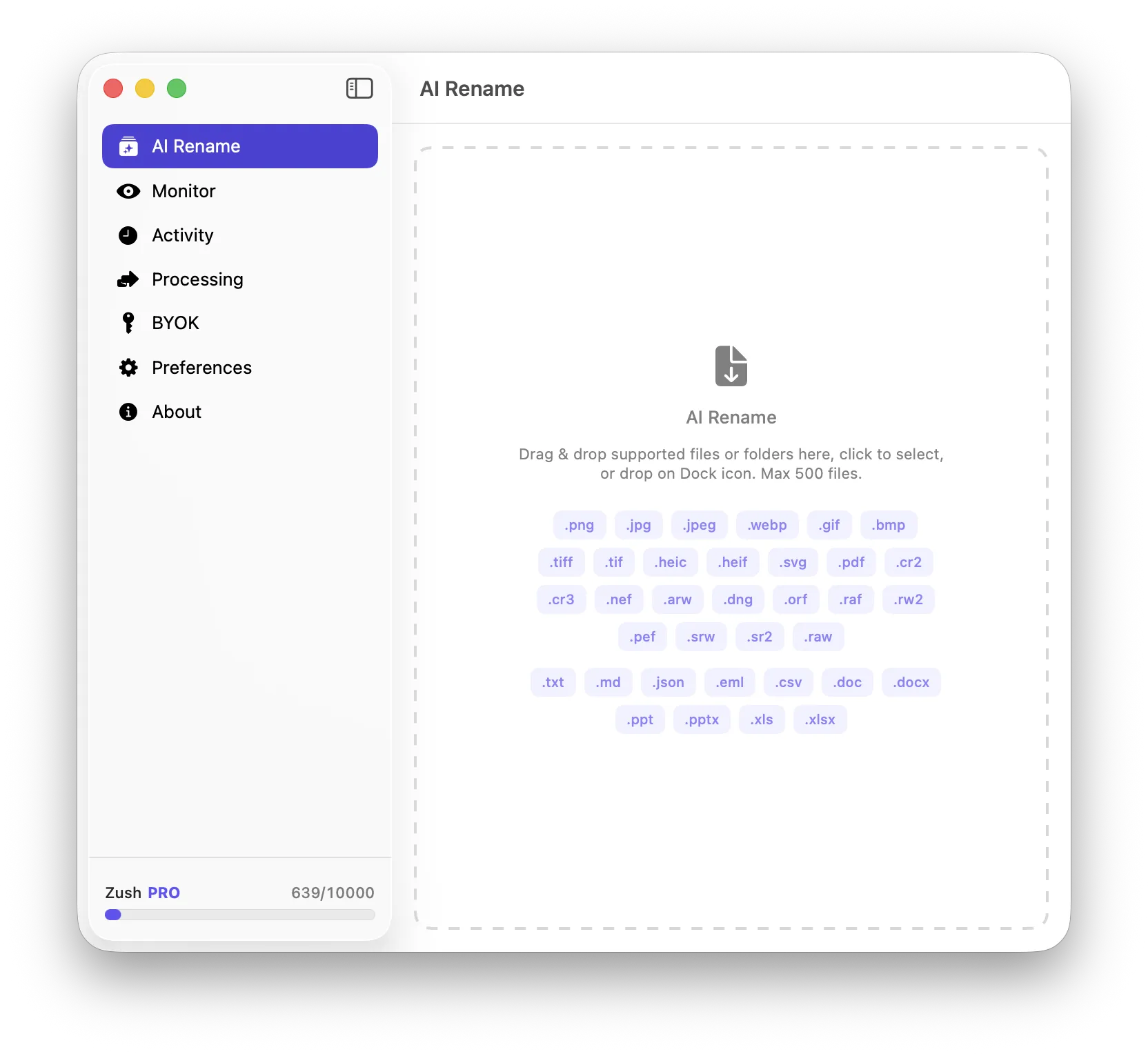
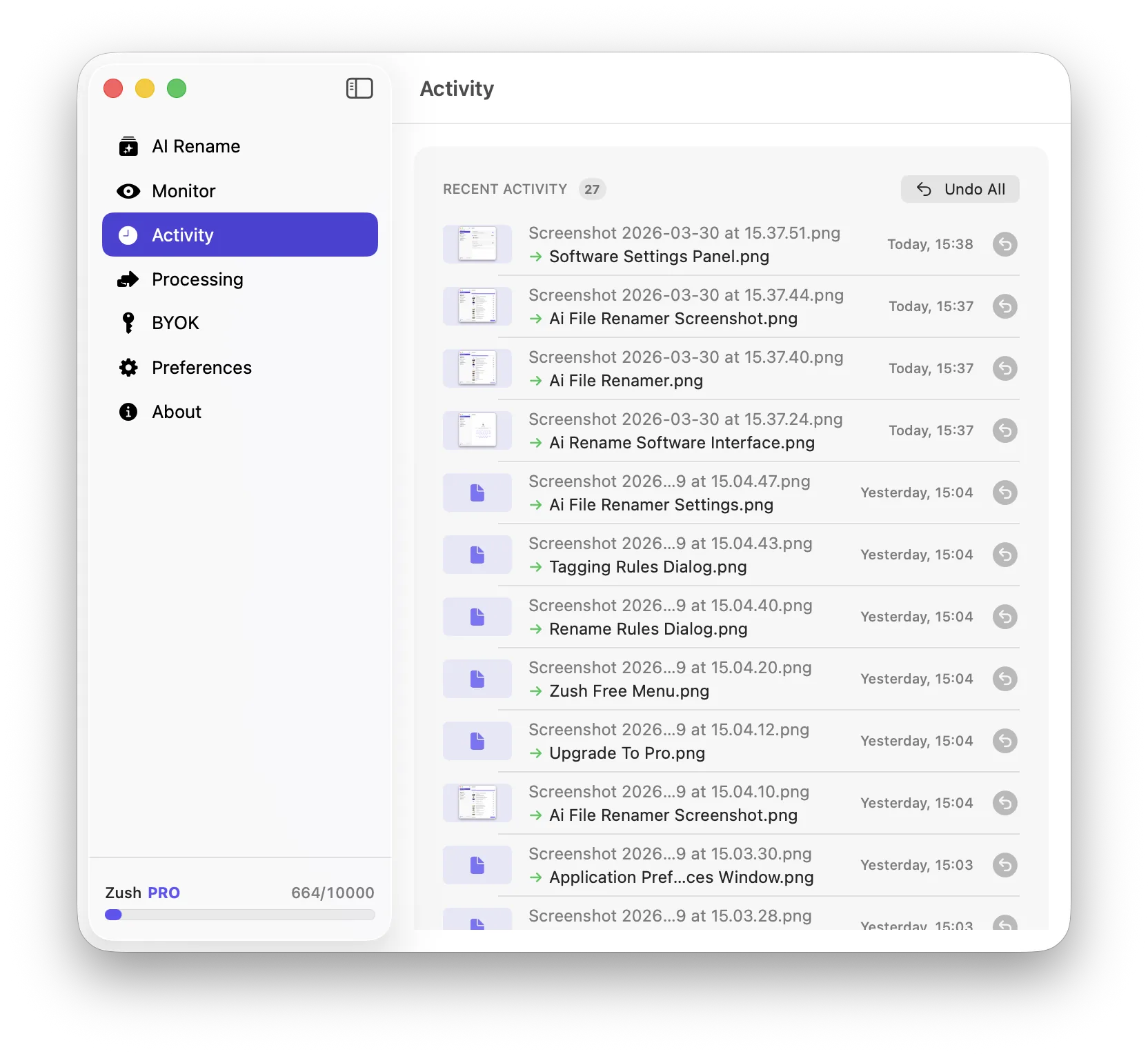
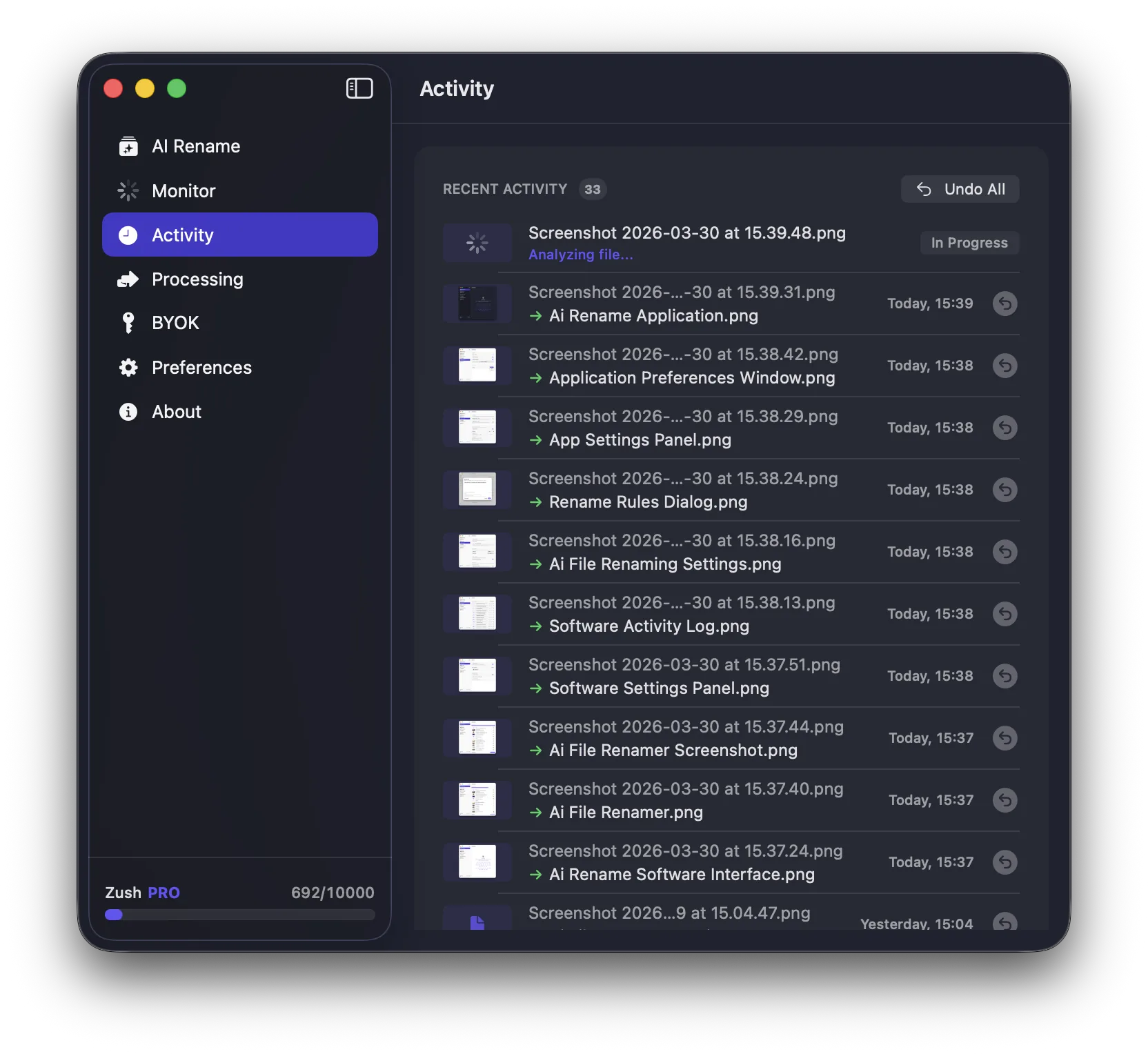
A backed-up mess is still a mess. Descriptive filenames and clean project structure make restores and later retrieval much easier. For image-heavy libraries, Zush can help improve the naming side before the archive grows even larger.
Conclusion
A real photo backup strategy on Mac uses redundancy across devices and locations. Keep multiple copies, separate working storage from backup storage, and make sure the library is organized enough to restore usefully, not just technically.