Image File Formats Explained: Complete Guide for Mac Users

Jump to section
Choosing the right image file format matters because it affects quality, file size, compatibility, editing flexibility, and searchability. Mac users usually deal with the same core formats: JPEG, PNG, HEIC, WebP, RAW, TIFF, GIF, and SVG.
Here is the short version.
JPEG
Best for everyday photos, web uploads, and small file sizes.
Use it when:
- you need wide compatibility
- transparency is not required
- the file should stay relatively small
Weakness: lossy compression reduces quality over repeated edits.
PNG
Best for screenshots, UI assets, graphics, and transparency.
Use it when:
- you need crisp edges or text
- the image needs transparency
- the file will be reused in design work
Weakness: files are larger than JPEG for photos.
HEIC
Best for Apple-device photos and efficient storage.
Use it when:
- you shoot on iPhone
- you live mostly in the Apple ecosystem
- you want better efficiency than JPEG
Weakness: compatibility is worse outside Apple workflows. If HEIC is a recurring problem in your library, see HEIC and RAW Image Management on macOS.
WebP
Best for modern websites.
Use it when:
- you want smaller web images
- you need good quality at lower file sizes
- transparency matters on the web
Weakness: it is less convenient in some older tools and workflows.
RAW
Best for professional editing.
Use it when:
- you need maximum editing latitude
- photography is part of your workflow
- highlight recovery and color control matter
Weakness: large files and limited general-use compatibility.
TIFF
Best for high-quality archival or print workflows.
Use it when:
- quality matters more than file size
- you are moving files through print or pro imaging workflows
Weakness: very large files.
GIF
Best for simple animations.
Use it when:
- short looping animation matters more than color quality
Weakness: limited colors and inefficient compared with modern alternatives.
SVG
Best for icons, logos, and scalable interface graphics.
Use it when:
- the image is vector-based
- it needs to scale cleanly to any size
Weakness: not appropriate for normal photos.
Best quick recommendations
- Photos: JPEG or HEIC
- Screenshots/UI: PNG
- Web images: WebP
- Pro editing: RAW
- Logos/icons: SVG
- Print/archive: TIFF
One practical Mac problem most people ignore
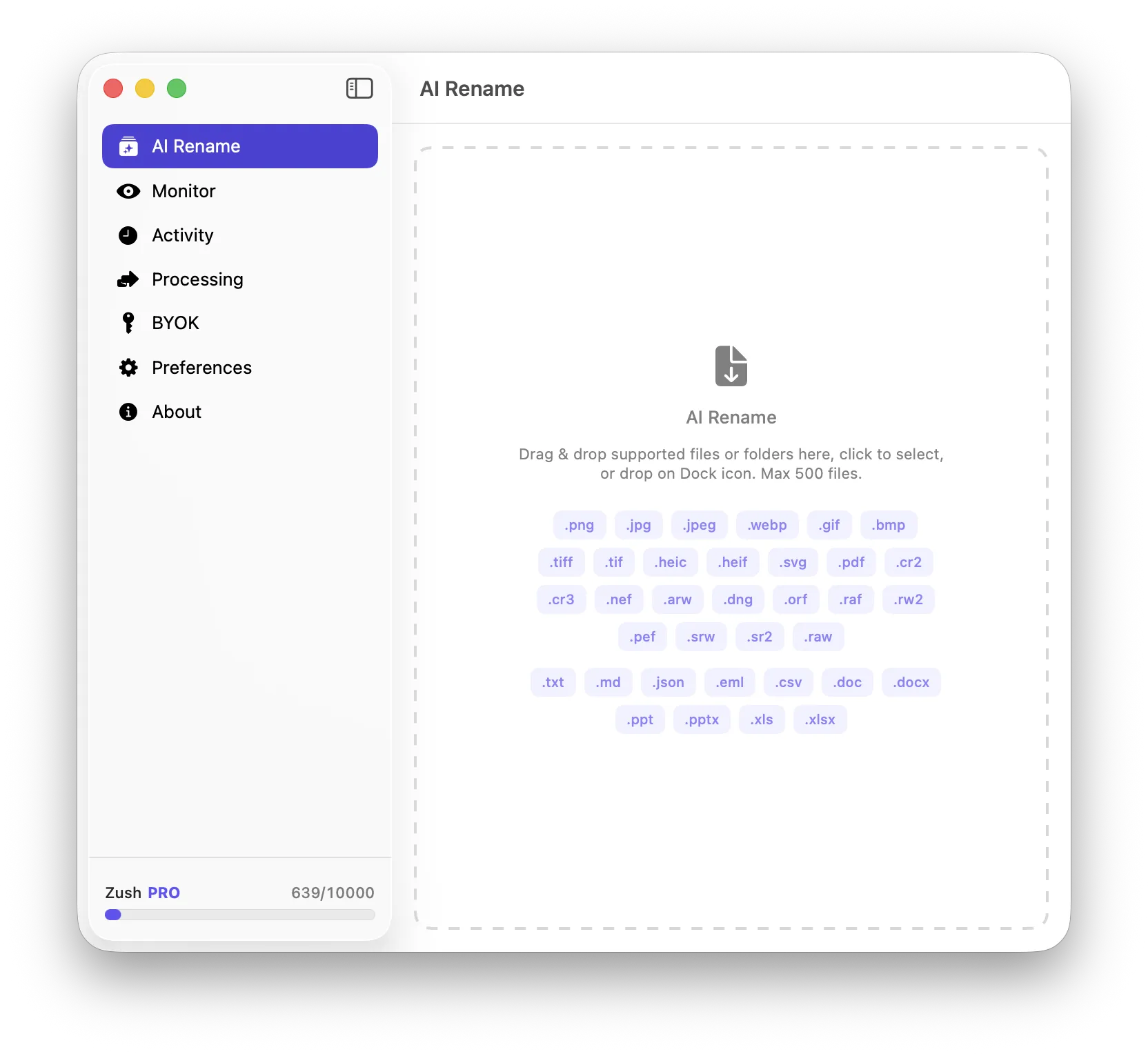
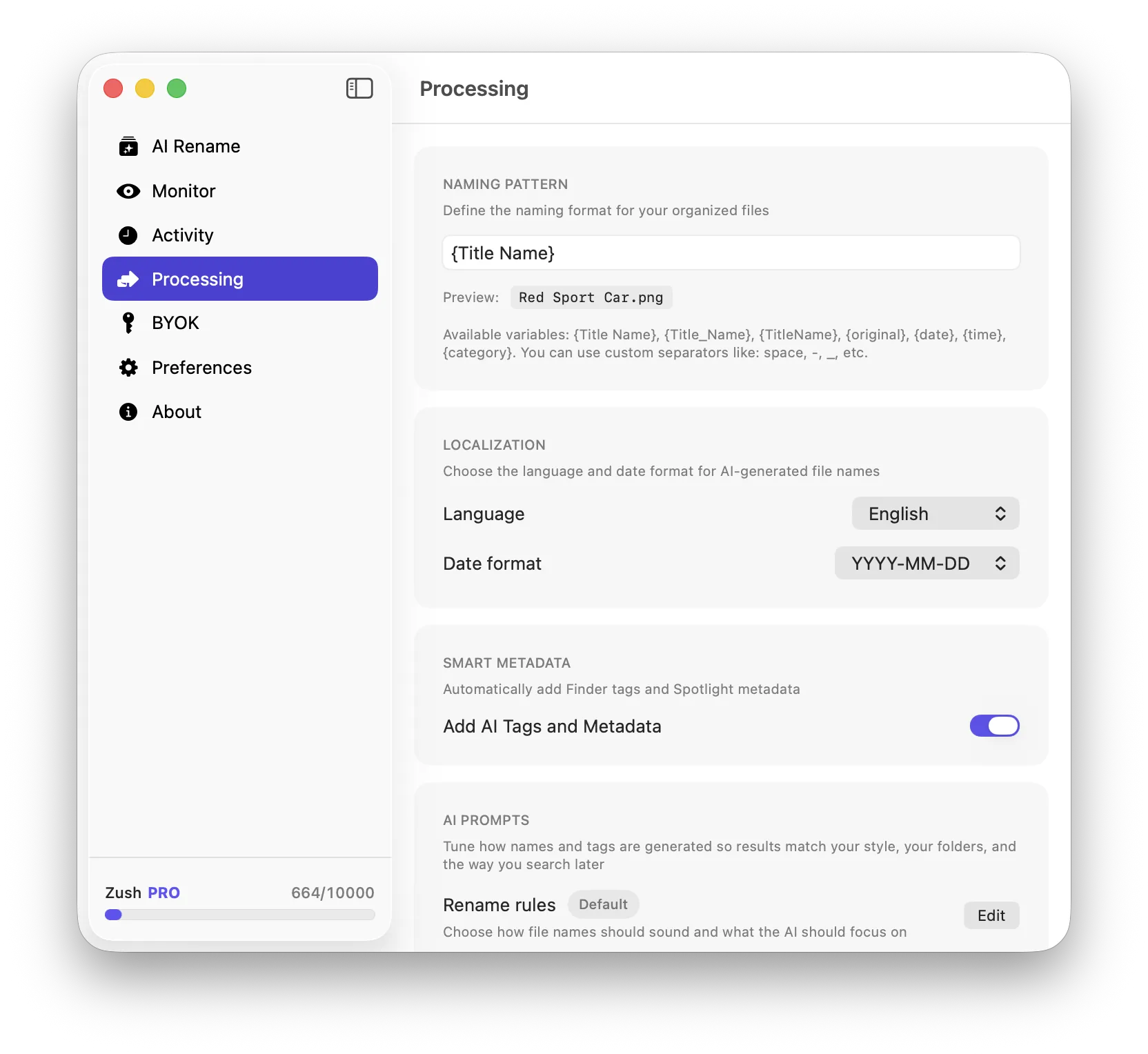
Formats are only half the issue. The other half is naming. A perfectly chosen format still becomes hard to find if the file is called IMG_4822 or download (7). For image-heavy workflows, Zush helps by generating descriptive filenames across multiple formats so files stay searchable regardless of whether they are HEIC, PNG, JPEG, or WebP.
Conclusion
The best image format is context-dependent, not universal. Pick the format that matches the job, then make sure your filenames and organization system are strong enough to find the file later.