HEIC and RAW Image Management on macOS: A Complete Guide

Jump to section
Quick answer: store HEIC and RAW in date-based folders, rename them with content-aware names (Zush supports both formats), and keep EXIF metadata intact for searchability. Convert HEIC to JPG only when sharing outside the Apple ecosystem.
HEIC and RAW are common on Mac for opposite reasons. HEIC is the efficient default from iPhone. RAW is the high-flexibility format used by cameras and serious editing workflows. If you use both, the challenge is not just storage. It is compatibility, retrieval, and keeping the library understandable over time.
If retrieval is the hard part, pair this format workflow with AI Photo Renamer for Mac, How to Organize Photos on Mac, and the comparison of photo organizing software for Mac.
Format comparison at a glance
Before diving into management strategies, it helps to see how the main image formats compare side by side.
| HEIC | RAW | JPEG | PNG | |
|---|---|---|---|---|
| File size (12MP photo) | ~2-3 MB | 20-40 MB | 3-6 MB | 10-20 MB |
| Quality | High (lossy, efficient) | Maximum (unprocessed) | Good (lossy) | Lossless |
| Editing flexibility | Limited | Full latitude | Limited | Limited |
| Compatibility | Apple-centric | Editing apps only | Universal | Universal |
| Transparency | Yes (HEIC sequences) | No | No | Yes |
| Best use case | iPhone photos, Apple workflows | Professional photography, archival | Web, sharing, general use | Screenshots, graphics, UI assets |
The key takeaway: HEIC and RAW serve fundamentally different purposes. HEIC replaces JPEG for everyday efficiency. RAW replaces nothing because it serves a unique role in editing workflows.
HEIC: more than just an Apple format
HEIC (High Efficiency Image Container) uses the HEVC codec to compress images at roughly half the file size of JPEG with comparable or better quality. Apple adopted it as the default camera format starting with iOS 11 and macOS High Sierra (10.13) in 2017.
macOS and iOS version support
- iOS 11+: captures HEIC by default (iPhone 7 and later hardware)
- macOS 10.13 High Sierra+: native viewing and Quick Look support
- macOS 12 Monterey+: improved HEIC handling in Preview, Photos, and Finder metadata
Older macOS versions cannot open HEIC files without third-party tools. If you share files with someone on macOS Sierra or earlier, convert to JPEG first.
Compatibility outside Apple
HEIC support has improved, but gaps remain:
- Windows 10/11: requires the free HEIF Image Extensions from the Microsoft Store. Some users also need the HEVC Video Extensions (paid) for full codec support.
- Linux: limited native support.
libheifand tools like GIMP 2.10+ can open HEIC, but support is inconsistent across distros. - Web browsers: no major browser renders
.heicfiles natively as of early 2026. Convert to JPEG or WebP before uploading to websites. - Adobe tools: Lightroom and Photoshop support HEIC on macOS. On Windows, support depends on system codec availability.
How to check if an app supports HEIC
The fastest test: drag a .heic file onto the app. If it opens, you are fine. If you need a programmatic check, run this in Terminal:
mdls -name kMDItemContentType yourfile.heicIf the system returns public.heic, your macOS install recognizes the format. For third-party apps, check their import/export format lists in preferences.
Practical advice: if your workflow regularly involves non-Apple collaborators, set your iPhone to capture in JPEG (Settings > Camera > Formats > Most Compatible) or batch-convert HEIC files before sharing.
RAW: understanding the format landscape
RAW is not a single format. Every camera manufacturer uses its own variant, which means your library may contain a mix of file types depending on the gear you have used over the years.
Common RAW formats
| Format | Manufacturer | Extension |
|---|---|---|
| CR2 / CR3 | Canon | .cr2, .cr3 |
| NEF | Nikon | .nef |
| ARW | Sony | .arw |
| RAF | Fujifilm | .raf |
| ORF | Olympus / OM System | .orf |
| DNG | Adobe (open standard) | .dng |
| RW2 | Panasonic | .rw2 |
macOS handles most of these through the system RAW processing engine, but support for brand-new camera models sometimes lags behind a macOS update or two. Check Apple’s supported cameras list if a new camera’s files are not rendering in Preview or Photos.
Storage impact
RAW files are large. A realistic calculation for a working photographer:
- 500 photos per shoot at 25 MB average = 12.5 GB per shoot
- 4 shoots per month = 50 GB per month
- 12 months = 600 GB per year of RAW files alone
This adds up fast, especially if you keep files from past years. External drives, NAS systems, or cloud storage with large-file support become necessary, not optional.
When DNG is a better archive choice
Adobe’s DNG (Digital Negative) format is an open RAW standard. Converting proprietary RAW files to DNG has a few advantages for long-term storage:
- Open specification: less risk of format obsolescence than proprietary formats
- Smaller files: DNG with lossless compression is typically 15-20% smaller than the original RAW
- Embedded previews: DNG can store full-size previews, reducing the need for sidecar files
- Single-file metadata: XMP data embeds directly in the DNG instead of requiring a separate
.xmpsidecar
The tradeoff: conversion takes time, and some photographers prefer keeping the original proprietary file as the true master. Both approaches are valid. Pick one and stay consistent.
Organizing mixed-format libraries
When your library contains HEIC from phones, RAW from cameras, and JPEG/PNG exports, folder structure matters more than usual.
Keep originals separate from conversions
Never store converted files alongside their source files in the same folder. It leads to confusion about which version is the master and which is disposable. A clean separation looks like this:
Photos/ 2026-03-wedding/ originals/ <- RAW and HEIC source files edits/ <- Lightroom/Photoshop working files exports/ <- Final JPEG, PNG, or WebP deliverablesFolder structure for mixed workflows
If you shoot both iPhone (HEIC) and camera (RAW) at the same event:
Photos/ 2026-03-product-shoot/ iphone-heic/ <- HEIC files from phone camera-raw/ <- RAW files from camera selects/ <- Best picks, converted to a common format delivery/ <- Final client filesThis structure makes it obvious where each file type lives and prevents accidental deletion of originals when cleaning up exports. Collapsing originals and exports into one folder is one of the 10 digital photo organization mistakes to avoid, and it is the hardest to reverse once a cleanup pass has run.
Use descriptive filenames across all formats
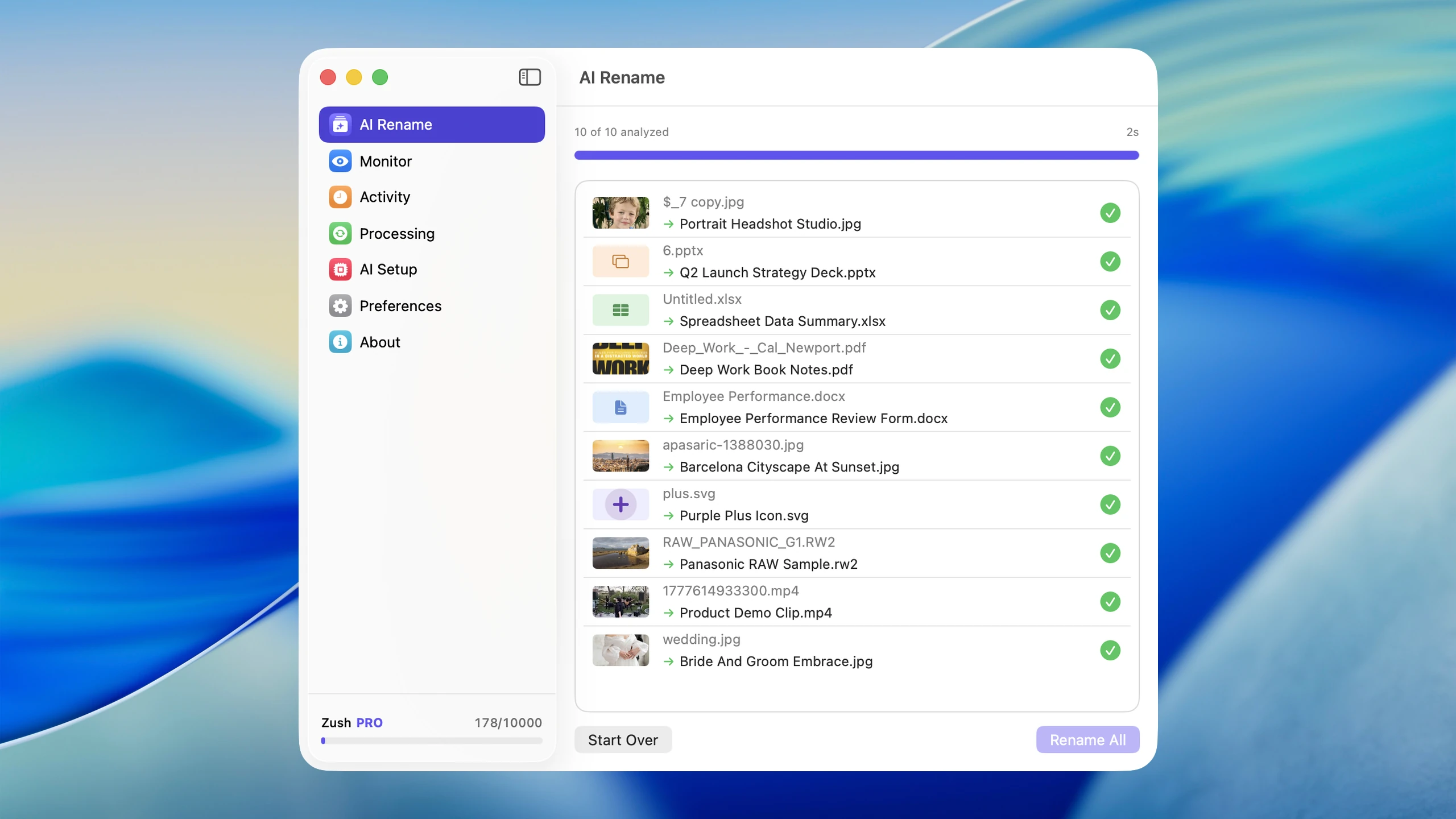
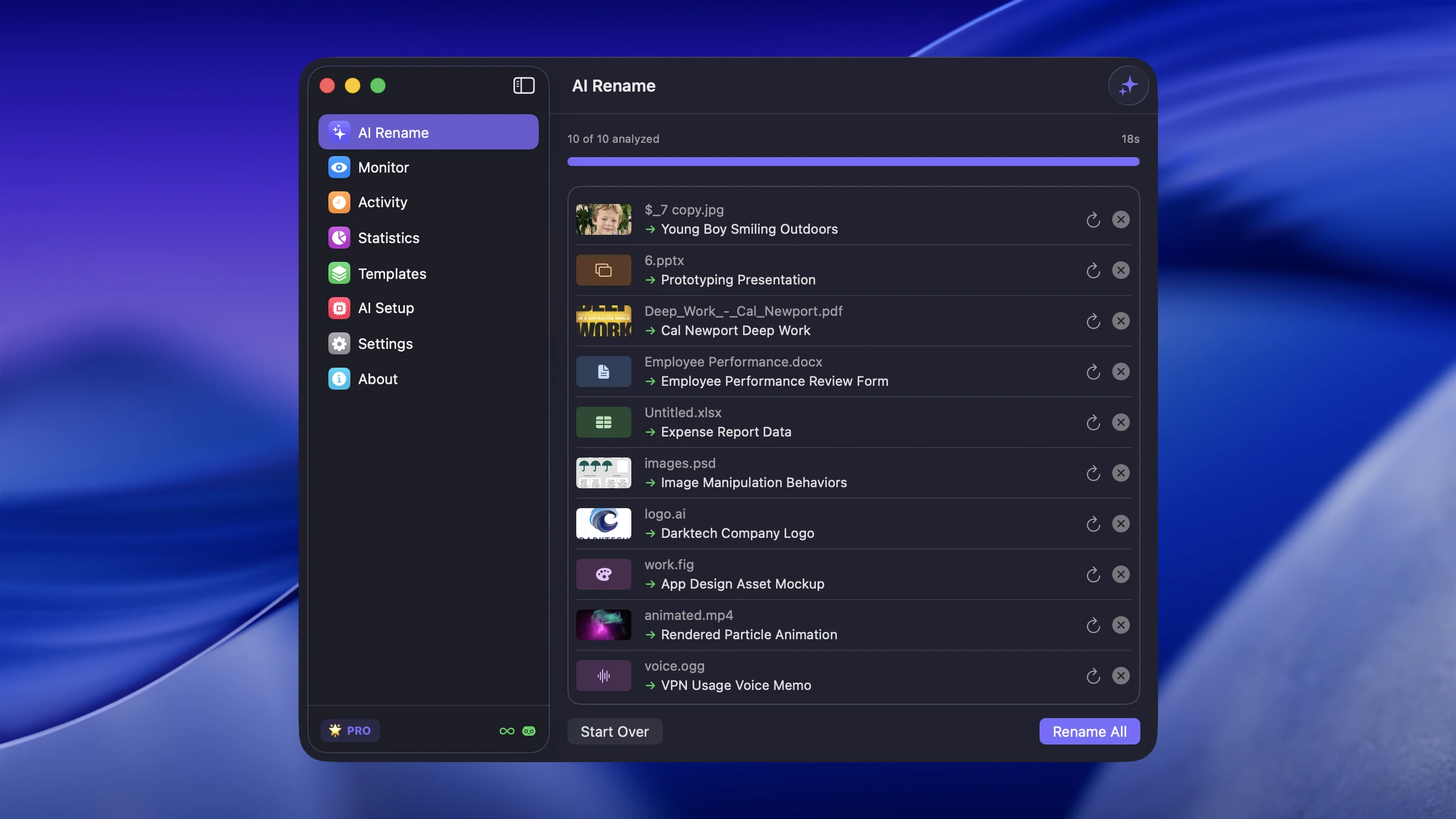
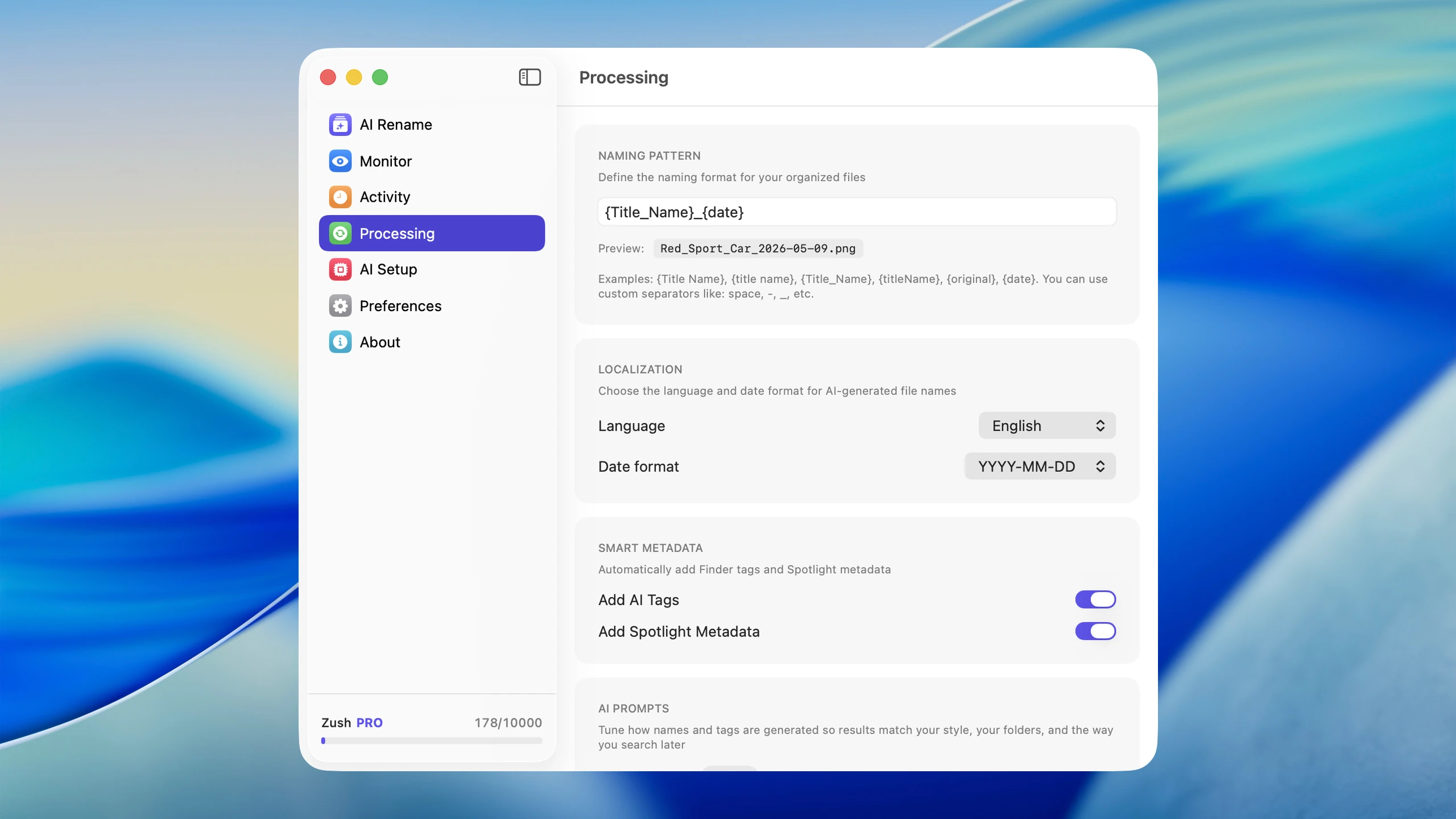
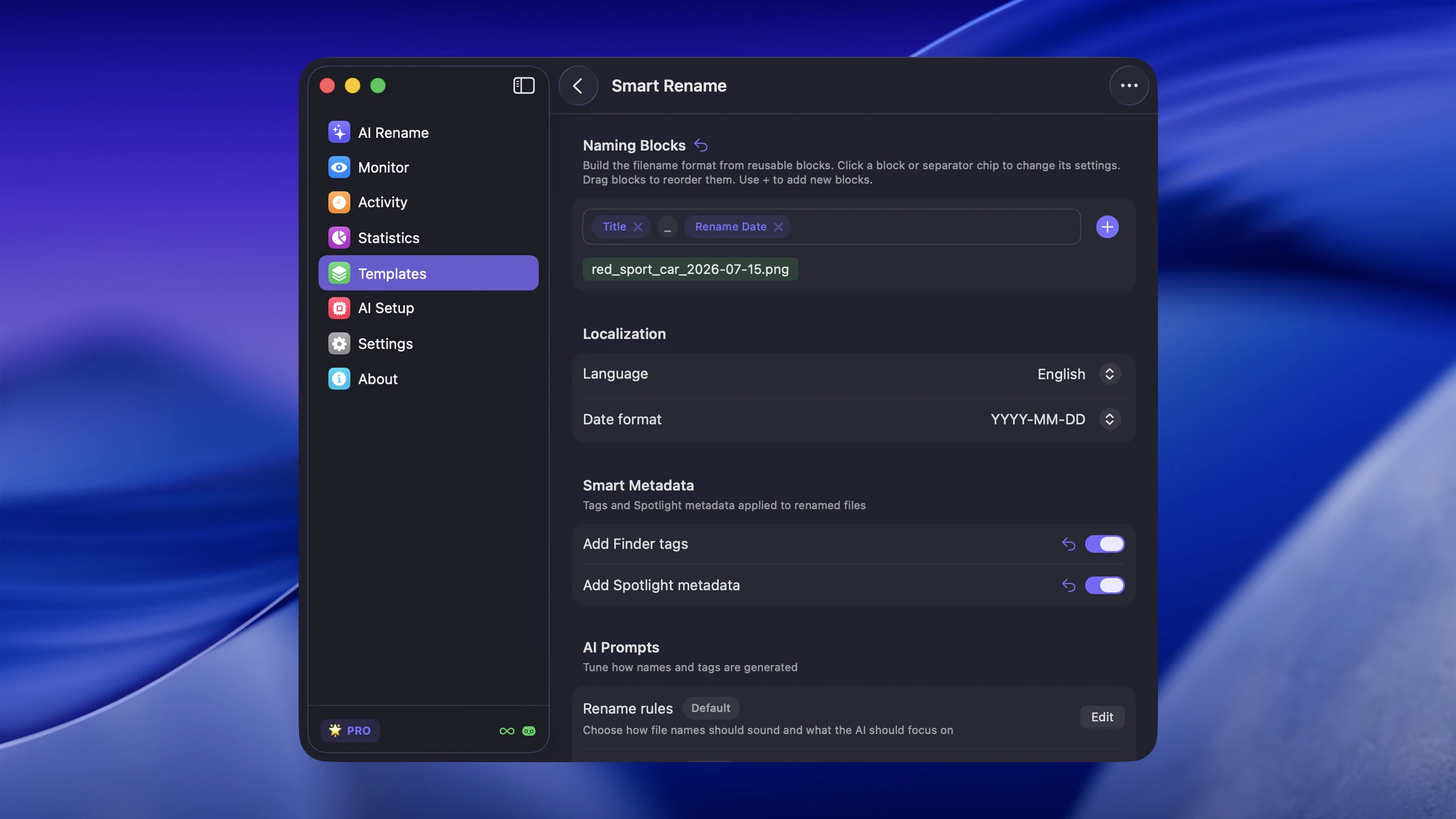
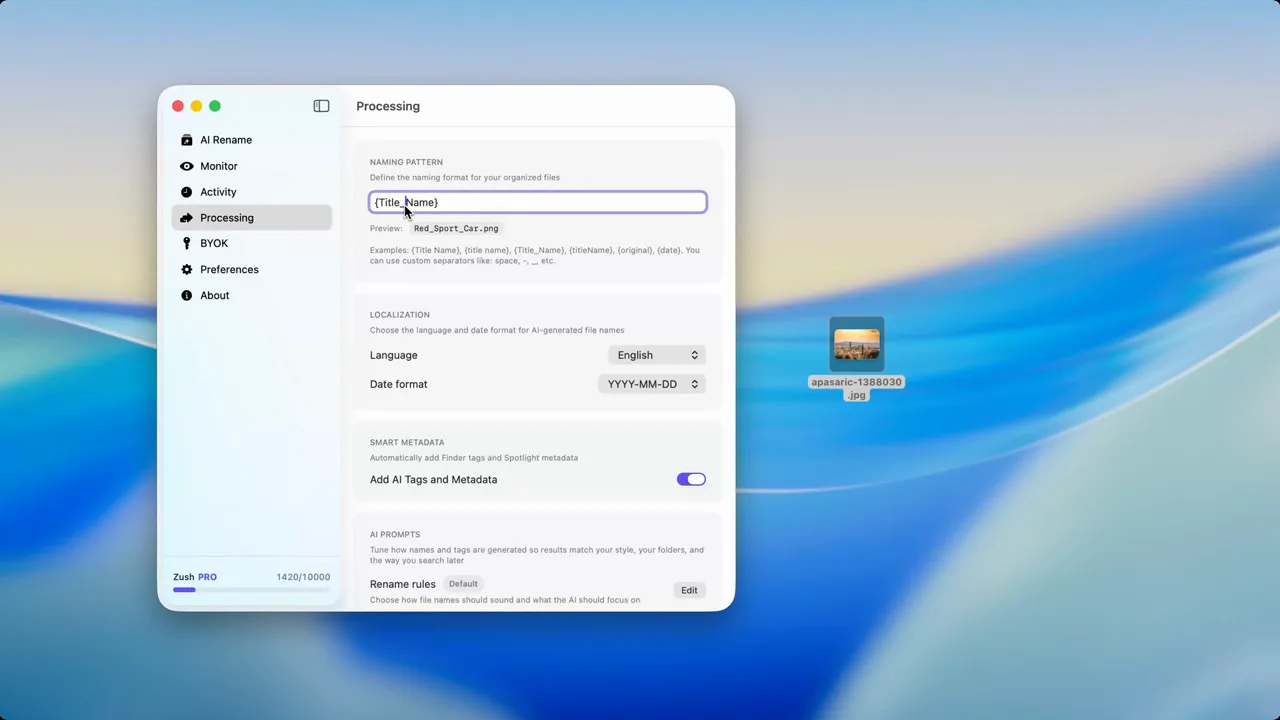
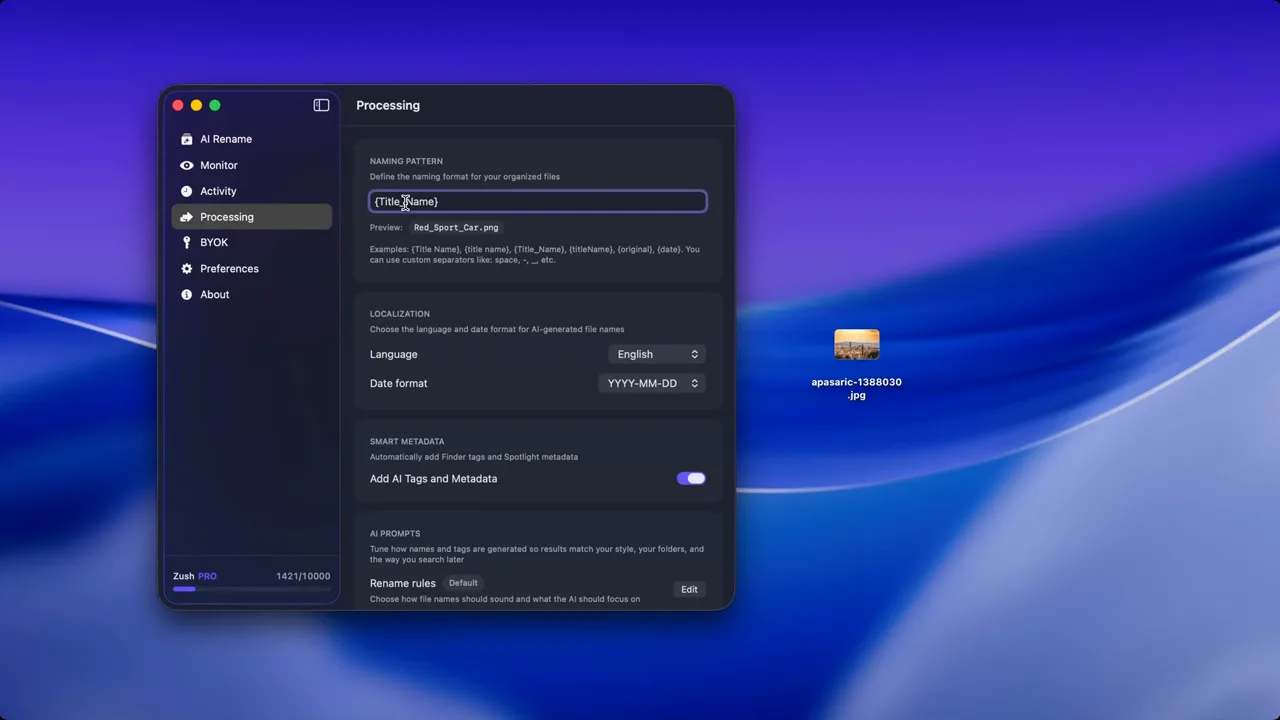
Format choice does not solve retrieval by itself. A RAW file called DSC_4821 is still hard to find six months later. Descriptive naming matters especially when you have hundreds of files across multiple formats in the same project. Zush can generate descriptive filenames across HEIC, RAW, and other common image formats, which saves significant time in mixed-format libraries.
When to convert
Convert HEIC if:
- a client needs JPEG or PNG
- a Windows-heavy workflow keeps breaking compatibility
- the image is going to the web (no browser supports HEIC natively)
- you are archiving and want maximum future-proofing
Keep RAW if:
- you still need edit flexibility
- the photos may be reworked later
- the project has professional or archival value
- you want to preserve the full dynamic range for future edits
For bulk conversions on macOS, Preview can batch-export, and sips in Terminal handles format conversion from the command line:
sips -s format jpeg *.heic --out ./converted/FAQ
Can I convert HEIC to JPEG without losing quality? You will lose some quality because JPEG is lossy and HEIC is already a lossy compression. The loss is usually imperceptible for casual photos. For critical work, convert to PNG or TIFF instead.
Should I delete RAW files after exporting final JPEGs? Only if you are certain you will never re-edit those photos. Storage is cheaper than reshooting. For professional or client work, keep RAW files for at least two years or per your contract terms.
Does Apple Photos handle RAW and HEIC together well? Apple Photos can store both and will use the RAW version for editing when available. However, large RAW libraries in Photos can slow performance. Many photographers use Lightroom or Capture One for RAW-heavy work and reserve Apple Photos for HEIC and personal shots.
What is the best format for long-term photo archival? For RAW originals, DNG offers the best balance of openness and quality. For finished photos, TIFF (lossless) is the safest archival format. JPEG is acceptable for casual archives where file size matters more than editing flexibility.
Conclusion
HEIC is about efficiency. RAW is about control. Managing both well on macOS means choosing the right format for the job, understanding where compatibility breaks, separating source files from exports, and keeping filenames and folders strong enough to find things later.


