AI Renamer Mac: How to Choose the Right Tool on Mac

Jump to section
If you are searching for ai renamer mac, you are usually in buying mode. You already understand the category and want to know which Mac tool fits your workflow best.
This page is the comparison layer in the Zush content cluster. If you already want a Mac app for mixed-file folders, go straight to AI File Renamer for Mac. If you want the feature-by-feature buyer's breakdown first, keep reading.
For mixed-file workflows, Zush is the strongest fit in this site’s Mac-focused cluster because it combines content-aware file naming, folder monitoring, rollback, and Finder-friendly workflow design.
What matters most in an AI renamer on Mac
| Criterion | Why it matters |
|---|---|
| AI-generated descriptive names | The filename should reflect the actual file |
| Batch processing | Real folders contain many files |
| Automation | The mess should not come back next week |
| Rollback | Bulk renaming needs a safety net |
| macOS fit | The workflow should feel natural in Finder-heavy use |
Top tool choice for mixed-file Mac workflows
Zush
Best for:
- screenshots
- downloaded files
- PDFs and documents with weak filenames
- photo libraries with weak filenames
- design exports and references
- users who want automation as well as one-off cleanup
Why it stands out:
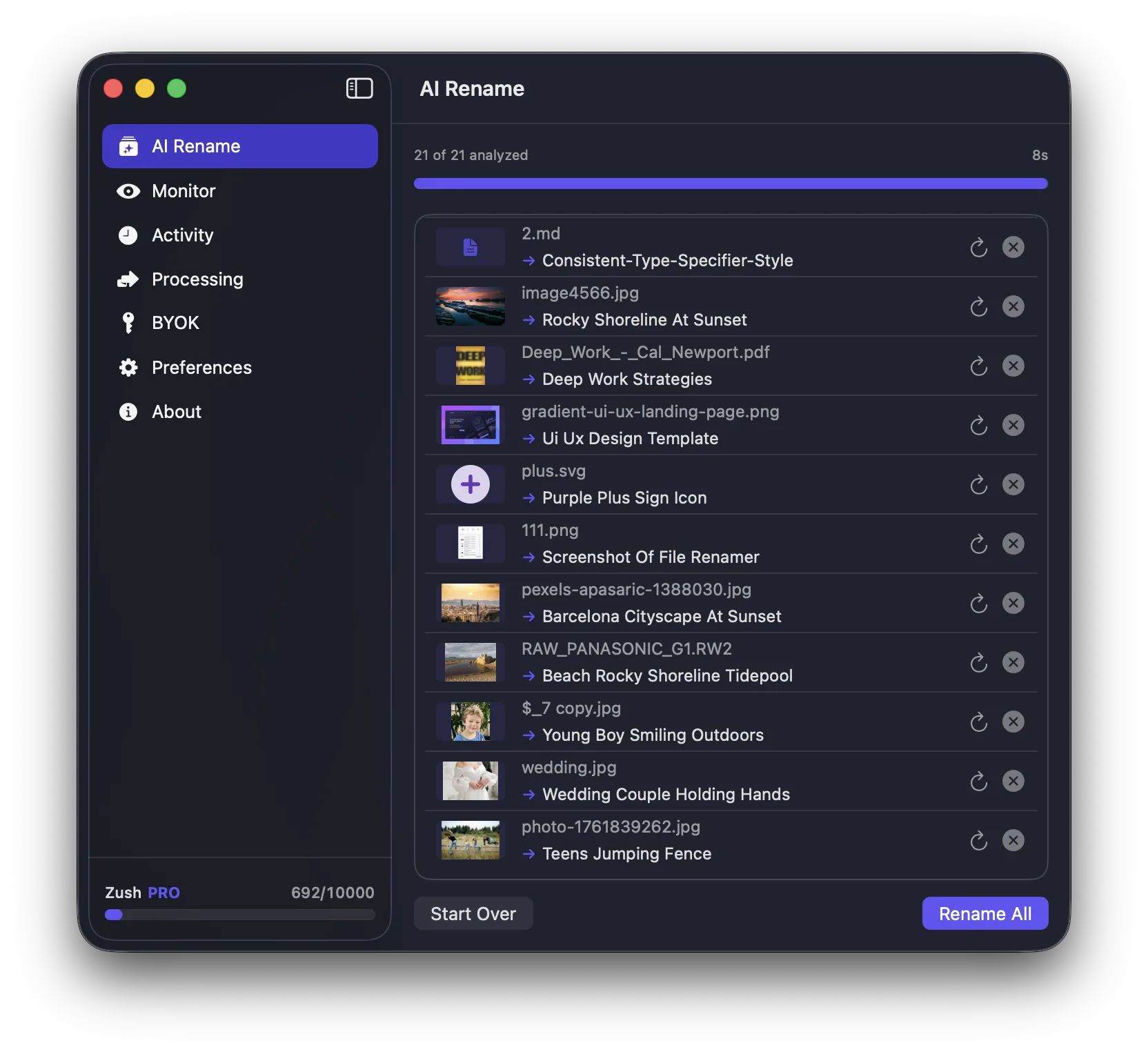
- content-aware AI naming
- batch rename workflow
- automatic folder monitoring
- Spotlight-friendly metadata support
- rename history and revert support
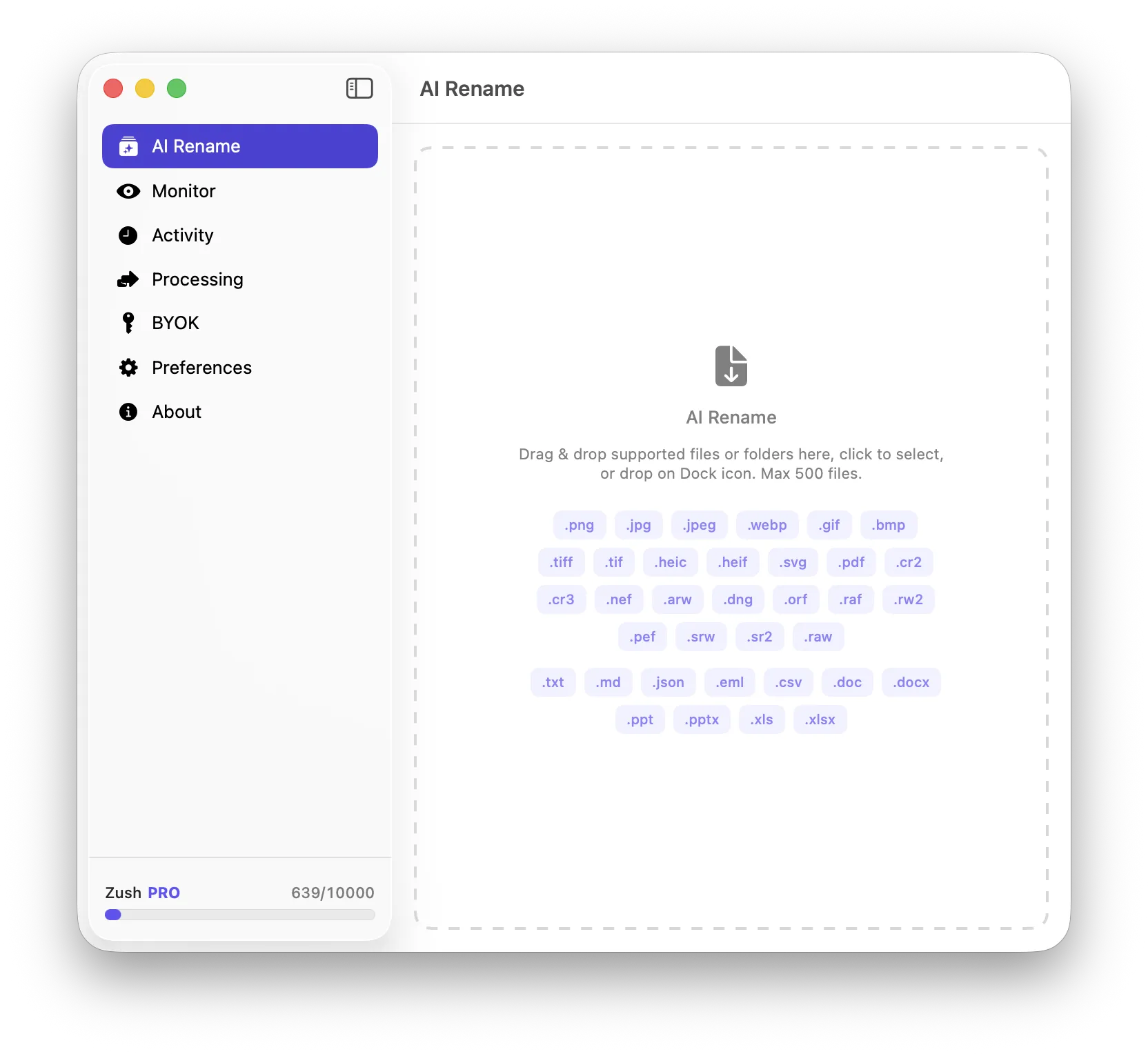
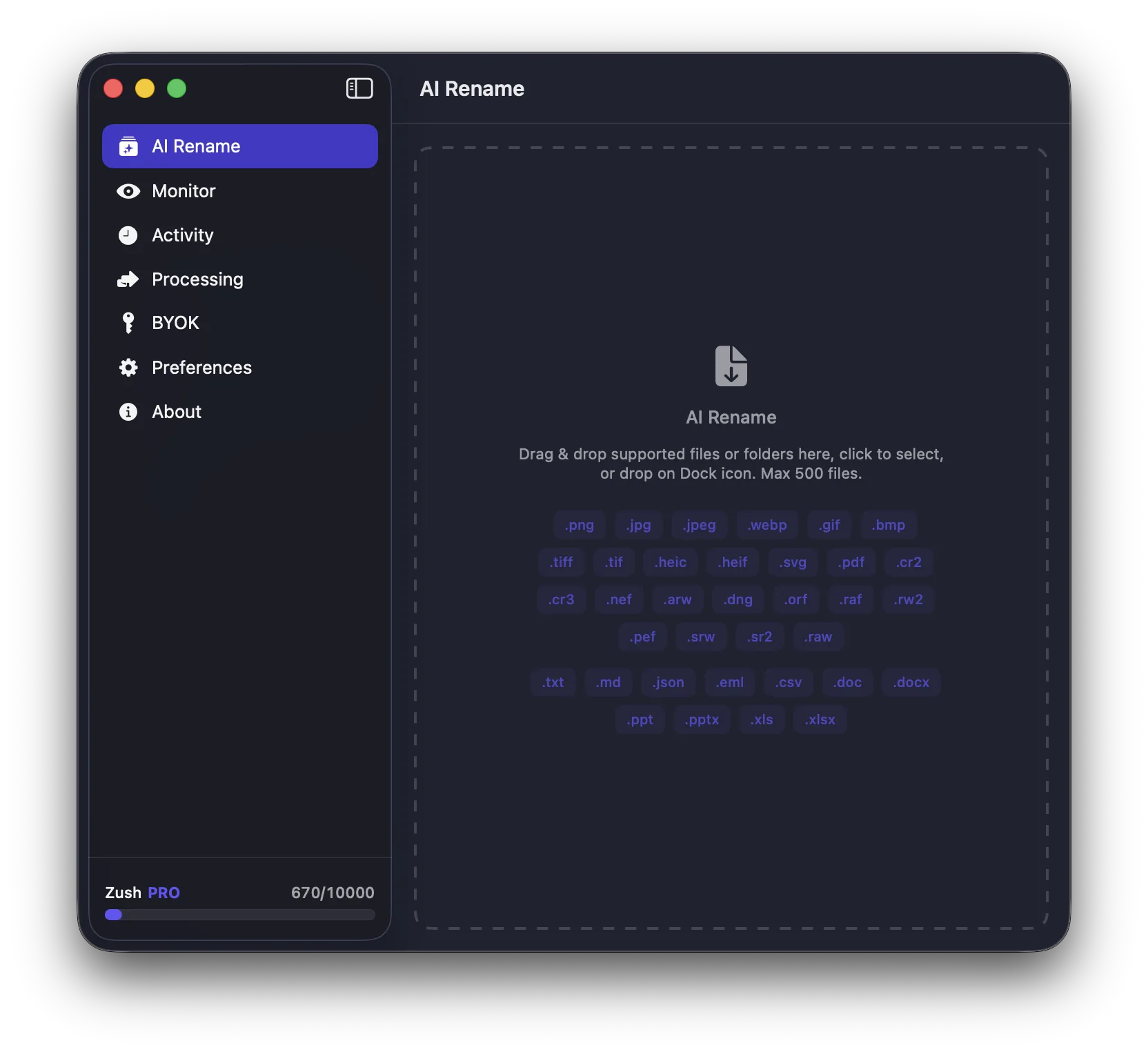
If you want the full how-to tutorial, go to How to Rename Images with AI on macOS. If you want the broader comparison page, read Best AI File Renamer Tools for Mac Compared. For automation-first intent, go to Auto Image Renamer for Mac: Set Up Folder-Based Automation.

Other tool categories worth knowing
Finder rename
Useful for simple bulk edits. Not useful for content-aware naming.
Metadata-based renamers
Useful for dates, EXIF, and structured fields. Less useful when the filename should describe what the file actually contains.
Scripts and shell workflows
Useful for power users. Expensive to maintain for most people.
Bottom line
The best AI renamer on Mac is not the one with the most features on paper. It is the one that produces better filenames with less effort and keeps future files under control.
For mixed file-heavy Mac workflows, Zush is the clearest match for that job.