Social Media Photo Naming: Templates for Every Platform

Jump to section
Quick answer: use a predictable source filename such as instagram_skincare-routine_carousel_01.jpg or youtube_home-office-makeover_thumbnail-a.png. Instagram, TikTok, and other platforms may replace the uploaded filename, but the original name still matters for your content library, scheduling workflow, handoffs, and later reuse on a website.
Copy-ready social media photo filename templates
instagram_topic_format_sequence.extExample: instagram_skincare-routine_carousel_01.jpg
youtube_video-topic_thumbnail_variant.extExample: youtube_home-office-makeover_thumbnail_a.png
pinterest_topic_visual-description.extExample: pinterest_fall-outfit_neutral-layers.jpg
tiktok_series_topic_yyyy-mm.extExample: tiktok_morning-routine_desk-reset_2026-08.jpg
campaign_subject_asset_variant.extExample: summer-launch_water-bottle_lifestyle_v02.jpg
The practical rule is to name the source file for what it shows and how you will retrieve it, not for when it happened to be exported. Avoid stuffing every possible keyword into the name.
What a good social media filename looks like
Good examples:
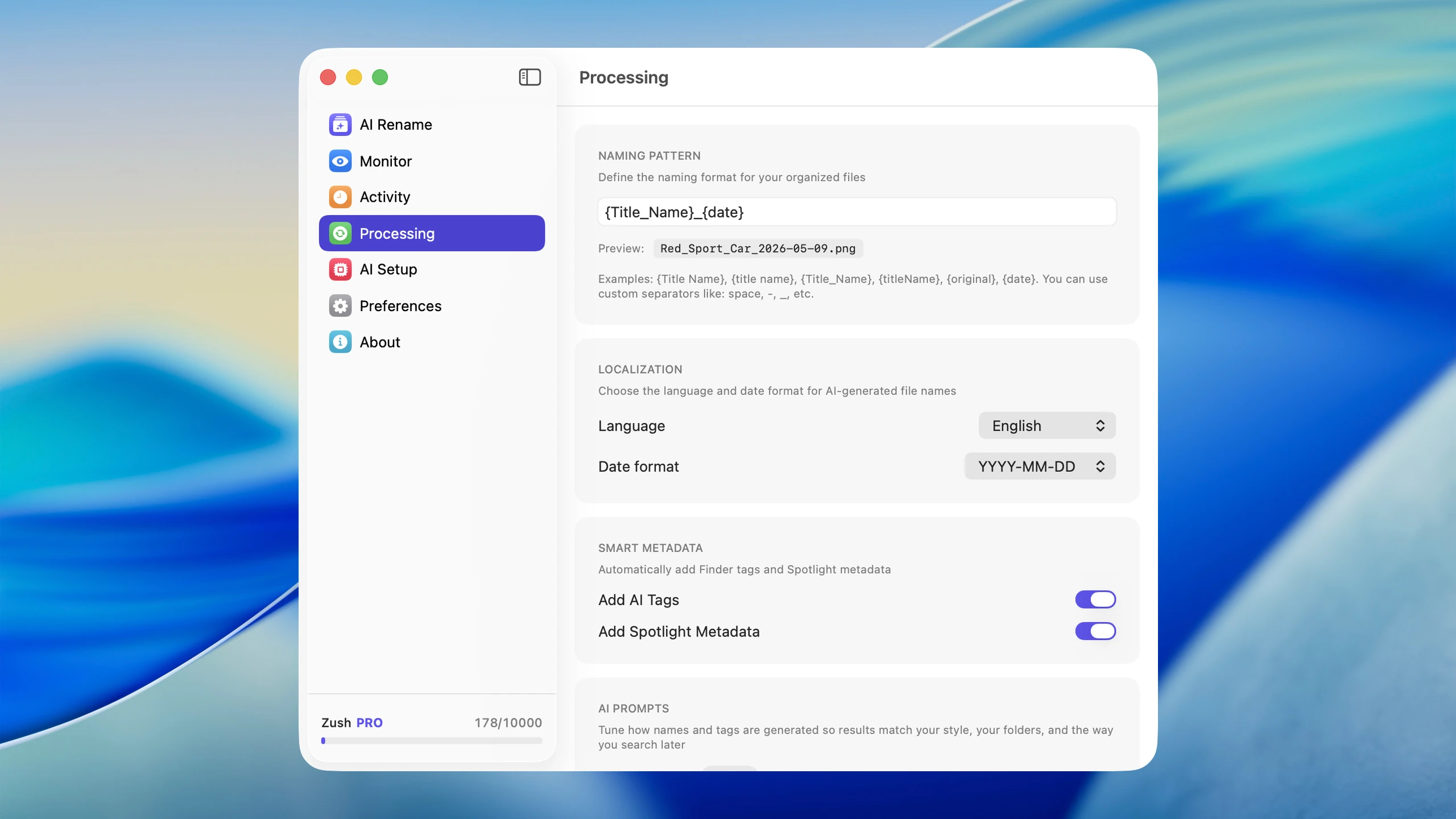
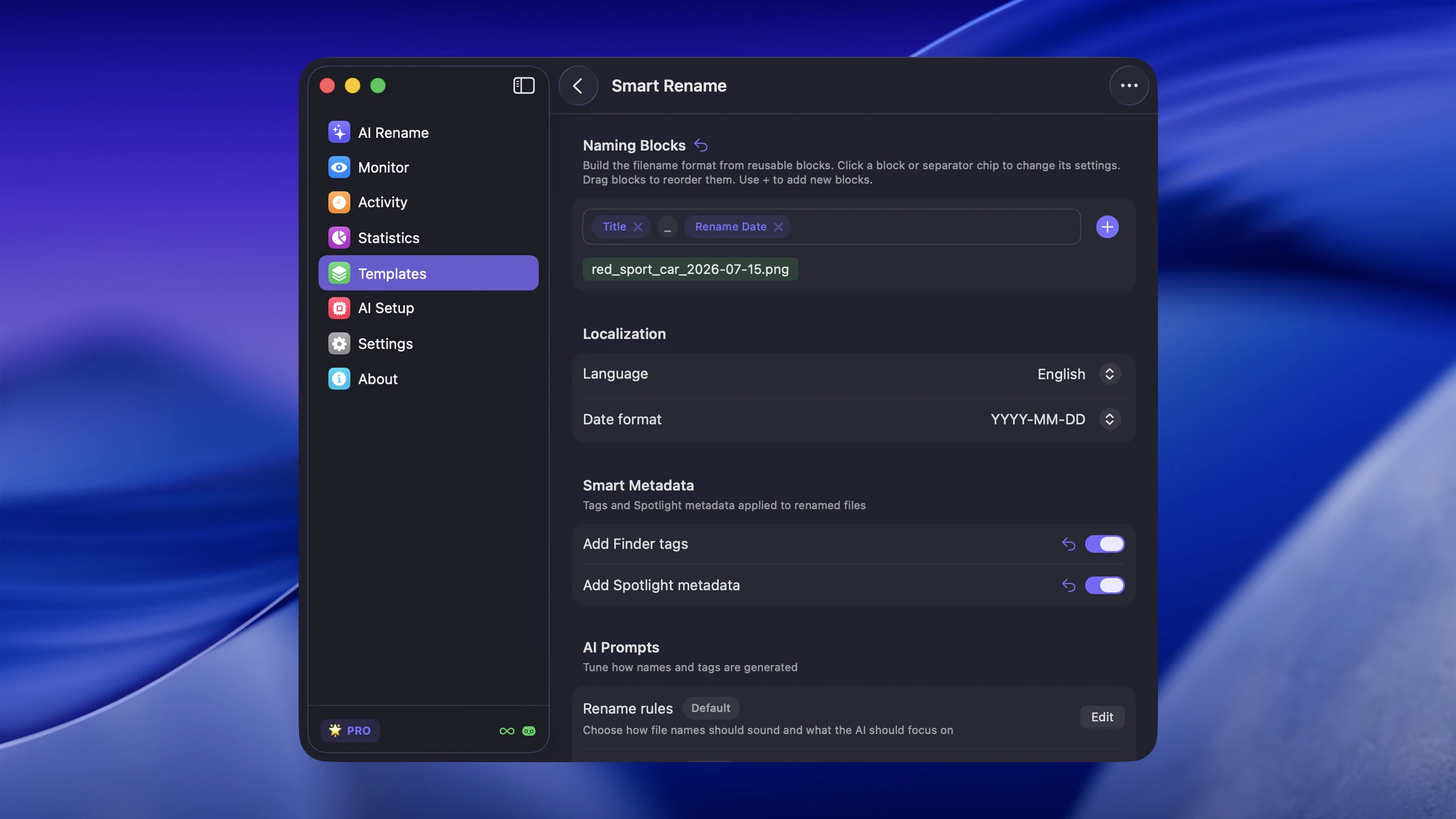
morning-skincare-routine-flatlay.jpgyoutube-thumbnail-home-office-makeover.pnginstagram-carousel-productivity-desk-setup-01.jpgpinterest-fall-outfit-neutral-layers.jpg
Bad examples:
IMG_4822.jpgexport-final-final.pngcontent-asset-4.jpg
The goal is not keyword stuffing. It is clarity. Six months from now, you need to find that exact image in a folder of 500 files. A descriptive name is the fastest way to do it.
Why filenames still matter even when platforms rename files
Some platforms replace your original filename internally. That does not make filenames useless.
They still matter for:
- finding the right image later in your local library
- managing content calendars and scheduling tools
- reusing assets across channels without confusion
- blog and portfolio SEO when the same image is republished elsewhere
- handing files to clients, editors, or collaborators with zero explanation needed
If you publish images on your own site too, filenames become directly relevant to search rankings. See File Naming Conventions Best Practices for the broader naming framework.
Platform-specific filename considerations
Different platforms have different strengths, and your naming pattern can reflect that.
Instagram: filenames are stripped entirely on upload, but they matter for your own library. Use a prefix like ig- or instagram- so you can quickly filter which images were created for that platform. For carousels, add a sequence number: ig-skincare-routine-01.jpg, ig-skincare-routine-02.jpg.
YouTube thumbnails: thumbnails are separate assets from the video itself. Name them to match the video topic, not the video file: yt-thumb-budget-desk-setup.png is far more useful than thumbnail-v3-final.png. If you A/B test thumbnails, append a variant label: yt-thumb-budget-desk-setup-a.png.
Pinterest: Pinterest reads image metadata and surrounding page context for SEO. If the same image appears on your blog, the filename contributes to how Pinterest indexes it. Descriptive, keyword-relevant names like pinterest-fall-outfit-neutral-layers.jpg help with Pinterest search discovery.
TikTok covers: cover images are often overlooked. Name them to match the video content: tiktok-cover-morning-routine-2026-03.jpg. Including the month helps when you review past content performance.
Blog cross-posting: when the same image appears on your blog and social accounts, the blog version carries SEO weight. Use the most descriptive filename for the blog version, then adapt the prefix for platform-specific copies if you keep separate files per channel.
Practical advice: pick a prefix convention and stick with it. Prefixes like ig-, yt-, pin-, tt-, and blog- take two seconds to type and save minutes of searching later.
Best filename structure for creators
For most creators, one of these patterns is enough:
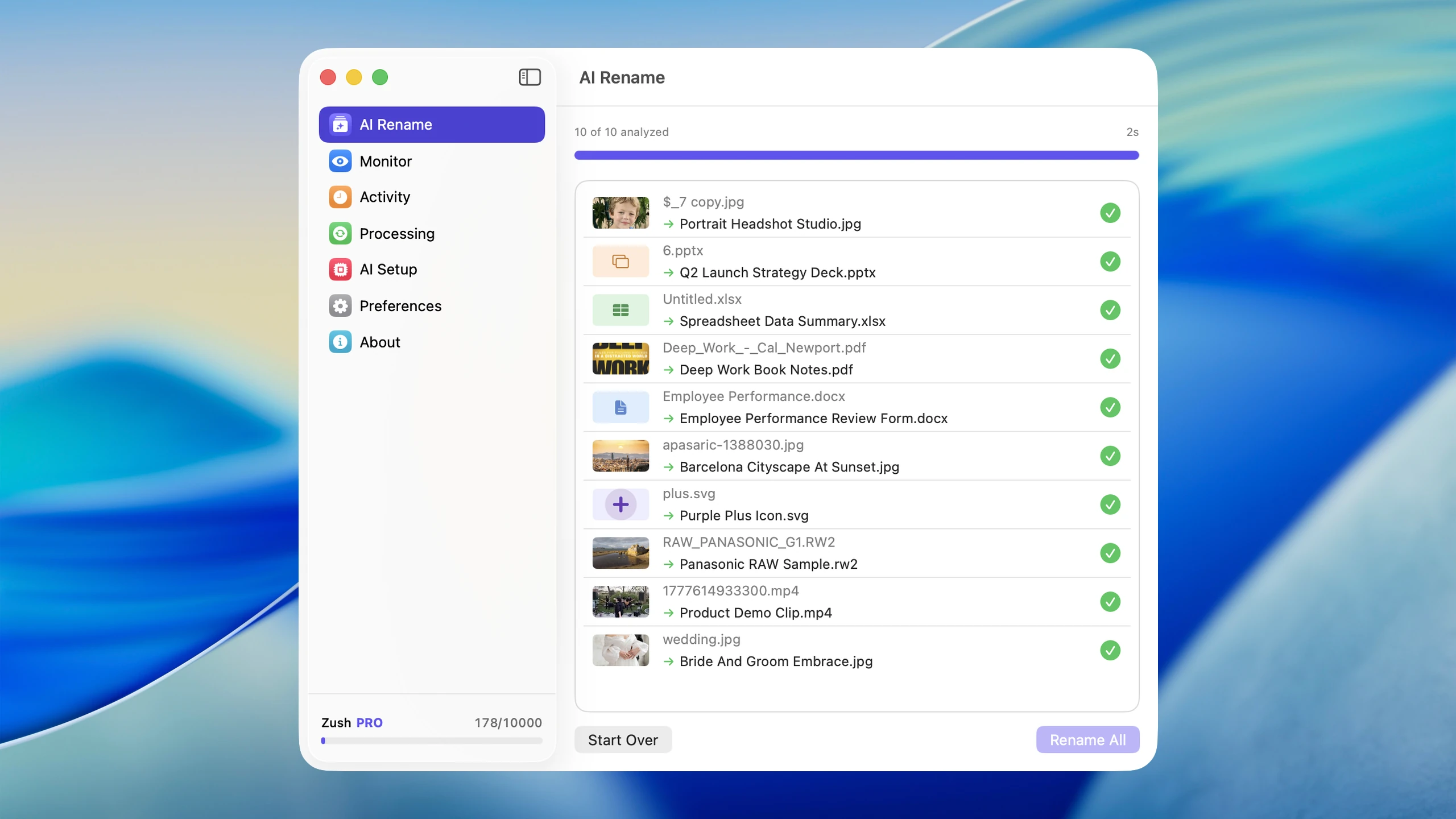
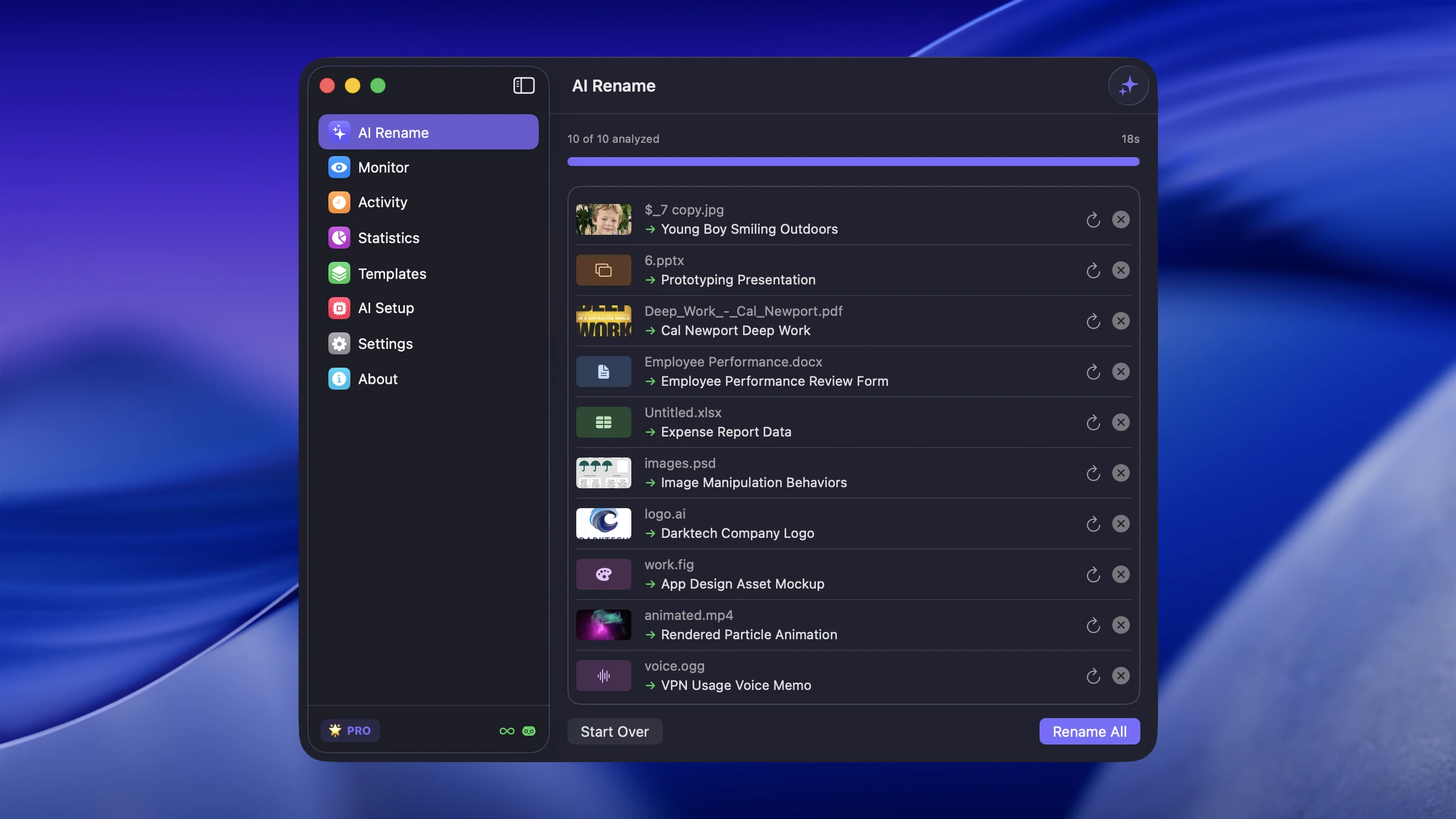
platform-topic-description.extcampaign-description-sequence.extdate-description.ext
Examples:
ig-summer-lookbook-linen-shirt.jpgyt-thumbnail-budget-desk-setup.png2026-03-12-blog-kitchen-lighting-before-after.jpg
Avoid special characters, spaces, and uppercase letters. Hyphens are the universal safe separator. Keep filenames under 60 characters when possible, as some platforms and CDNs truncate longer names.
Content calendar integration
Naming conventions pay off most when they connect to your content calendar. If your calendar tracks posts by date and topic, your filenames should reflect the same structure.
For example, if your calendar entry is “March 14 - Spring desk setup reel,” the associated files should be something like:
2026-03-14-ig-spring-desk-setup-reel.mp42026-03-14-ig-spring-desk-setup-cover.jpg
This makes it trivial to match files to calendar entries. When a scheduling tool like Later or Buffer shows a post, you can immediately locate the source file on disk.
For creators who batch-produce content (shooting a full week in one session), date-based prefixes also help sort production from publishing. The shoot date and publish date are often different, so decide which date goes in the filename and stay consistent.
Team collaboration and agency workflows
When multiple people touch the same assets, naming conventions are no longer optional. They are infrastructure.
For agencies and multi-creator teams, establish a shared naming standard that covers:
- Platform prefix:
ig-,yt-,pin-,blog- - Client or brand identifier:
acme-,clientx- - Campaign or project tag:
spring-launch-,q2-rebrand- - Description: what the image actually shows
- Version control:
-v1,-v2, or-draft,-final
A full agency filename might look like: acme-ig-spring-launch-flatlay-skincare-v2.jpg. It is longer, but every part carries information that prevents miscommunication.
Document the convention in a shared location (Notion page, project README, or a pinned Slack message) and enforce it during onboarding. Inconsistent naming across team members defeats the purpose entirely.
Organizing a social media asset library
As your content volume grows, folder structure matters as much as filenames. If you also produce the source artwork rather than only publishing it, the same problem in its fuller form is covered in digital asset management for designers on Mac.
Three common approaches:
By platform:
social-assets/ instagram/ youtube/ pinterest/ tiktok/ blog/By campaign or project:
social-assets/ spring-launch-2026/ weekly-tips/ client-acme/ evergreen/By content type:
social-assets/ photos/ thumbnails/ covers/ stories/ carousels/Pick the structure that matches how you search for files. If you mostly look for images by platform, organize by platform. If you run campaigns, organize by campaign. Combining two levels (platform inside campaign folders, for example) works well for larger teams.
Batch rename when content volume grows
Manual renaming works for a few files. It stops working when you produce content weekly or daily. For how the naming step itself works on photo libraries, see the AI photo renamer guide.
That is why AI-assisted naming is useful for creators. Zush can rename large batches of photos, screenshots, and exports into descriptive filenames that are easier to reuse later. Instead of spending 20 minutes renaming a week’s worth of content images, you can process them in seconds with names that actually describe what each file contains.
Using a web tool like NameThisPic today? Compare NameThisPic alternatives for bulk image renaming on your computer.
FAQ
Should I include the platform name in every filename? If you create platform-specific versions of images (different crops, different dimensions), yes. If you use the same file everywhere, a descriptive name without a platform prefix works fine. The prefix is most useful when you maintain separate files per channel.
Do social media filenames affect SEO? Not on the social platform itself, since most platforms strip or replace filenames on upload. But if the same image appears on your website or blog, the filename directly affects how search engines index that image. Descriptive filenames are a simple SEO win for any image that lives on a domain you control.
How do I rename hundreds of social media photos at once? Batch renaming tools are the answer. On macOS, Zush uses AI to generate descriptive names based on image content, which saves significant time compared to manual renaming or find-and-replace patterns. For simpler bulk renames (adding prefixes or sequences), Finder’s built-in rename tool handles basic cases.
What naming convention works best for a small team?
Start simple: platform-description.ext is enough for most small teams. Add a client or campaign prefix only when you work across multiple brands. The best convention is the one everyone actually follows, so keep it short and document it clearly.
Conclusion
Social media filenames matter because creators rarely publish an image in only one place. Descriptive names improve reuse, reduce mix-ups, and make later search much easier. When your naming connects to your content calendar, matches your folder structure, and stays consistent across team members, the time savings compound with every piece of content you produce.
If your content workflow is image-heavy, Zush can remove the slowest part of the process by handling batch renaming for you.


