Digital Asset Management for Designers on Mac (2026)

Jump to section
Quick answer: digital asset management for designers on Mac means keeping each asset findable, current, and ready to hand off. Use one project template, separate source files from exports, put searchable context in filenames, keep only one current version, and use Finder tags or Smart Folders for status views.
Digital asset management for designers on Mac comes down to one question: can you find the right file fast without guessing? If the answer is no, the problem is usually weak naming, mixed exports, inconsistent project structure, or all three at once.
Most solo designers and small teams do not need an enterprise asset platform on day one. They need a system that separates source files from outputs, keeps versioning explicit, and makes exports searchable months later. This guide covers folder structure, naming, version control, export management, developer handoff, and the point at which dedicated DAM software starts to make sense.
If naming is the bottleneck in your asset system, pair this guide with File Naming Conventions, Naming Blocks, and Mac AI renamer comparison.
Do you need dedicated DAM software?
| Situation | Start with | Add dedicated DAM when |
|---|---|---|
| Solo designer | Project template, filenames, Finder tags | Rights, approvals, or a large reusable library become hard to track |
| Small product team | Shared source, export, handoff, and archive folders | Several people publish or approve the same assets |
| Agency | Client-level structure plus locked handoff folders | Reuse, permissions, and client approvals cross many accounts |
| Brand organization | Controlled library and naming policy | Distribution, usage rights, localization, and audit history matter |
The dividing line is governance. Finder can keep files searchable; a DAM platform earns its cost when the team needs permissions, approval states, rights management, controlled distribution, or an audit trail.
What good DAM looks like for designers
A usable system should make these things easy:
- Finding any asset in under a minute
- Telling source files from exports at a glance
- Understanding which version is current without opening the file
- Sharing files with developers, clients, or teammates without extra explanation
- Rebuilding context on a project you have not touched in months
If your current setup fails any of these, the fix is almost always structural, not technological.
Folder structure by design role
Not every designer needs the same folder layout. The right structure depends on the type of work you do most.
UI/UX designers
UI/UX work generates source files, component exports, flow screenshots, prototypes, and handoff assets. A structure that separates these by function prevents the most common confusion:
ProjectName/ source/ # Figma exports, Sketch files, working PSDs exports/ # Final PNGs, SVGs, WebPs for dev references/ # Competitor screenshots, inspiration, user research handoff/ # Specs, redlines, annotated screens archive/ # Old versions, deprecated screensThis layout works because every file type has exactly one place to go. When a developer asks for the latest icon set, you know it is in exports/. When you need to revisit an old flow you scrapped, it is in archive/.
Brand designers
Brand work tends to revolve around logo variations, color palettes, typography specimens, and collateral templates. Structure by asset type rather than project phase:
BrandName/ logos/ # All logo variations (horizontal, stacked, icon-only) typography/ # Font files, type specimens color/ # Palette files, swatches templates/ # Letterhead, business cards, social templates guidelines/ # Brand book, usage rules collateral/ # Finished pieces (brochures, ads, presentations)Marketing designers
Marketing generates high volumes of short-lived assets: social posts, ad variations, email headers, landing page graphics. Organize by campaign or quarter to keep things findable:
Marketing/ 2026-Q1/ campaign-spring-launch/ source/ exports/ copy/ social-weekly/ source/ exports/ 2026-Q2/ ...The date-based top level prevents the folder from becoming an endless flat list. When a campaign ends, everything related to it lives in one place.
Naming conventions that actually stick
A good design filename usually includes three to four parts: project or feature, asset type, description, and version or state when relevant.
Naming pattern examples
| File Type | Example Name |
|---|---|
| UI screen | checkout-screen-mobile-dark-v2.png |
| Logo variation | acme-logo-horizontal-white.svg |
| Icon export | icon-cart-24px.svg |
| Marketing asset | spring-launch-instagram-story-03.jpg |
| Brand collateral | acme-letterhead-template-2026.pdf |
| Reference screenshot | ref-competitor-pricing-page.png |
Naming rules worth enforcing
- Use lowercase and hyphens. Spaces break scripts and URLs. CamelCase is inconsistent across teams.
- Put the most searchable word first.
checkout-screen-mobileis easier to find thanmobile-screen-checkoutbecause you usually search by feature, not by device. - Avoid vague state labels.
final,new, andlatestbecome meaningless within a week. Usev2,v3, or date stamps instead. - Include dimensions or density for exports:
hero-banner-1200x630.pngorapp-icon-3x.png.
For a deeper guide on naming patterns, see File Naming Conventions: Best Practices for Any Workflow.
Version control for design files
Design version control is harder than code version control because most design tools do not have built-in branching and merging. Here is what works without specialized tooling:
Filename-based versioning
The simplest approach: append v1, v2, v3 to filenames and keep old versions in an archive folder.
source/ checkout-flow-v3.figarchive/ checkout-flow-v1.fig checkout-flow-v2.figThis works for solo designers and small teams. The current version always lives in source/. Everything else moves to archive/ so there is no ambiguity about which file is active.
Date-based versioning
For assets that change frequently (marketing collateral, social templates), date stamps work better than version numbers:
spring-campaign-hero-2026-03-15.psdspring-campaign-hero-2026-03-22.psdWhat not to do
- Never use
finalin a filename. It is never final. - Never keep multiple “current” versions in the same folder. One folder, one active version per asset.
- Never rely on modification dates alone. Finder timestamps change when files are copied, synced, or moved.
Why exports are the real pain point
Designers usually know where their source files are. The friction starts with screenshots, UI exports, component renders, references, and handoff assets. Those are the files that keep getting saved under weak names like export-2.png, final-final.svg, or hero@2x.png with no surrounding context.
Export naming discipline
Every export should be named well enough that someone outside your head can understand what it is. That means:
- Including the feature or component name:
checkout-button-primary-hover.svg, notbutton-2.svg - Including size or density when relevant:
app-icon-1024x1024.png - Including the target context for marketing assets:
facebook-ad-spring-promo-v2.jpg
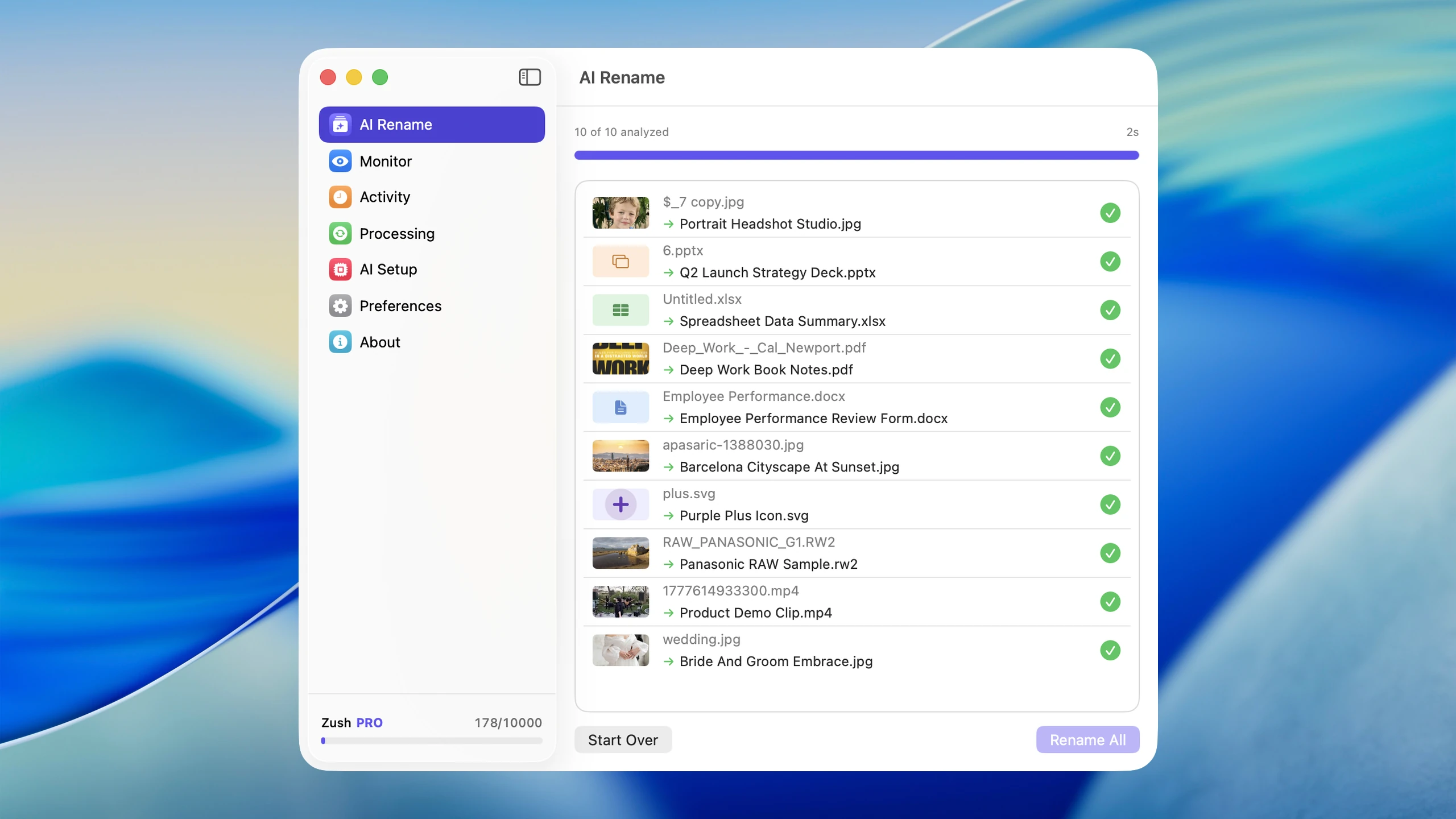
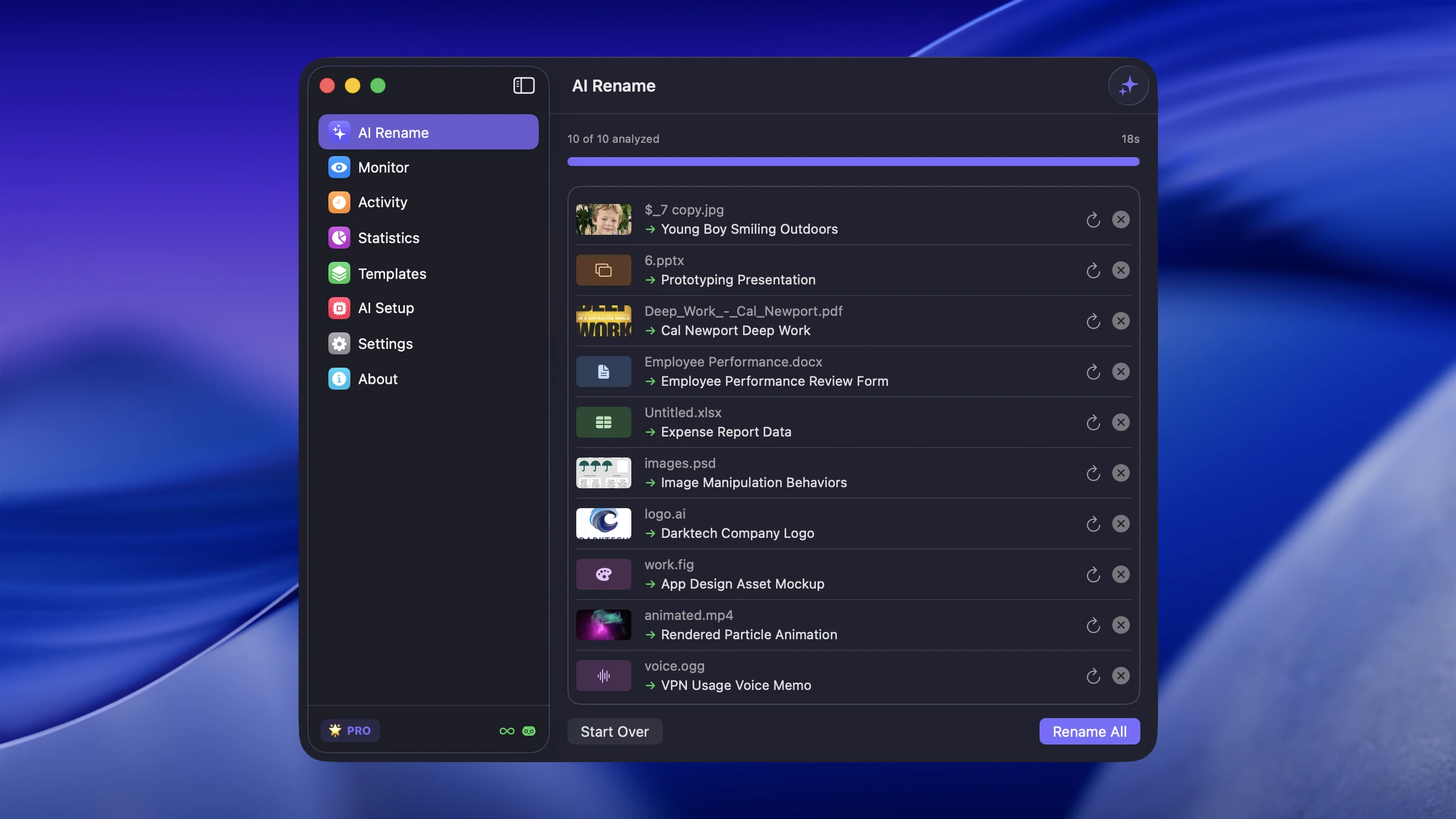
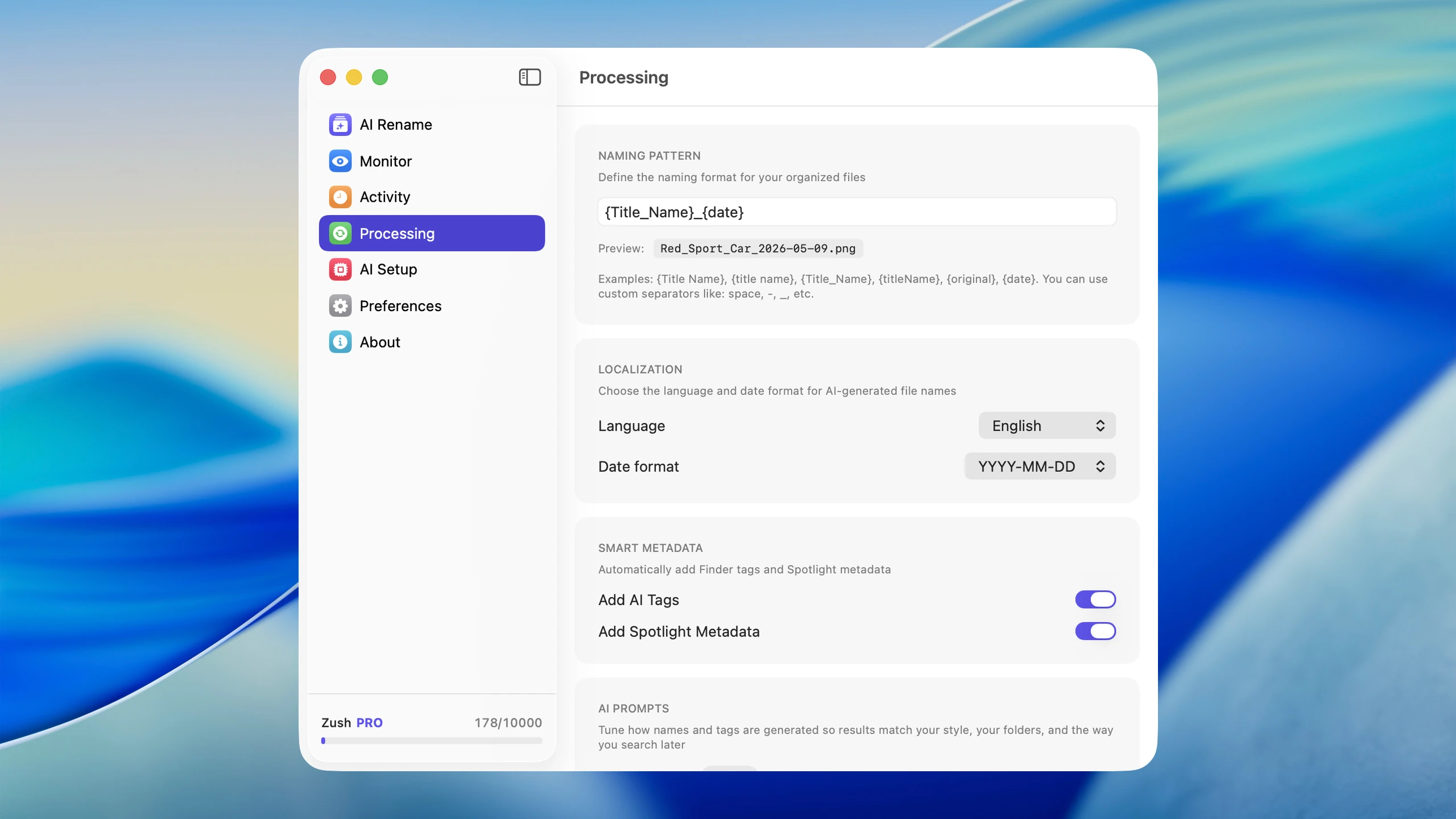
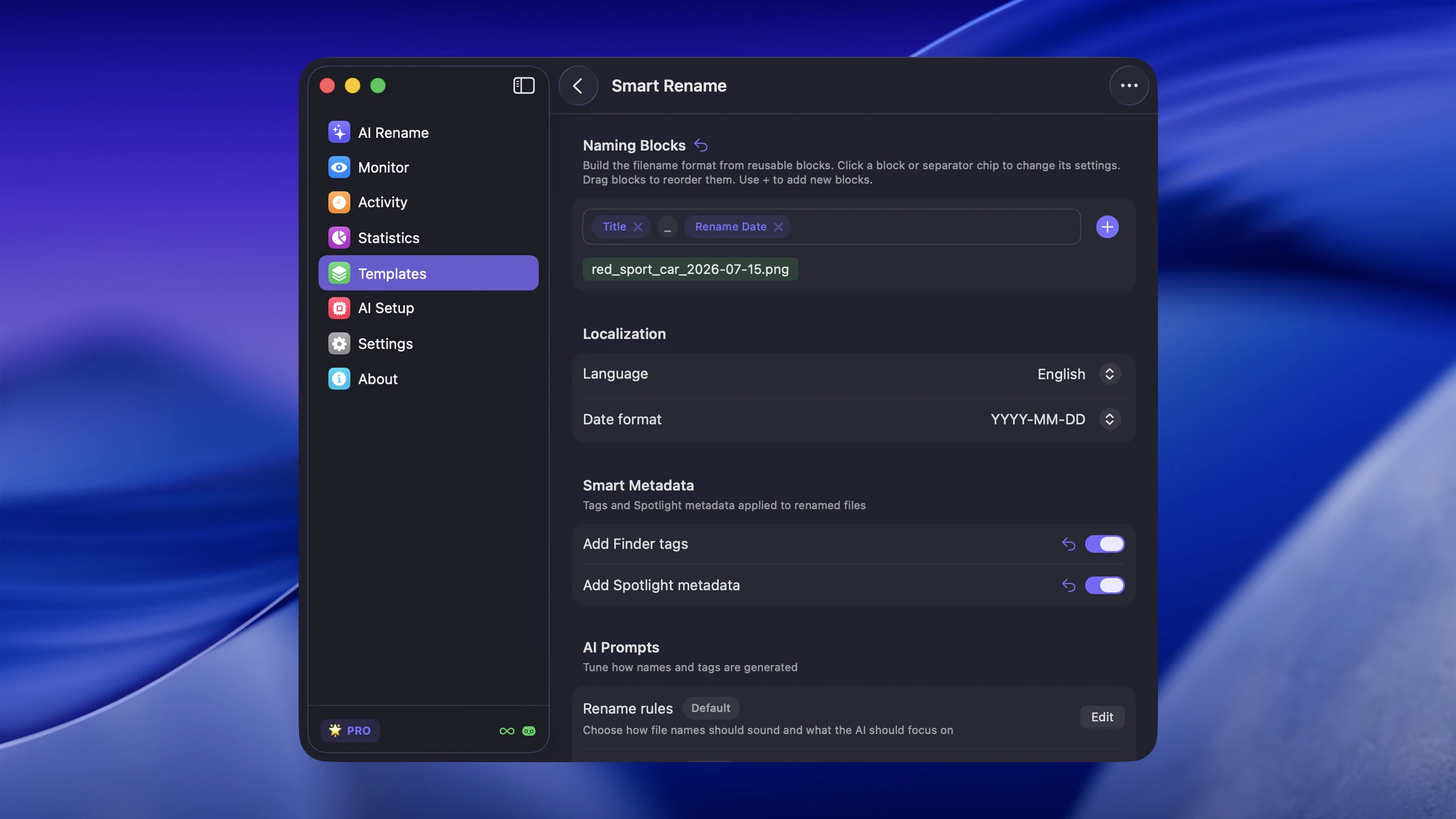
If you generate dozens of exports per project, naming them manually is not realistic. That is where Zush helps by analyzing images, videos, PDFs, and design documents and turning them into descriptive filenames that are searchable and scannable months later.
Developer handoff best practices
Poor handoff is one of the most expensive design workflow problems. Assets with unclear names, missing specs, or ambiguous versioning cost hours of back-and-forth.
What developers need from you
- Clearly named exports in the formats they expect (SVG for icons, WebP or PNG for images, PDF for documents)
- Consistent naming across the handoff folder so they can map filenames to components
- A single source of truth — one folder with current assets, not five folders with overlapping content
- Density variants labeled clearly:
icon-search-1x.png,icon-search-2x.png,icon-search-3x.png
Handoff folder structure
handoff/ icons/ icon-search-24.svg icon-cart-24.svg icon-menu-24.svg images/ hero-homepage-1200x630.webp hero-homepage-600x315.webp specs/ checkout-flow-annotations.pdf color-tokens.jsonKeep this folder updated and delete outdated assets when new ones replace them. A handoff folder full of deprecated files is worse than no handoff folder at all.
Scaling DAM without enterprise tools
Dedicated DAM platforms add controlled libraries, approvals, permissions, rights management, and distribution workflows. Those capabilities matter at organizational scale, but they can add process before a solo designer or small team has a stable file system.
Here is what scales without enterprise tools:
Use Finder tags for status
Apple’s Finder tags work with files and folders stored locally or in iCloud, and a file can carry more than one tag. Use named tags for workflow state rather than relying on color alone:
| Tag Color | Meaning |
|---|---|
| Green | Approved / final |
| Yellow | In review |
| Red | Needs revision |
| Blue | Reference only |
You can search by tag in Finder and Spotlight, which makes filtering fast without any extra software.
Use Smart Folders for common searches
Create Finder Smart Folders that surface files by type, date, text, or other search criteria. A Smart Folder for “all SVGs modified in the last 30 days” gives you a live view of recent icon work without moving the originals.
Automate naming for exports and screenshots
The biggest scaling bottleneck is naming. When every export requires a manual rename, the system breaks down as project volume increases. Set up Zush to monitor your export and screenshot folders, and new files get descriptive names automatically. That keeps the DAM system working even during high-output periods.
Back up with structure
Mirror your project folder structure in your backup location (external drive, cloud storage). A flat backup dump is almost as bad as no backup when you need to find a specific file from six months ago.
A 30-minute setup for your next project
- Create the folders:
source,exports,references,handoff, andarchive. - Write one naming pattern: project, asset type, description, and version or state.
- Choose status tags: use names such as
In review,Approved, andReference. - Move old versions: keep one current file in
source; move replaced versions toarchive. - Prepare handoff: export one representative asset and check that a developer can identify it without opening it.
- Automate the inflow: monitor only the export or screenshot folder where weak filenames repeat.
Run this setup on the next active project instead of reorganizing the entire archive. A working template creates proof that the system is maintainable, then you can copy it to older projects when they become active again.
FAQ
Do I need dedicated DAM software as a freelance designer?
No. A consistent folder structure, clear naming convention, Finder tags for status, and an AI renaming tool for exports will cover most freelance workflows. Enterprise DAM software solves problems that appear at organizational scale — dozens of users, brand compliance, rights management — not at the individual level.
How should I handle assets shared between multiple projects?
Create a shared library folder outside of any single project directory. Store reusable assets there (icon sets, brand elements, stock photos) and reference them from project folders rather than copying them. This prevents version drift where the same logo exists in 15 different project folders at 15 different versions.
What is the best way to clean up an existing messy asset library?
Start with the projects you are actively working on. Fix the folder structure and naming for current work first. Then work backward through recent projects. Do not try to reorganize your entire archive in one session. For bulk renaming of exports and screenshots, batch AI renaming is the fastest path from generic names to searchable ones.
How do I keep my DAM system from falling apart over time?
The system collapses when new files arrive faster than you can name and sort them. Automate the inflow: set up folder monitoring to rename new exports and screenshots as they arrive, and make your folder structure simple enough that filing a new asset takes seconds, not decisions. A system that requires thought for every file will not survive a busy week.
Put the system to work
Good digital asset management on Mac starts with understandable files: a clear project structure, one current version, explicit exports, and a handoff folder another person can use without explanation. For repetitive exports, screenshots, and references, rename design files with Zush so the naming rule survives high-output weeks instead of depending on memory.


