File Organization Tips for Students on Mac

Jump to section
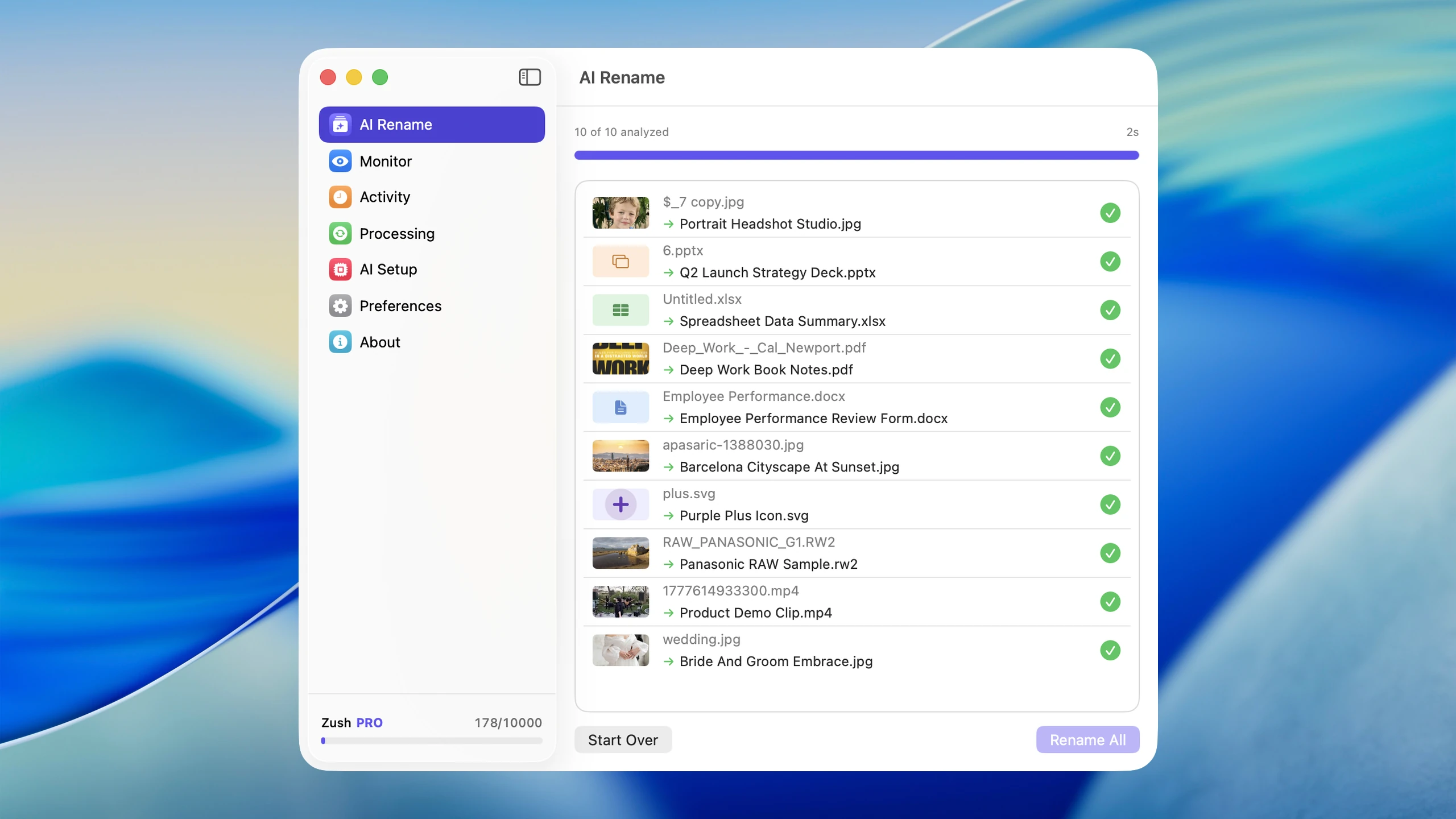
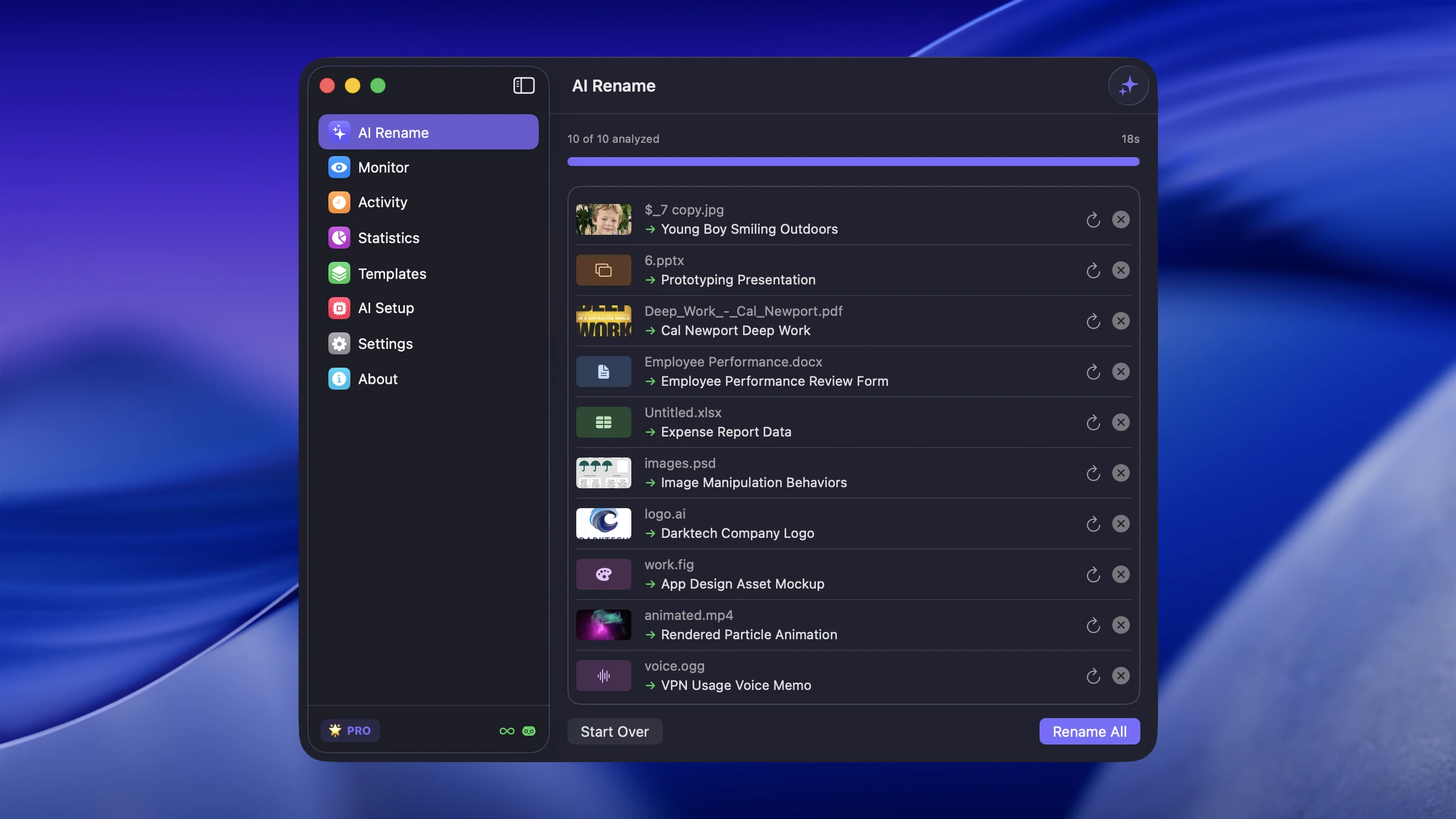
Quick answer: students should keep one semester folder with one subfolder per course, and filenames that include the course code, week, and what the file is — for example cs101-week-3-lecture-notes.pdf. Anything more elaborate slows you down.
The best file organization system for students on Mac is simple: one semester folder, one folder per course, and filenames that make assignments and notes obvious at a glance. If you make the system more complex than that, you probably will not keep using it.
The mess usually comes from the same places every term: Downloads, screenshots, assignment drafts, lecture PDFs, and random files saved to Desktop. If screenshots, lecture PDFs, and assignment documents are a constant problem, Zush can help by renaming those files automatically instead of letting timestamp names pile up. If you also freelance on the side, the companion guide on organizing client files as a freelancer on Mac uses the same system adapted for paid work.
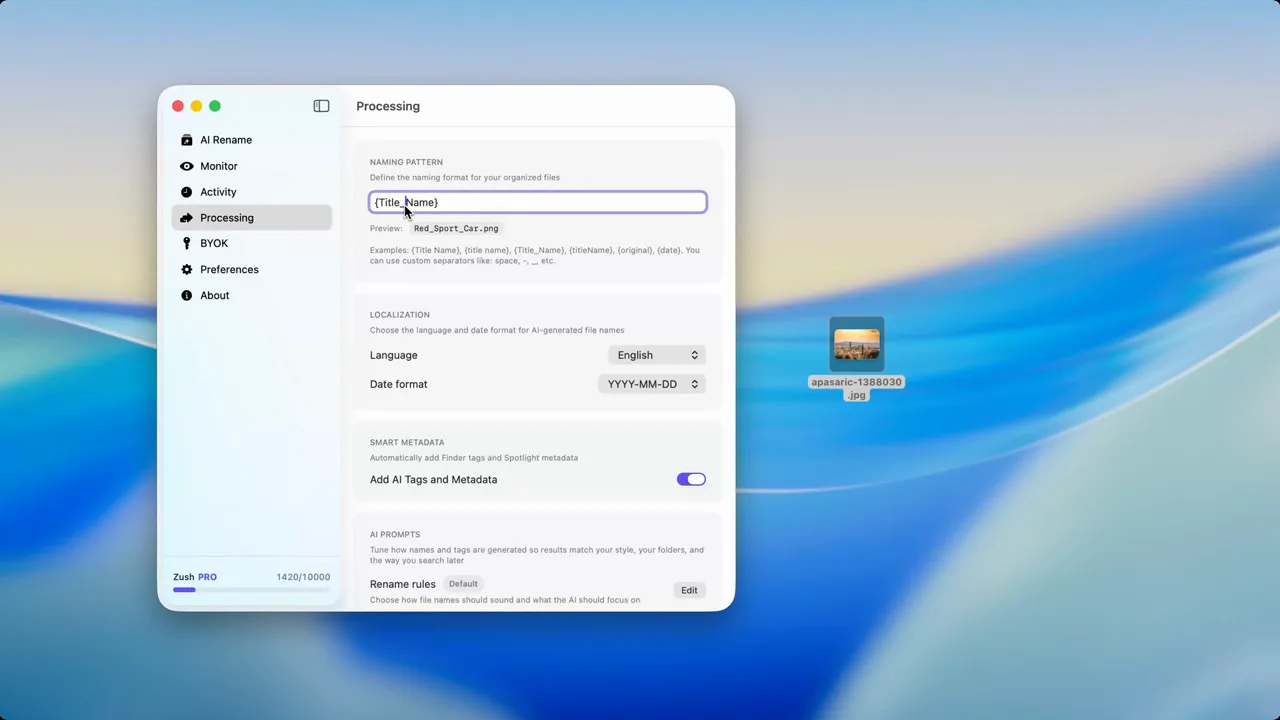
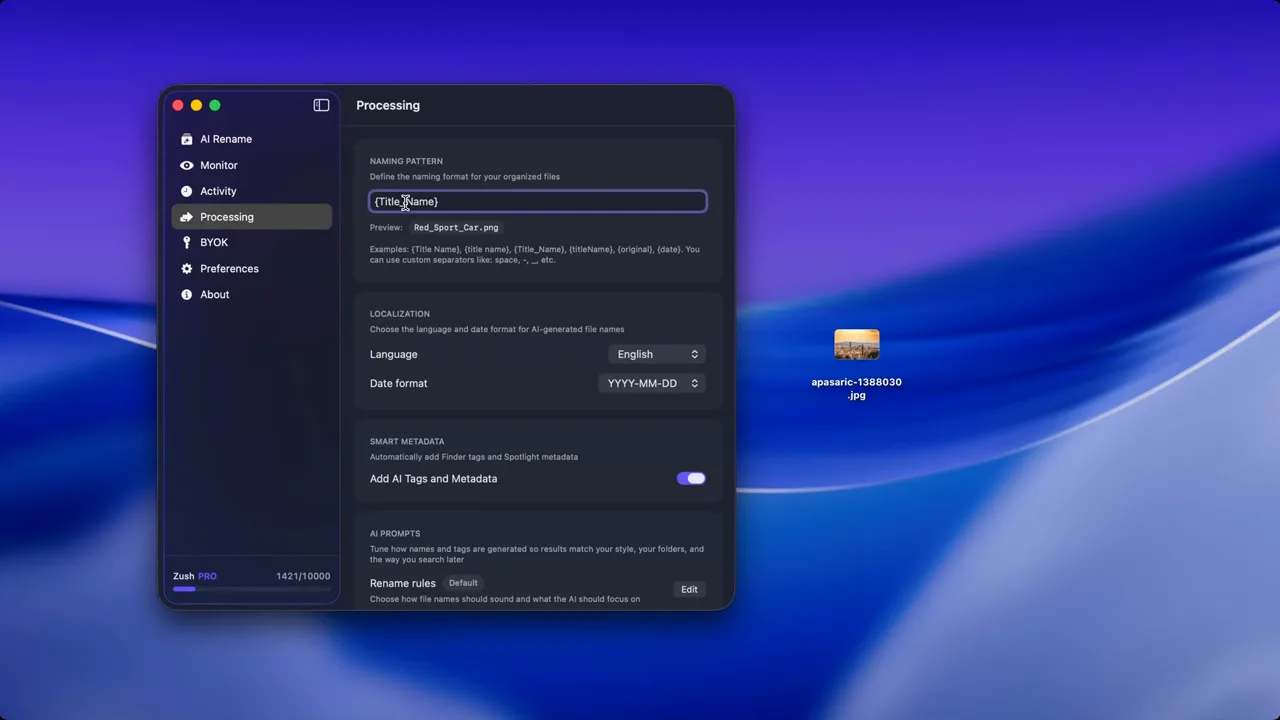
For students with recurring Downloads or screenshot clutter, pair this system with Auto Rename Files on Mac and File Naming Conventions.
Sort study files into folders with AI
Zush can give supported files descriptive names and group them into real folders by content in the same batch. AI folder sorting is in beta on Mac and Windows. Leave Folder rules empty for Auto grouping, or describe the groups in plain language. For study files, try:
Group course documents by subject. Put documents with no clear subject in Review.
- Add a small copied batch in AI Rename and select a Template.
- Enable + Sort and choose the Destination folder, which is the root for the sorted subfolders. Without a separate destination, the source folder remains the root.
- Enter the grouping instruction in Folder rules. Naming Blocks set the filename format separately.
- Enable Reuse existing folders if suitable groups already exist inside the destination root. Zush can create a new folder when none fits.
- Review both the proposed names and folder groups. Correct folder names or file placement before applying the batch.
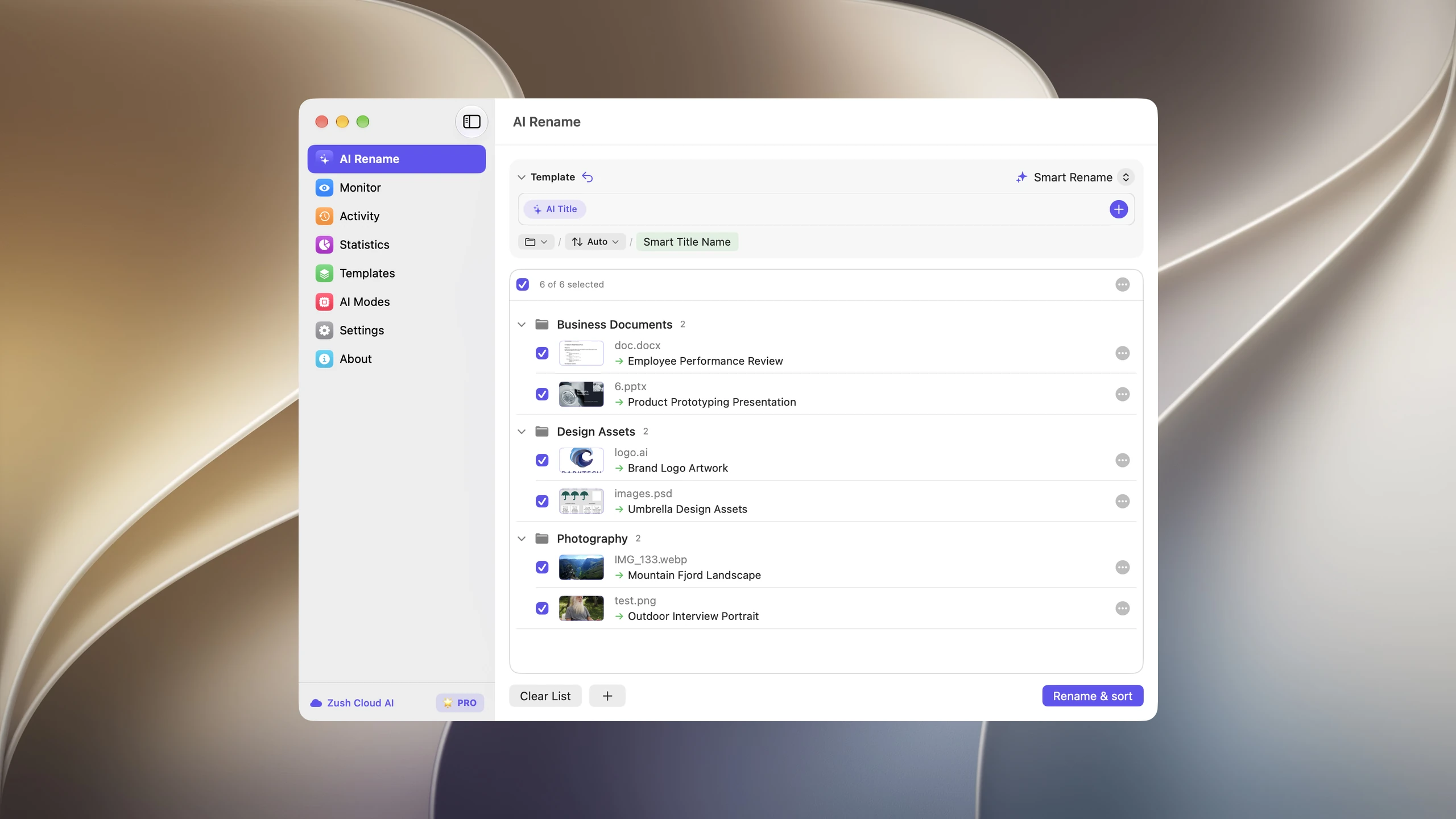
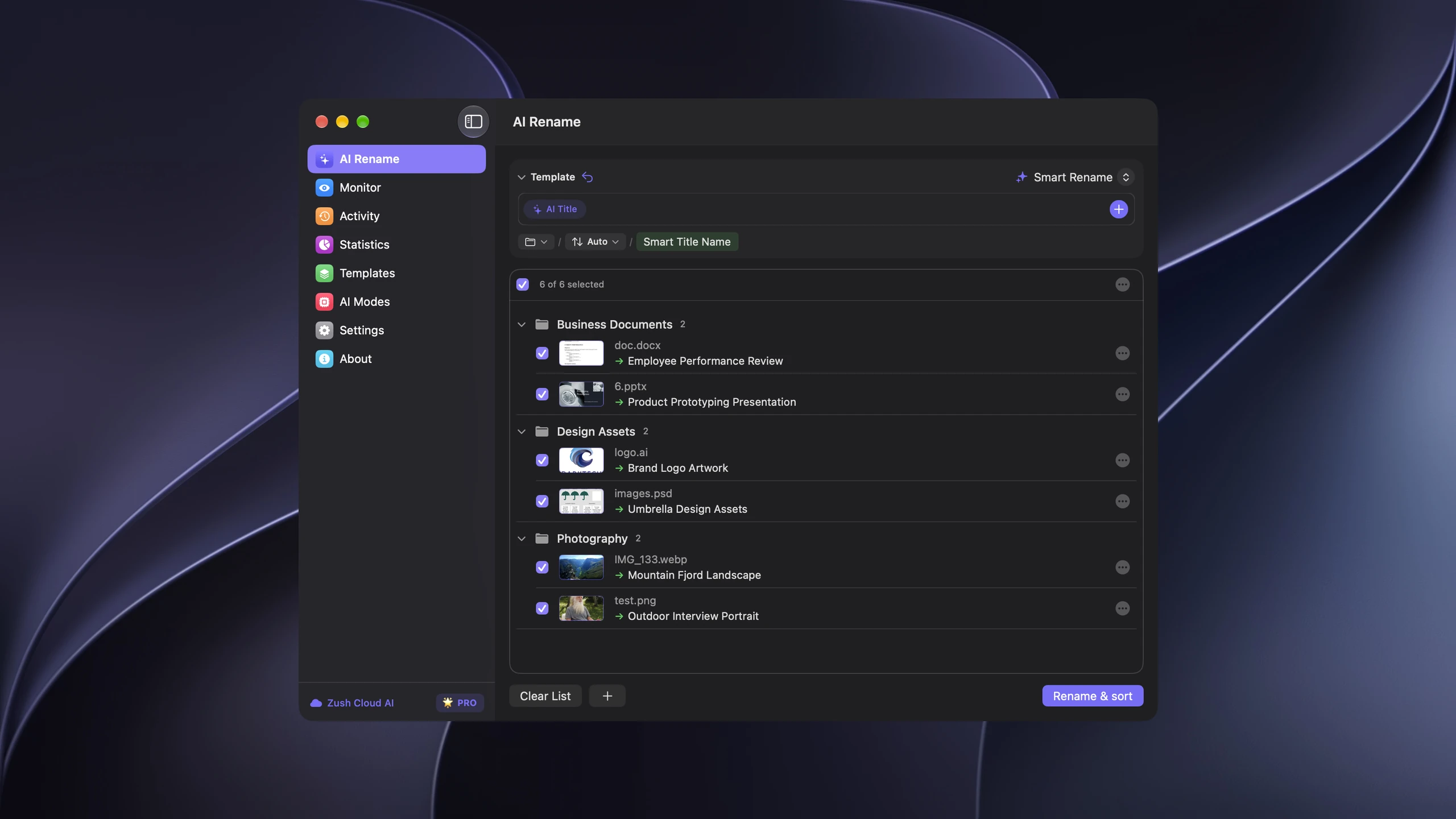
Save the tested destination and rules in the Template. Assign it to Monitor to rename and sort new files arriving directly inside the watched folder. This does not retroactively reorganize files already processed. With sorting off and the original destination selected, files keep their current folder.
Follow the step-by-step Mac sorting guide or see the folder sorting documentation and 30 example Folder rules.
Use a semester-first folder structure
A reliable default looks like this:
School/ 2026-Spring/ CS201/ Lectures/ Assignments/ Projects/ Readings/ ENG102/ Essays/ Readings/This works because each semester becomes easy to archive when it ends. The exact subfolders depend on what a course actually produces.
Adapt subfolders to your major
CS and engineering students generate different files than humanities or science students. Match the subfolders to real output instead of forcing one template.
Computer science:
CS201/ Lectures/ Assignments/ Projects/ Labs/ Reference/Projects and Labs stay separate because a lab report is not the same deliverable as a multi-week project repo. The Reference folder holds API docs, cheat sheets, or language guides you download during the term.
Humanities (English, History, Philosophy):
ENG102/ Essays/ Readings/ Notes/ Sources/Sources holds PDFs of journal articles, book excerpts, and anything you might cite. Keeping it separate from Readings (assigned texts) prevents confusion when you are writing a paper and need to pull only citable material.
Sciences (Biology, Chemistry, Physics):
BIO301/ Lectures/ Labs/ Lab-Reports/ Datasets/ Readings/Lab data and lab reports go in different folders. You do not want to accidentally submit raw data when the professor asked for the write-up.
Name files so deadlines are obvious
Good filenames make it clear what the file is and which course it belongs to.
Examples:
cs201-assignment-03-linked-lists.docxeng102-essay-draft-v2.docxmath301-lecture-08-eigenvalues.pdf
Avoid final, new, and untitled names. Version numbers are safer. When a professor asks for revisions, eng102-essay-02-v3.docx tells you more than essay-final-FINAL.docx ever will.
Manage lecture notes and PDFs
Most courses produce two kinds of notes: your own (typed or handwritten) and the professor’s slides or readings.
Typed notes. Save them directly into the course Lectures folder with a lecture number prefix: cs201-lecture-04-recursion.md. Markdown or plain text is easiest to search later, but any format works as long as the name is consistent.
Handwritten notes. If you scan handwritten pages, name the scan immediately. A photo called IMG_2841.heic is useless in three weeks. Rename it to something like bio301-lecture-06-cell-division-notes.pdf before filing it. Zush handles this well — it reads the content of scanned pages and generates a descriptive filename so you do not have to type one out manually.
Professor-provided PDFs. Rename them on download. Professors rarely name their files helpfully; Chapter4.pdf could belong to any course. Prefix with the course code and a topic keyword: chem201-ch04-thermodynamics.pdf.
Keep screenshots and Downloads under control
Students often save references, lecture screenshots, whiteboard captures, and browser downloads without renaming them.
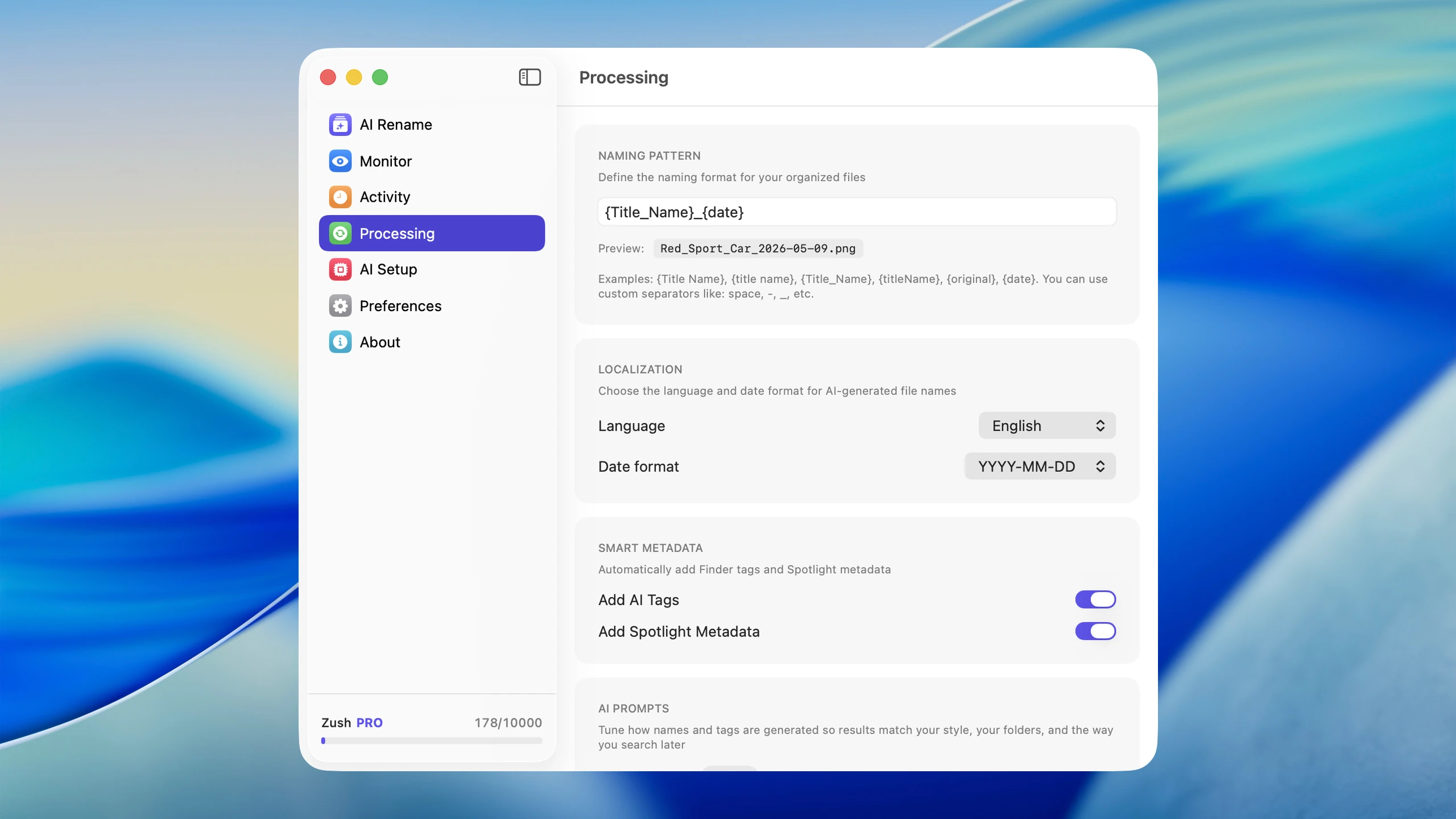
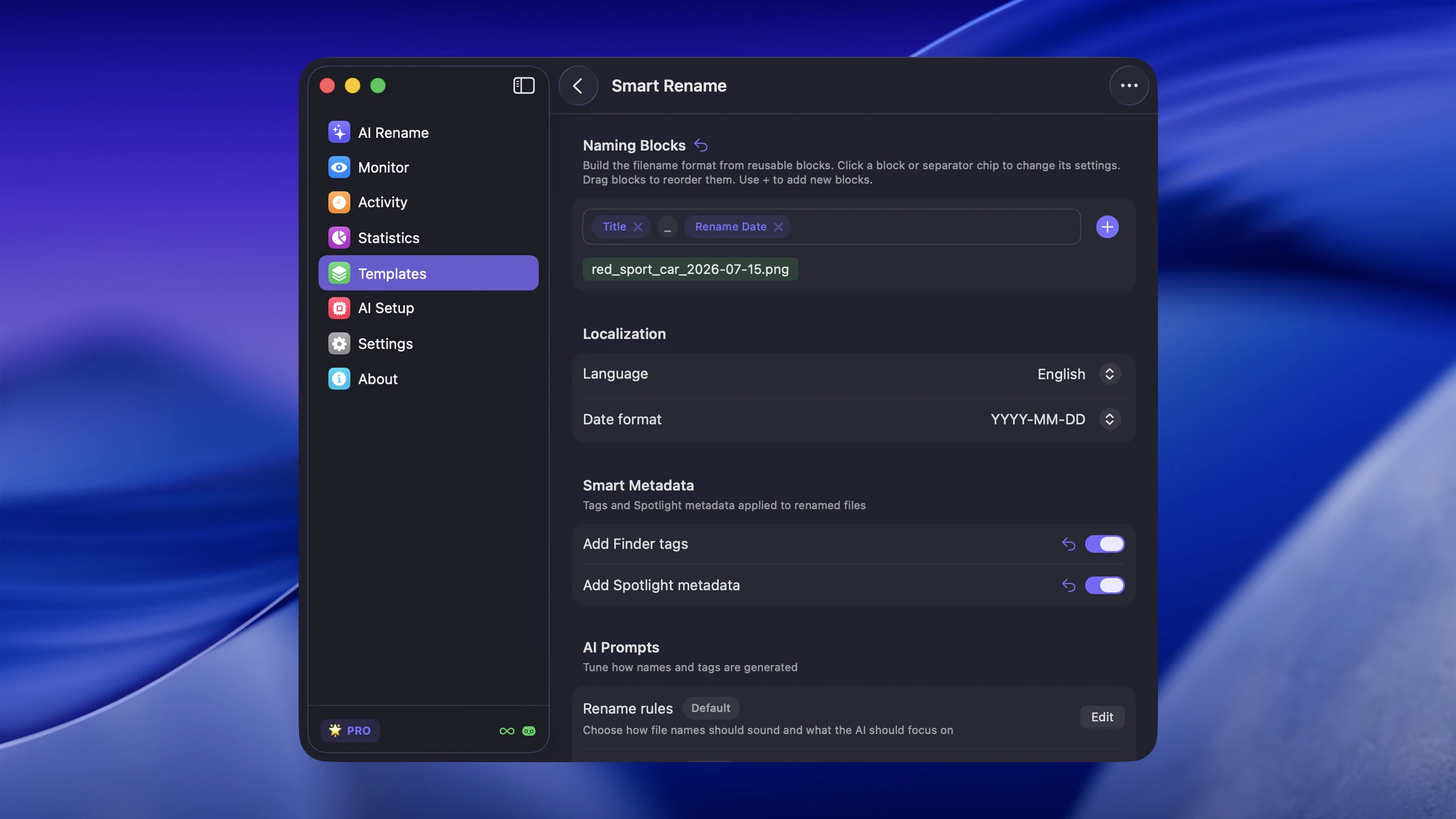
That becomes a problem during exam season when you need to find one specific PDF, slide, or screenshot quickly. For this kind of clutter, Zush is useful because it can turn generic file names into something searchable.
A practical habit: set your browser to always ask where to save downloads instead of dumping everything into ~/Downloads. That one setting change forces you to file things correctly from the start.
Group project file sharing
Group projects create the worst file chaos. Three people emailing presentation-final.pptx back and forth guarantees version conflicts.
Practical rules that actually work:
- Use one shared folder. Google Drive, iCloud, or Dropbox — pick one and keep all project files there.
- Agree on a naming pattern early. Something like
cs201-project-deliverable-v1.pptxprevents confusion. - Never name anything
final. Use version numbers. The person who compiles the submission can rename the last version to whatever the professor requires. - Keep a
_workingsubfolder. Drafts and scratch files go there. The root of the project folder only holds deliverables.
Exam season file retrieval
When exams arrive, you need to find lecture notes, past assignments, and study guides fast. If you followed a consistent naming scheme, Spotlight search on Mac (Cmd+Space) becomes your best tool.
Search tips that depend on good filenames:
cs201 lecturefinds all lecture files for that coursebio301 lab-reportnarrows to lab write-upseng102 essaypulls every essay draft
If your files are named IMG_2841.heic and Document (3).pdf, Spotlight cannot help you. That is why naming files well at the start saves real time at the end of the semester.
What to archive vs. delete at semester end
When a semester ends, do not delete everything. Some files have long-term value.
Archive (move to a _completed or dated archive folder):
- Final versions of major assignments and essays
- Lab reports and project deliverables
- Lecture notes for courses in your major (you may need them for advanced courses)
- Any graded work with professor feedback
Safe to delete:
- Duplicate downloads
- Rough drafts that led to a final version you already saved
- Screenshots of announcements or schedules that are no longer relevant
- Temporary reference files you saved for a single assignment
A clean archive means you can find your data structures notes two years later when an interview prep session demands it, without wading through 400 unnamed screenshots.
Keep one weekly cleanup habit
Once or twice a week:
- move Desktop files into the right course folder
- rename ambiguous files
- delete duplicate or low-value downloads
- archive completed assignments into the correct course folder
A 10-minute routine is better than an end-of-semester rescue operation.
FAQ
How should I organize research papers and citations?
Keep a dedicated Sources or References folder inside each course. Name files by author and topic: smith-2024-machine-learning-bias.pdf. If you use a citation manager like Zotero, let it manage the PDFs, but keep your own copies of key papers in the course folder with clear names for quick access.
What is the best format for lecture notes on Mac?
Markdown (.md) or plain text (.txt) is the most searchable and future-proof. If you need formatting, Google Docs or Pages work, but export a PDF copy at the end of the semester. The key is not the format but the filename — make it searchable.
Should I use iCloud Drive or a local folder?
iCloud Drive works well because it syncs across devices and gives you an automatic backup. Put your School/ folder inside iCloud Drive. Just make sure you keep important files marked as “Downloaded” locally before exam week so you are not dependent on Wi-Fi.
How do I handle files from multiple devices (Mac, iPad, phone)? Use iCloud Drive or another sync service as the single source of truth. Save and rename files on whichever device you are using, but always save them into the same folder structure. The folder tree matters more than the device.
Conclusion
Students do not need a complicated file management system. They need one that survives real coursework. A semester-first folder tree, clear filenames, and quick screenshot cleanup are enough for most people.
If poorly named files, from screenshots to lecture PDFs to assignment drafts, are what keep breaking the system, Zush can reduce that friction by handling the repetitive renaming part automatically.


