5.0
What I exactly needed
This is what i needed to get the first original creation date before the modified date back to original
選んだ詳細からFinderのファイル名を作成。すべての候補を確認してから適用し、バッチを元に戻すかローカルAIを利用できます。
内容、メタデータ、日付、カスタム指示、再利用ブロックを組み合わせて Finder の名前を作成。Zush が提案し、あなたが決定します。
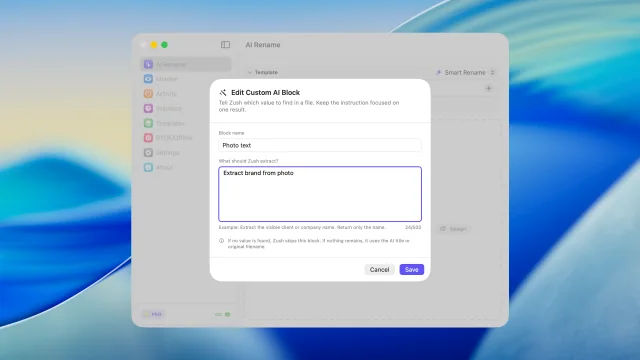
スクリーンショット、動画、EPUB・FB2 電子書籍、PDF、HEIC/RAW 写真、Office 文書、書き出しファイルを macOS の流れのまま解析します。 Zushに抽出してほしい詳細を指示し、カスタムAIブロックとしてどのテンプレートでも再利用できます。
AI が内容でファイルを分類し、フォルダに名前を付けます。 ファイルのまとめ方をプロンプトに書くだけ。 “請求書は会社別に、領収書は月別にまとめてください。”
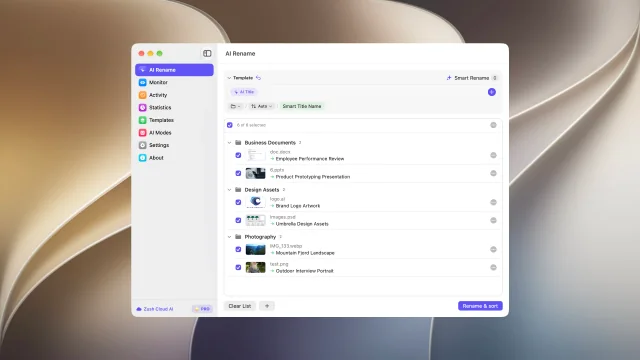
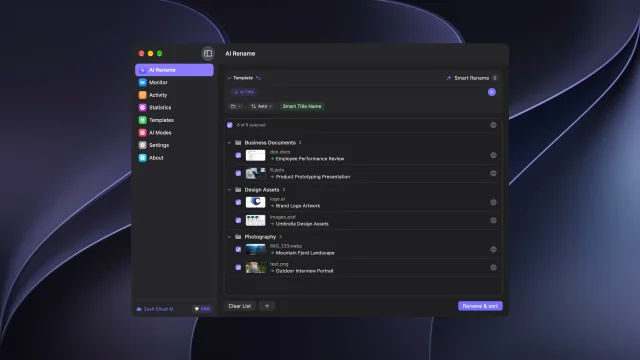
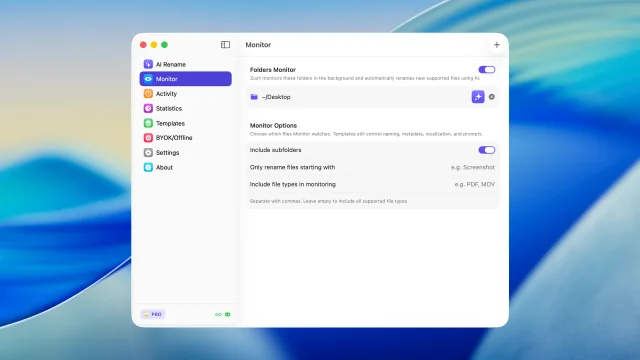
~/Downloads、デスクトップ、スクリーンショット保存先を監視し、新しいファイルに読みやすい名前を付けます。
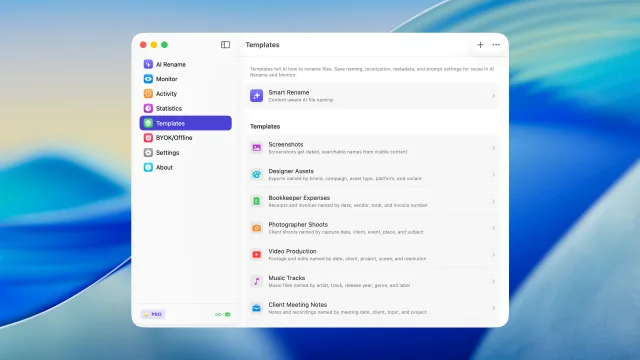
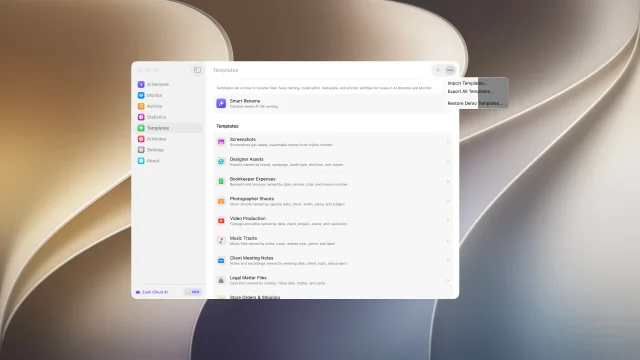
スクリーンショット、経費、音楽トラック、クライアント作業、法務、旅行、監視フォルダ向けの設定を再利用できます。
日付、メタデータ、音声、写真、財務、法務、旅行、顧客、AI フィールドなど 145+ ブロックで一貫した名前を作れます。
デザイン書き出し、請求書、スクリーンショット、顧客フォルダの命名ルールを指定できます。
読みやすい名前とメタデータで、Finder と Spotlight から後で見つけやすくします。
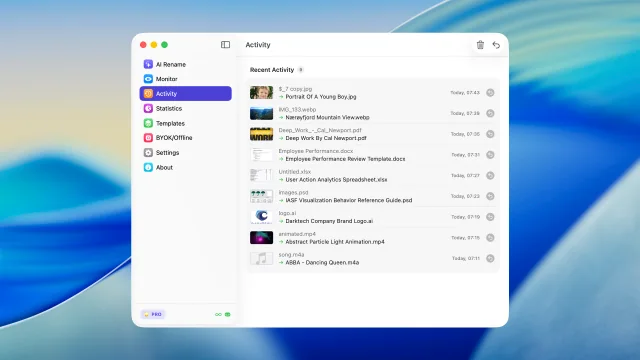
Mac でのリネーム履歴を残すため、必要なら元のファイル名に戻せます。
Zush Cloud、自分の AI プロバイダー、または Ollama による対応オンデバイス分析から選べます。
当社のリレー経由で商用 AI プロバイダーに接続し、その標準 API 規約に従います。リレーがあるのは、API キーをアプリから取り出せないようにするためです。
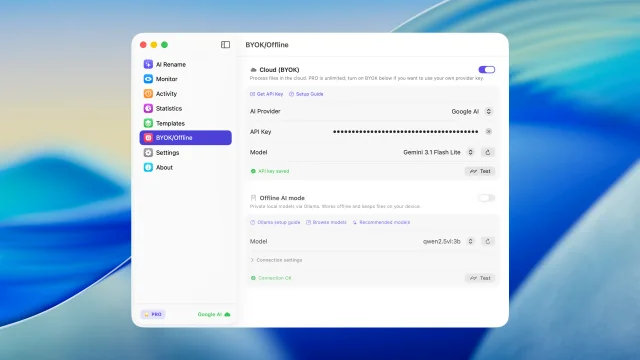
Gemini、OpenRouter、OpenAI、Claude の自分のキーを使い、macOS からクラウドリネームを拡張できます。
プライバシーやオフライン作業を優先したいとき、対応ファイルをローカルモデルで解析できます。
機能ごとに短いデモを1本 — タブをクリックして動作を確認
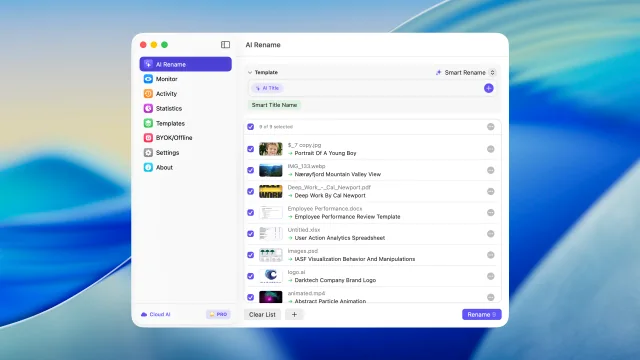
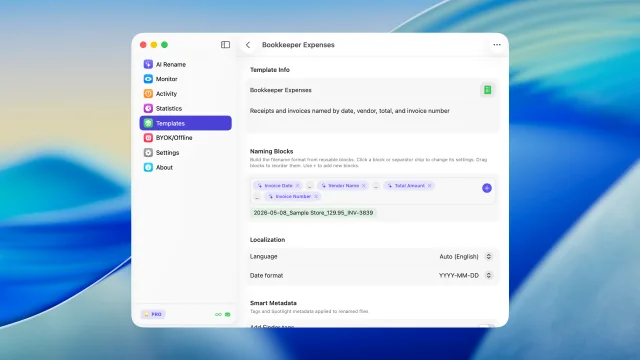
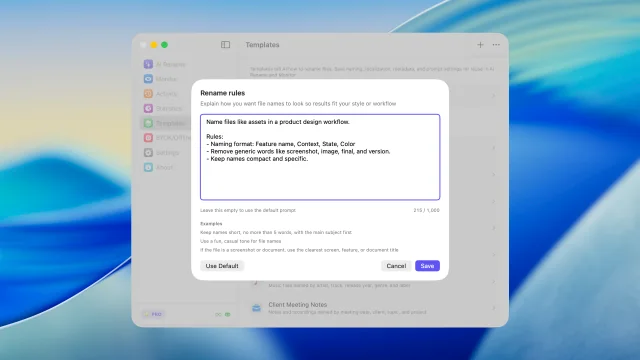
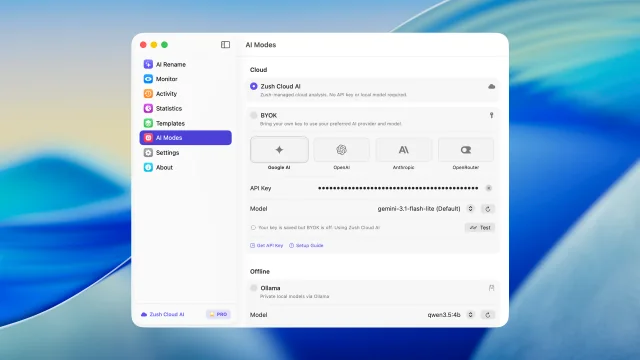
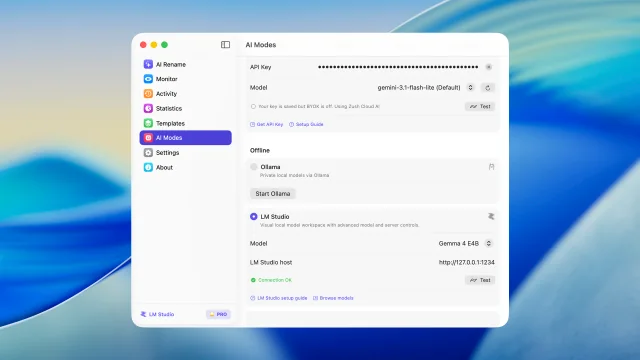
実際の内容に基づいて複数ファイルを確認してから適用
抽出したい内容を指定して、自分専用の命名ブロックとして再利用
自分の指示でファイルをフォルダに分類
フォルダを監視し、新しいファイルを自動リネーム
最近のリネームを確認し、必要なら元に戻す
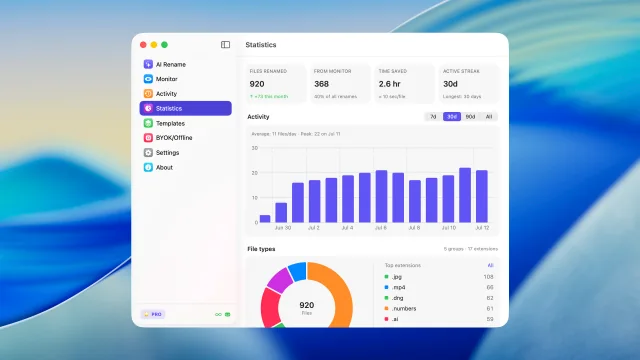
リネーム量、フォルダ監視の割合、アクティビティ、ファイル種別の傾向を確認
AIリネームとフォルダ監視で繰り返し使える設定を保存
ファイルの内容から 145+ の用意済みブロックでファイル名を構築
独自の指示で名前生成を調整
設定不要のマネージドクラウド分析で、すぐに名前変更を始められます
LM Studio または Ollama で対応ファイルを Mac 上で解析します。
自分の AI プロバイダーを BYOK で接続
命名テンプレートの共有とバックアップ
Microsoft Store に掲載されたレビューと、Softpedia による独立した編集評価です。
This is what i needed to get the first original creation date before the modified date back to original
So far this product is doing what it should and better than most I've tried. I have the lifetime license so this is going to be fun.
Awesome App, I had over 127 Reels that needed namimng, it did it flawlessly, so well that I ended up buying the App Permanently :)
Zush is a fast AI file renamer that really works and I can give tons of praise to them for creating this fantastic program. There are lots of things you can with Zush and templates to choose from or create your own templates. You can add all kinds of presets that can add more detail for your renaming but I bought the $10.00 monthly charge but soon will purchase the lifetime plan with this Great program so Thanks for creating this !!
This app does exactly what I needed it to do.
Zush excels most in the freedom that it provides users with regarding the flexibility behind the renaming process.
ワークフロー
これらは多くの人が Zush を使っている Mac の日常的なワークフローです。それぞれ監視フォルダまたはドラッグ&ドロップで実行できます。

大量のスクリーンショットから探さず、モックアップや UI 要素、参考資料を数秒で見つけられます。
CR2、NEF、ARW、DNG、RAF、RW2 などの RAW 形式に対応し、大量の写真を整理できます。

キャンペーン資料、書き出し、スクリーンショット、素材を整理してすぐ見つけられます。
ドキュメント、バグ報告、PR レビュー用のスクリーンショットを整理できます。
命名ルールを設定し、変更を確認して、Zush Cloud、自分のAIプロバイダー、ローカルAIでFinderのファイルをリネーム。
無料 · クレジットカード不要 · macOS Sequoia+
月額の柔軟性、または買い切りで永続アクセス。どちらのプランも無制限 PRO を解放します。
柔軟な月額プラン
$10/月 +VAT
一度の支払いで永続アクセス
$48買い切り +VAT
Pays off in ~5 months
14日間返金保証 • Paddleで安全決済
Mac のワークフロー、スクリーンショット、ダウンロード、AI リネームに関する英語の実用ガイドです。
Mac 版アプリと製品全体について知っておきたいこと。
