Zush press kit
Assets and facts for covering Zush
Everything on this page may be used in articles, videos, and reviews about Zush without asking first. For anything missing, write to support@zushapp.com.
Boilerplate
Zush is an AI file renamer and organizer for Mac and Windows. It reads what is inside a file, then suggests a searchable name for it: screenshots, PDFs and scans, camera RAW photos, Sketch, Figma and Photoshop files, ebooks, audio, and video, where it can use speech, embedded subtitles, and metadata.
Users describe what to extract in plain words, and that description becomes a reusable block in a naming template, so a folder of files like invoice_copy.pdf can become 2026-06_Datadog_340USD.pdf in one pass. Templates can add sequence numbers and be exported and shared; a built-in Movies & TV template names films and episodes by title, year, season, and episode.
Zush can also sort a batch into folders, automatically or from a rule written in plain words, such as invoices by company and year. Folder monitoring applies the same setup to new files as they arrive, including on external drives. Every batch shows a preview first, and Rename History can undo it, restoring the original names and folders.
The Mac app is written in SwiftUI and AppKit by Kirill Isachenko; the Windows app is a separate native app, not a port.
Facts
- Developer
- Kirill Isachenko, independent
- Price
- Free version with 50 AI renames, no account or card needed. PRO is $48 one time or $10 per month, cloud AI included, nothing metered.
- Platforms
- macOS Sequoia or newer (signed DMG, Mac App Store, Homebrew). Windows 10 or 11 (Microsoft Store).
- Current versions
- 3.21.0 on macOS, 3.16.2.0 on Windows.
- AI modes
- Zush Cloud AI, BYOK (Gemini, OpenRouter, OpenAI, Claude), LM Studio, and local Ollama models.
- Formats
- 107 supported file formats: documents and scans, images and camera RAW, design files, ebooks, audio, and video, including MKV
- Main features
- Content-based renaming, AI folder sorting (automatic or from your own rules), folder monitoring, naming templates with sequence numbers, a Movies & TV template, template import and export, and undo from Rename History.
- Sandboxing
- The Mac App Store build is sandboxed. The direct build updates through Sparkle and is not sandboxed.
- File safety
- Every batch is previewed before anything changes. Zush renames in place unless folder sorting is turned on. Cloud analysis sends extracted content or previews to the selected provider; supported Local AI analysis stays on the device.
Download assets
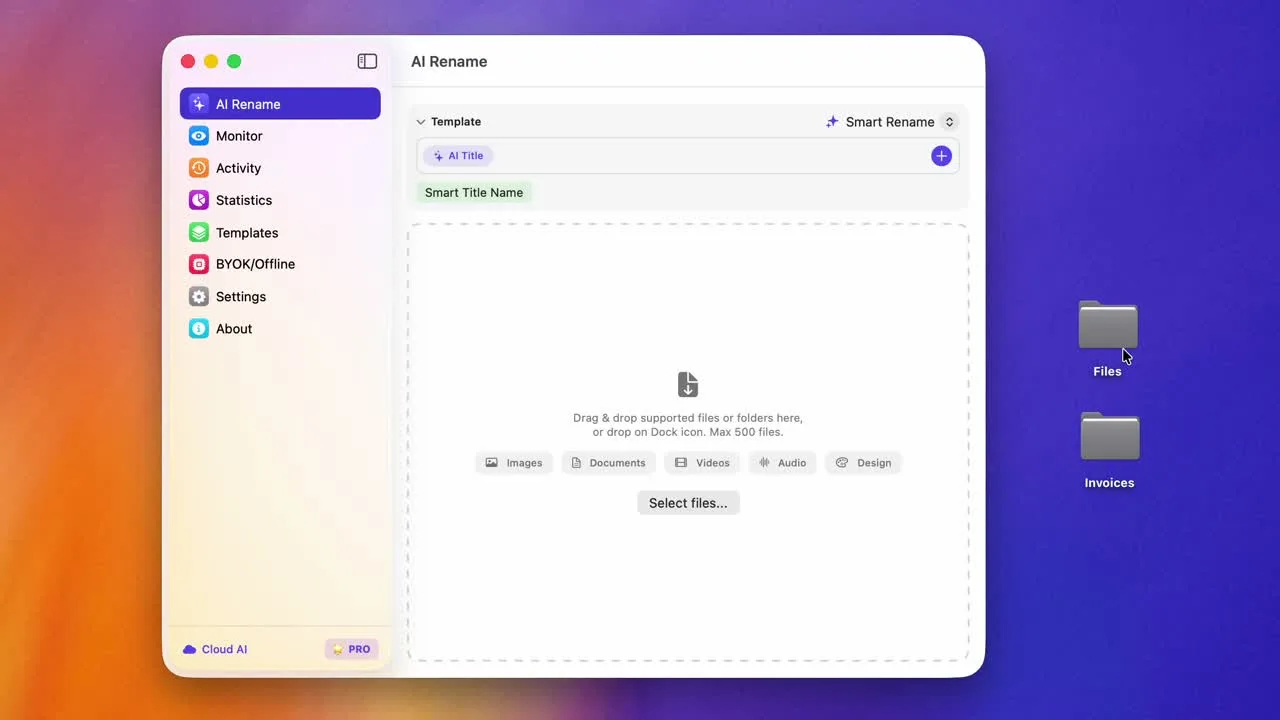
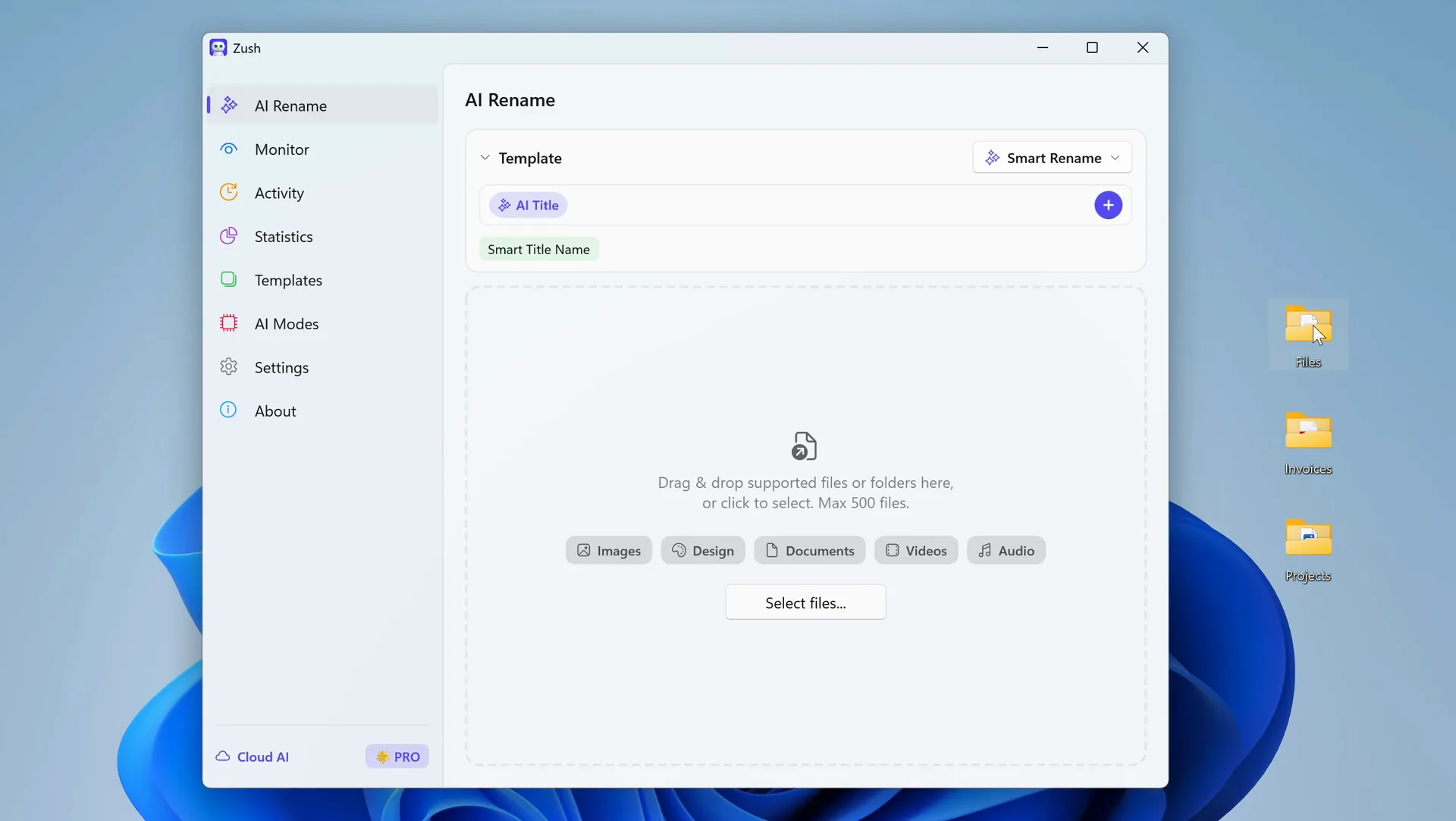
Mac screenshots
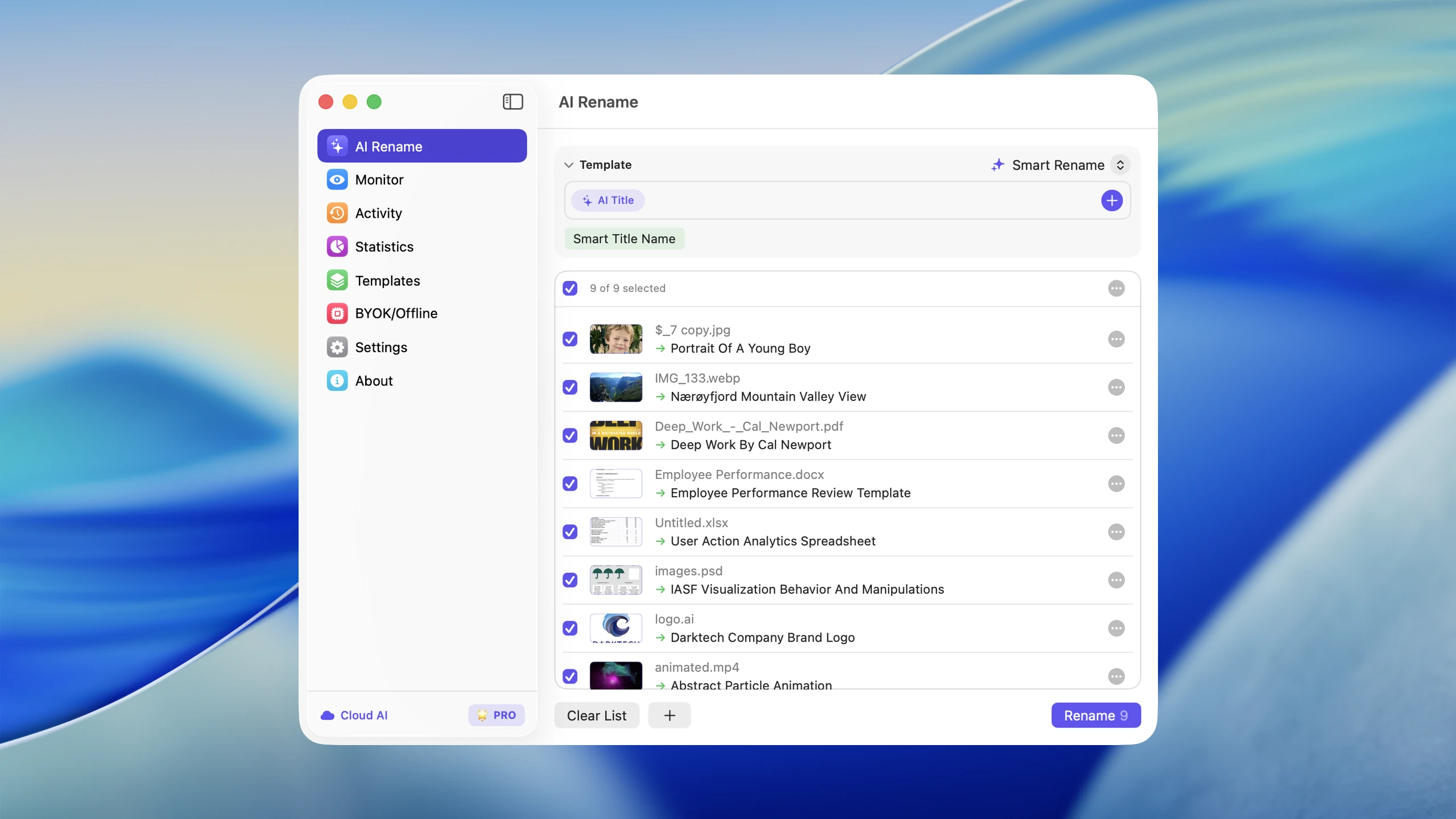
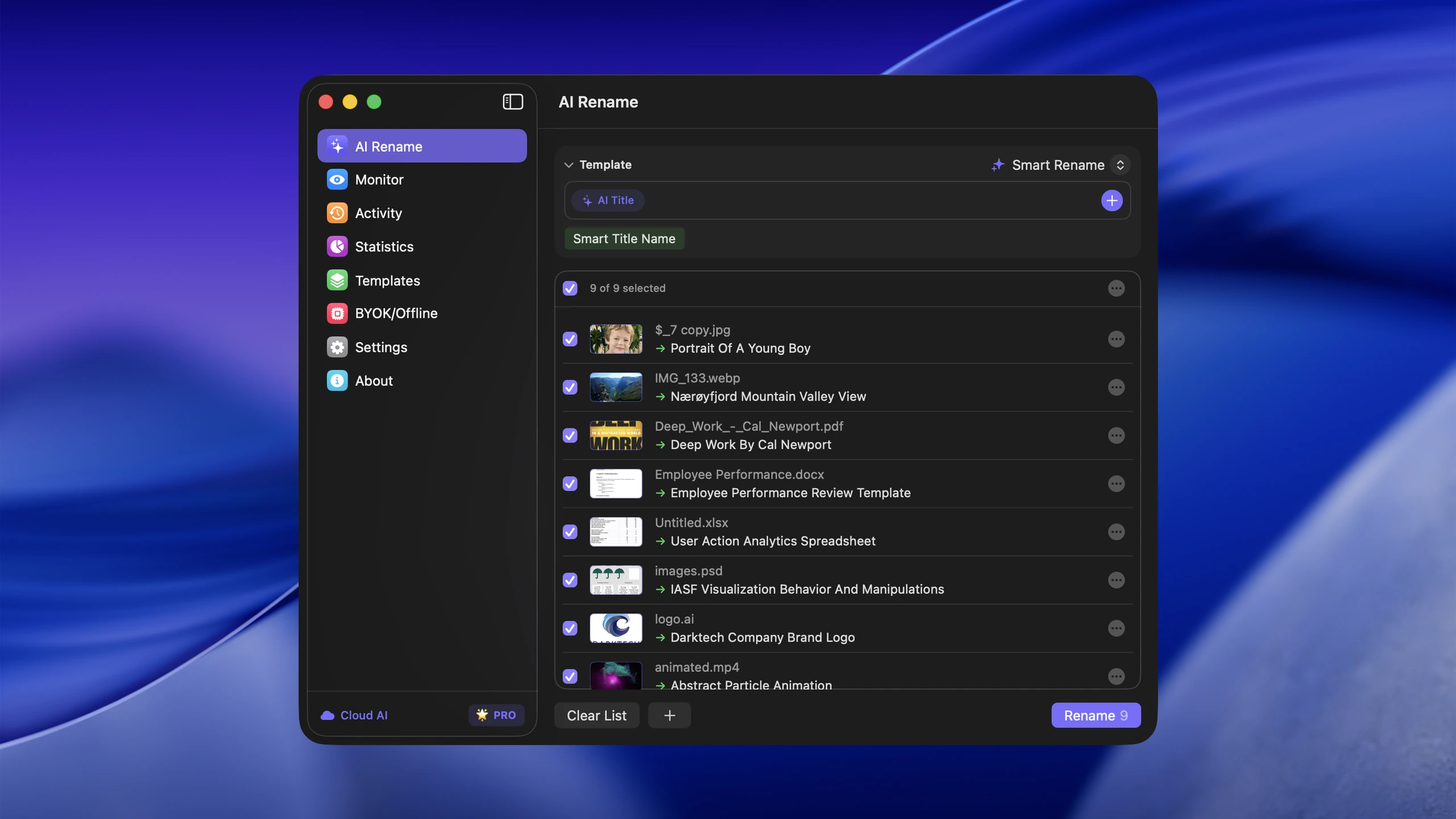
Batch Rename — light and dark, 2560 px
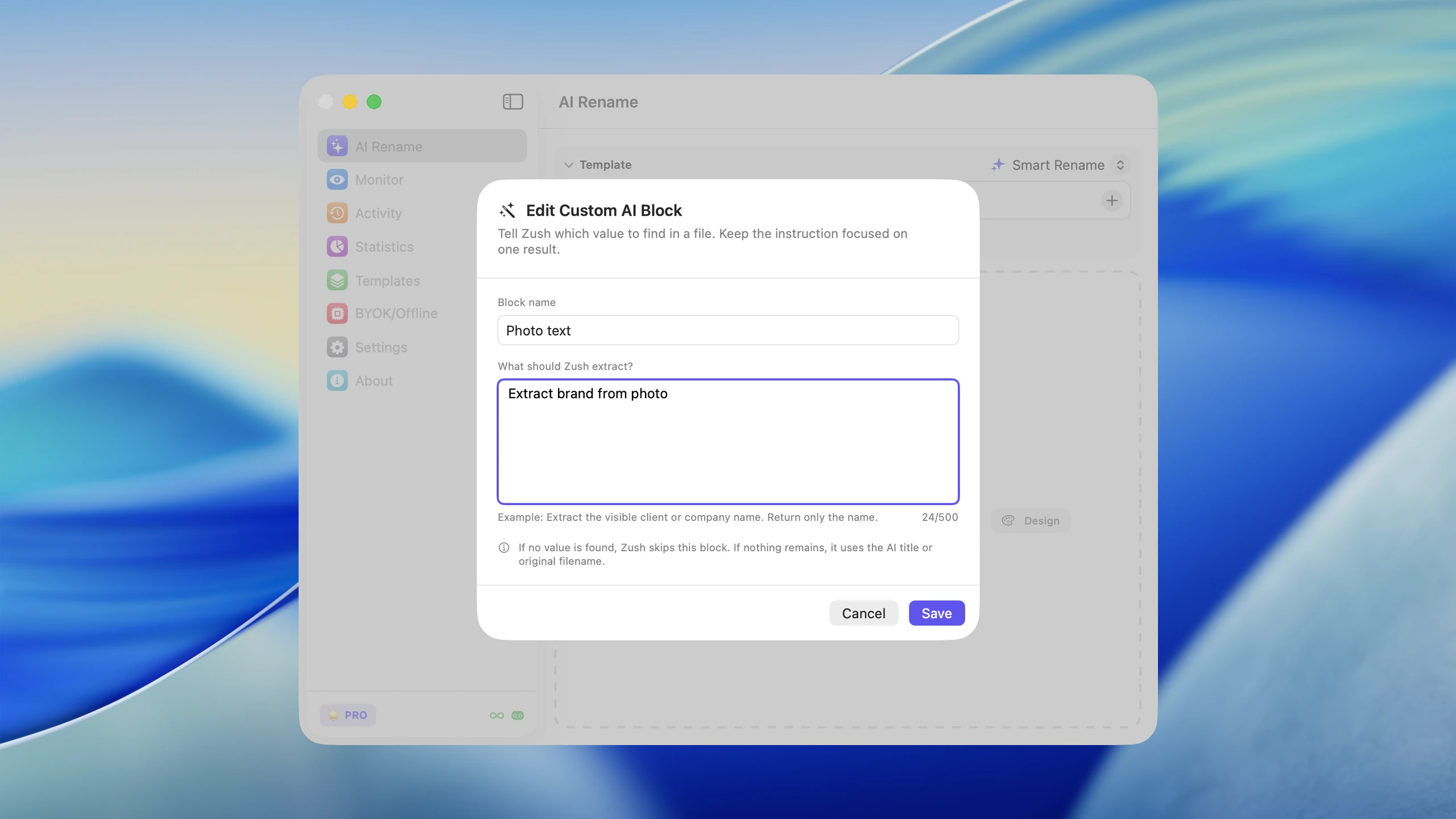
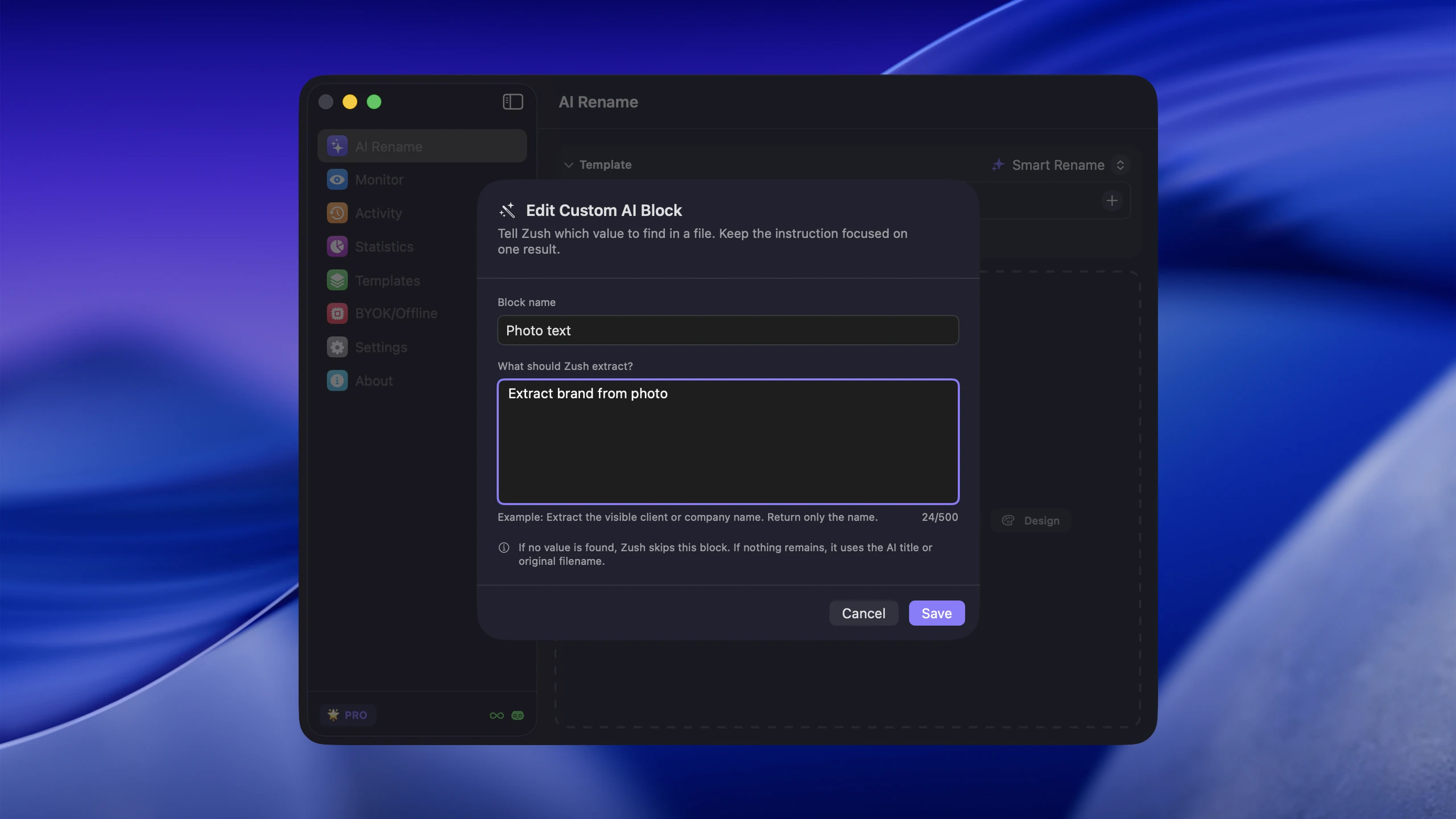
Custom AI Blocks — light and dark, 2560 px
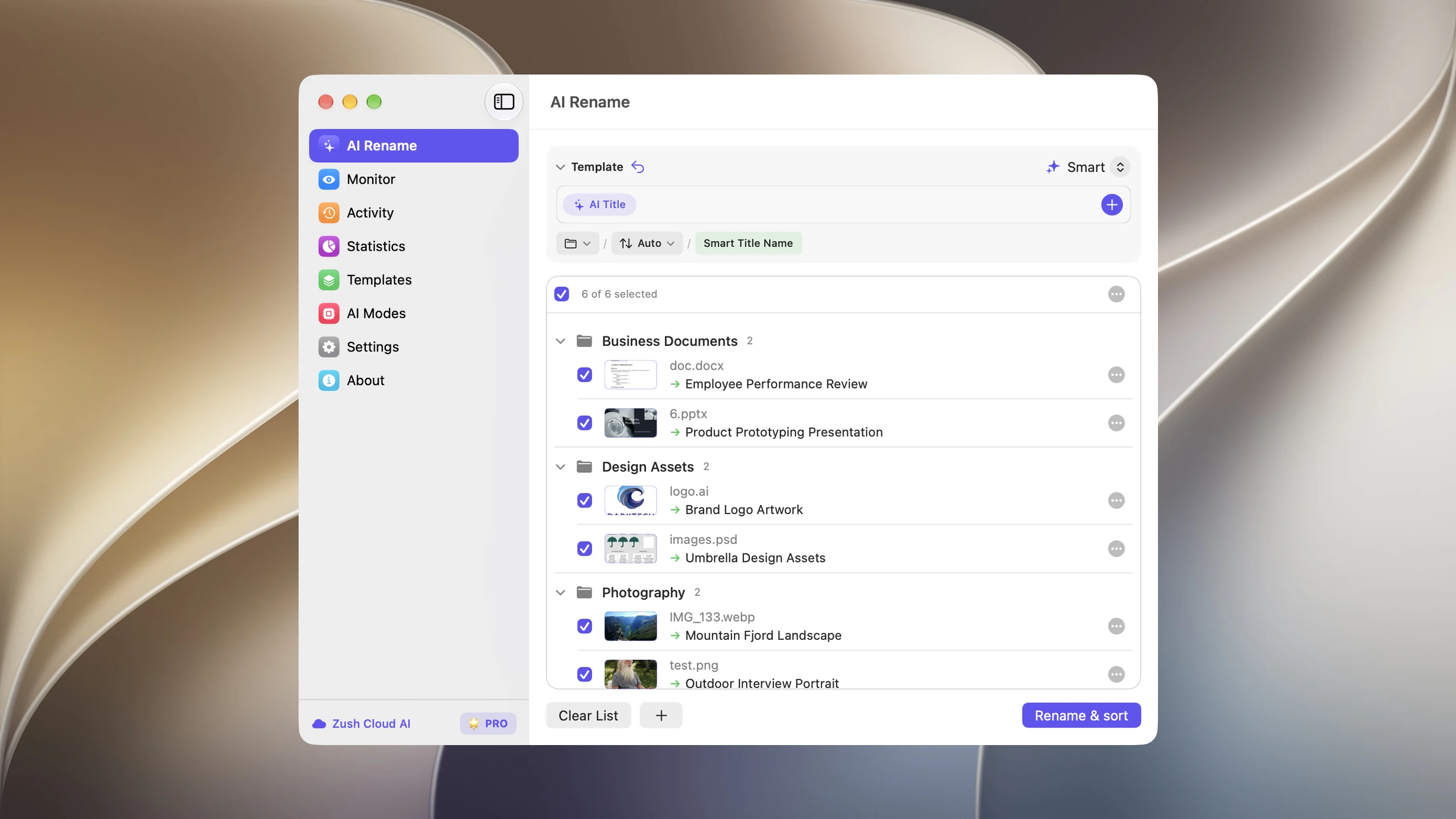
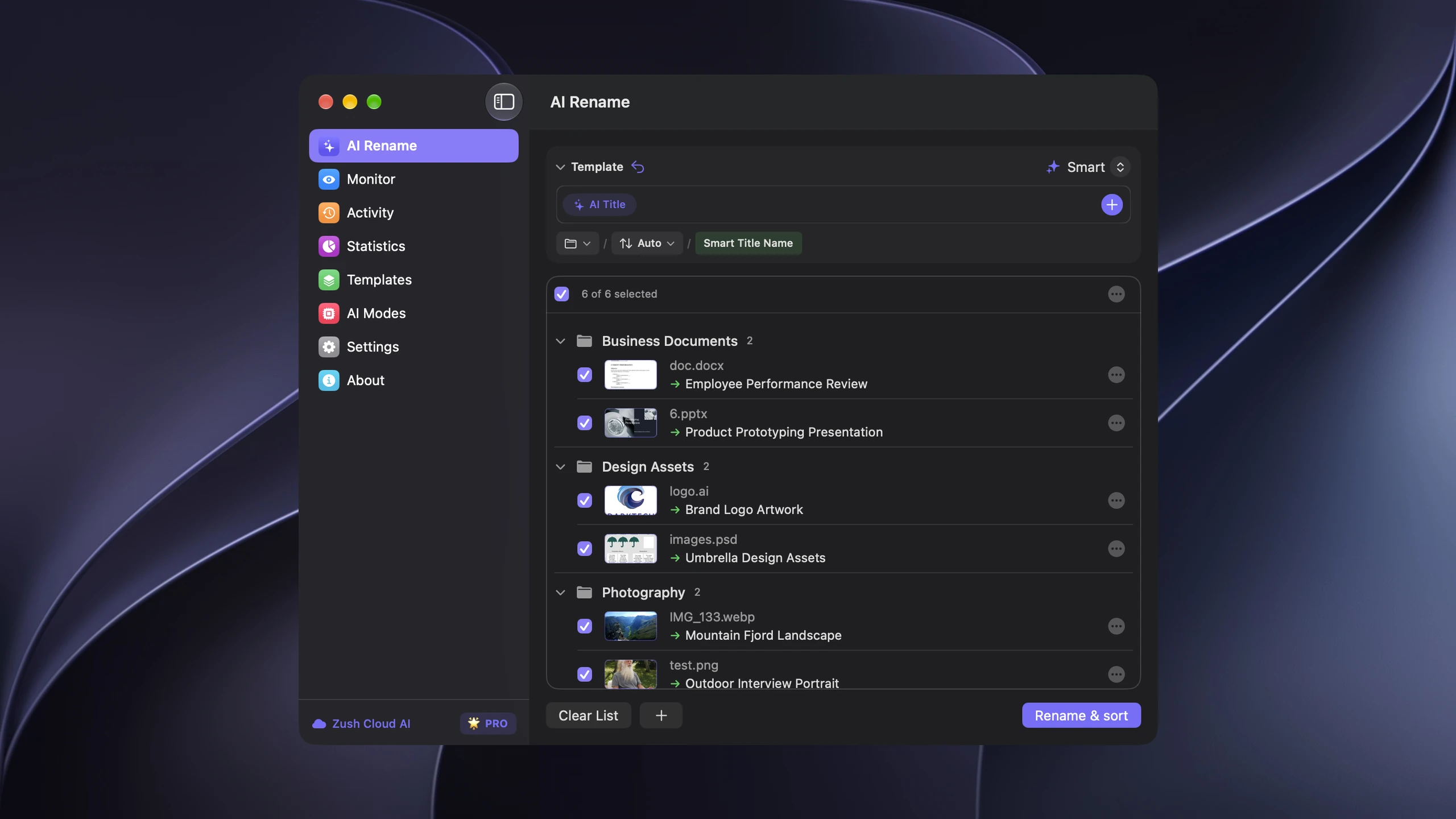
AI Folder Sorting — light and dark, 2560 px
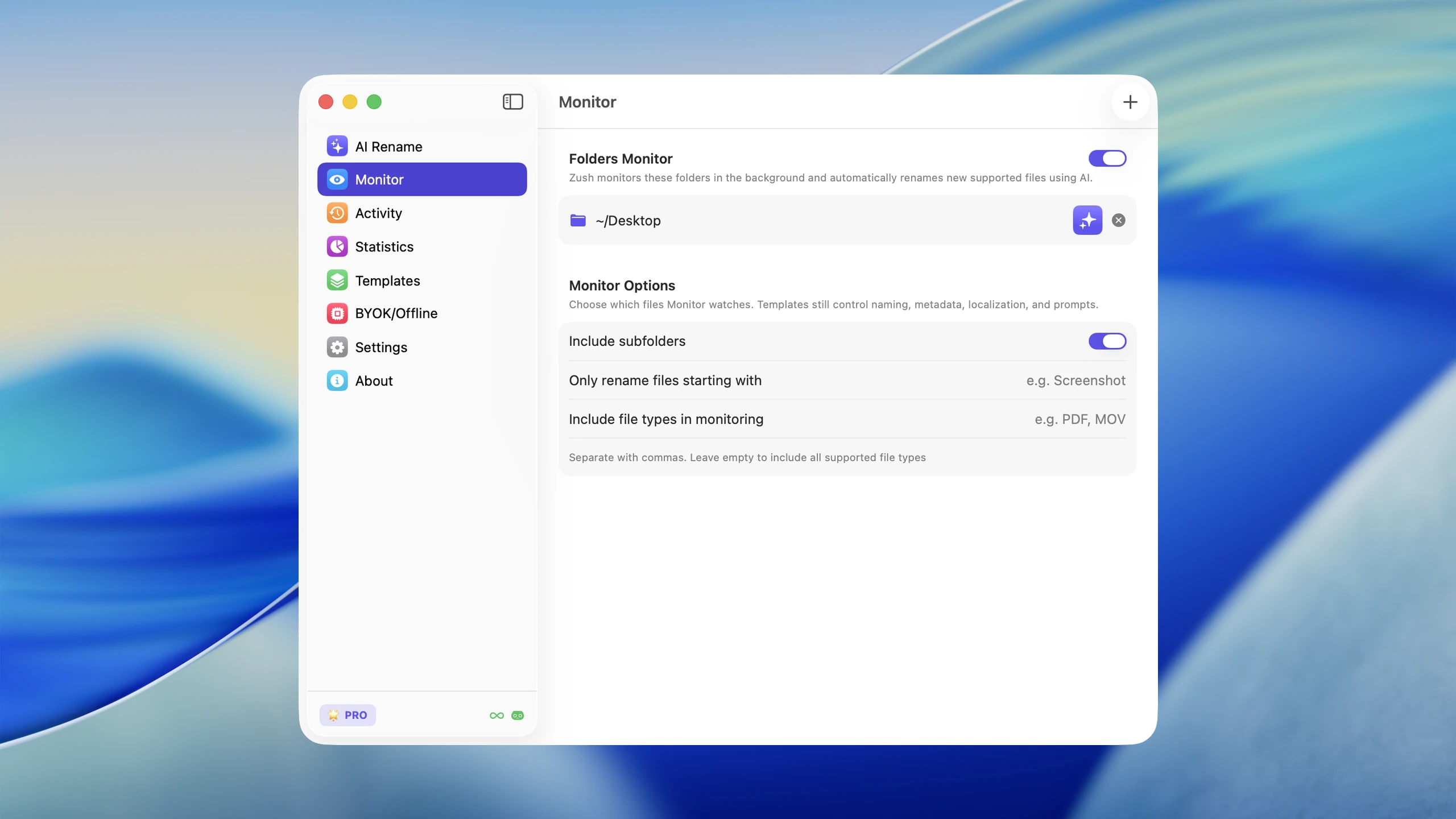
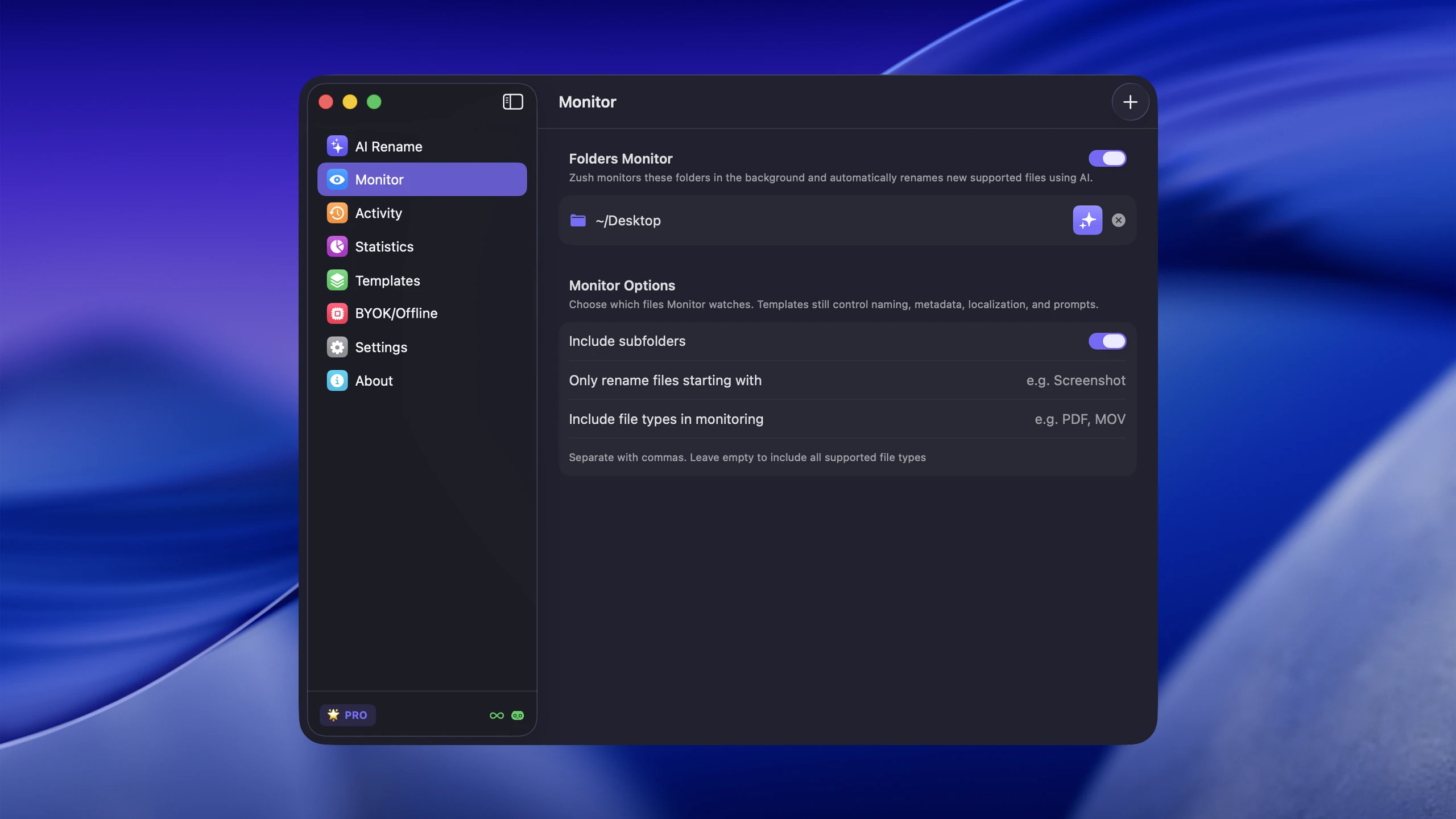
Folder Monitoring — light and dark, 2560 px
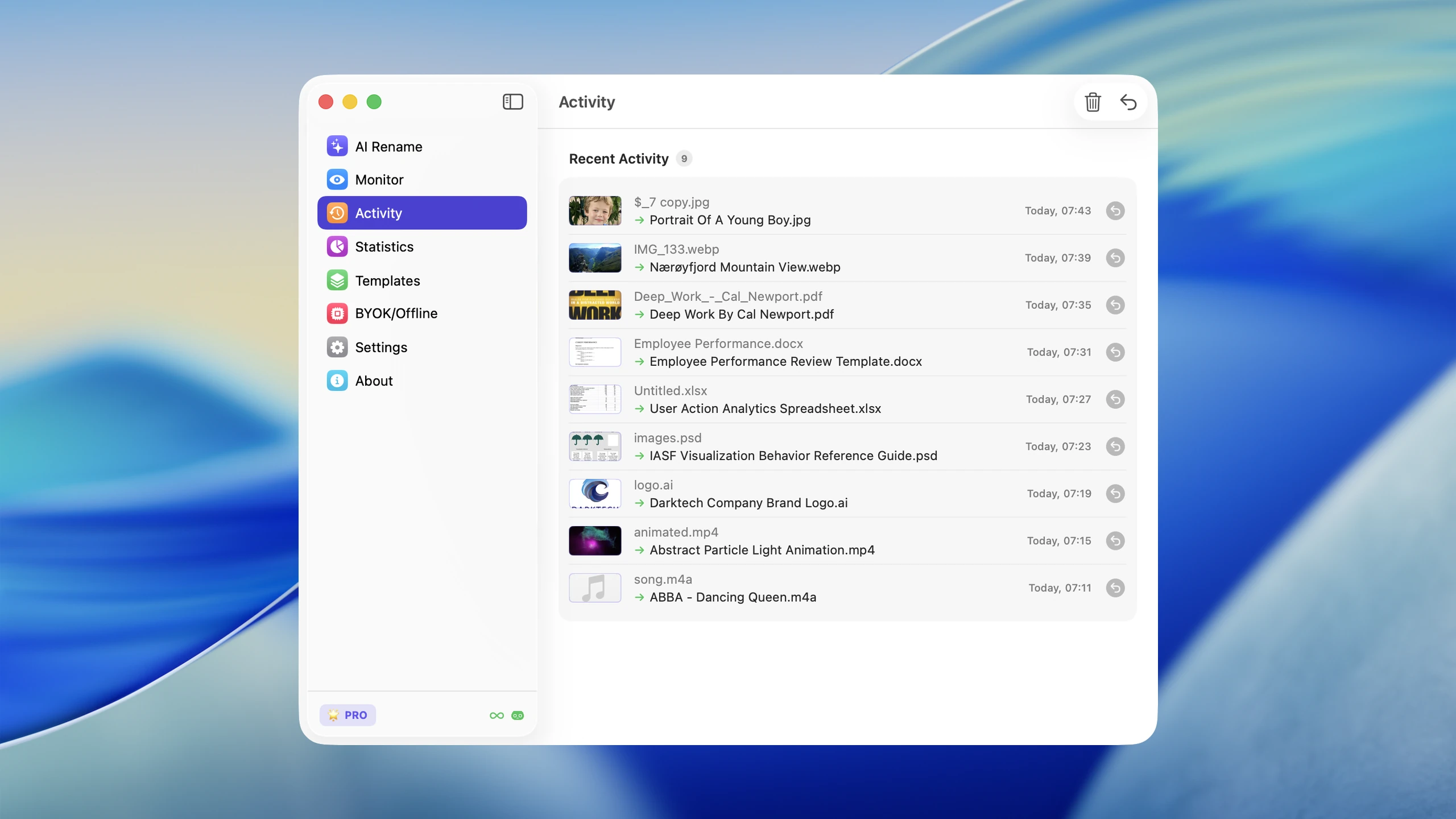
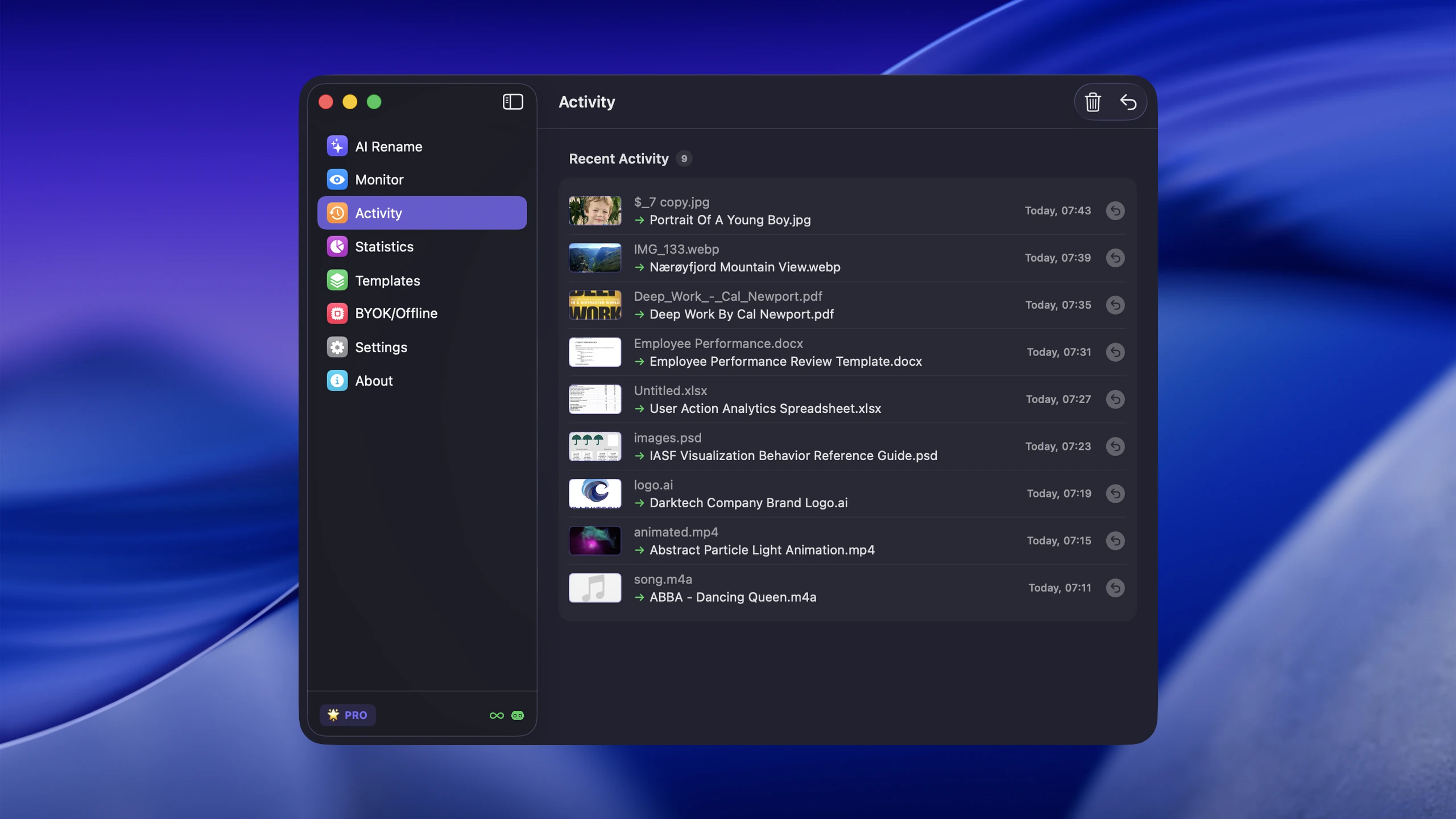
Activity History — light and dark, 2560 px
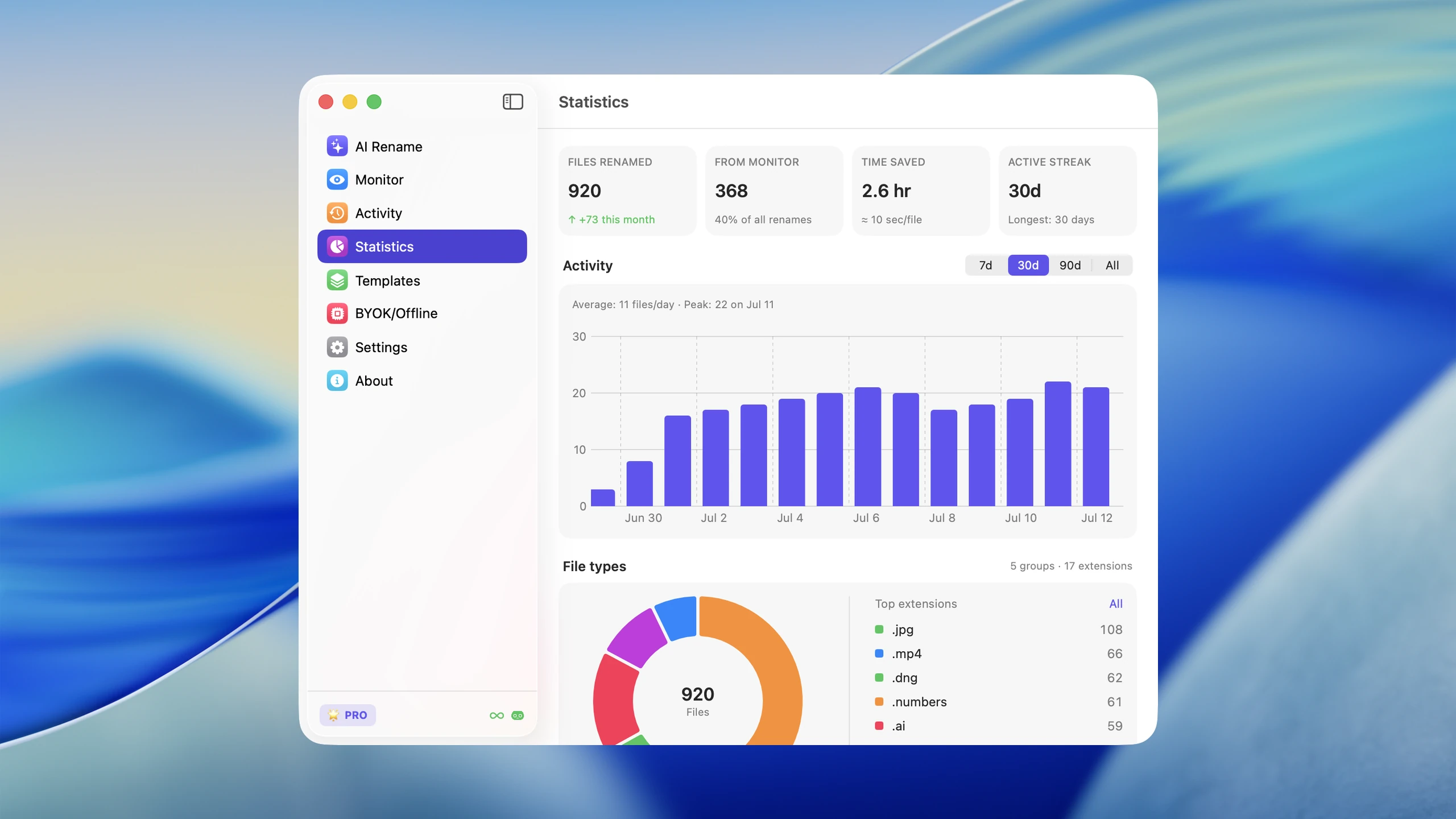
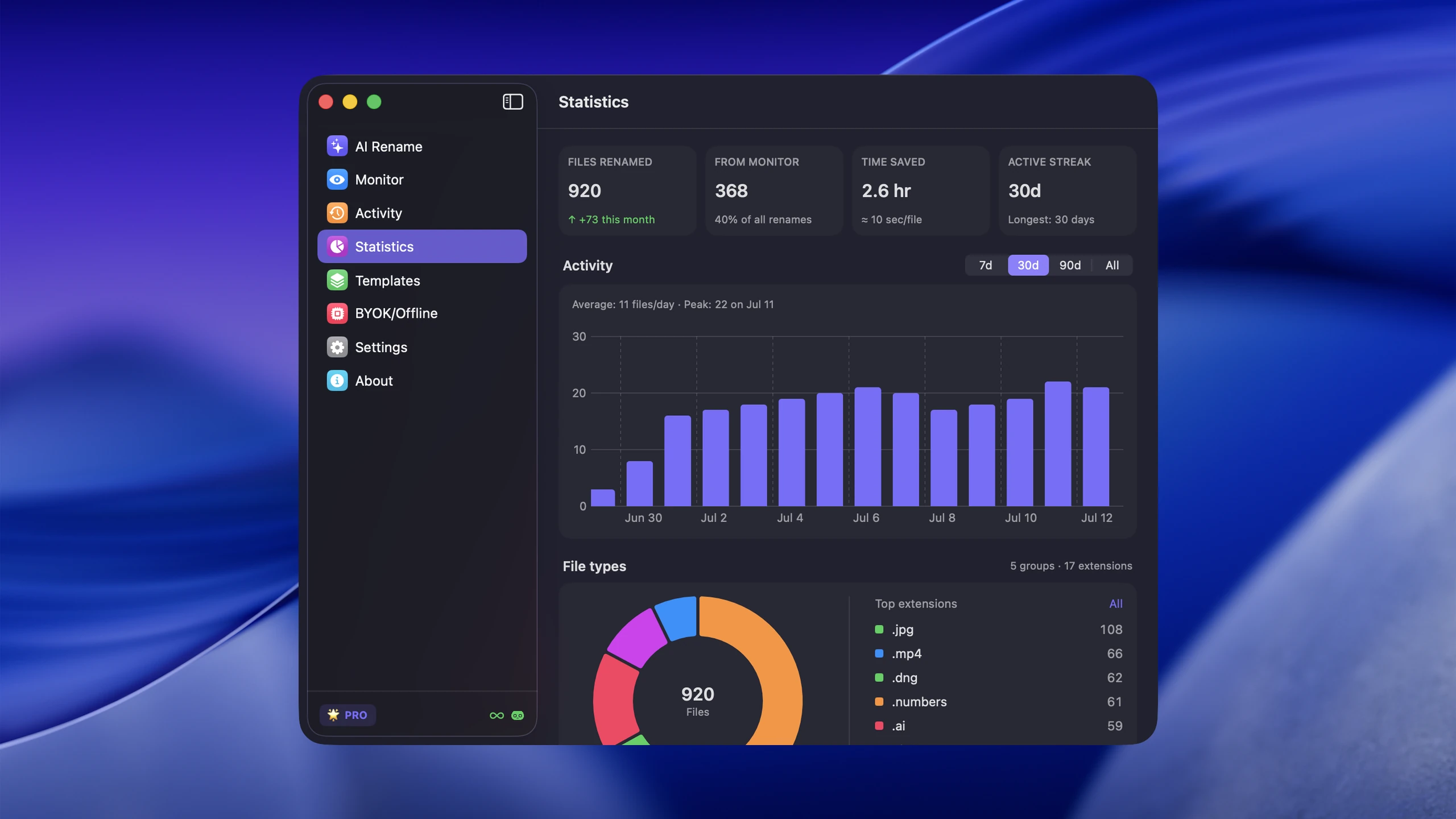
Statistics — light and dark, 2560 px
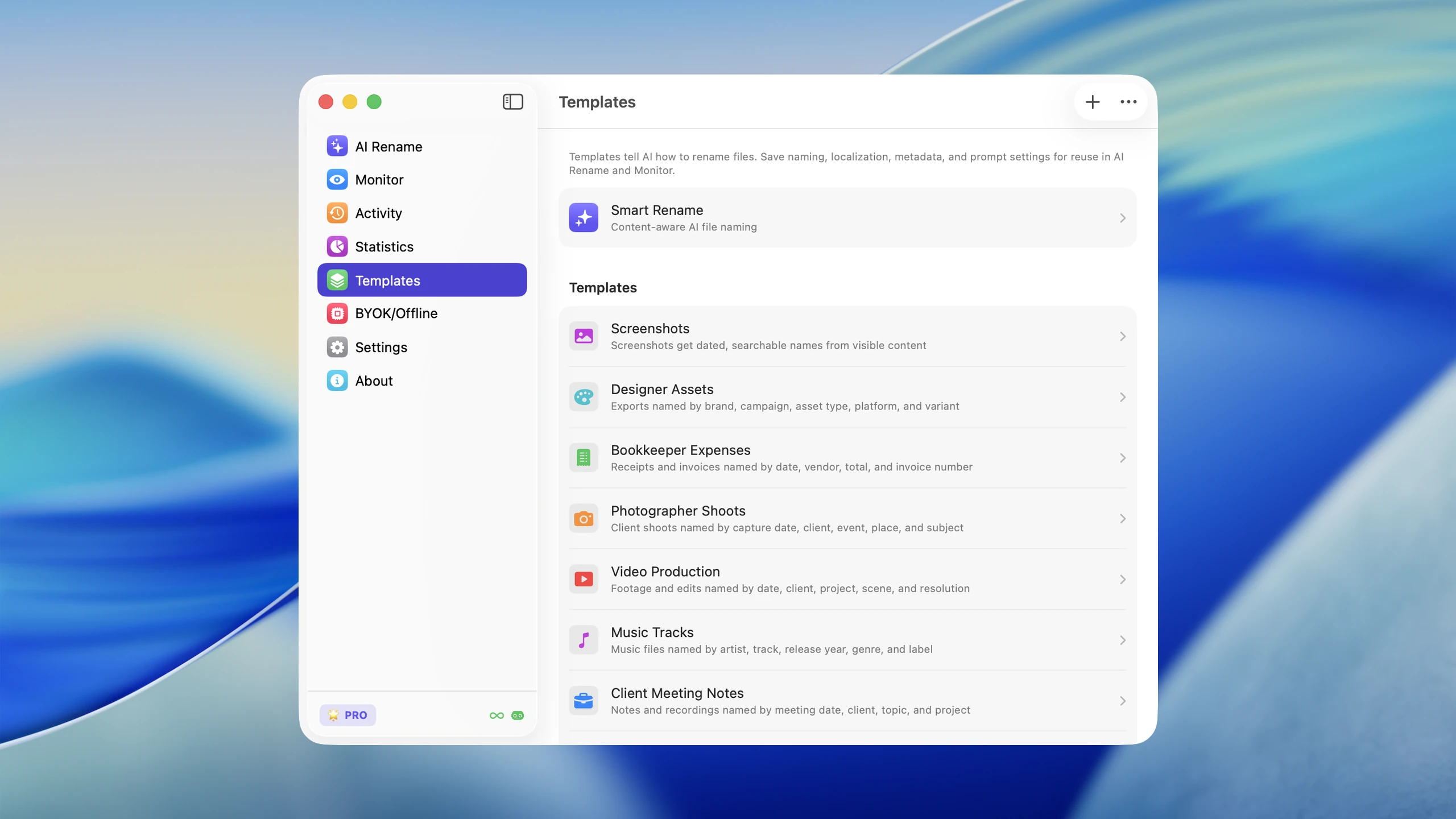
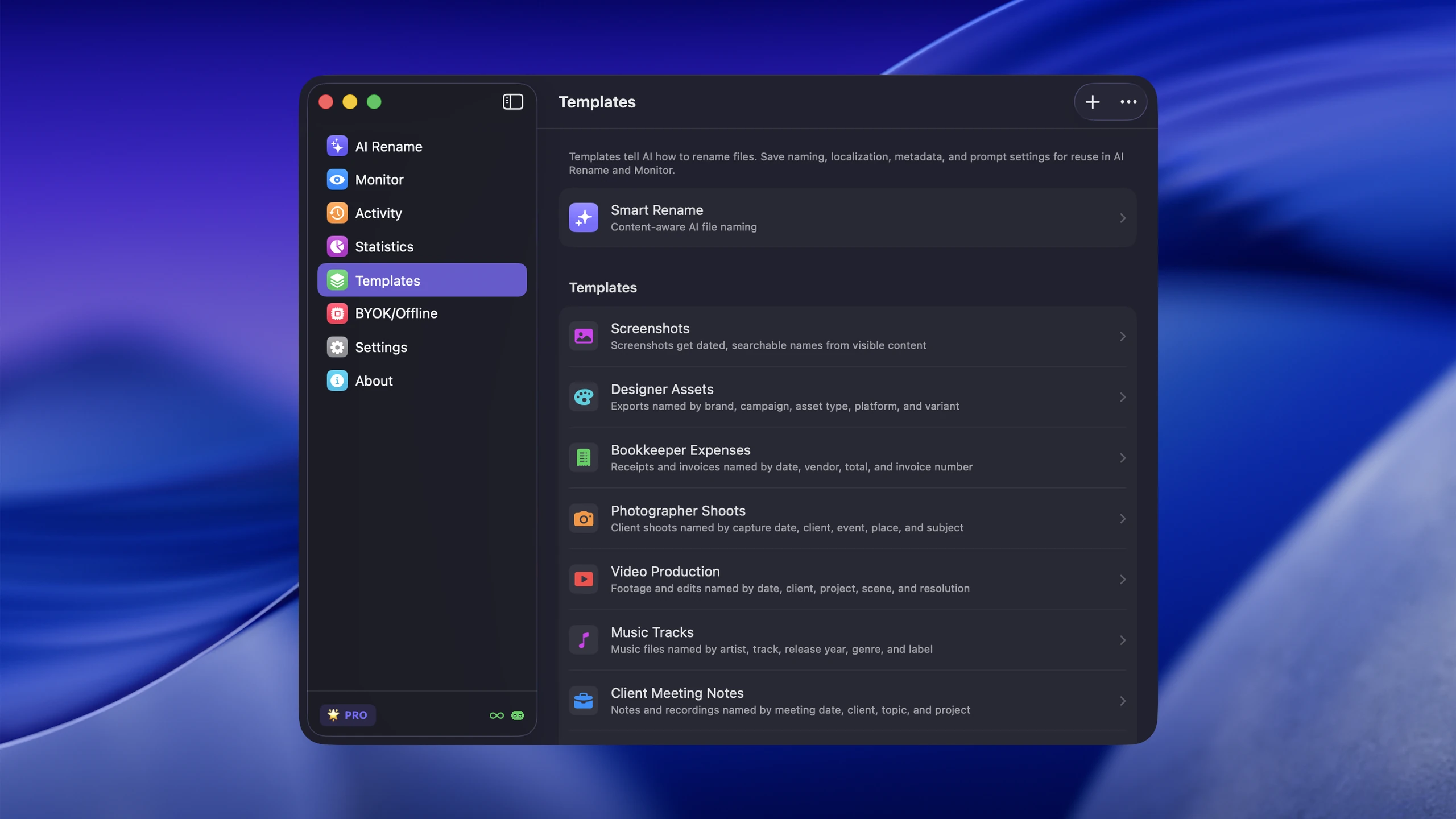
Templates — light and dark, 2560 px
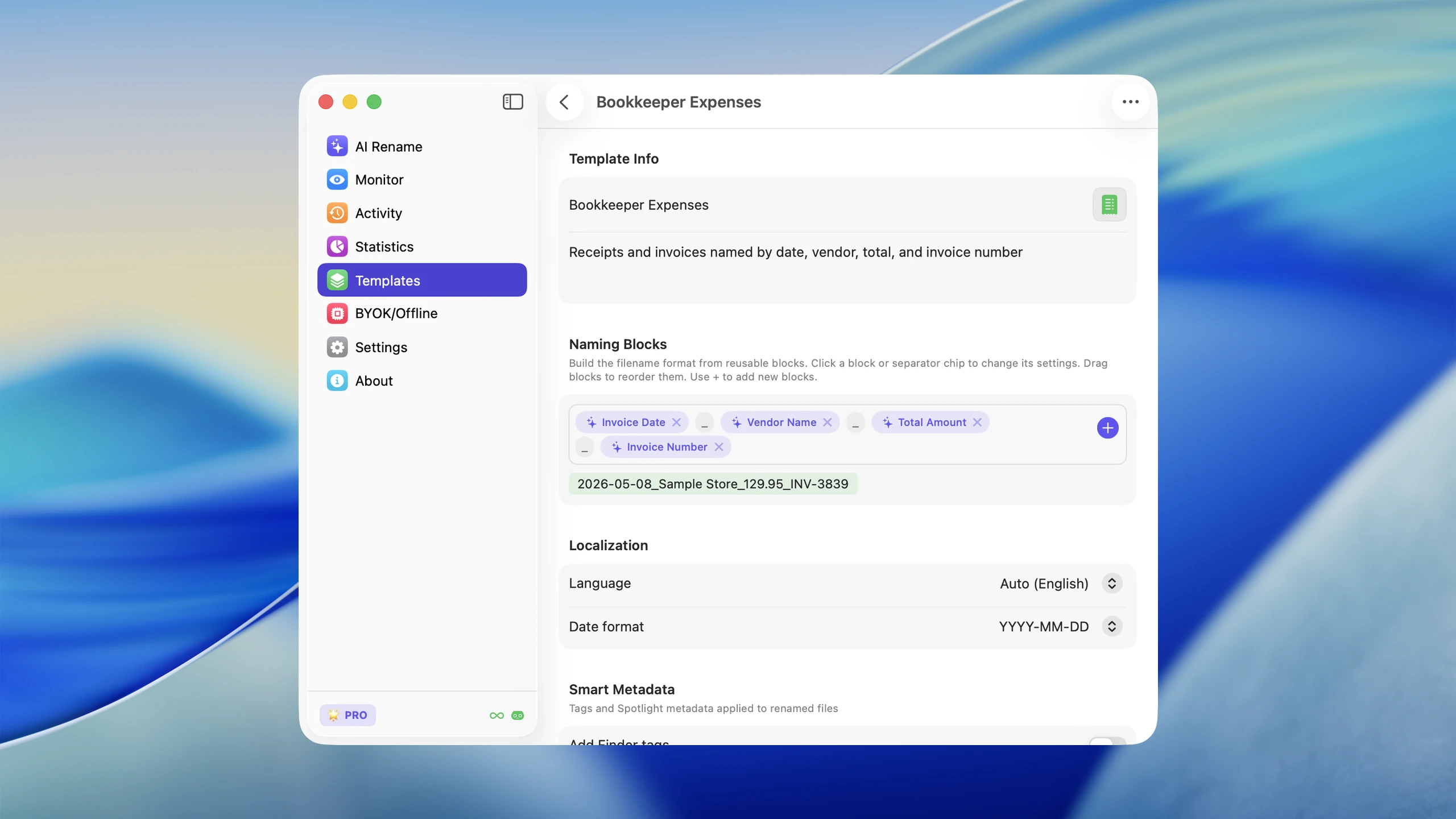
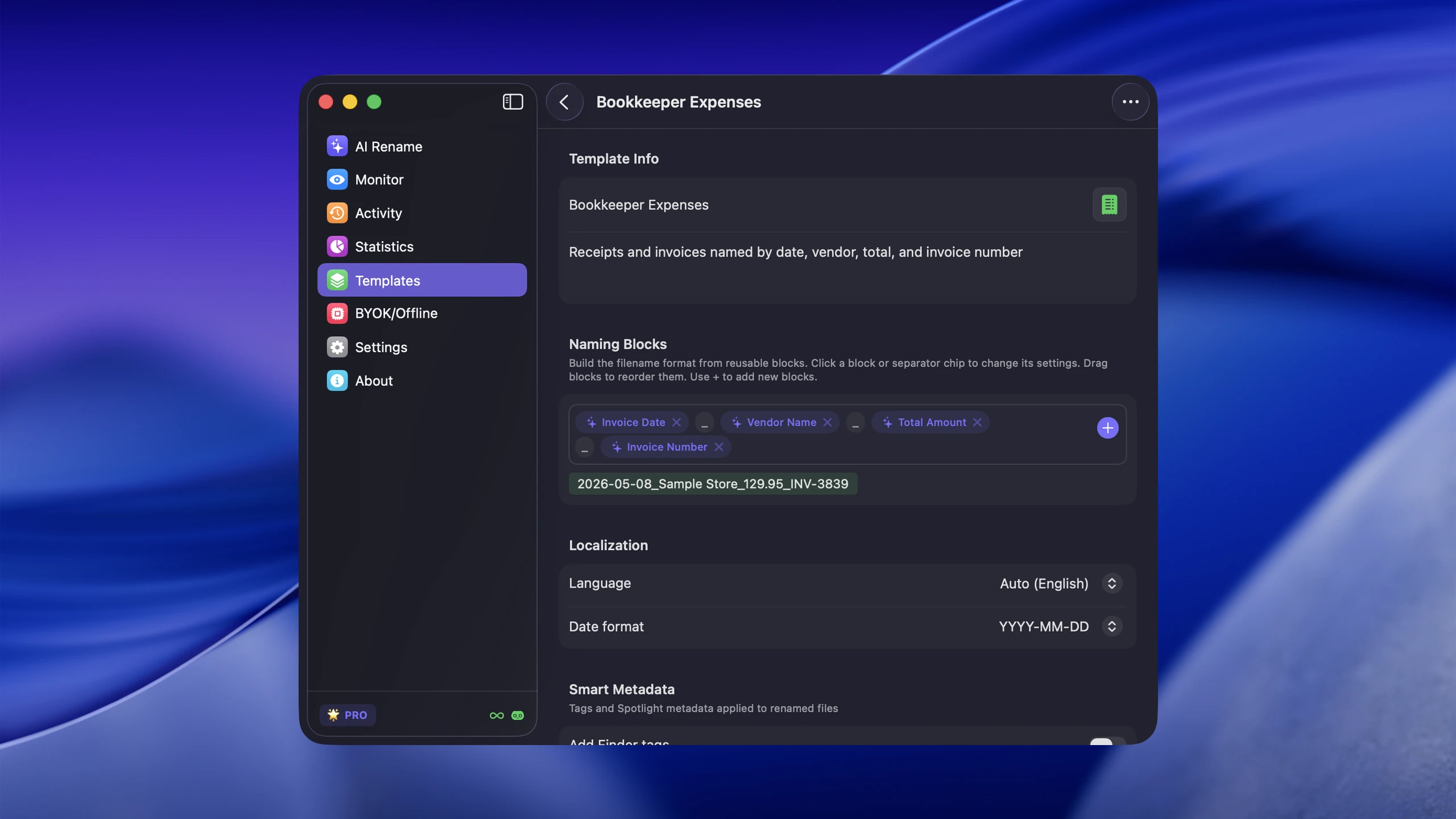
Naming Blocks — light and dark, 2560 px
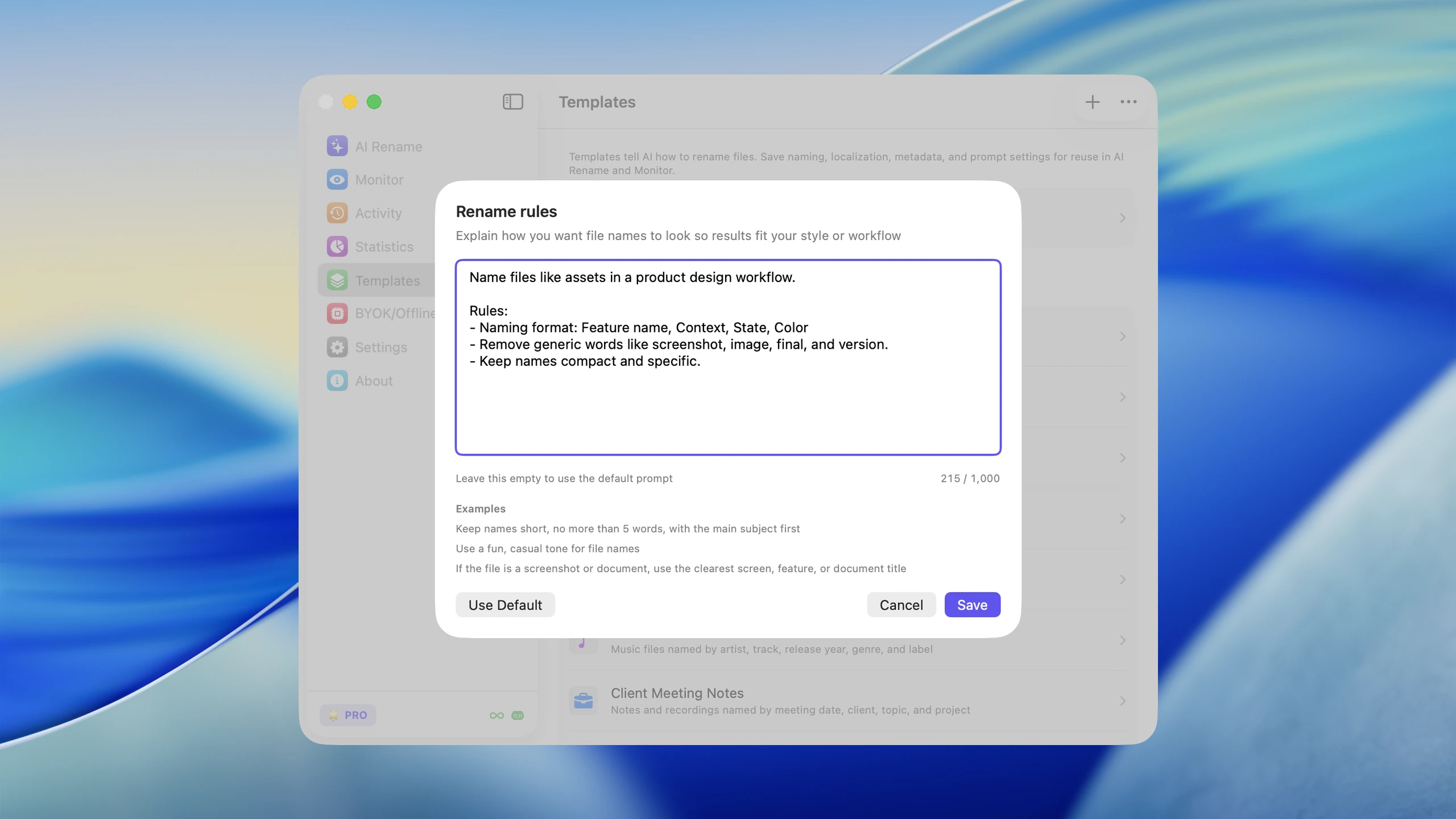
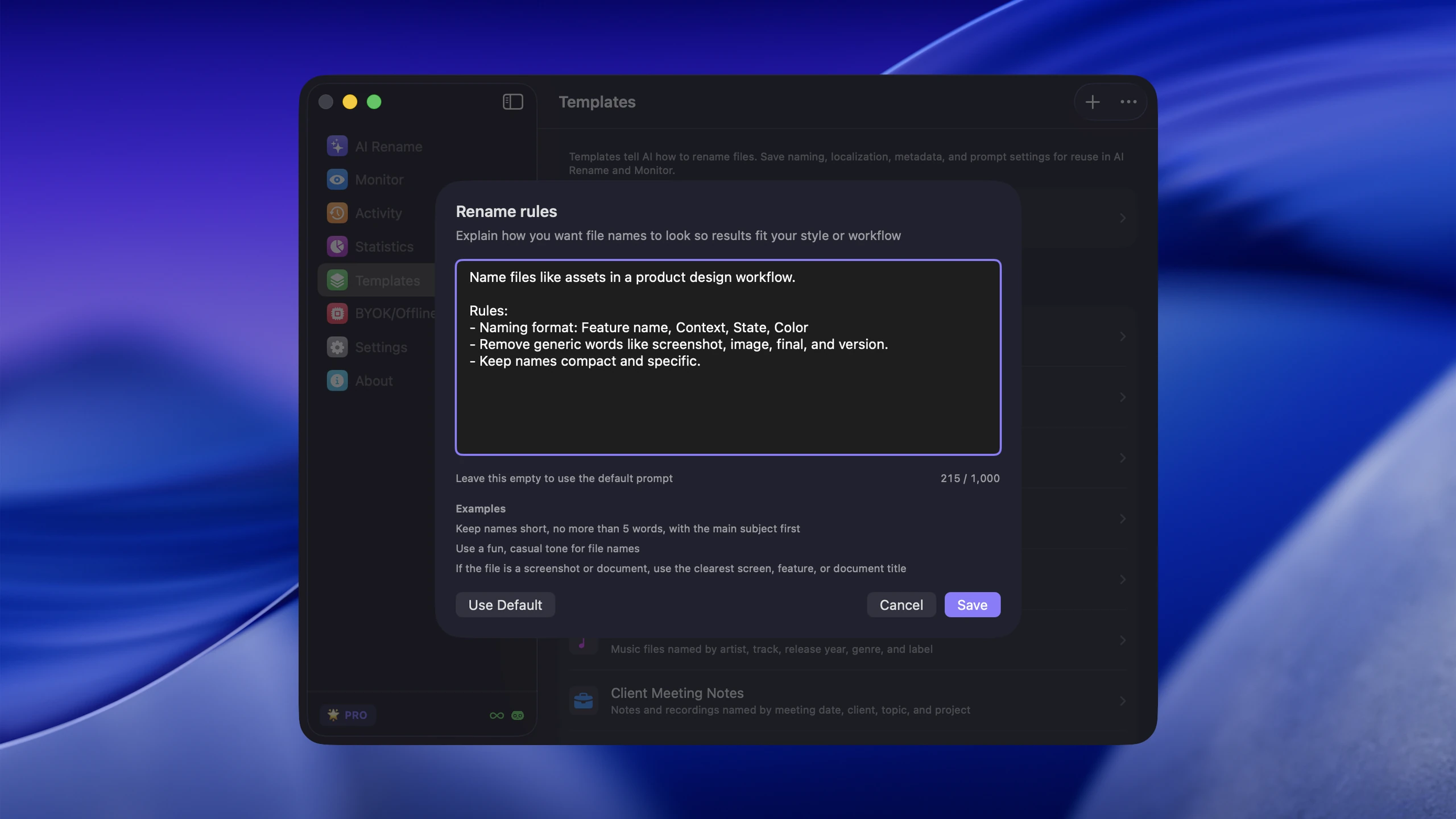
Custom Prompts — light and dark, 2560 px
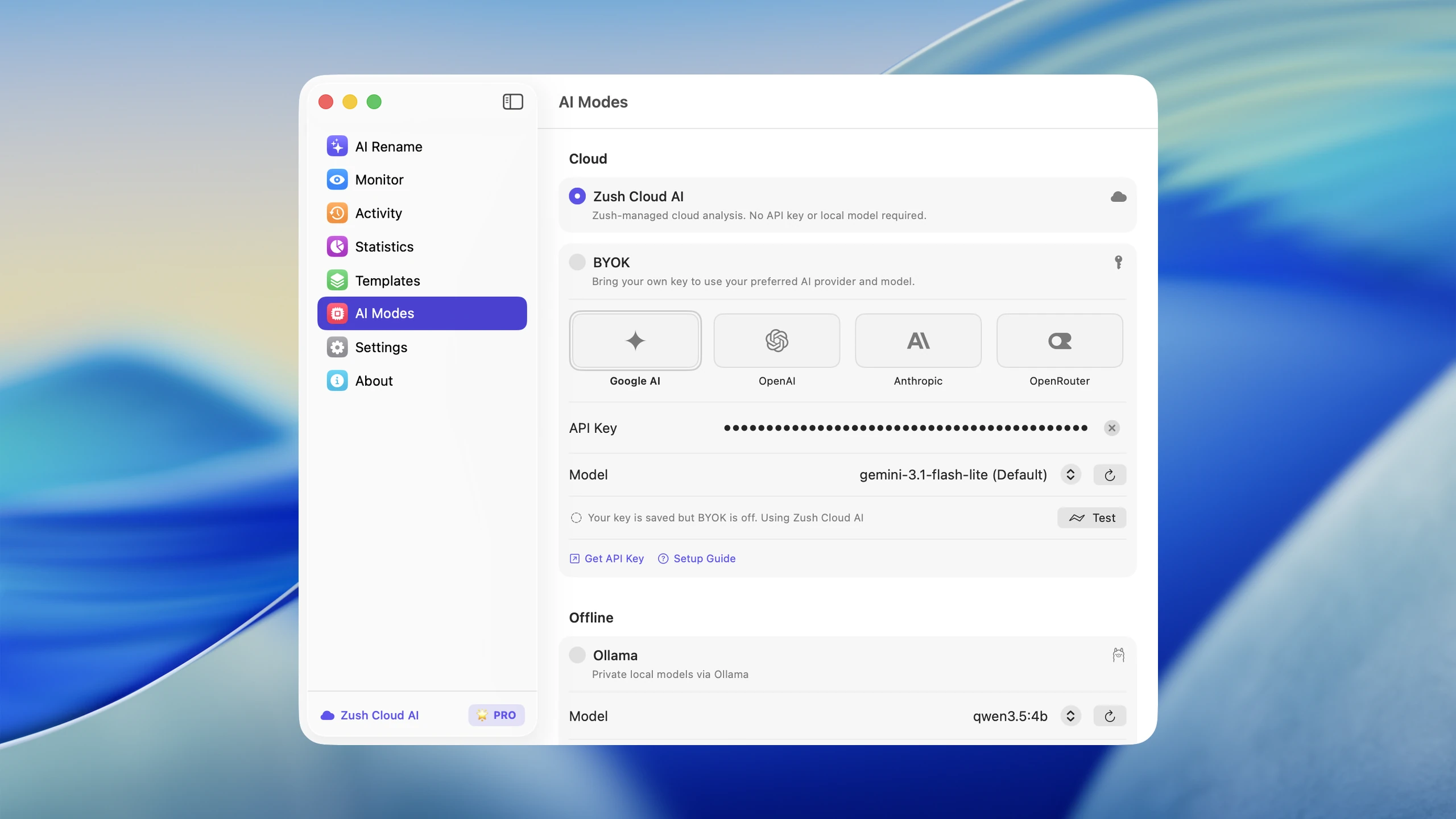
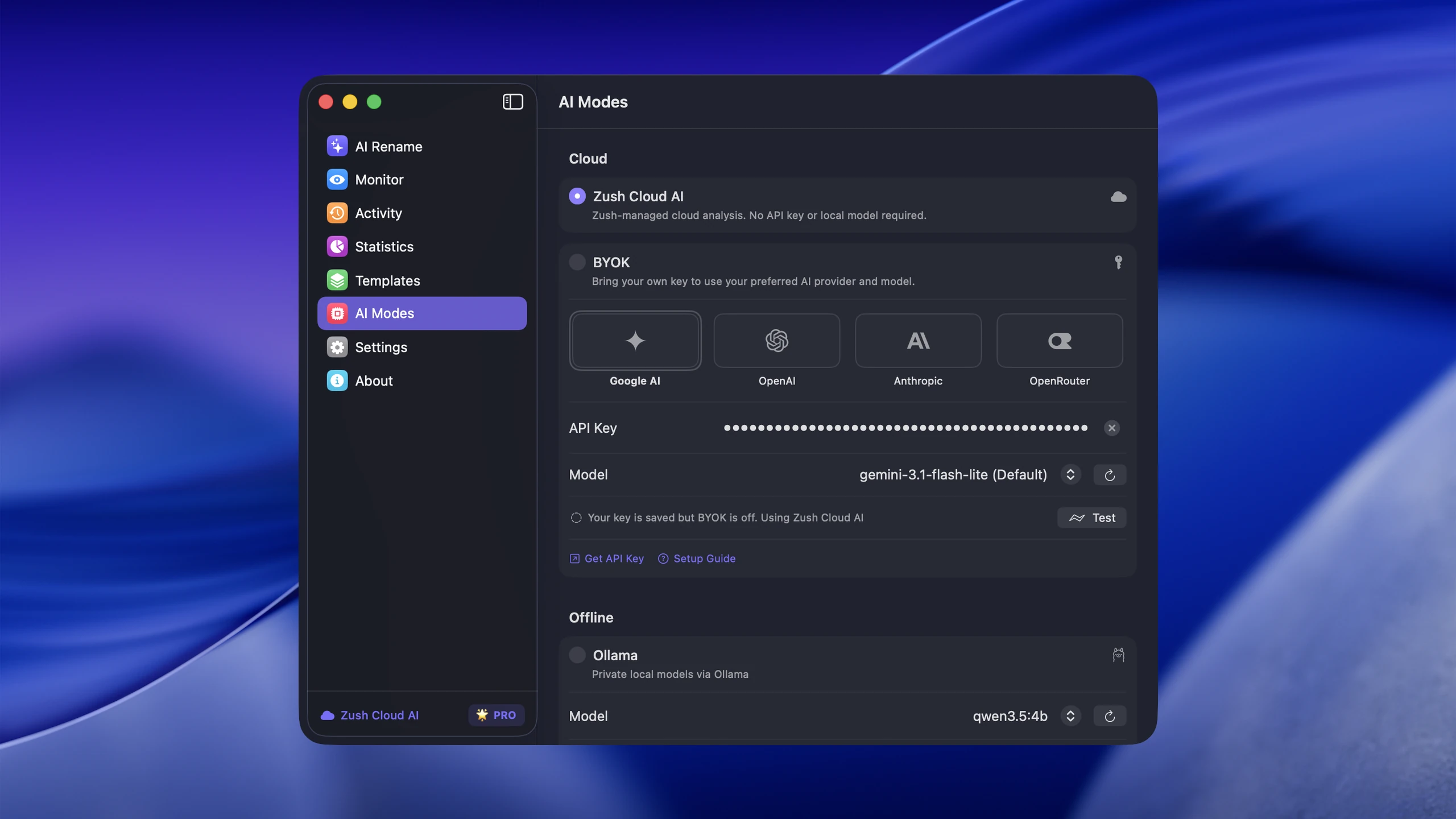
Zush Cloud AI — light and dark, 2560 px
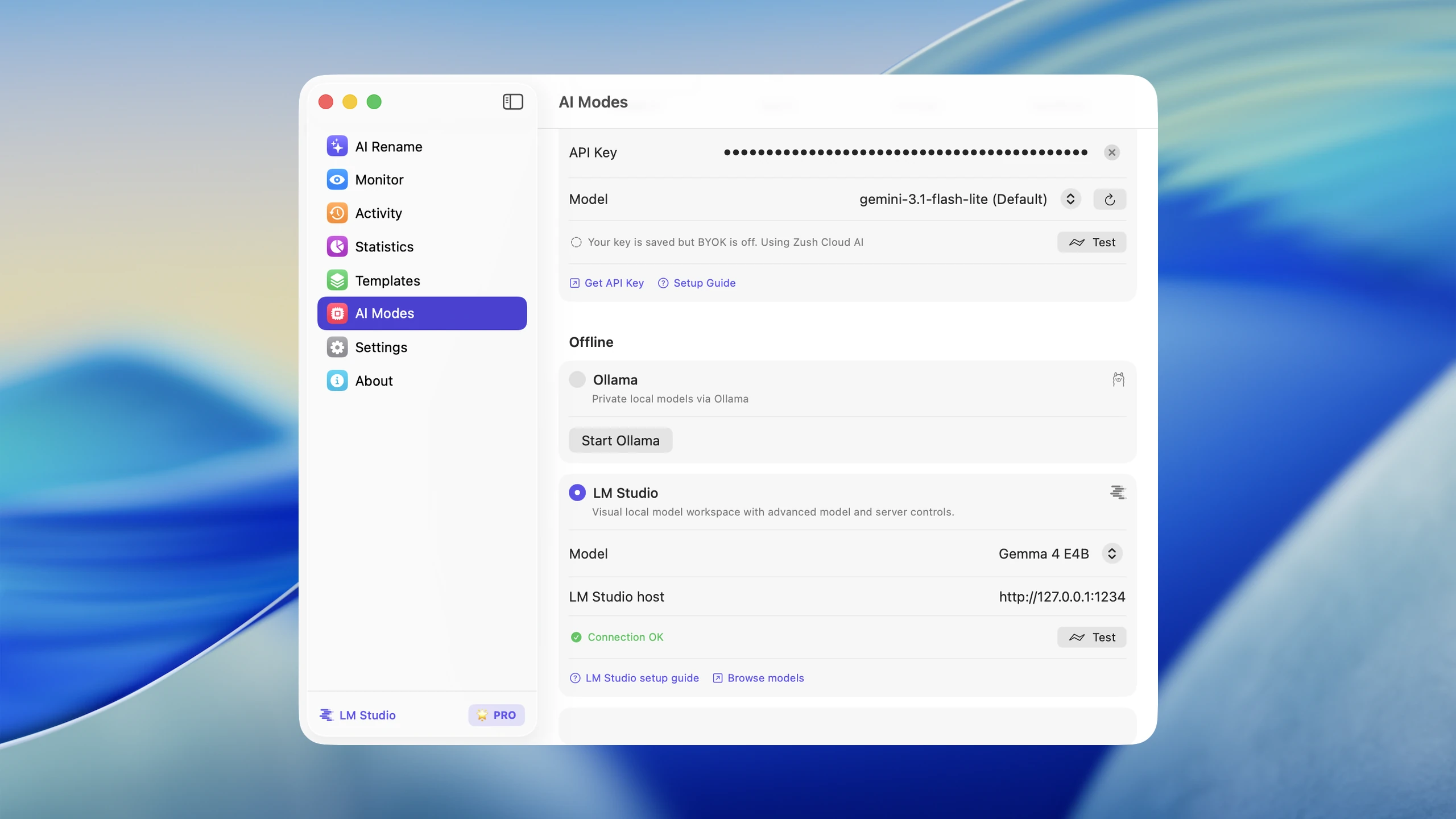
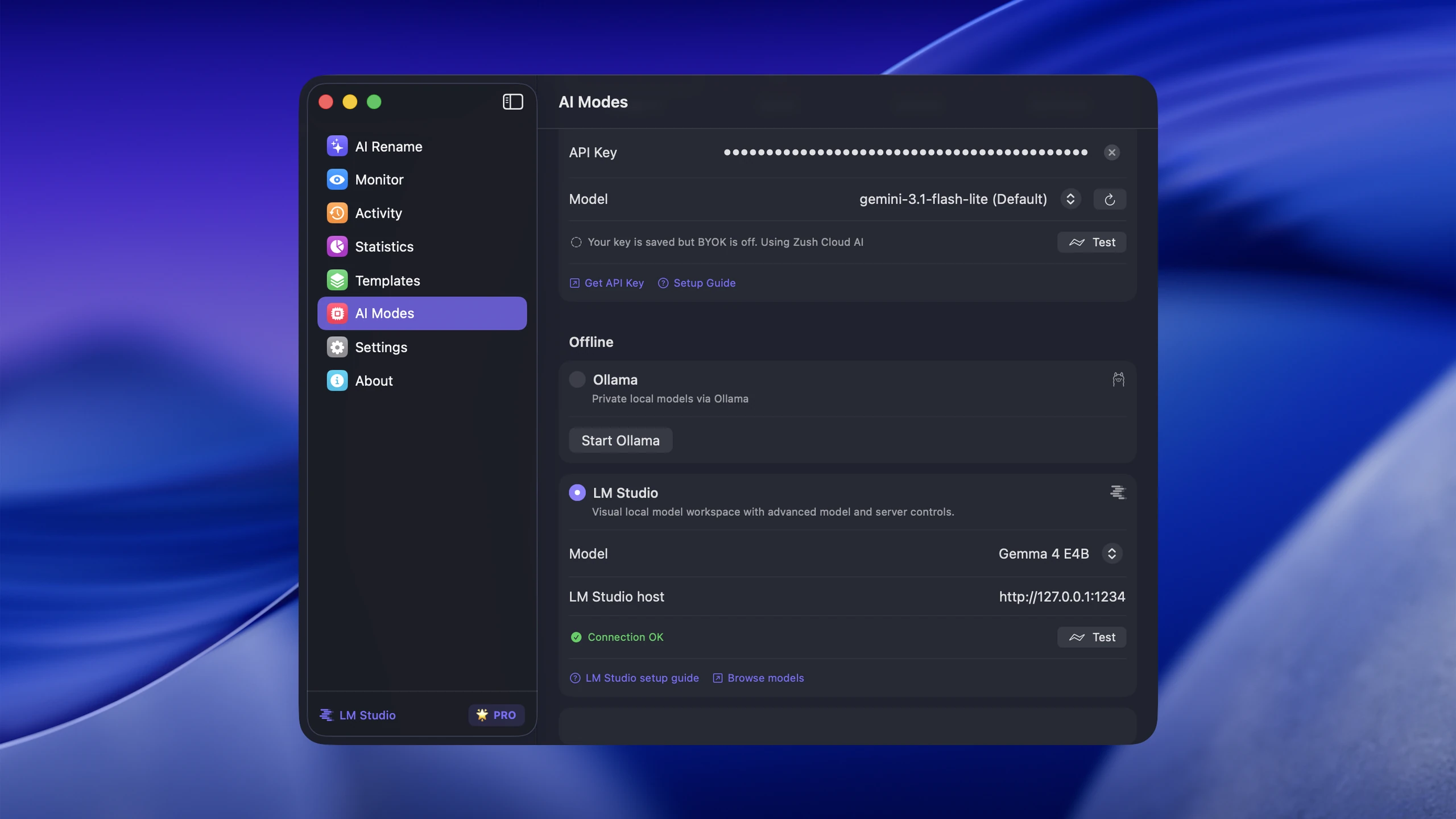
Offline Mode — light and dark, 2560 px
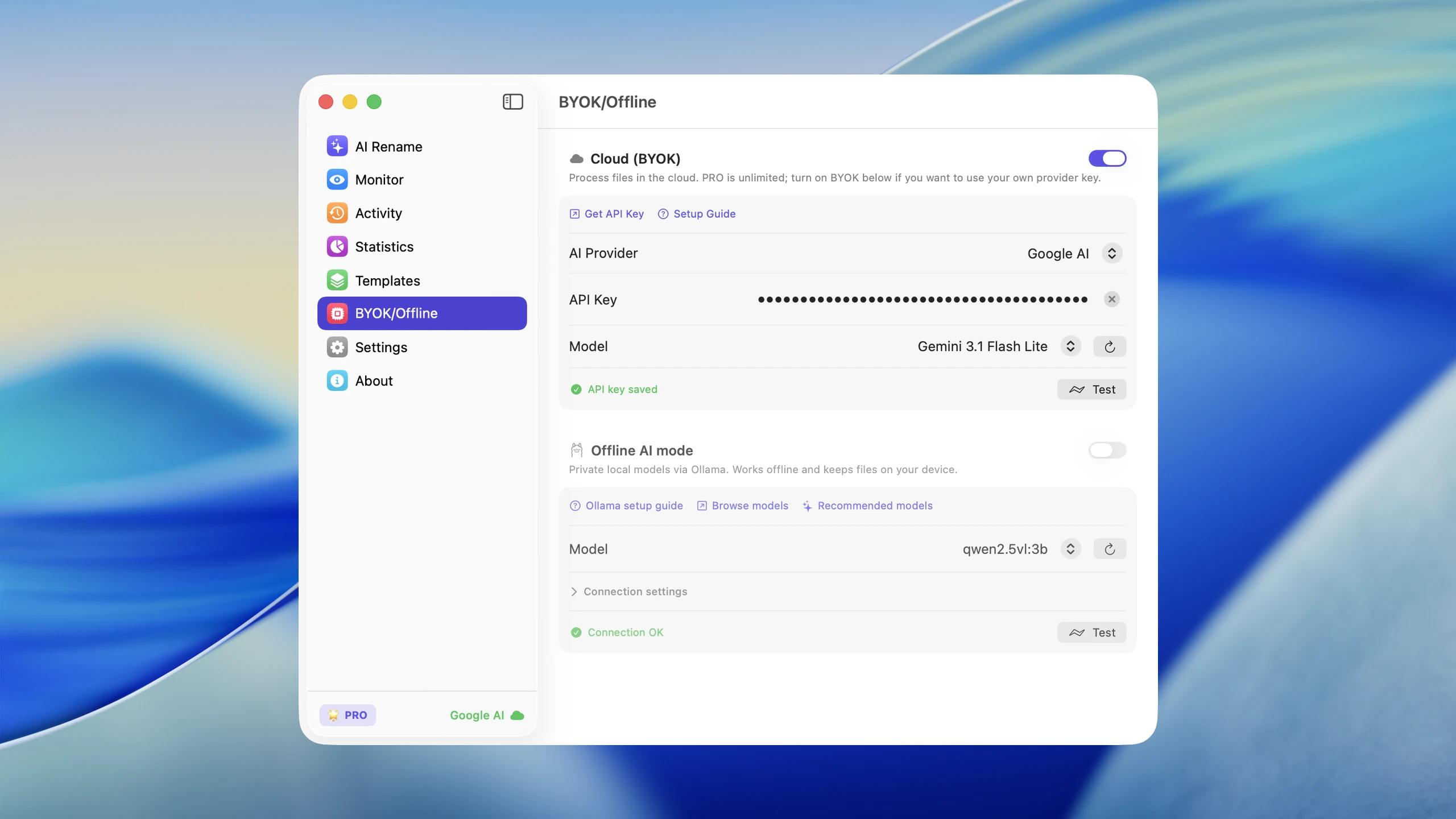
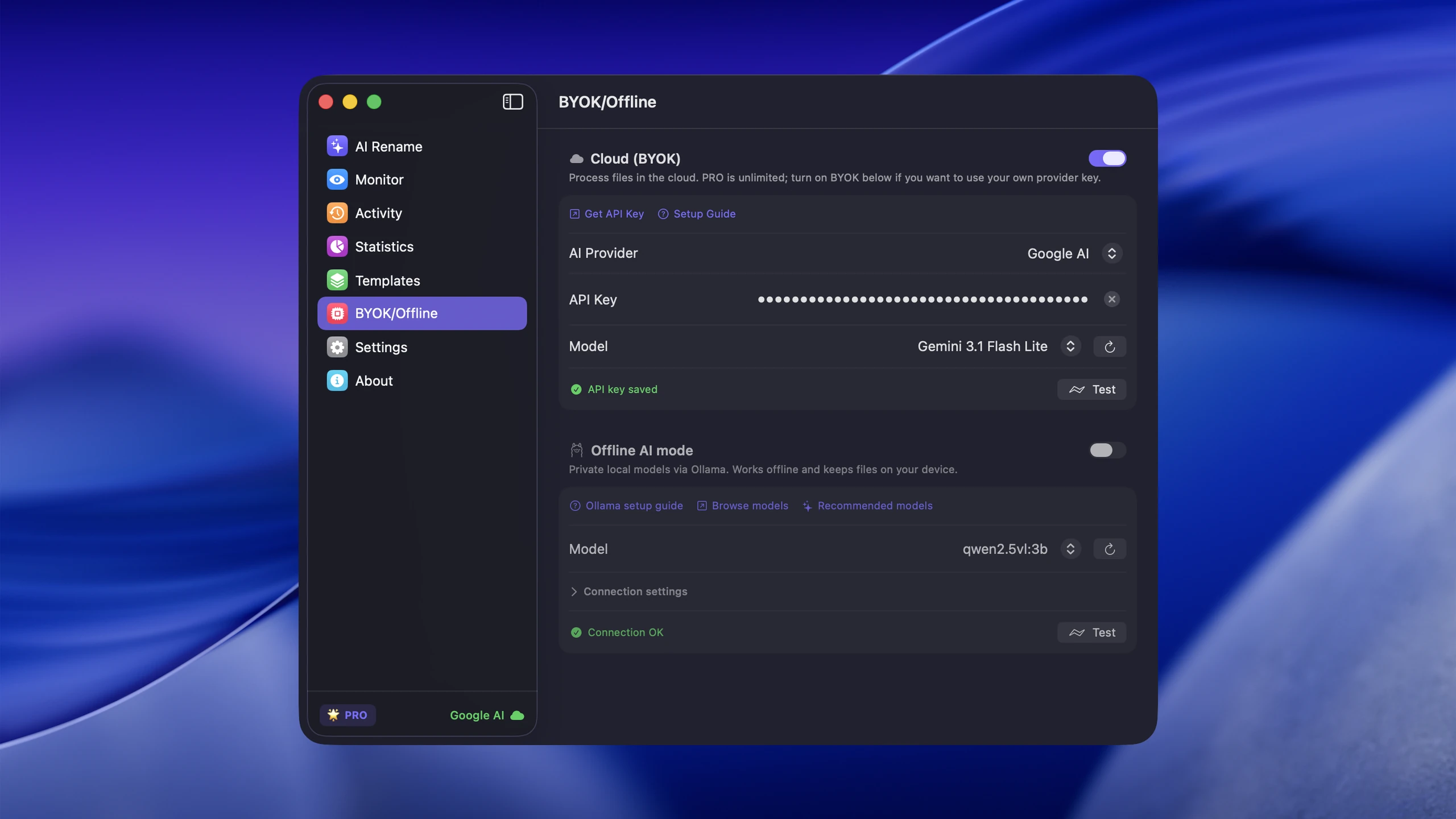
BYOK — light and dark, 2560 px
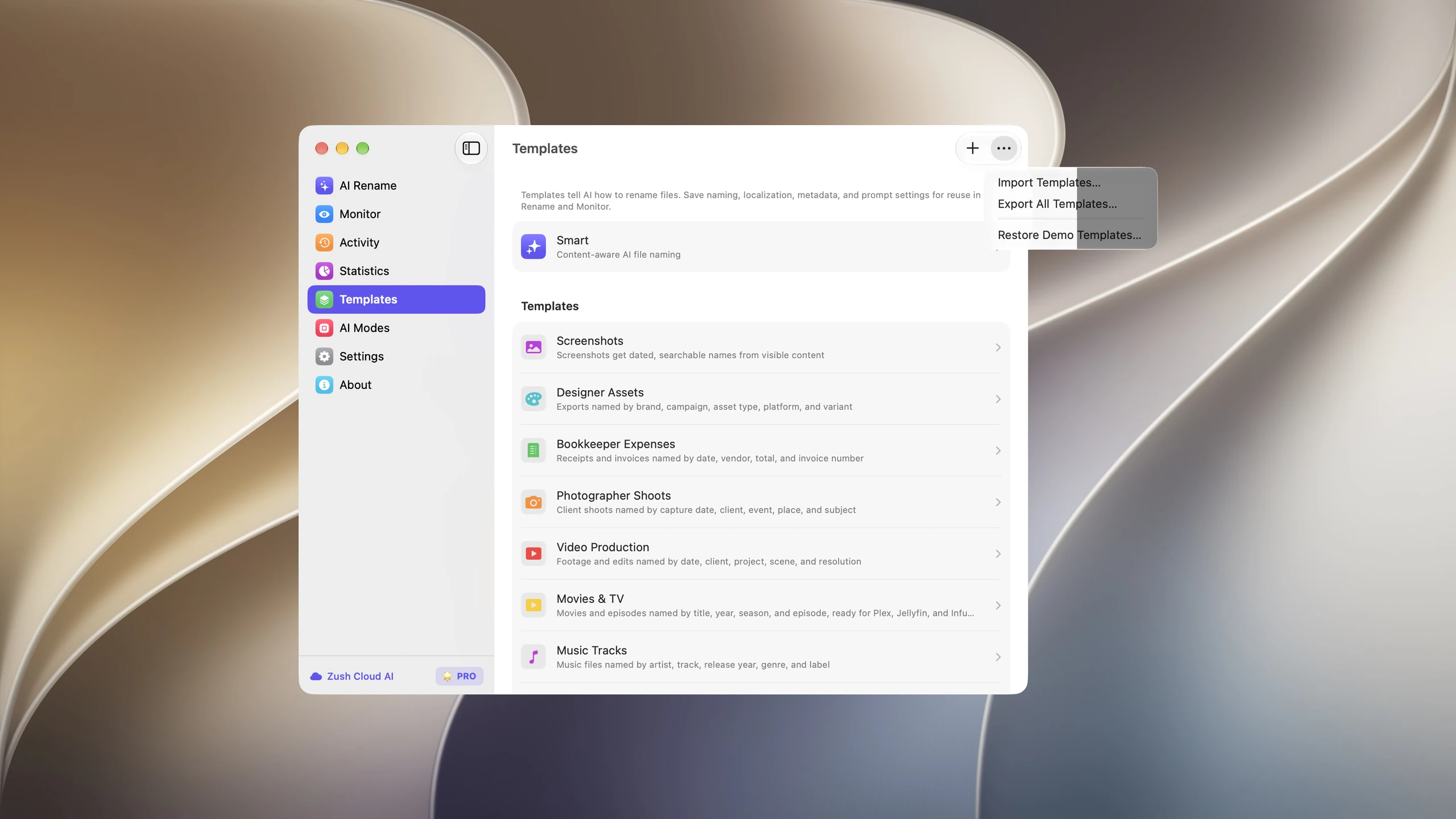
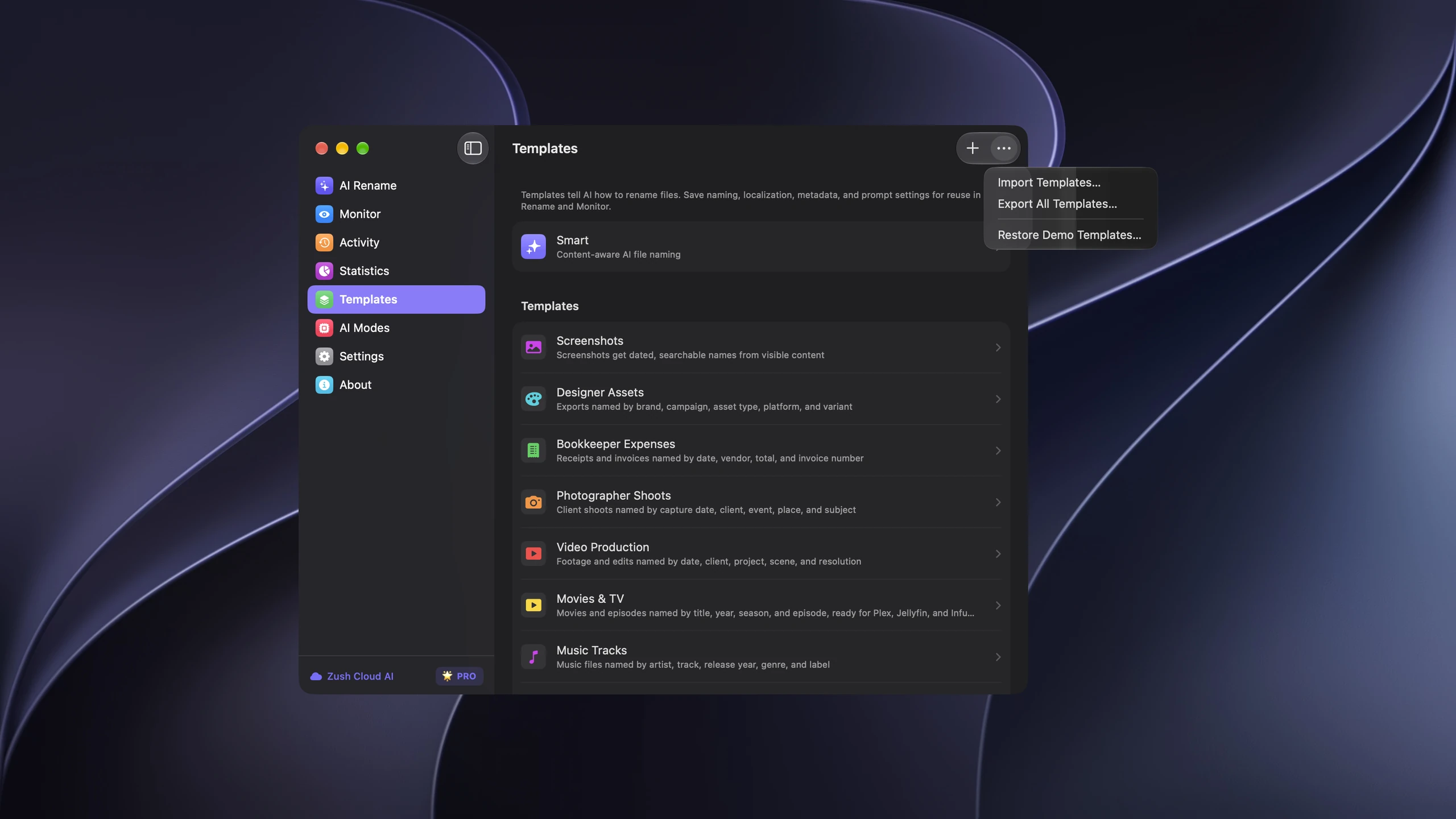
Import / Export Templates — light and dark, 2560 px
Windows screenshots
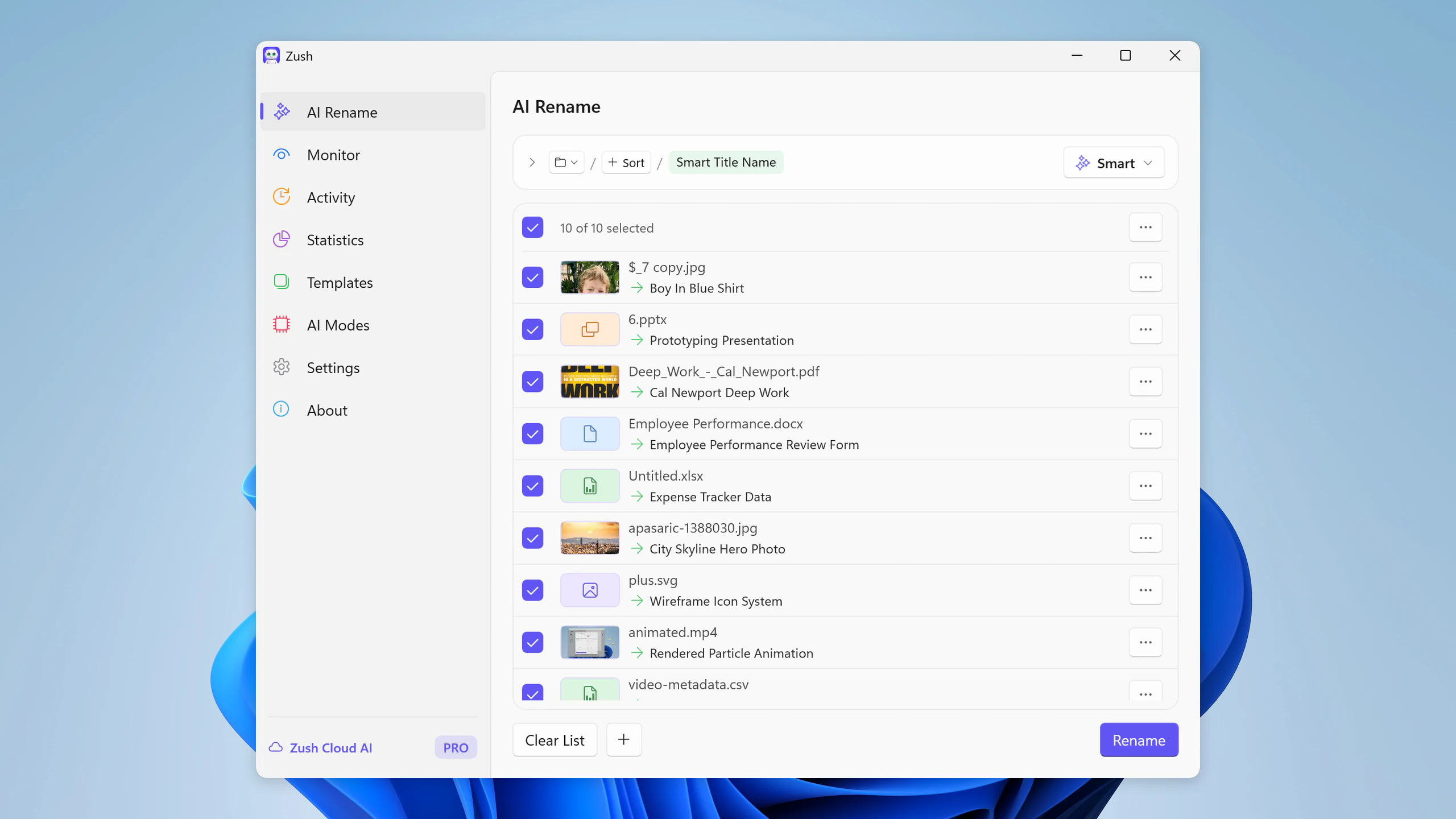
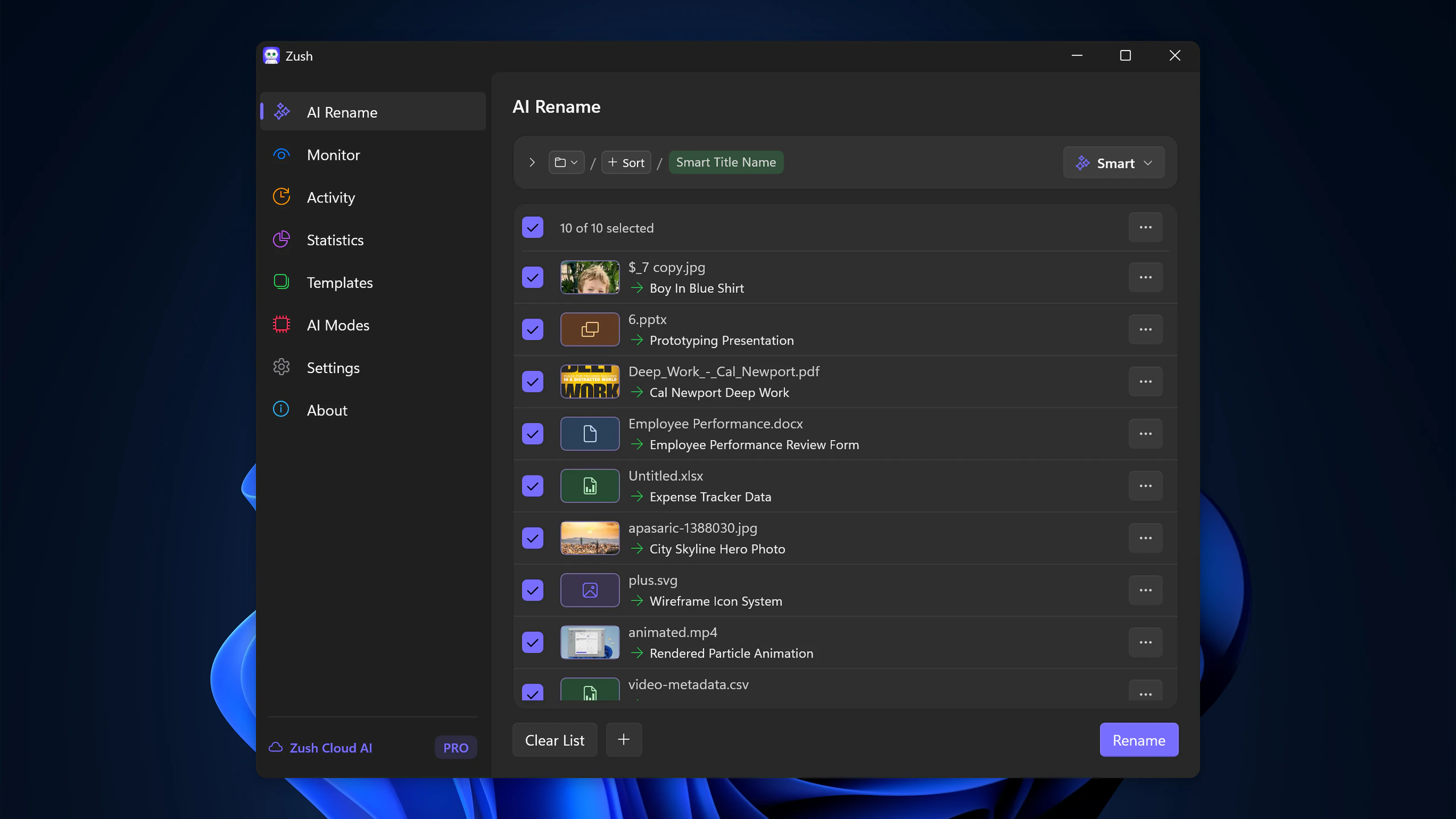
Batch Rename — light and dark, 2560 px
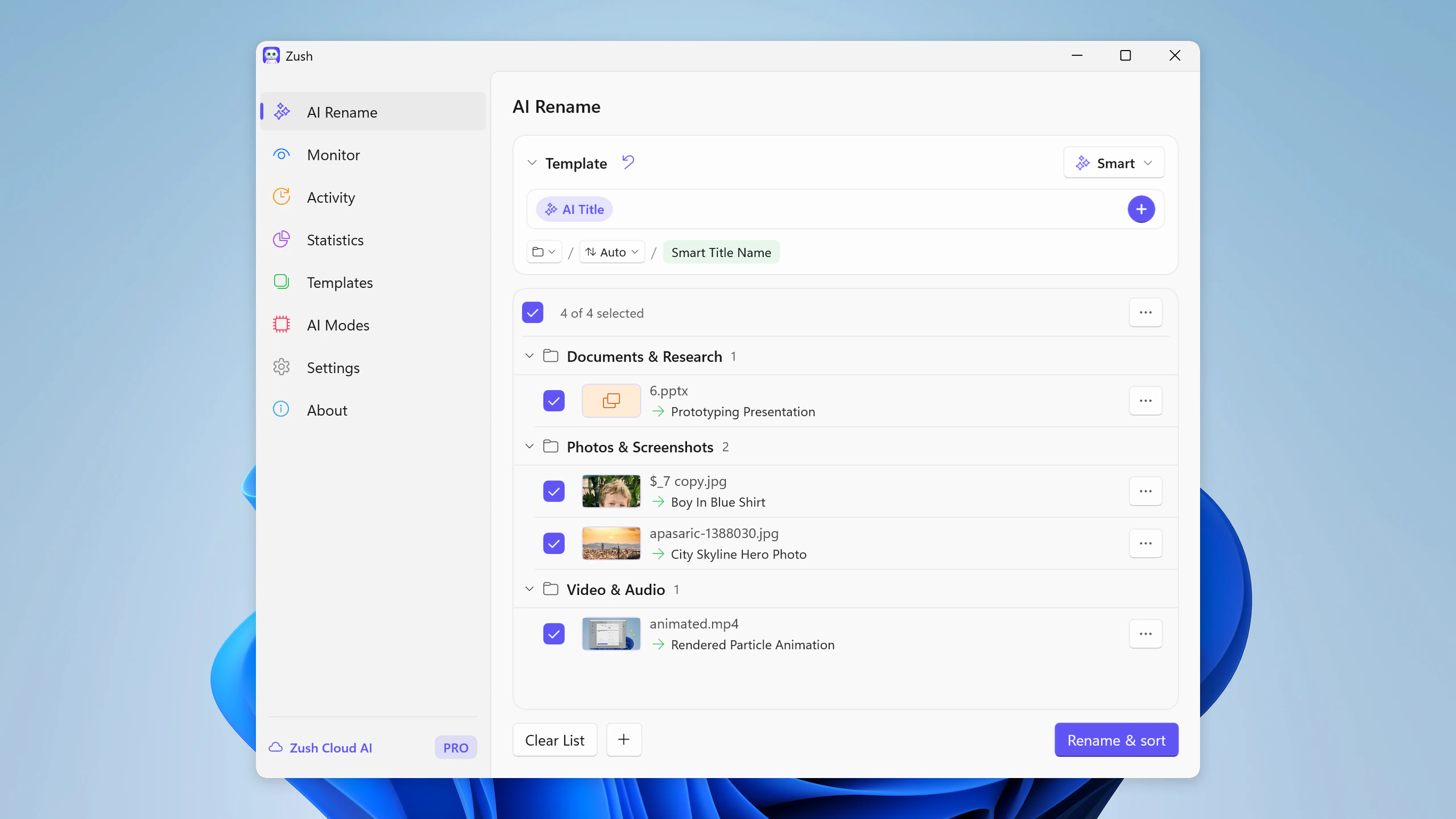
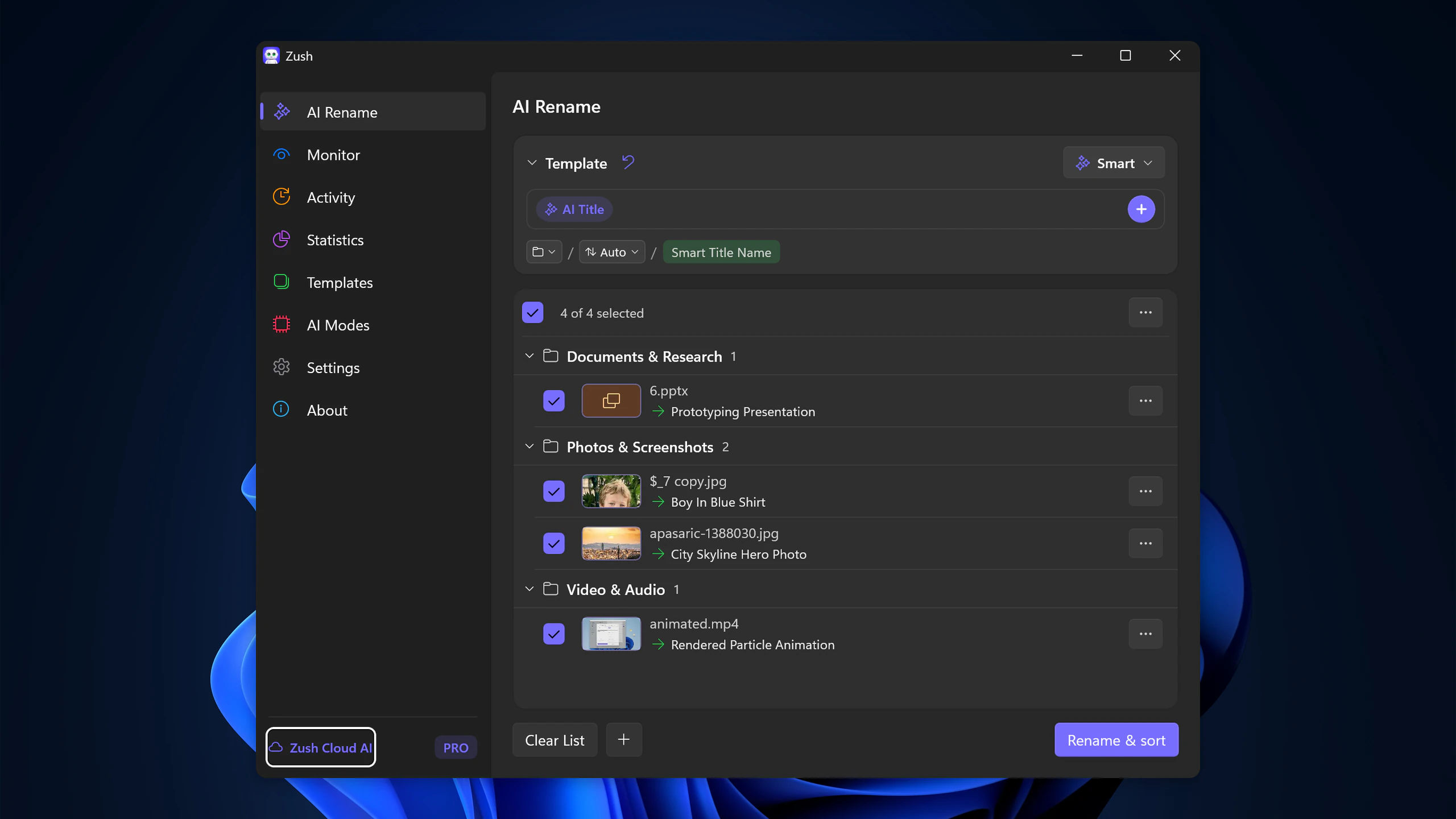
AI Folder Sorting — light and dark, 2560 px
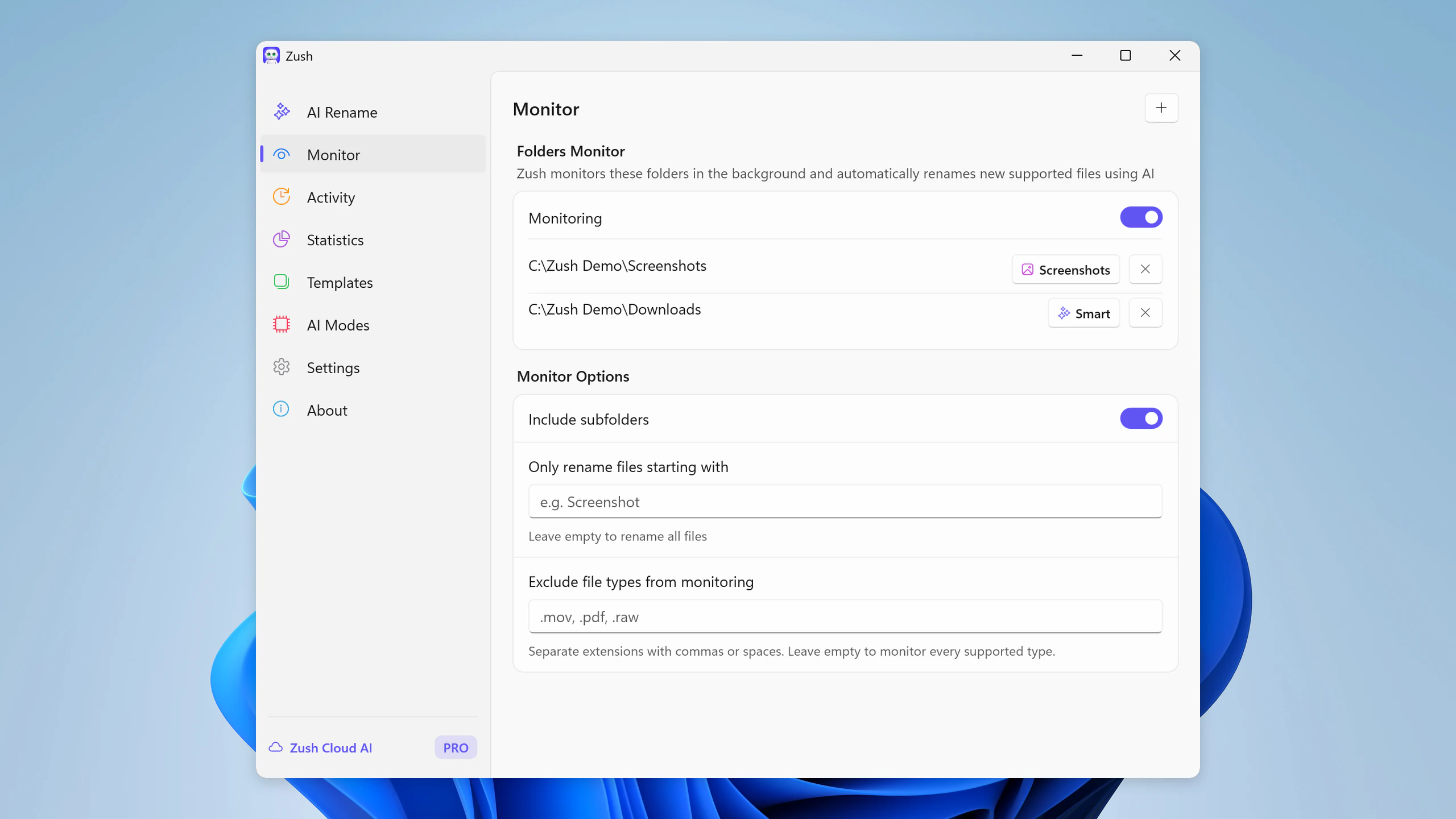
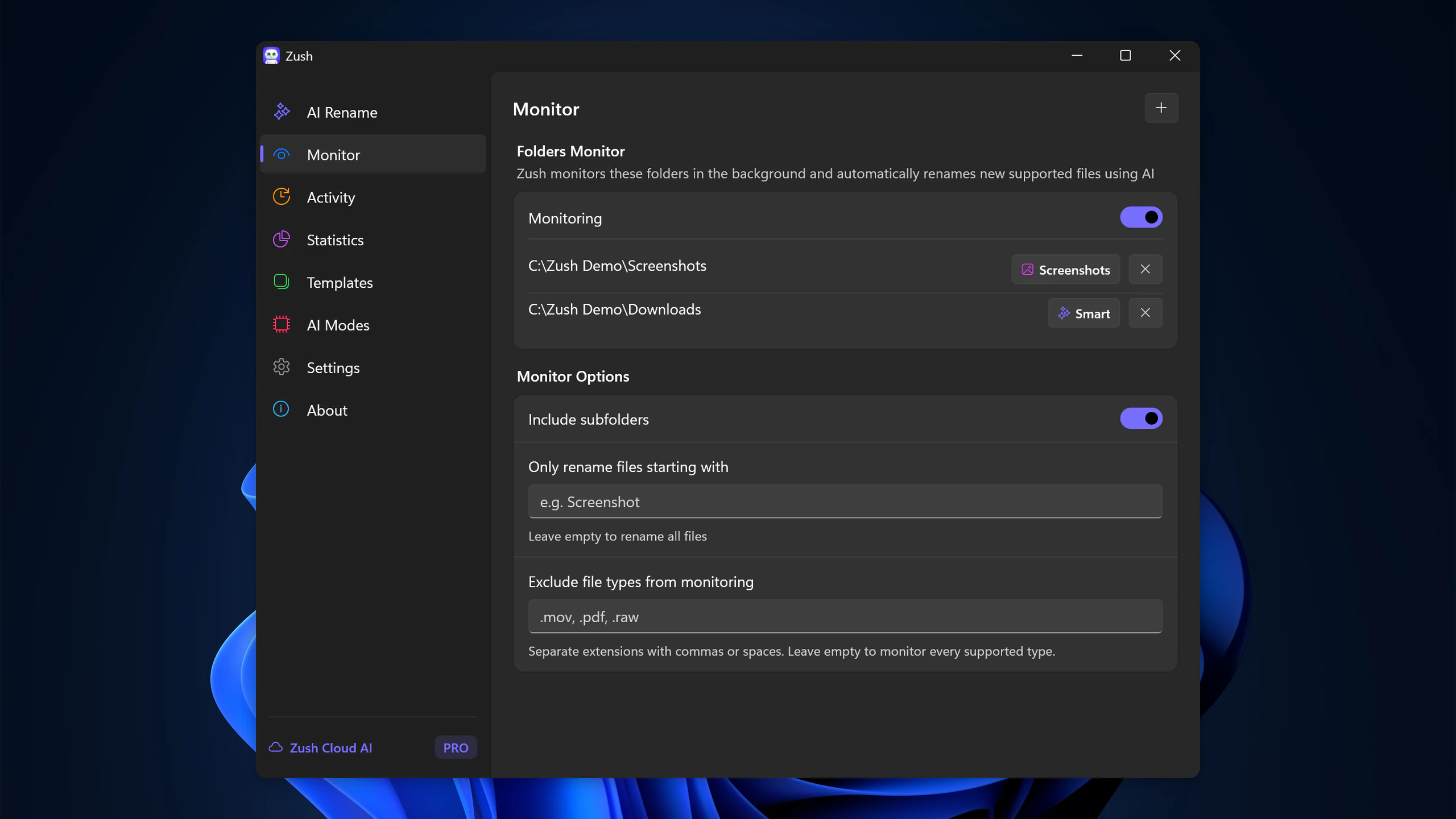
Folder Monitoring — light and dark, 2560 px
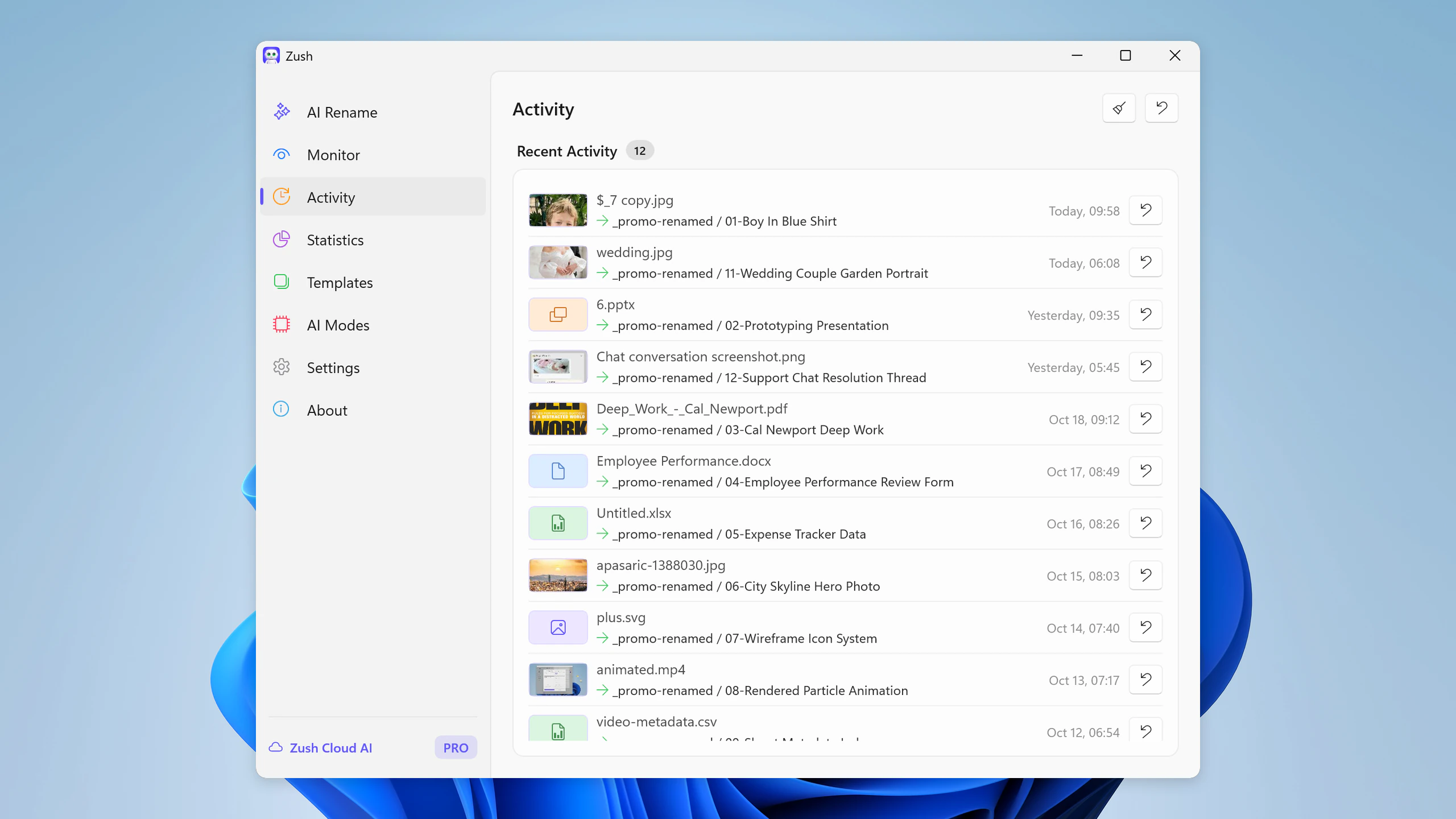
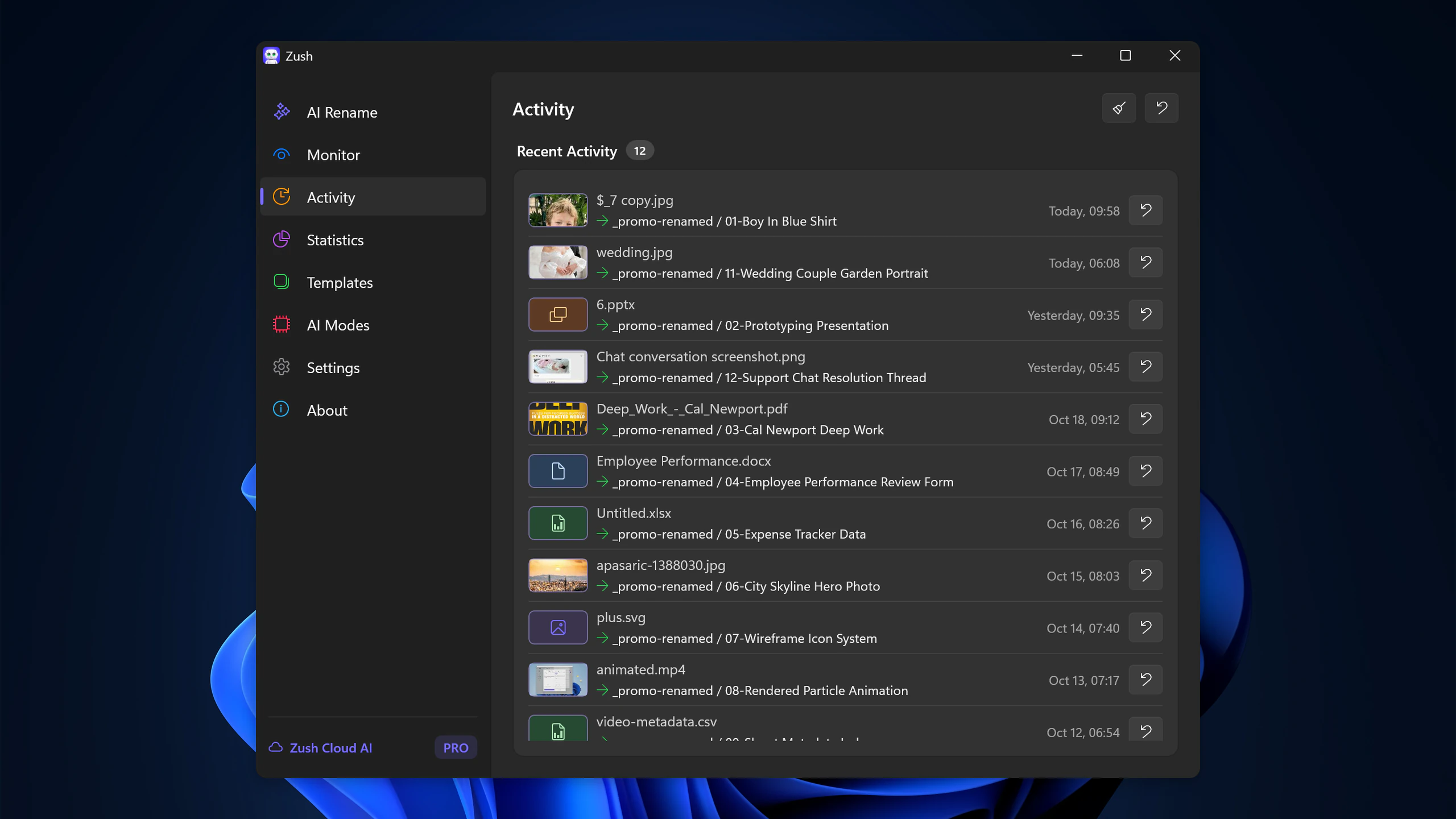
Activity History — light and dark, 2560 px
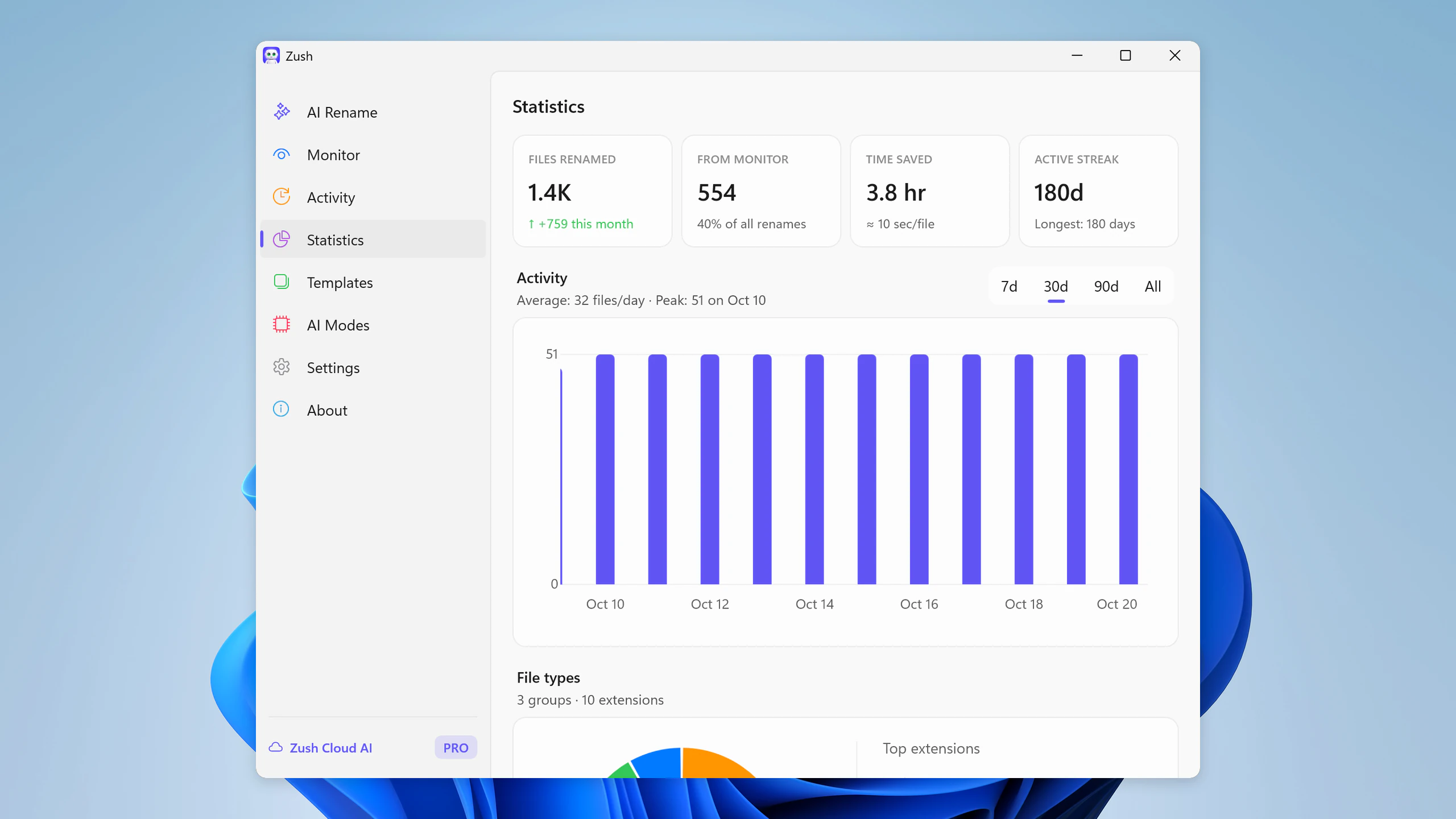
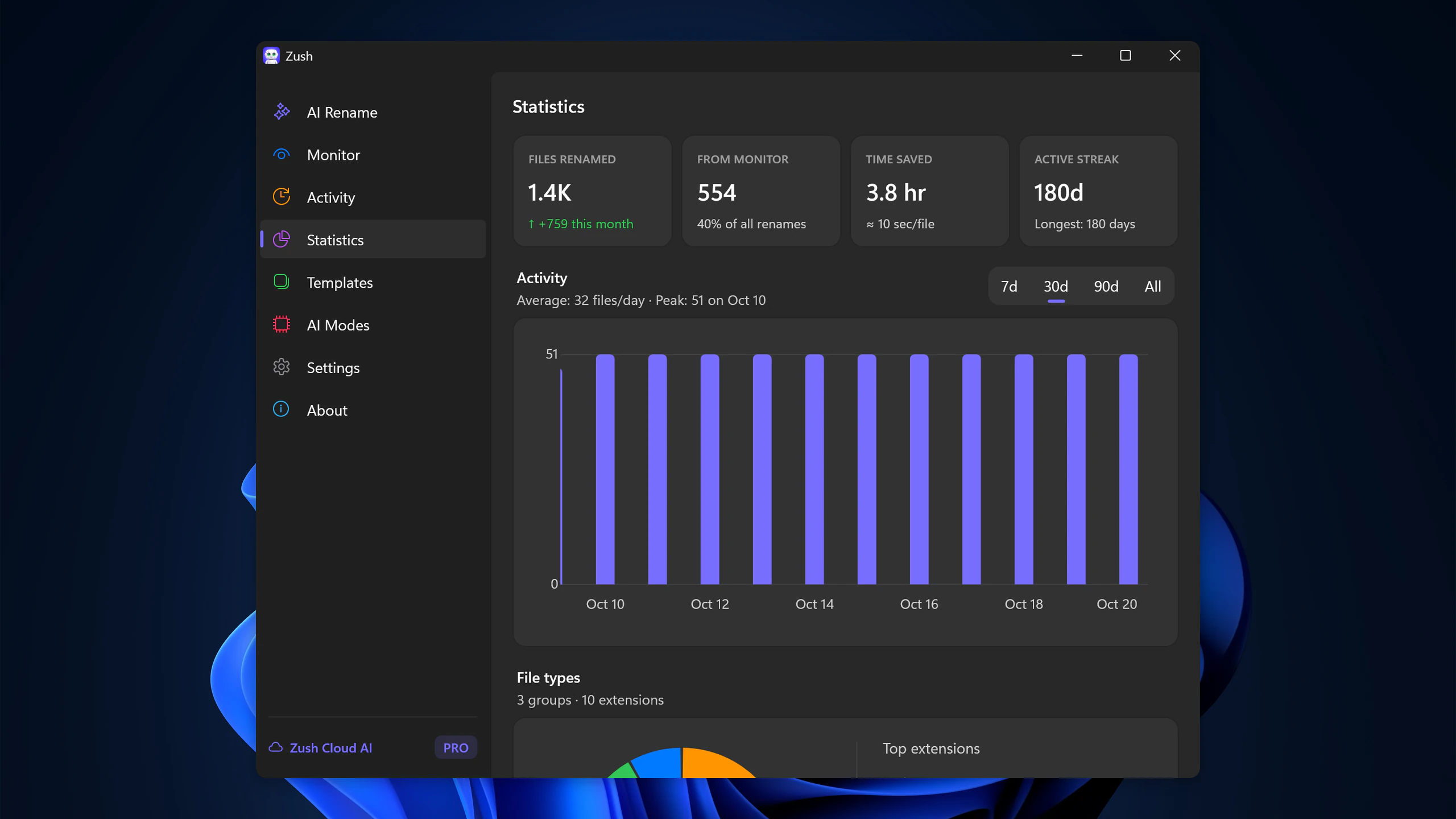
Statistics — light and dark, 2560 px
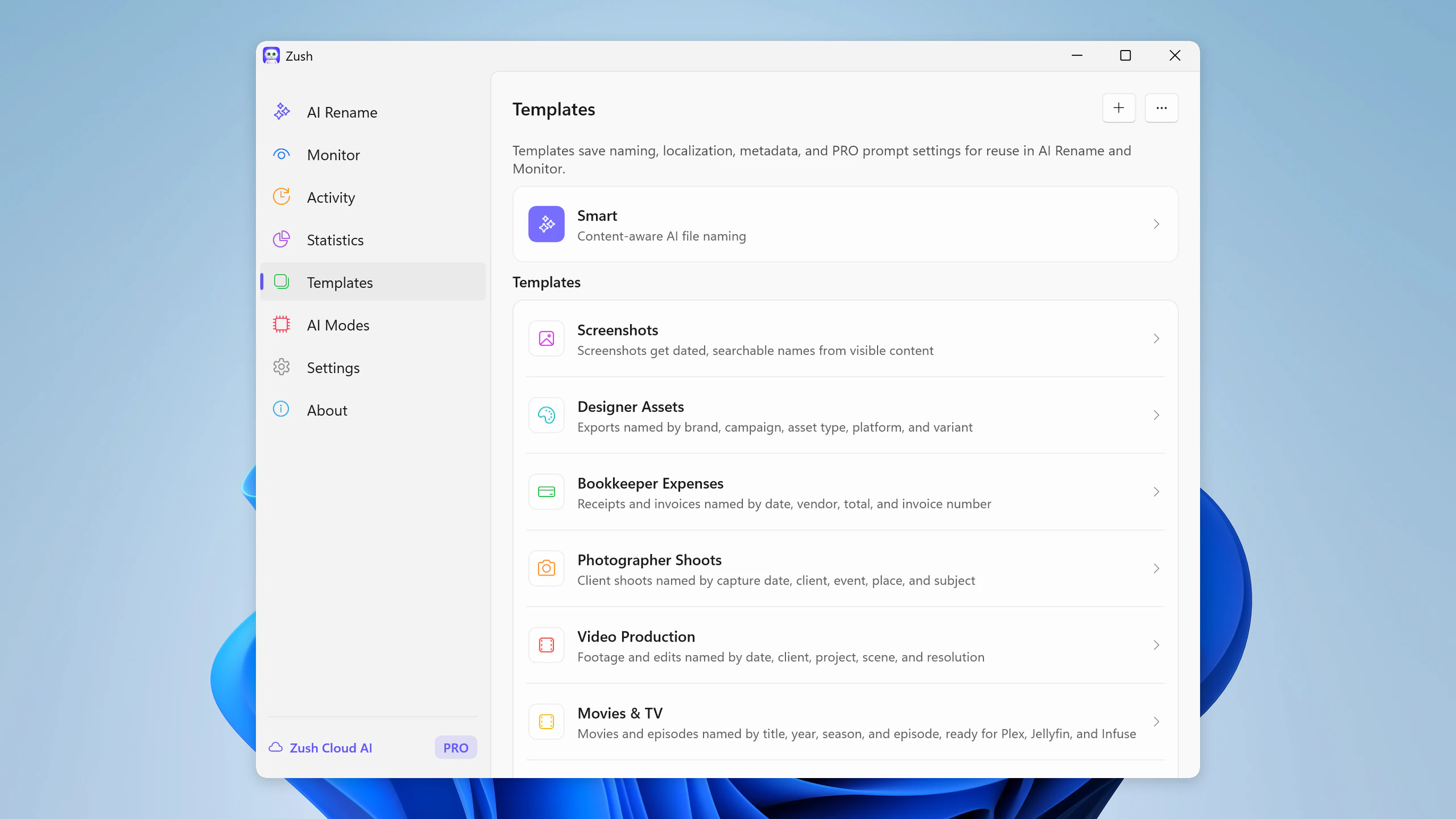
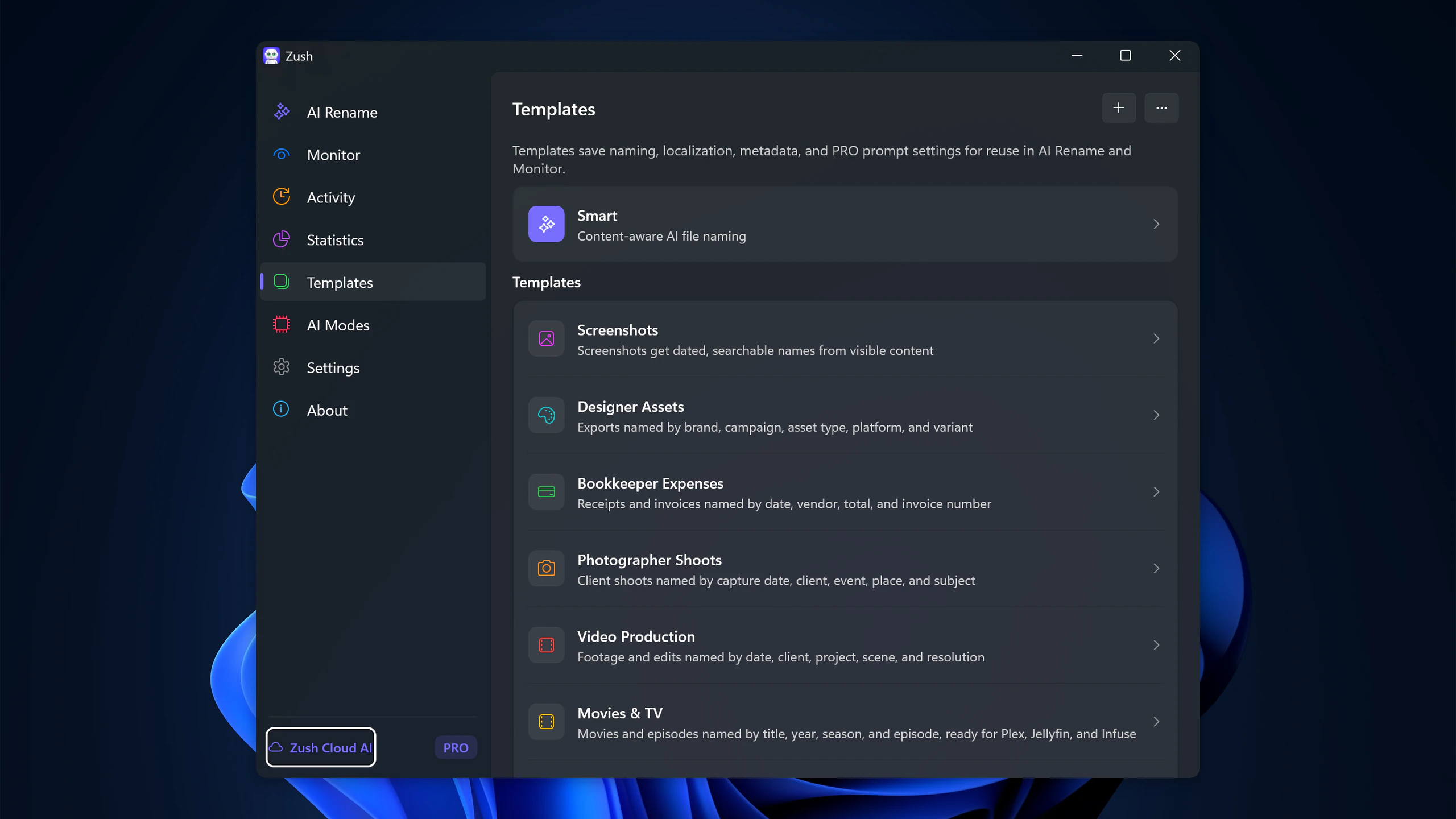
Smart Rename Templates — light and dark, 2560 px
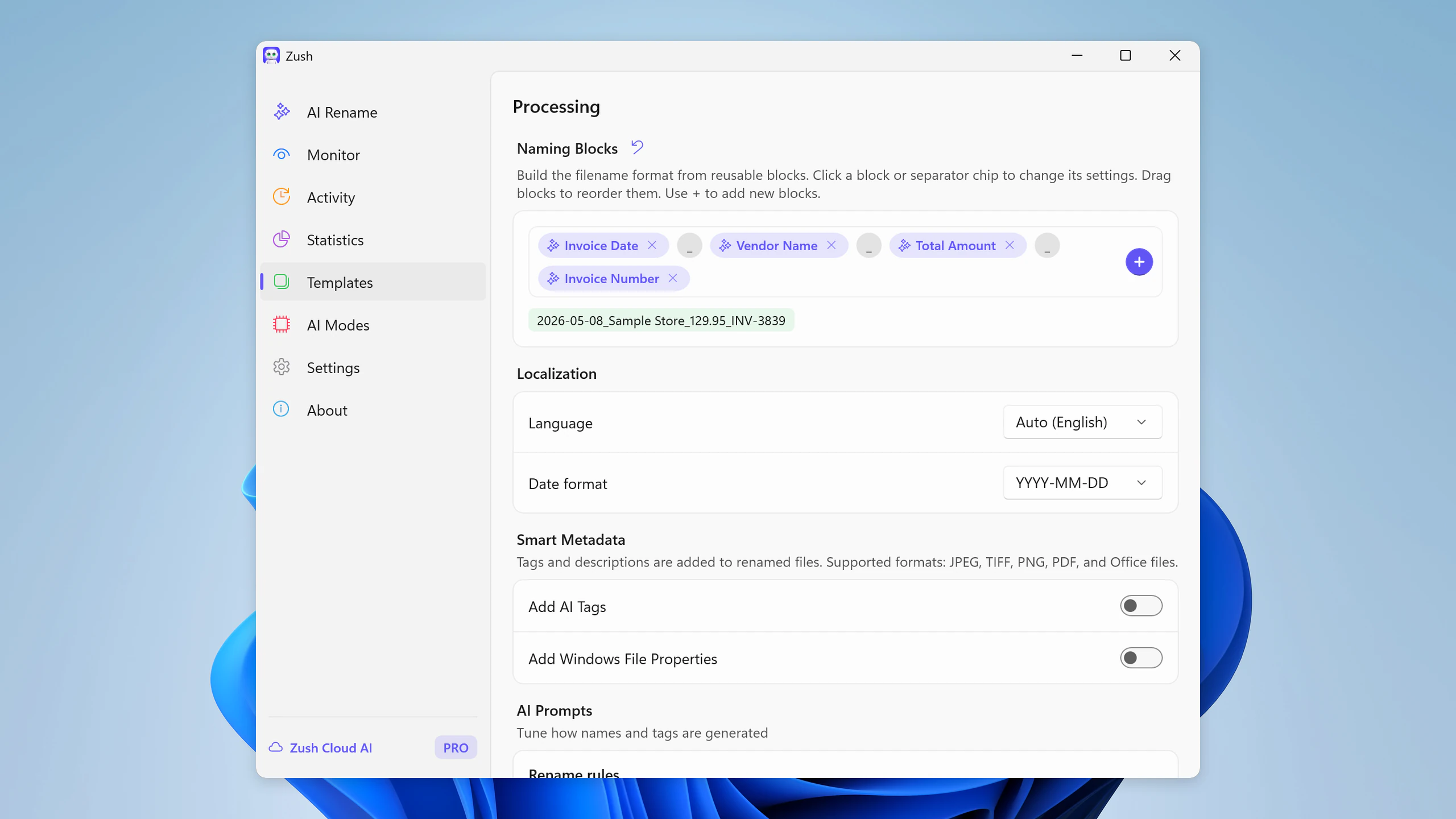
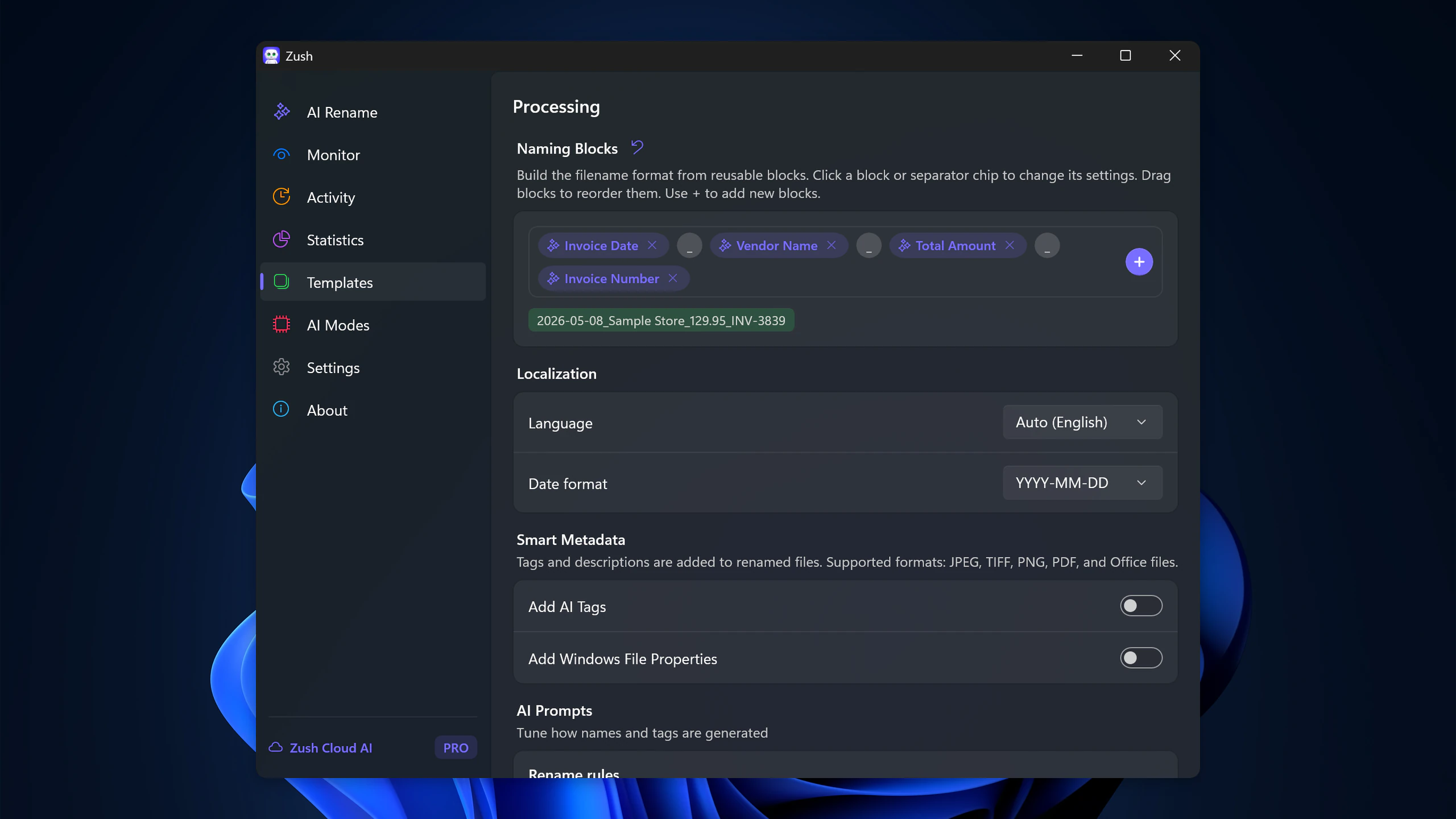
Naming Blocks — light and dark, 2560 px
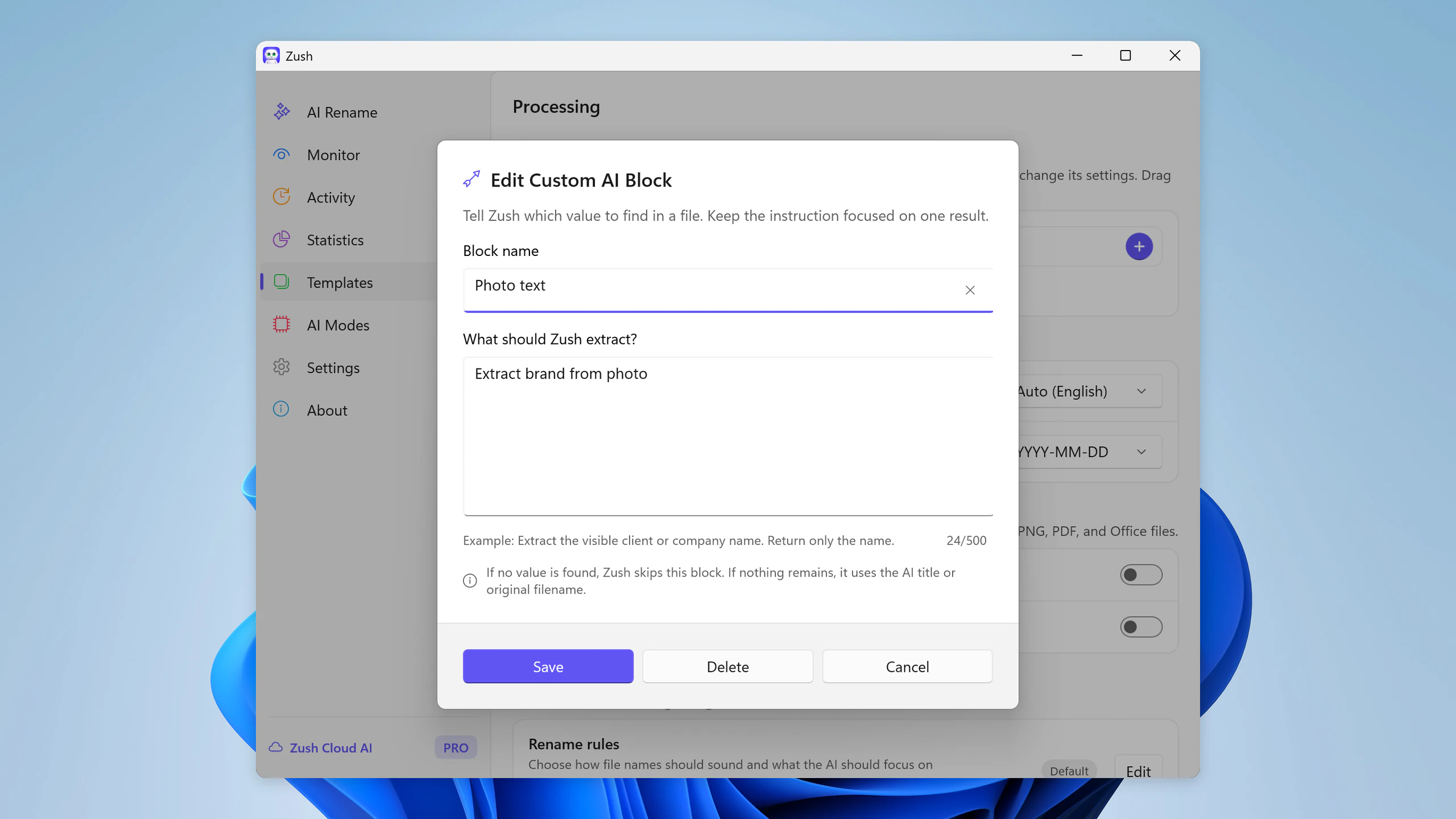
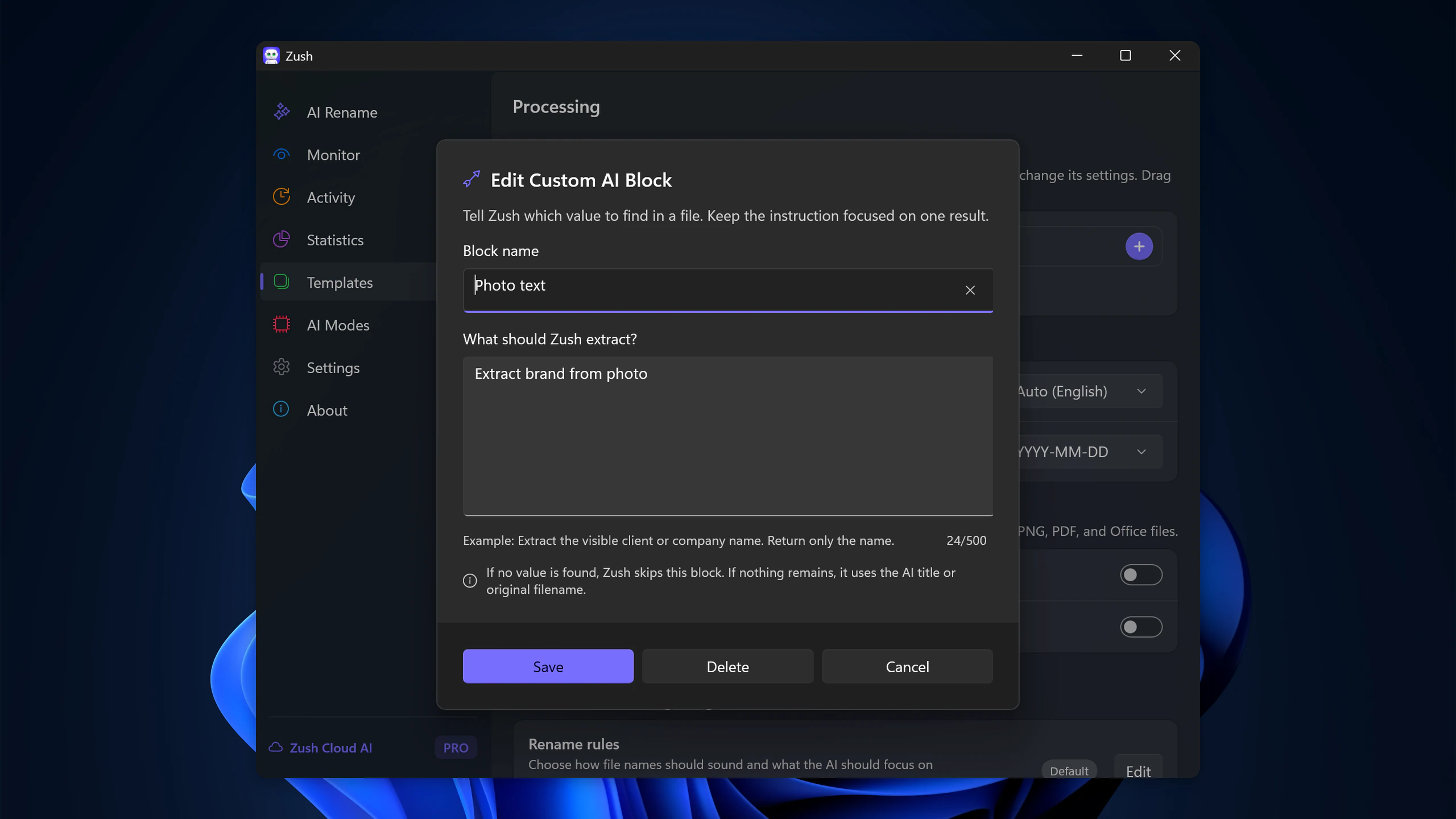
Custom AI Blocks — light and dark, 2560 px
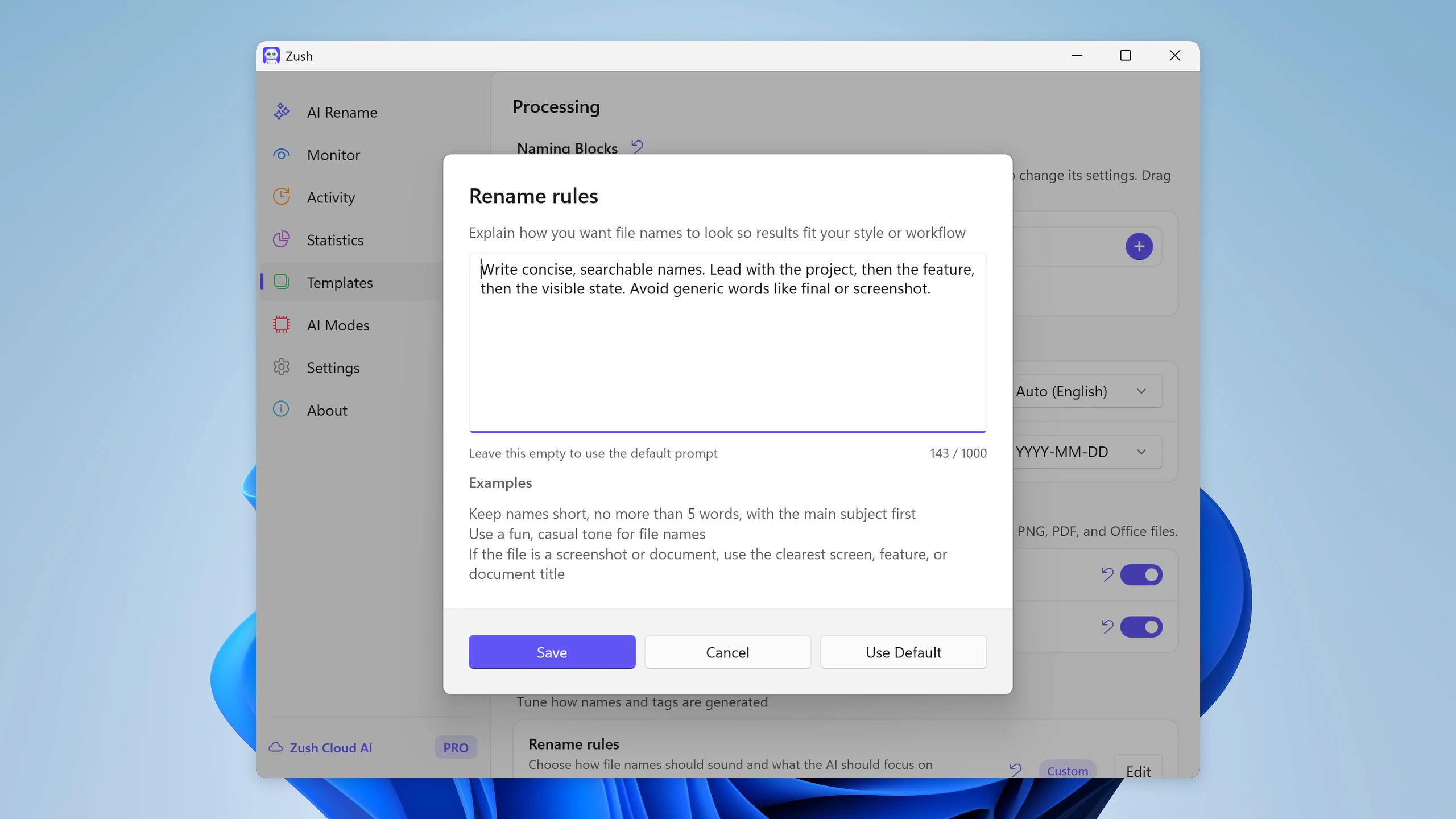
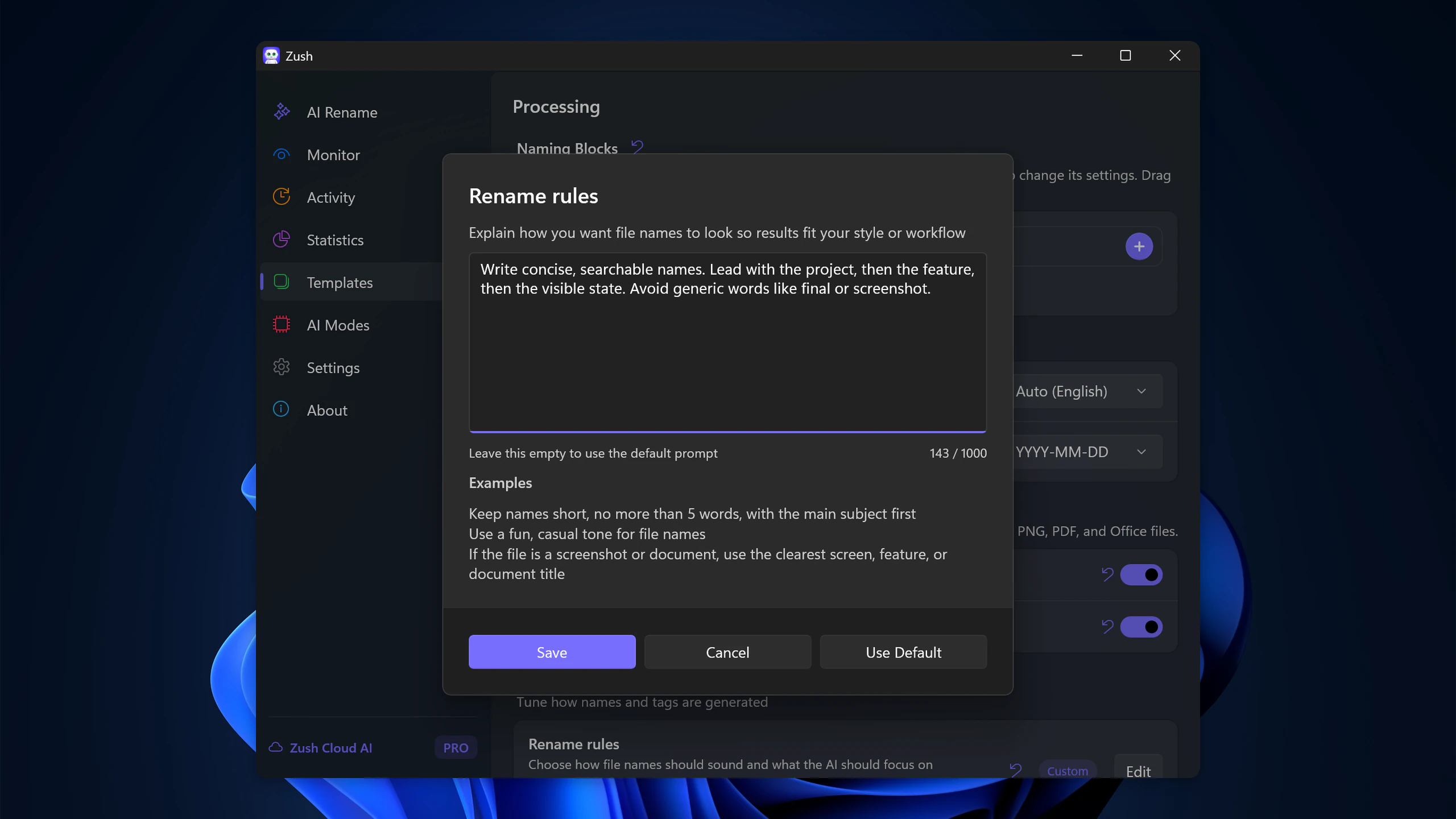
Custom Prompts — light and dark, 2560 px
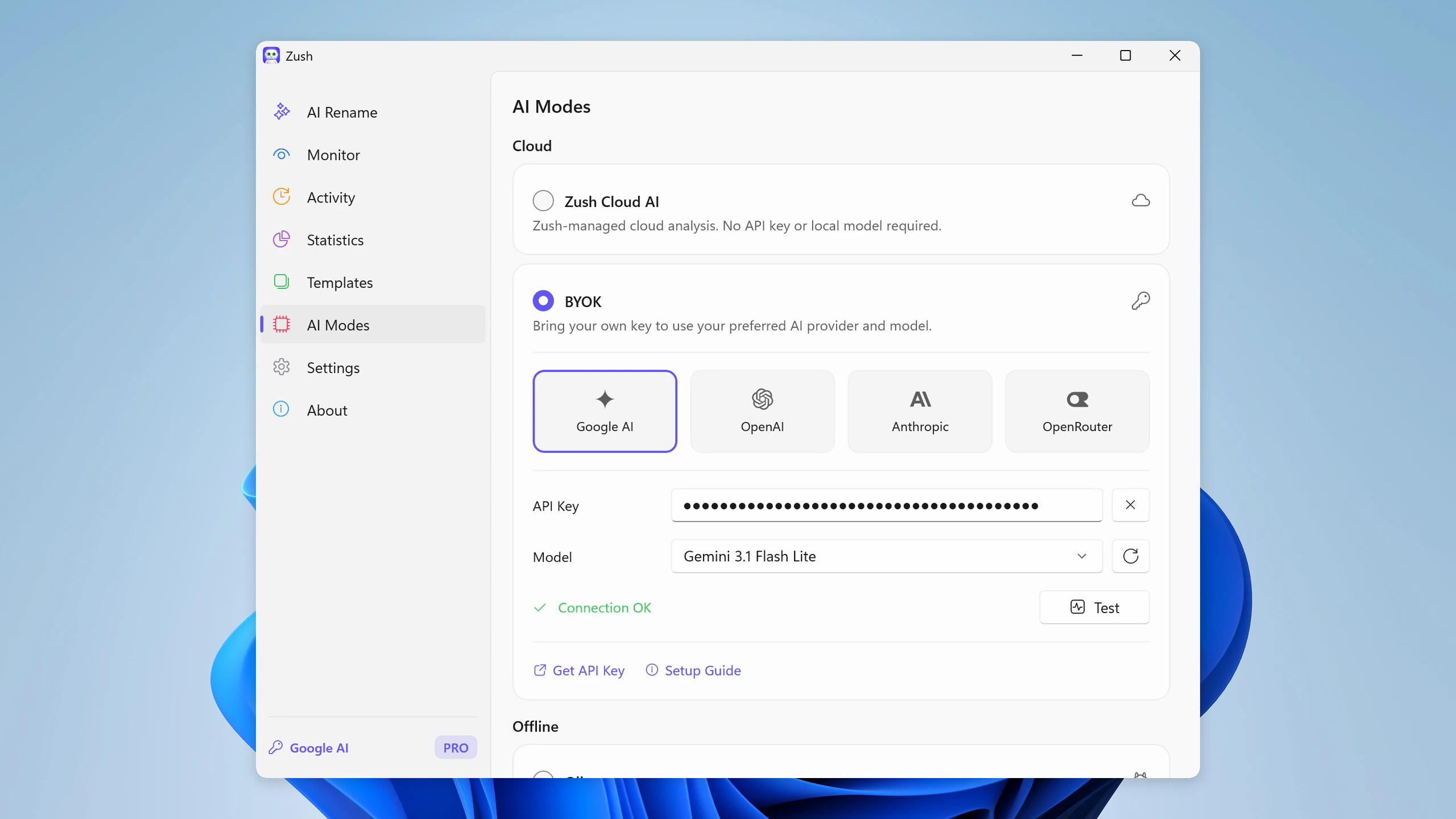
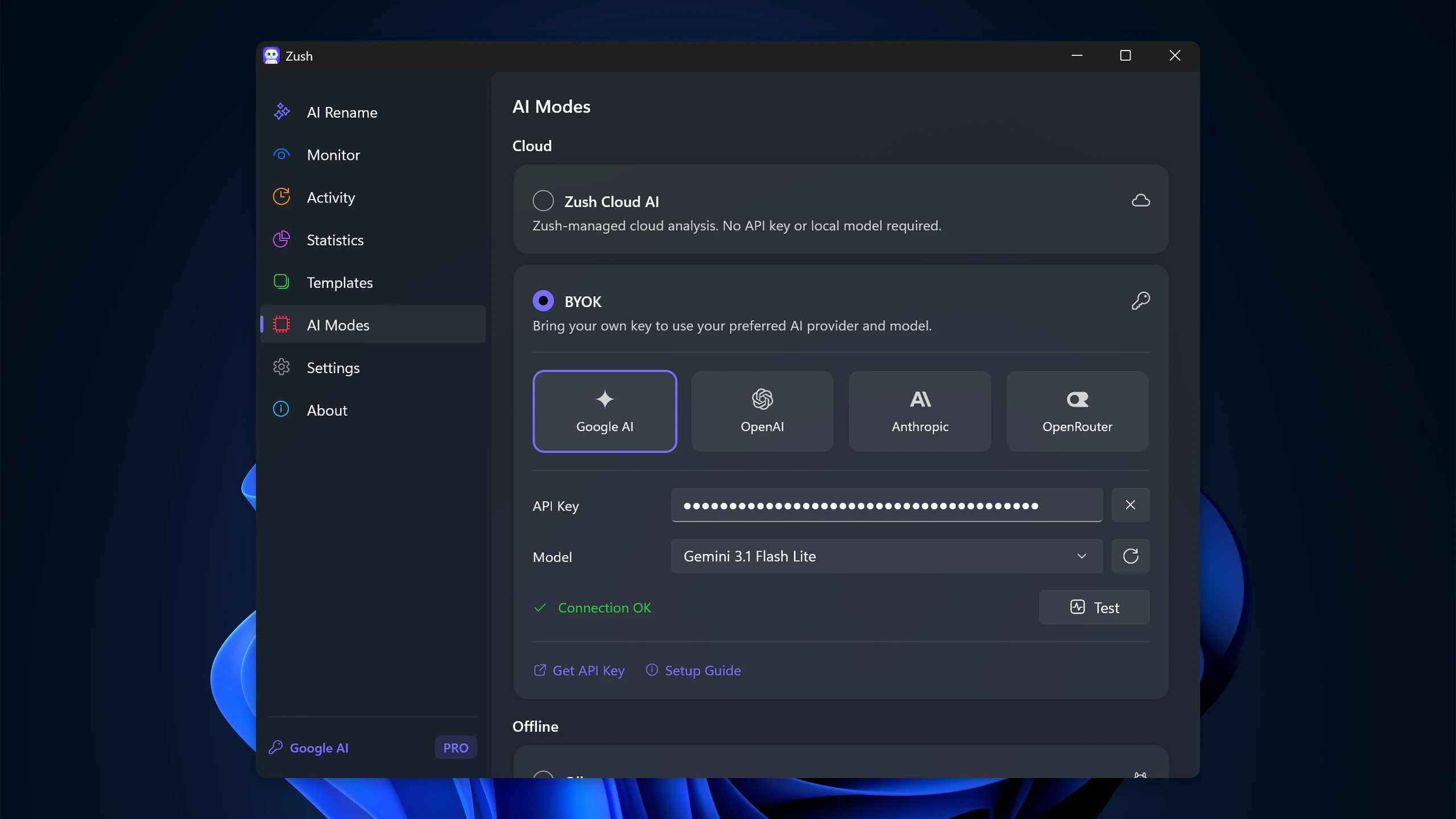
BYOK — light and dark, 2560 px
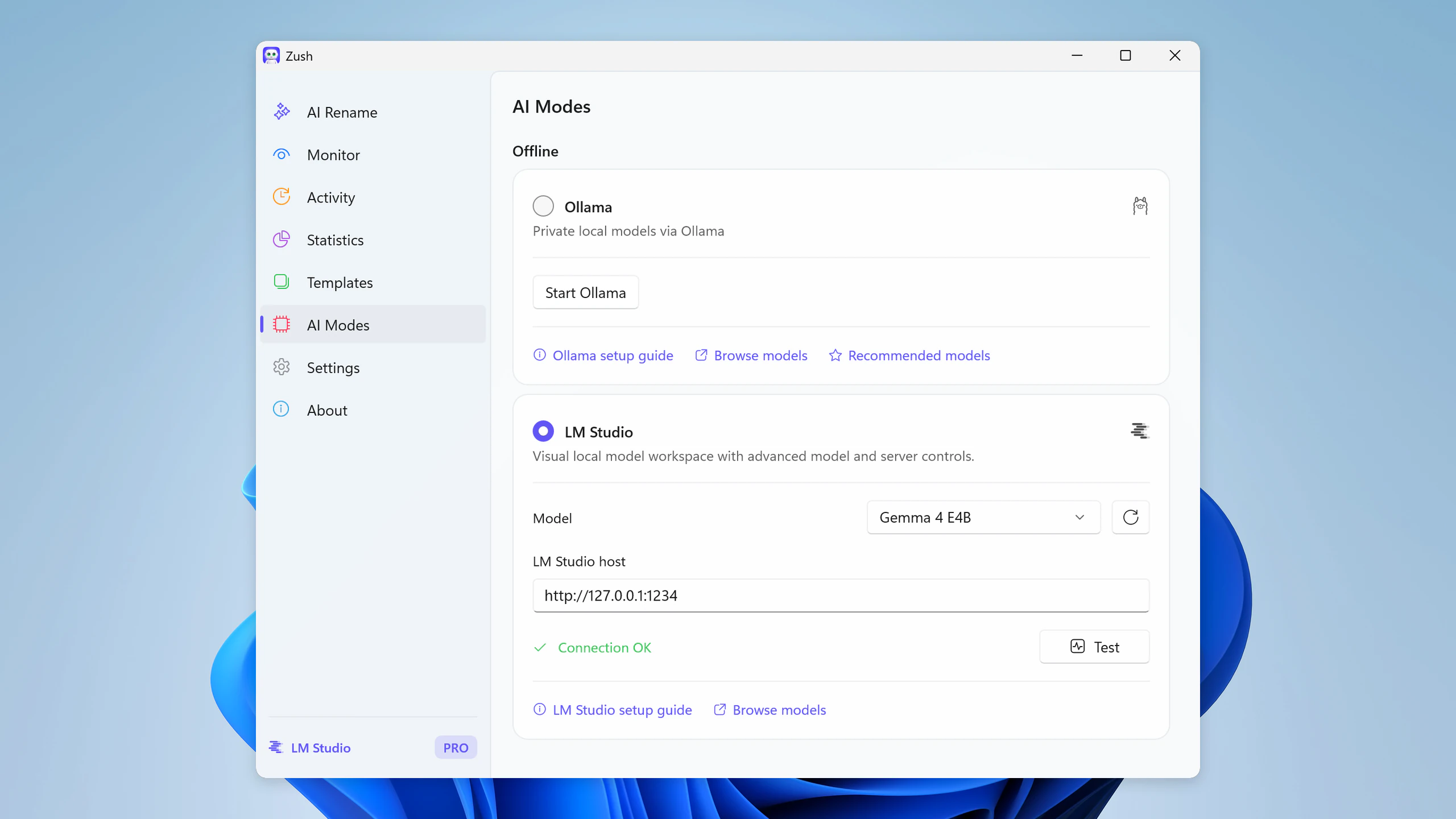
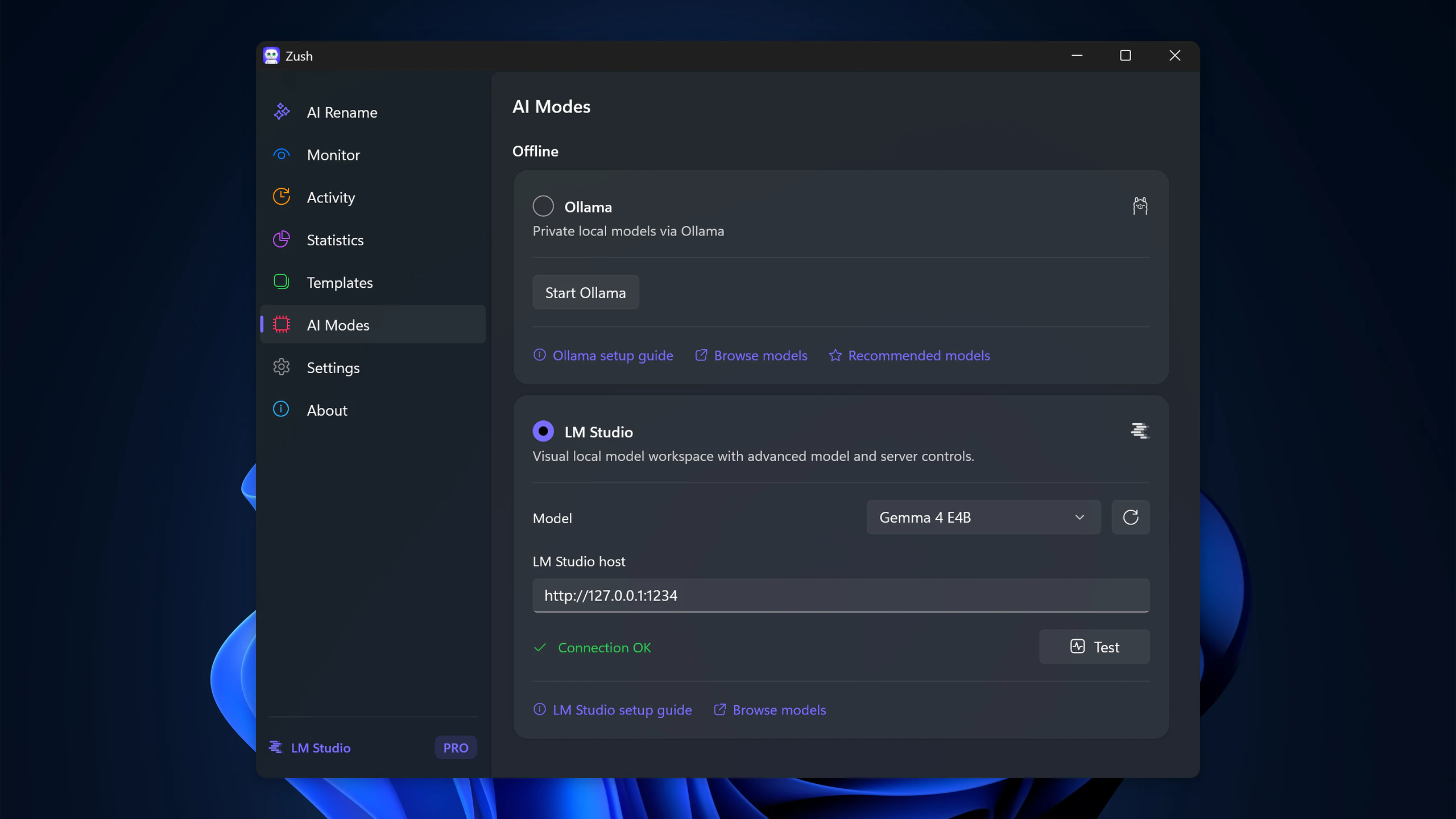
Offline AI mode — light and dark, 2560 px
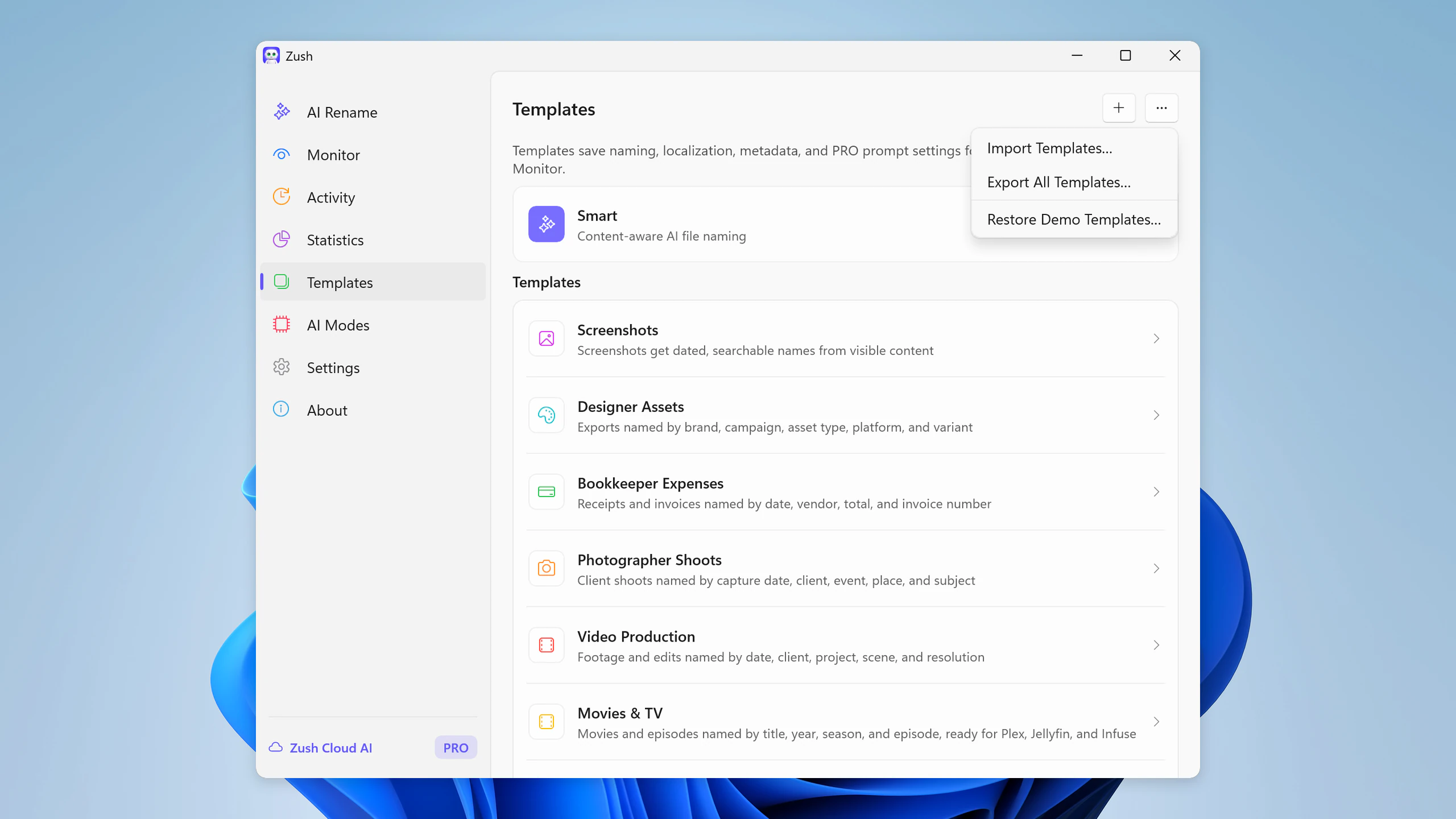
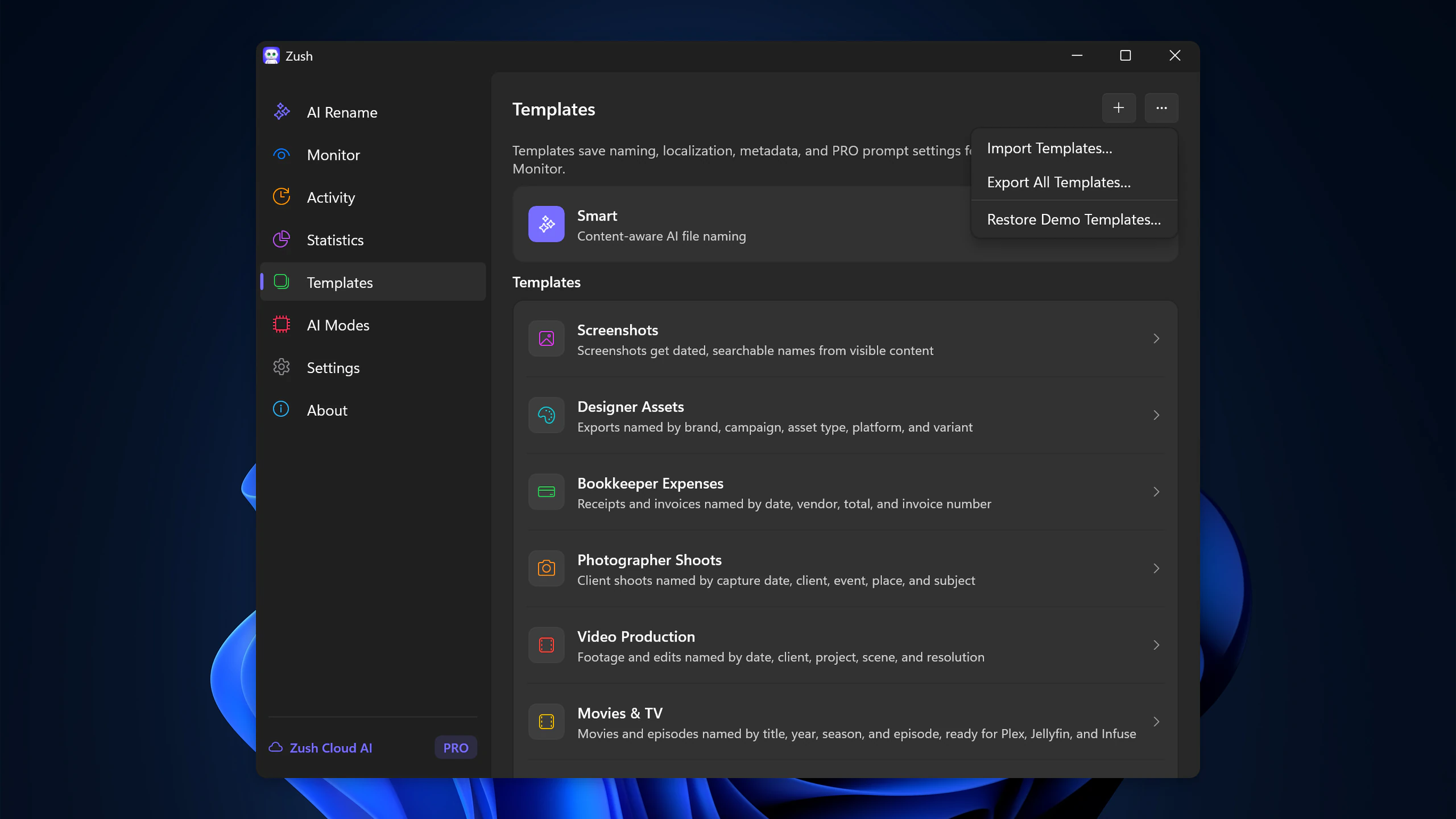
Import and Export Templates — light and dark, 2560 px
Product links
Review licenses
Journalists and reviewers can request a free lifetime PRO license for testing at support@zushapp.com. No conditions attached to coverage; critical reviews keep their key.