
Scanned patient records
Turn scanner output and archive exports into consistent filenames built from an internal ID, service date, and document type.
MRN-48211 – 2026-06-12 – Progress Note.pdfHealthcare document management for medical practices
Zush handles the filename layer of healthcare document management: it renames scanned medical records, faxes, lab reports, and intake forms using the fields your practice chooses. It works alongside your EHR with Local AI or organization-controlled BYOK, plus batch preview and undo.
Who it’s for
The same file-renaming workflow fits clinical intake, front-desk scanning, and medical billing without replacing the EHR.
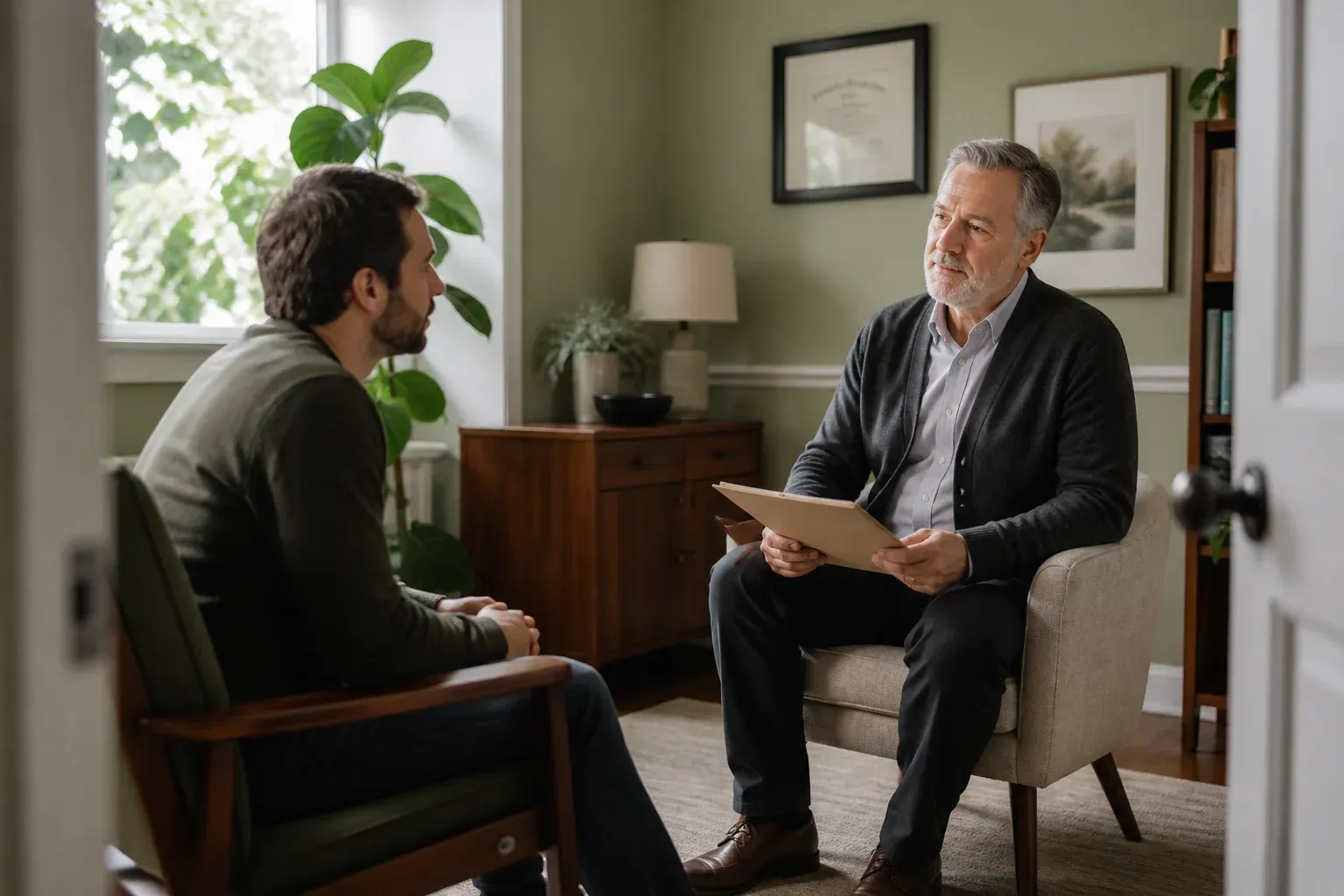
The day’s intake pile becomes a filed set of records overnight — named by MRN, date of service, and record type, without anyone typing.
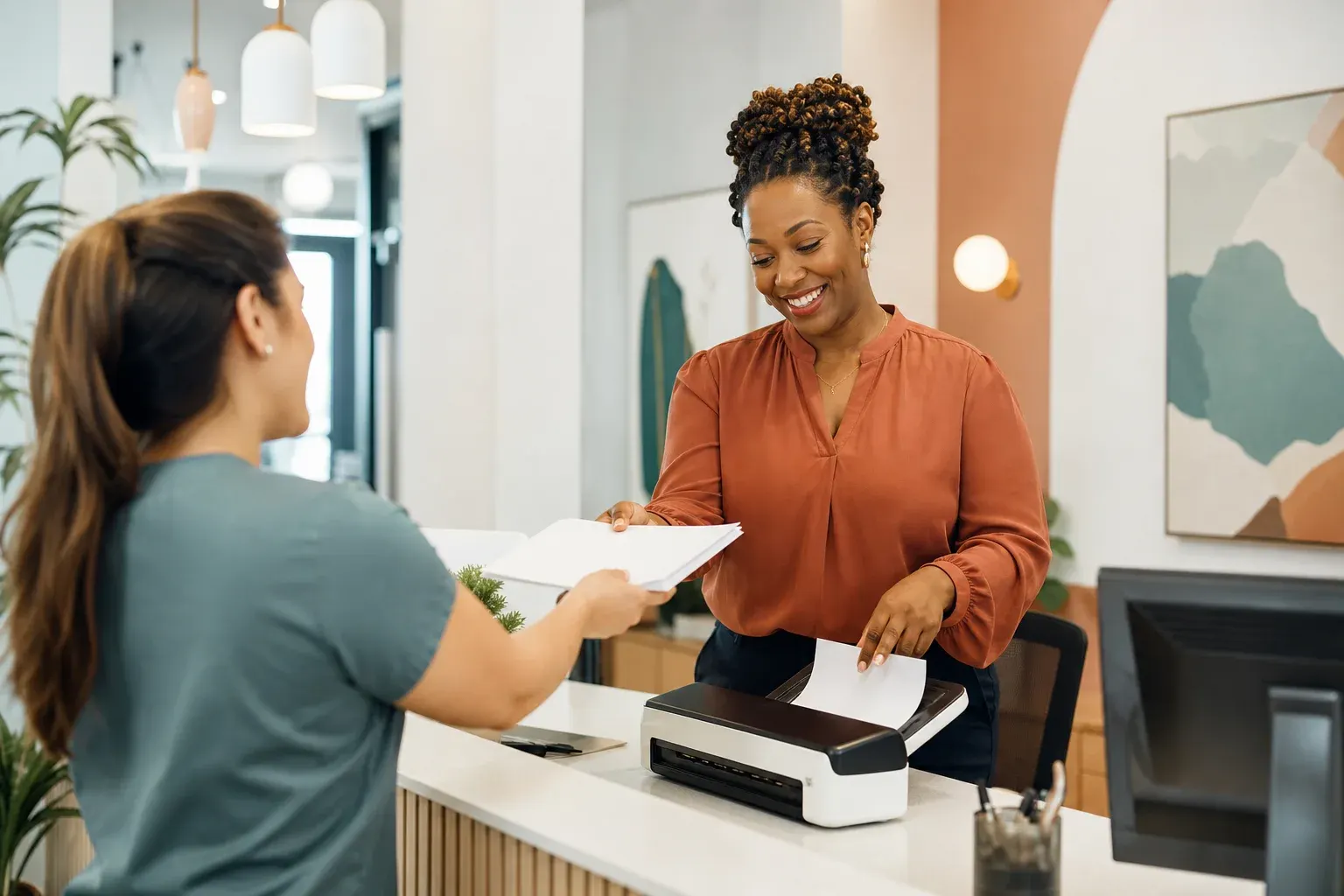
One convention across every person who scans, with no training session. The Template holds the rule; staff just drop files in.

EOBs, ERAs, and claim correspondence named by account number and payer, so matching a remittance to a claim stops being a hunt.
Zush reads the visible content of each scan or document. Your Template selects the internal ID, date, document type, or custom field used in the final name.
Tap a field to see the result
Your Template decides which fields appear in the filename. Run the extraction locally with LM Studio or Ollama, or through the provider account your organization controls with BYOK.
Run supported analysis with local Ollama models, or route it through the AI provider account and key your organization controls. Zush renames files in place and does not store them.
Local Ollama models analyze supported scans and documents on the Mac or Windows PC where they are stored. File content is not sent to Zush or a third-party AI provider.
Route analysis through the AI provider account and API key your organization controls. The key stays in secure local storage, and your team chooses the provider and model used for the workflow.
Managed cloud processing is available for ordinary files. For medical document workflows, use Local AI or your organization’s BYOK setup according to the policy your team follows.
Use Local AI when document content must stay on the machine and work offline after setup. Use BYOK when your organization routes analysis through its own provider account and key. In every mode, Zush renames files in place and does not store them. Read how the modes handle data
Set up one medical records Template, monitor the intake folder, and review each proposed batch before anything changes.
Folder monitoring watches whatever your scanner or fax software writes into — the intake folder, the shared drive, the fax spool.
The preview is a control, not a formality: read the batch, confirm only approved fields appear in each filename, and regenerate anything that looks wrong.
Rename history reverts any batch. A convention change is a re-run, not a cleanup project.
Use one Template for clinical records and another for billing paperwork. Each flow keeps its own fields and naming pattern without changing the original documents.
Turn scanner output and archive exports into consistent filenames built from an internal ID, service date, and document type.
MRN-48211 – 2026-06-12 – Progress Note.pdfRead image-only lab PDFs and name them by the identifier, date of service, and report type without a separate OCR workflow.
MRN-48211 – 2026-06-12 – Lab Results.pdfIdentify incoming referrals, consultation letters, and faxed records, then apply the same naming pattern used by the rest of the practice.
MRN-30177 – 2026-06-02 – Referral – Cardiology.pdfExtract the form type and signed date from front-desk scans so every intake batch follows one reusable Template.
MRN-51402 – 2026-06-05 – Consent Form.pdfName imaging reports, specialist notes, and outside records by the fields your team uses to retrieve them later.
MRN-30177 – 2026-05-30 – Imaging – Chest X-Ray.pdfUse a separate billing Template for payer documents, account references, remittances, and claim correspondence.
ACC-2210 – 2026-06-04 – ERA – Aetna.pdfFeedback from people who file records for a living.
I keep a separate de-identified archive for follow-up notes. With Offline AI, Zush can name scans by visit date and record type. It is not something I run blindly, but it cuts the typing way down.
Front desk scans everything into one folder and by evening it used to be four hundred files called Scan-something. Now it comes out named by MRN and date. I still read the preview list before applying — that is the part that makes me comfortable with it.
Matching remittances to claims was the worst hour of my week. Naming the EOBs by account number and payer did most of it. A couple of scans come back generic and I fix those by hand.
Monthly flexibility or one-time lifetime access. Both plans remove the rename limit across every AI mode.
Flexible monthly plan
$10/month +VAT
Pay once for lifetime access
$48$36one-time +VAT
14-day money-back guarantee • Secure via Paddle
How local models, organization-controlled BYOK, scanner folders, Templates, preview, and undo fit a medical document workflow.
Practical scanner, naming, and privacy workflows for small practices handling records outside the EHR.
 General Guide
 General Guide
 General Guide
Point it at yesterday’s intake, read the proposed names, and undo the batch if you do not like them. Local AI keeps the whole run on your machine and works offline after setup.
Free · No credit card required · macOS Sequoia+ · Windows 10+
