01 / TV episode
Breaking Bad
Season 2 · Episode 3
Before
Breaking.Bad.S02E03.720p.HDTV.x264-CTU.mkv
After
Breaking Bad (2008) - S02E03 - Bit by a Dead Bee.mkv

Batch rename movies and TV episodes on Mac or Windows. Zush checks titles and episodes against TheTVDB, then previews clean filenames for Plex, Jellyfin, and Infuse. Optional sorting groups episodes by show and season.
Start for free. No credit card required to sign up.
Breaking.Bad.S02E03.720p.HDTV.x264-CTU.mkv
Breaking Bad (2008) - S02E03 - Bit by a Dead Bee.mkv
See how Zush replaces release tags with the right movie title, year, and TV episode name.
Season 2 · Episode 3
Breaking.Bad.S02E03.720p.HDTV.x264-CTU.mkv
Breaking Bad (2008) - S02E03 - Bit by a Dead Bee.mkv

2017
Blade.Runner.2049.2017.2160p.UHD.BluRay.x265.mkv
Blade Runner 2049 (2017).mkv

Season 1 · Episode 5
[SubsPlease] Sousou no Frieren - 05 (1080p) [A1B2C3D4].mkv
Frieren Beyond Journey's End (2023) - S01E05 - Phantoms of the Dead.mkv
Plex recommends a show title, year, and S01E02 code for TV episodes. Zush puts those details in the filename and previews the result. Plex also needs its own show and season folder layout; Zush's optional Sort creates one folder level.
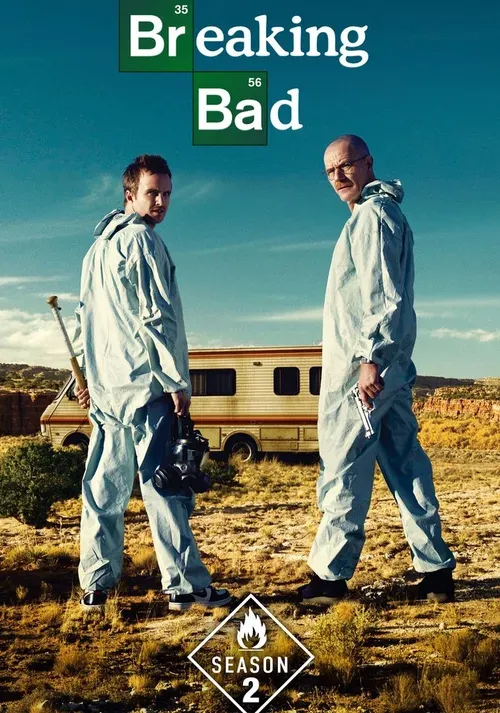
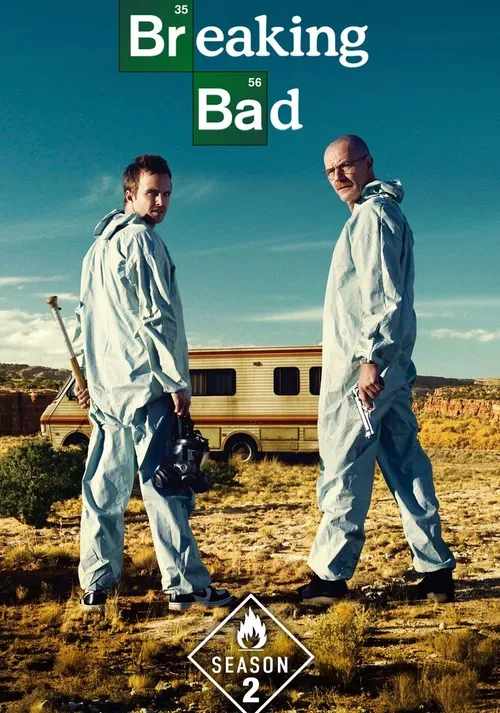
Poster artwork: Breaking Bad, Blade Runner 2049, and Frieren.

 Zush AI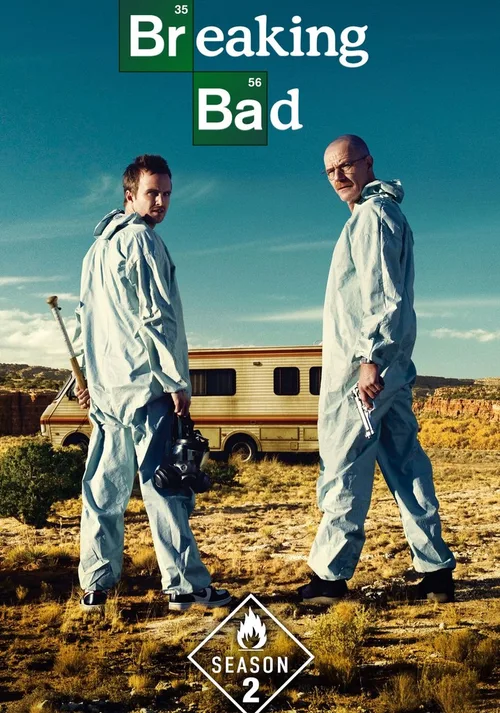

Drop a batch of episodes and films into Zush.
In AI Rename, choose the Movies & TV Template and add a small test batch. Its Media Title block handles films and episodes. For a custom format, open Templates, click + in the naming pattern, and expand Movies & TV in the Naming Blocks catalog. Review the names and destination before applying them. Read the setup guide
The Movies & TV template writes Show (Year) - S01E02 - Episode Title for episodes and Movie (Year) for films. Plex recommends separate movie and TV library roots, with episodes inside show and season folders. Zush can add one folder level inside your chosen destination; review the layout before renaming. The filenames also carry the title and episode details used by Jellyfin and Infuse.
Zush reads the file name, surrounding folders, and embedded tags, then checks the match against reference data. If those clues are not enough, it can inspect video frames as a last resort.
Yes. The default Movies & TV template is ready to use, and you can build your own from blocks such as Show, Episode Code, Episode Title, Movie Title, Year, Director, Genre, and Runtime.
You preview the changes before you rename. Sorting is optional: turn it on to place episodes in a show-and-season folder and films in Movies, one folder level inside the destination you choose. You can undo changes in Activity.
50 free renames. PRO is $10/month or $48 once. Movies & TV is available in Zush for Mac and Windows.

Start for free. No credit card required to sign up.