Plex Naming Convention for TV Shows and Movies

Jump to section
Quick answer: Give Plex separate Movies and TV Shows library roots. A movie can be Blade Runner 2049 (2017).mkv. A TV episode should include its show name and season/episode number, such as Breaking Bad (2008) - S02E03 - Bit by a Dead Bee.mkv, inside the show’s Season 02 folder. Plex’s movie and TV show guides describe both the filenames and the folder layout.
If Plex shows the wrong title or cannot find an episode, check the path as well as the filename. A perfectly named S02E03 file in a movie library still belongs to the wrong library type. This guide covers the conventions you can apply before scanning, then a short checklist for files already in Plex.
The folder layout Plex expects
Here is a small library with one film and two episodes:
Media/├── Movies/│ └── Blade Runner 2049 (2017)/│ └── Blade Runner 2049 (2017).mkv└── TV Shows/ └── Breaking Bad (2008)/ └── Season 02/ ├── Breaking Bad (2008) - S02E03 - Bit by a Dead Bee.mkv └── Breaking Bad (2008) - S02E04 - Down.mkvPoint the Plex movie library at Movies and the TV library at TV Shows. Plex recommends a folder per movie, especially if you keep posters or external subtitles beside the video. Movies directly inside Movies also work. For a TV library, the source folder should contain the individual show folders; each show then contains its season folders. Plex movie naming · Plex TV naming
Movies: title and release year
Use Movie Title (Year).ext. The year distinguishes films with the same or similar names. A dedicated folder can use the same title and year:
Movies/Blade Runner 2049 (2017)/Blade Runner 2049 (2017).mkvIf a movie keeps matching the wrong entry, Plex also accepts a TMDB or IMDb ID in curly braces with its current Plex Movie agent. You usually do not need an ID for an unambiguous title; check Plex’s movie examples before adding one.
TV shows: show, season, and episode code
Use Show Title (Year)/Season 02/Show Title (Year) - S02E03 - Episode Title.ext. The essential part of the episode filename is S02E03: season 2, episode 3. Plex recommends including the series year in both the folder and filename to help distinguish shows with similar names. Use the English word Season for the season directory, even if your library language is different. The episode title is useful to humans, but the season and episode code do the main identification work. Plex TV naming guide
Cases that need a different pattern
| What you have | Example | What to check |
|---|---|---|
| A special or bonus episode | TV Shows/Example Show (2024)/Season 00/Example Show (2024) - S00E01.mkv | Use the special’s episode number from the ordering source you selected in Plex. |
| Two episodes in one video file | Example Show (2024) - S01E01-E02.mkv | Plex lists both episodes, but either entry plays the entire file. |
| A daily show identified by date | Example Daily Show (2024) - 2024-10-07.mkv | Confirm that the show is date-based in TMDB or TheTVDB. |
Plex documents specials, date-based shows, and multi-episode files separately. Do not apply a season-one numbering pattern to a special just because it appears between two regular episodes.
When the episode number looks right but Plex shows the wrong episode
The same series can have different broadcast and DVD orders. Plex’s TV Series agent uses TMDB aired order by default; a library or show can use an available TheTVDB order instead. If an entire season is shifted, compare the file’s numbering with the Episode Ordering setting in Plex before renaming every file. Plex’s episode-ordering guidance
That distinction matters when you use a renaming tool too. A matched show title does not guarantee that your chosen episode ordering matches the files on disk. Review a few proposed episode titles against the order set in Plex before applying a large batch.
A five-minute checklist for missing or incorrect matches
- Check the library type. Movies belong in a movie library; episodes belong in a TV library. Plex warns that mixing them can produce bad matches or ignored files.
- Check the source path. A TV library should point to the folder above the show folders, such as
TV Shows, not toSeason 02. - Check the filename. For a season-based episode, include a recognizable
S02E03code; for a movie, include the title and release year. - Check the season folder and ordering. Use
Season 02for season two. If the title is wrong but the code is parsed, compare TMDB and TheTVDB episode order. - Scan again, then correct the match in Plex if needed. Plex has a Fix Match action for a wrongly identified show or movie. For TV libraries, that action is at the show level.
Plex also lists less obvious reasons for missing media, including excluded paths and filenames that look like the wrong content type. Its missing-content guide is the next stop if the names and folders are already correct.
Rename a batch without losing track of the originals
If you have a folder full of release-style names, start with a few files and review the proposed show, year, episode code, and title before processing the rest. Keep the original extension. Then place the renamed files in the movie or TV structure above and scan the right Plex library.
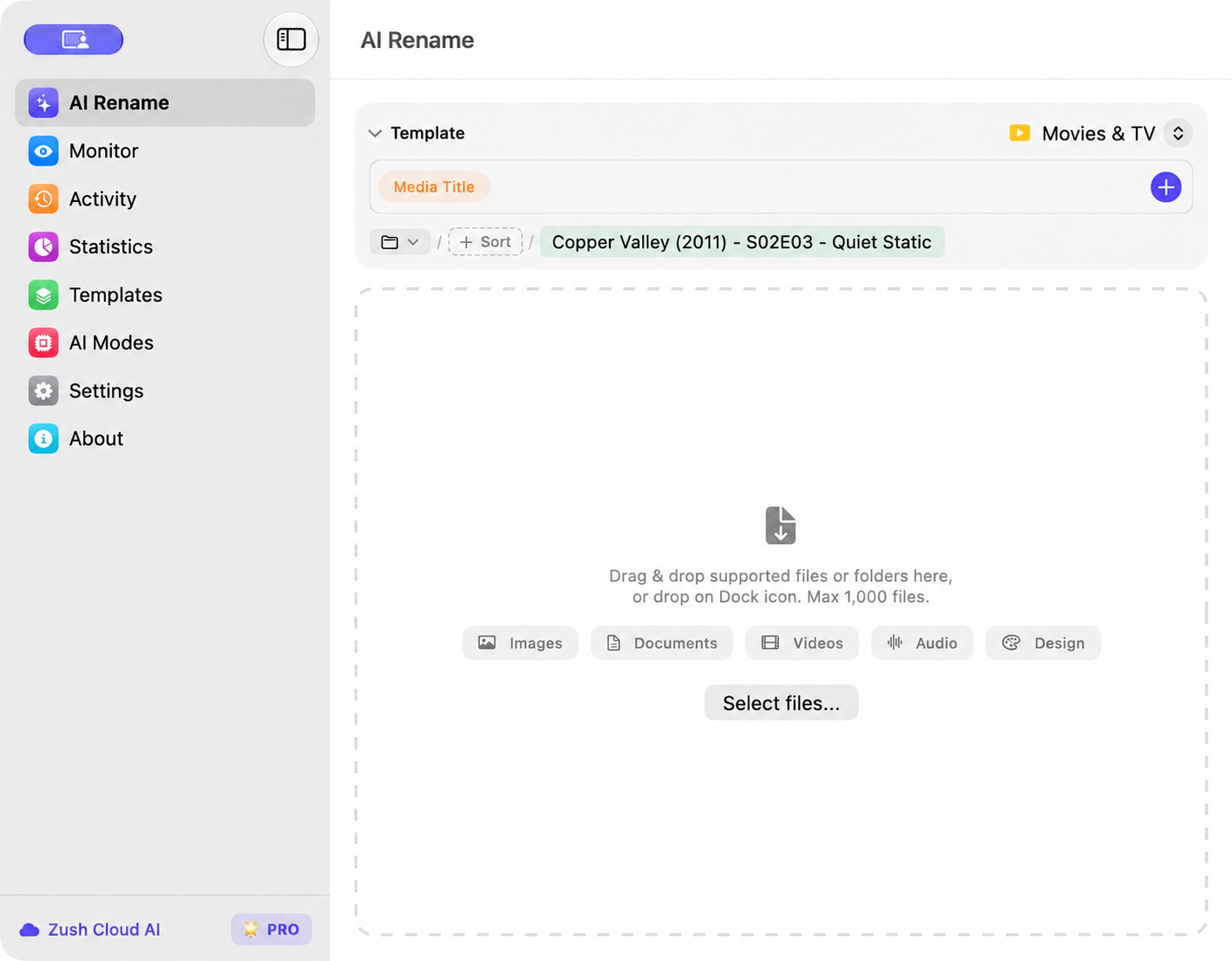
On Mac or Windows, Zush Movies & TV can check titles and episodes against TheTVDB and preview filenames such as Show (Year) - S02E03 - Episode Title.mkv or Movie (Year).mkv before applying a batch. Sorting is optional and creates one folder level inside the destination you choose. If you need Plex’s full TV Shows/Show/Season hierarchy, prepare the parent folders separately and review the final path before scanning. Zush is a renamer and sorting aid here; Plex still decides how the library is matched and displayed.
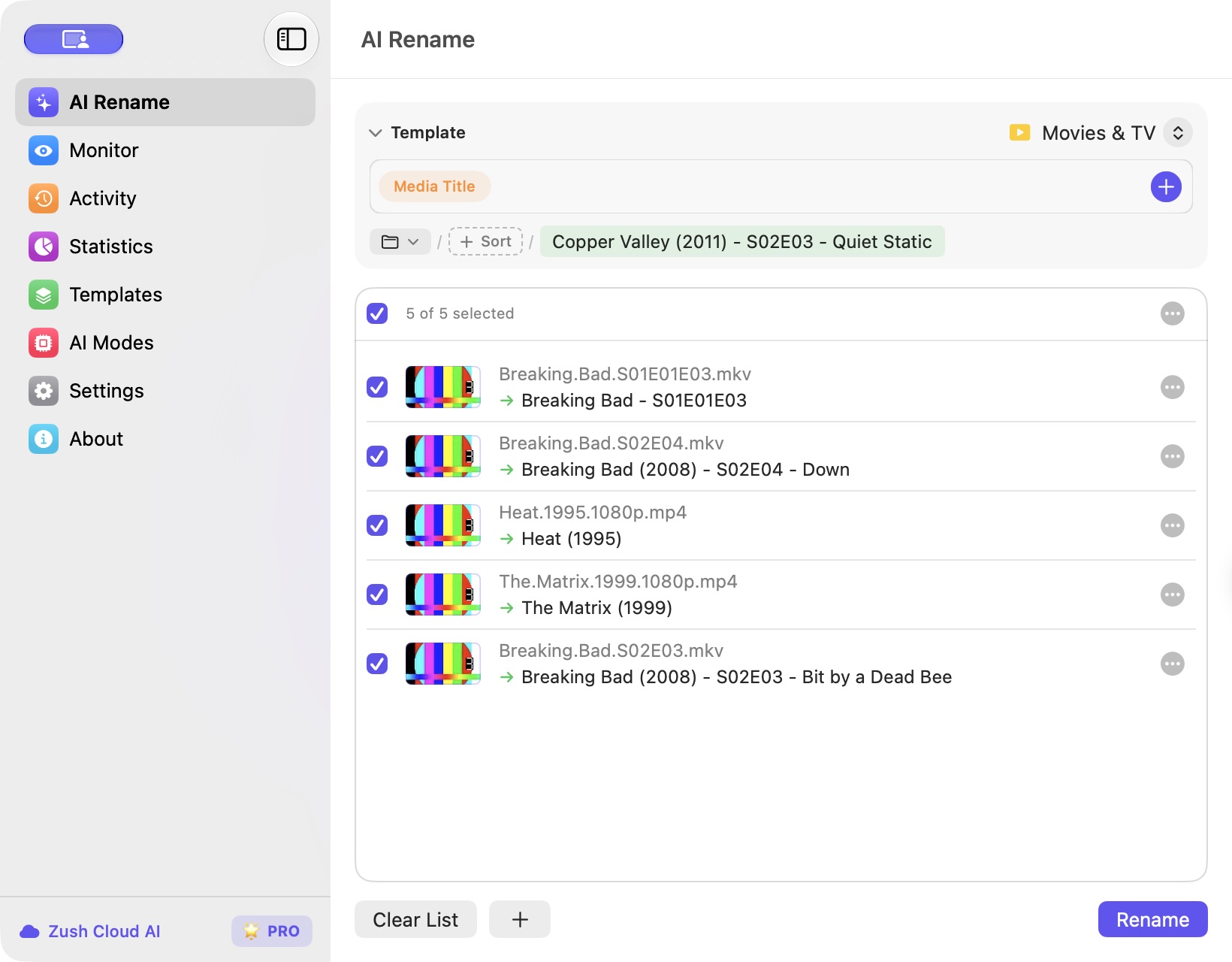
For the exact setup path, including the ready-made Template and the Movies & TV Naming Blocks catalog, follow the Movies & TV setup guide.
For camera clips, screen recordings, and other videos that are not films or TV episodes, see the separate guide to renaming video files with AI.


