
AI Modes: Managed Cloud, BYOK, LM Studio, and Ollama
Zush lets you choose where file analysis runs. Pick the mode that matches your privacy, setup, model control, and performance needs.
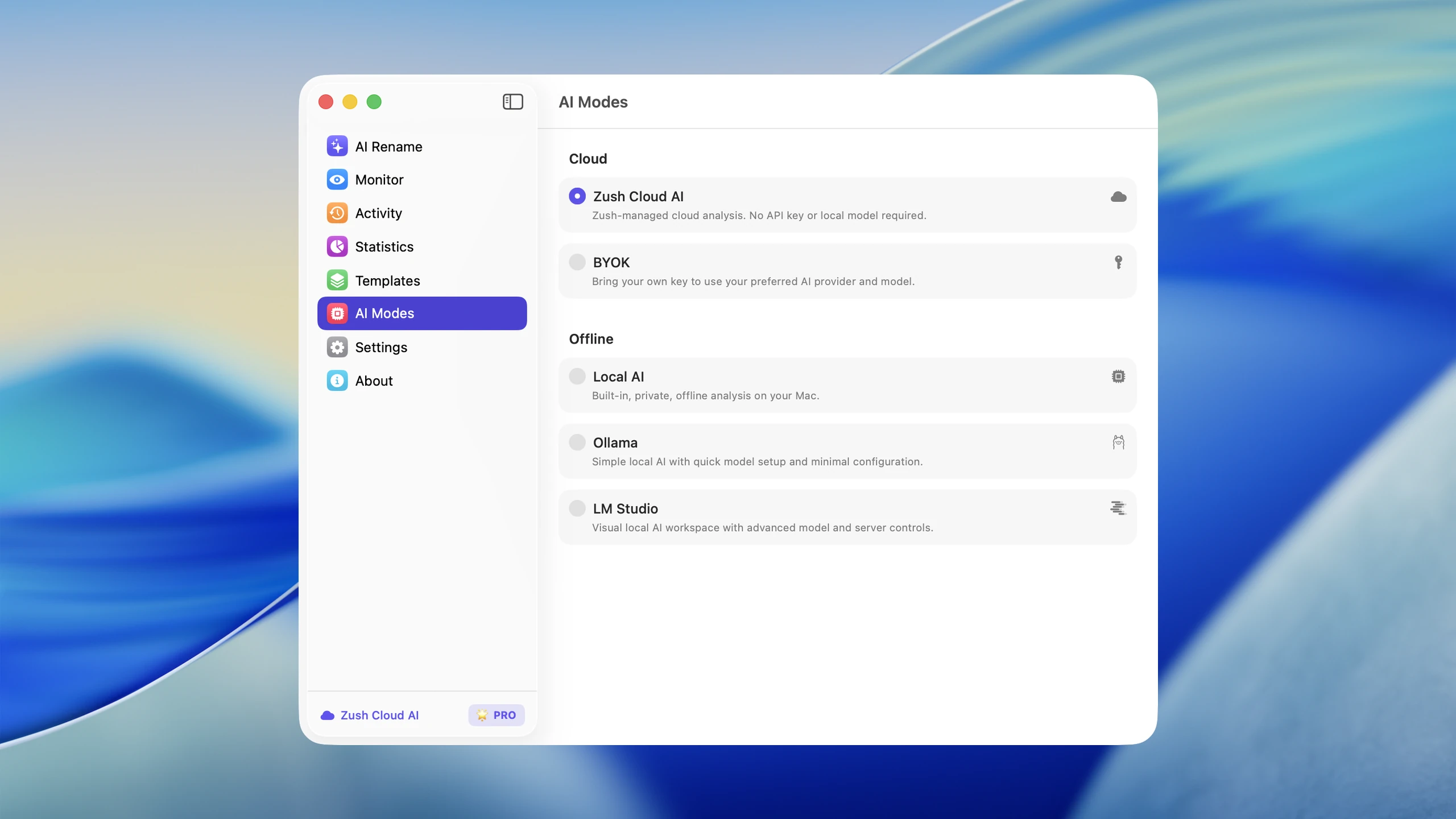
Compare AI modes
Section titled “Compare AI modes”| Mode | Where analysis runs | Best for |
|---|---|---|
| Zush Cloud AI | Managed cloud analysis | The fastest setup: no API key or local model required |
| LM Studio | Your local LM Studio server | Choosing and tuning vision-capable local models in LM Studio |
| BYOK | Your selected cloud provider | Using your own Gemini, OpenRouter, OpenAI, or Claude API key |
| Ollama | Your local Ollama server | Running models you already manage with Ollama |
How to choose
Section titled “How to choose”- Choose Zush Cloud AI when you want to start immediately.
- Choose LM Studio when you already use its model catalog and local server controls.
- Choose BYOK when you want a specific cloud provider account, model, or billing path.
- Choose Ollama when you already manage local models through Ollama.
Only one AI mode is active at a time. When LM Studio or Ollama is selected, Zush does not silently fall back to cloud analysis.
Quality and performance
Section titled “Quality and performance”Cloud models are usually the simplest option for complex mixed folders. Local quality and speed depend on the model, file type, available memory, and computer hardware. Test a representative small batch before assigning any mode to folder monitoring.