
Zush Cloud AI
The managed cloud AI mode works without an API key or a local model. Choose it when you want to add files and start renaming immediately.
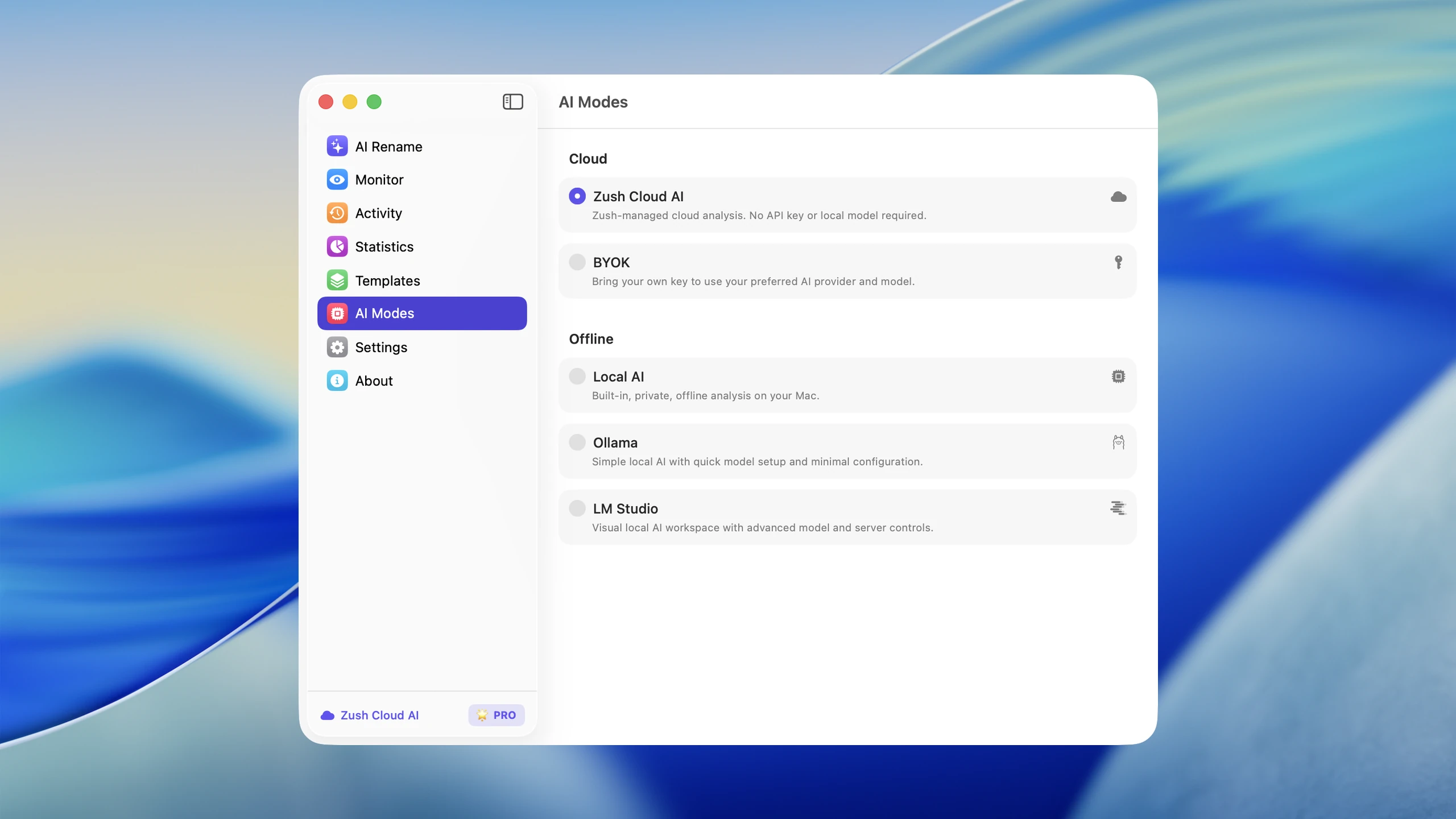
Use managed Cloud AI
Section titled “Use managed Cloud AI”- Open Zush Settings.
- Select AI Modes.
- Select Zush Cloud AI.
- Open AI Rename, add supported files, and start analysis.
- Review the proposed names before applying the batch.
What is sent for analysis
Section titled “What is sent for analysis”Zush keeps your original files on your Mac or Windows PC. Depending on the file type, cloud analysis can use a compressed visual preview, sampled media, extracted text, or a compact summary needed to generate a filename. See Privacy and security for the detailed processing model.
When to choose another mode
Section titled “When to choose another mode”- Use LM Studio for advanced local model and server control.
- Use BYOK for your own cloud provider key and account.
- Use Ollama for models you already manage through Ollama.