Best AI Document Organizers for PDFs and Scans (2026)

Jump to section
Quick answer: for most people the best AI document organizer is Zush. It reads each PDF, scan, invoice, receipt, or Office file, gives it a name like 2026-09-12_acme_invoice_1042.pdf, and can sort it into normal folders on your Mac or Windows PC. If you would rather move documents into a searchable archive server, use Paperless-ngx, which is free and self-hosted. On a Mac, DEVONthink is the most complete document database.
Last checked: October 16, 2026. Written by the maker of Zush. Competitor details come from each vendor’s site or documentation, linked in its section. This is a source-backed comparison, not a shared benchmark.
Two ways to organize documents with AI
AI document organizers fall into two groups, and the choice matters more than any feature list:
- Folder-based tools rename and move files where they already live. Your documents stay ordinary files in Finder, File Explorer, iCloud, OneDrive, or Dropbox. Zush, NameQuick, Wisfile, and File Juggler work this way.
- Archive tools import documents into their own library or server, then add tags, full-text search, and metadata. Paperless-ngx and DEVONthink work this way.
If you share folders with an accountant, a team, or another app, choose a folder-based tool. If you want one place to search everything and are happy to work inside that app, choose an archive.
Quick comparison
| Tool | Type | Platforms | Reads scans | Names files | Sorts into folders | Local AI | Price |
|---|---|---|---|---|---|---|---|
| Zush | Folder-based | Mac, Windows | Yes, image-only scans included | Templates + 145+ Naming Blocks | Yes, Auto or Folder rules (beta) | Ollama, LM Studio | 50 free renames; $10/mo or $48 one-time |
| Paperless-ngx | Archive server | Self-hosted (Docker) | Yes, Tesseract OCR | Configurable storage names | Managed storage paths | Optional, via Ollama | Free, open source |
| DEVONthink | Archive database | Mac (iOS companion) | OCR in Pro and Server | Inside its database | Groups in its database | Ollama, LM Studio | $99, $199, or $499 |
| NameQuick | Folder-based | Mac | Yes | Presets | Conditional rules | Self-Managed plan | From $12/mo or $69 one-time |
| Wisfile | Folder-based | Mac, Windows | Yes, per its FAQ | Templates | One-click topic folders | Built in | Free |
| File Juggler | Rules, no AI | Windows | No OCR | Rules | Rules | Not AI | $50 one-time + tax |
1. Zush: best AI document organizer for folders you already use
Zush runs on Mac and Windows. Drop in a folder of PDFs, scans, receipts, contracts, Word, Excel, or Pages files and it reads each one, including image-only scans with no text layer. It then proposes a name built from the fields that matter: date, vendor, amount, client, document type, invoice number.
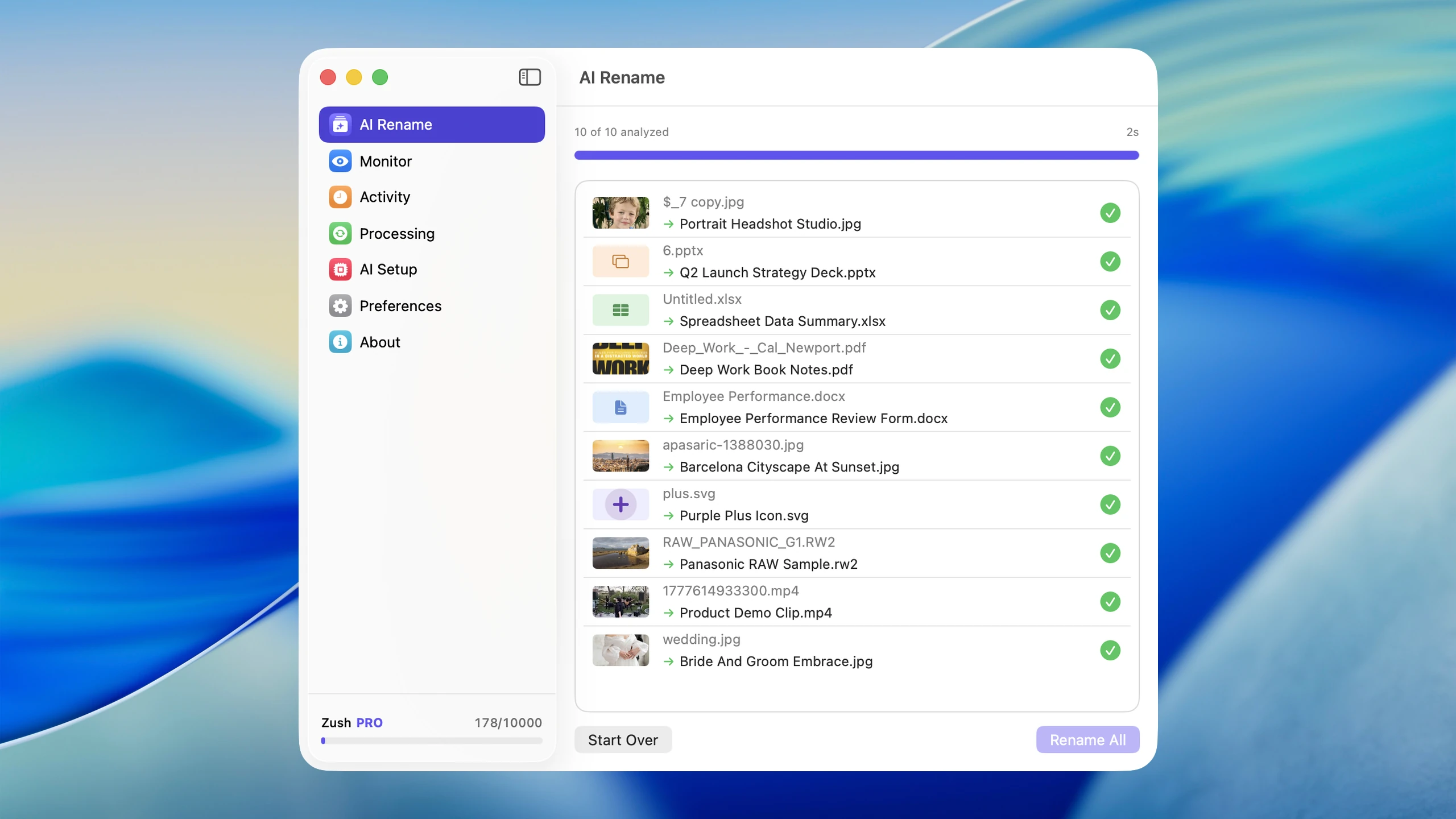
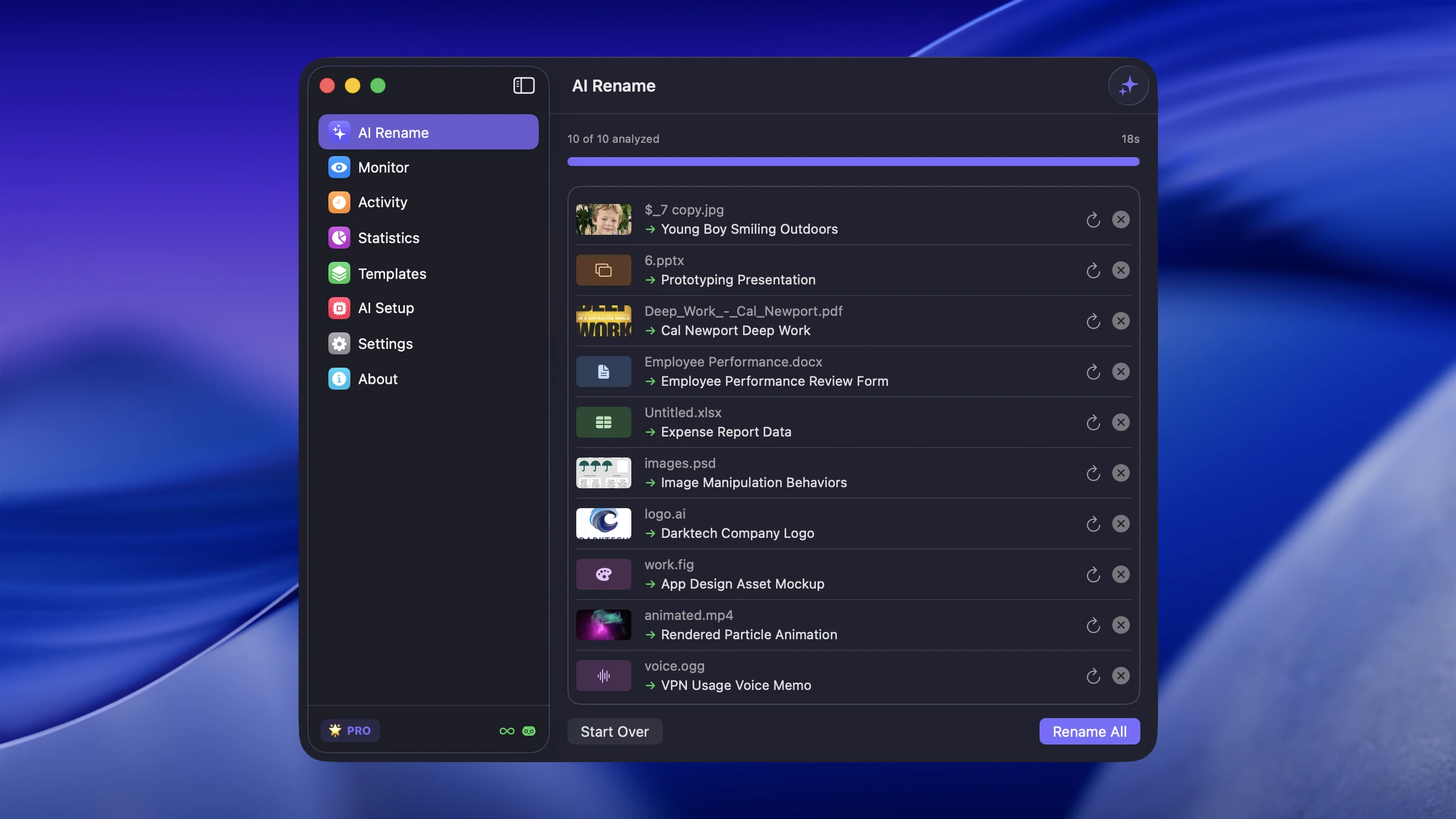
Names follow a Template, so every invoice looks the same instead of whatever the AI improvises. Bookkeeper Expenses is one of the ready-made Templates, and 145+ Naming Blocks let you build your own pattern.
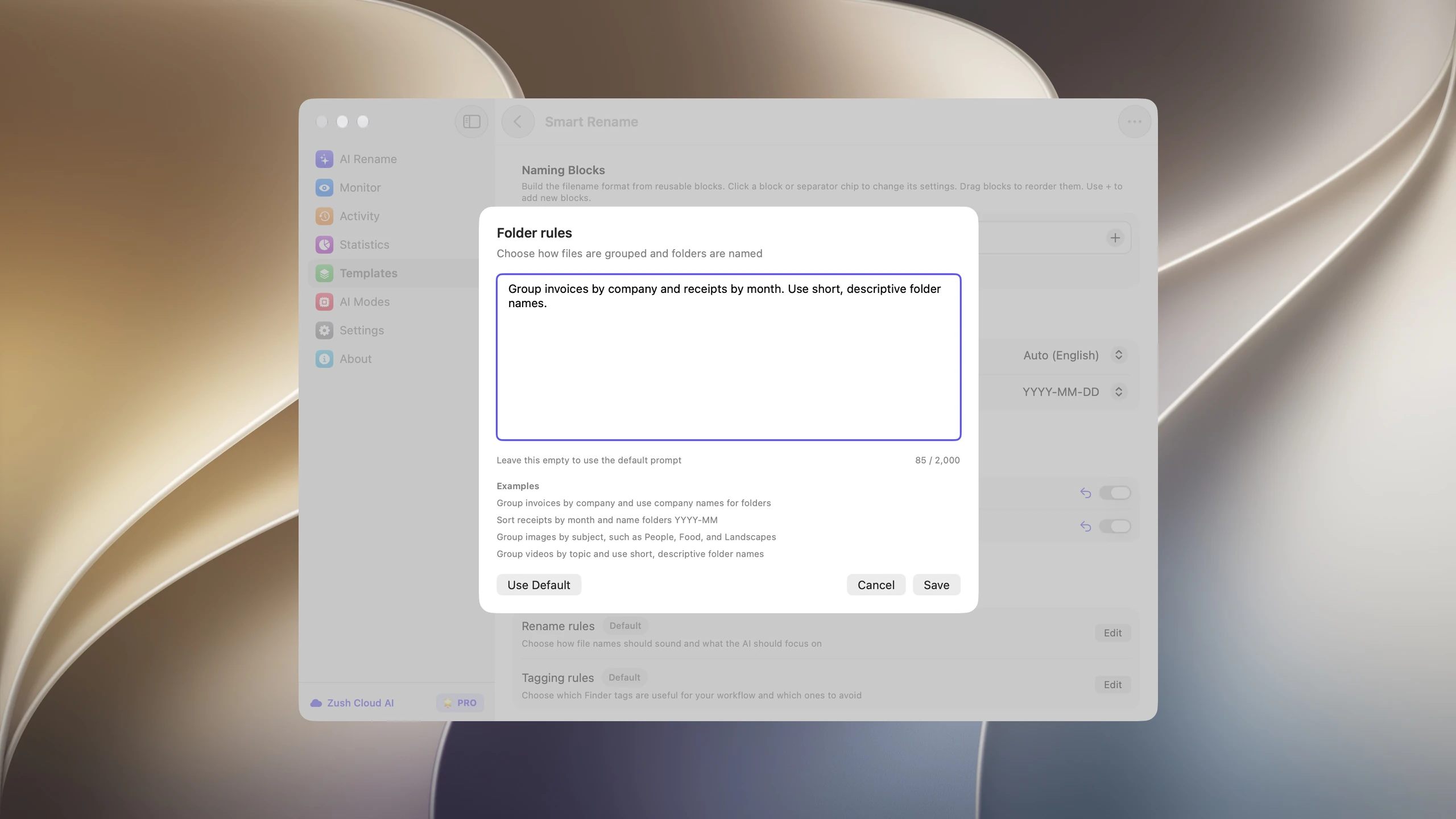
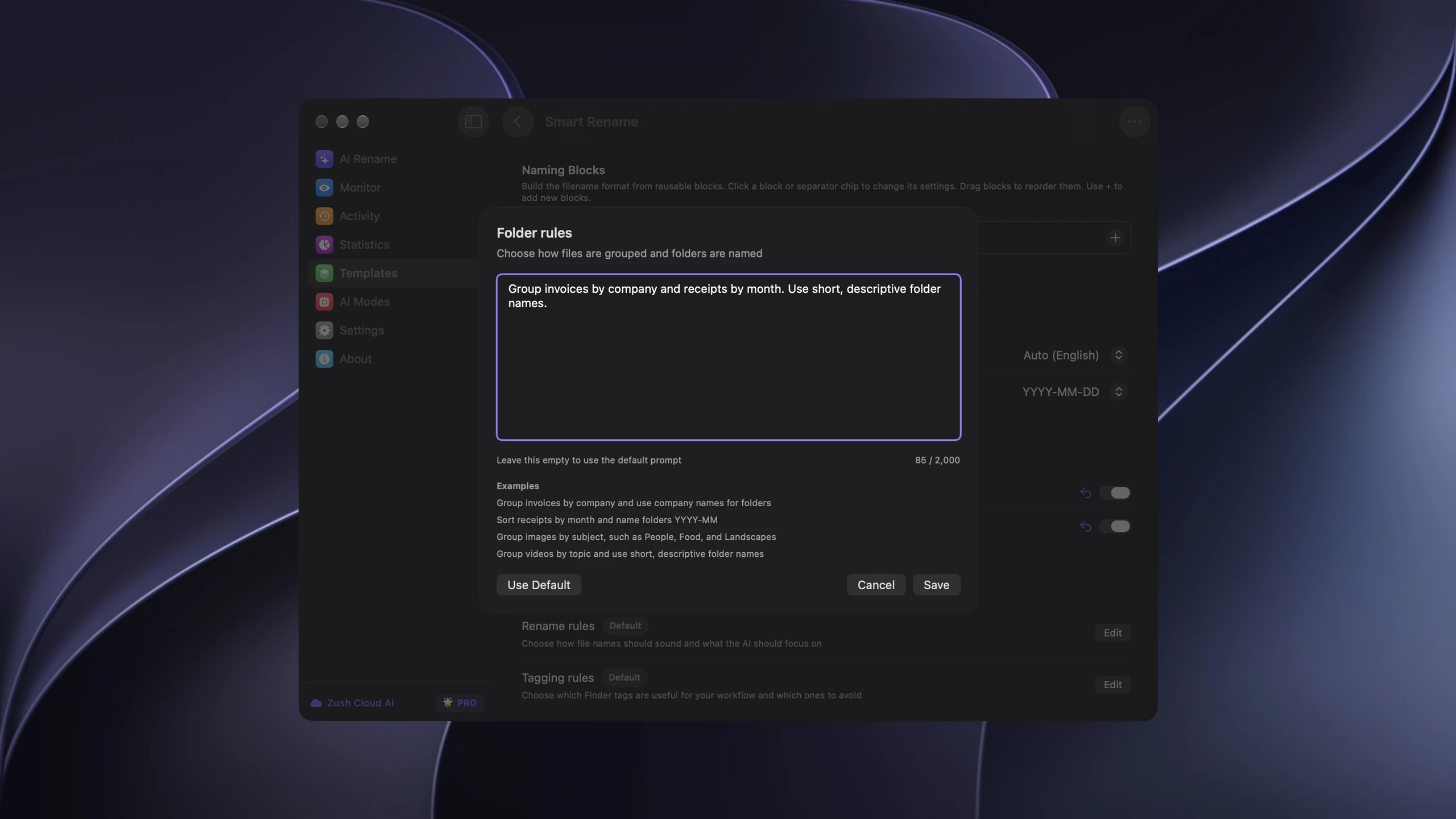
To file documents too, write a sentence in Folder rules, such as “Group invoices by company and receipts by month”, or leave it on Auto. You review names and folders in one preview before anything moves. Folder sorting is in beta.
For incoming paperwork, assign the Template to Monitor on a scanner or Downloads folder; new documents are named and sorted as they arrive. Rename History lets you revert an applied batch. Sensitive files can stay on your computer with Ollama or LM Studio; Zush Cloud AI and your own API key are the other options.
Choose Zush if your documents should remain normal files that anyone can open from a shared folder. Useful guides: rename scanned documents automatically, rename invoices with AI, and rename receipts with AI.
2. Paperless-ngx: best free self-hosted archive
Paperless-ngx is an open-source document management system (GPL-3.0) that you run on your own server or NAS, usually with Docker. It runs OCR with Tesseract in more than 100 languages, keeps the original next to a PDF/A archive copy, and uses machine learning to suggest tags, correspondents, and document types. It can also import documents from email.
Recent versions add optional AI features, off by default: document suggestions, chat with your documents, and similar-document search. They can run locally through Ollama or through an OpenAI-compatible API. Paperless manages filenames and folders itself, with configurable formats.
Choose Paperless-ngx if you are comfortable self-hosting and want a searchable paper archive for a household or small office. Skip it if you want your files to stay in your existing folder structure.
3. DEVONthink: best document database for Mac
DEVONthink is a long-running Mac app for storing, searching, and classifying documents. Version 4.4.2 requires macOS Ventura or later. Every edition can classify documents into groups based on what you filed before. Pro and Server add scanner integration with OCR and generative AI features such as chat, summaries, tagging, and smart-rule batch processing. Supported models include ChatGPT, Claude, and Mistral, plus local models through Ollama or LM Studio.
Standard costs $99, Pro $199, and Server $499, before tax, each with two seats and one year of updates.
Choose DEVONthink if you want a research-grade document library on a Mac and are happy to keep documents inside it. It is more than most people need just to name and file their paperwork.
4. NameQuick: Mac renaming with conditional rules
NameQuick focuses on recurring PDFs, scans, receipts, invoices, contracts, Word documents, and spreadsheets on a Mac. It renames by content with Presets, watches folders, and can run conditional Rules that move, tag, or archive files after naming.
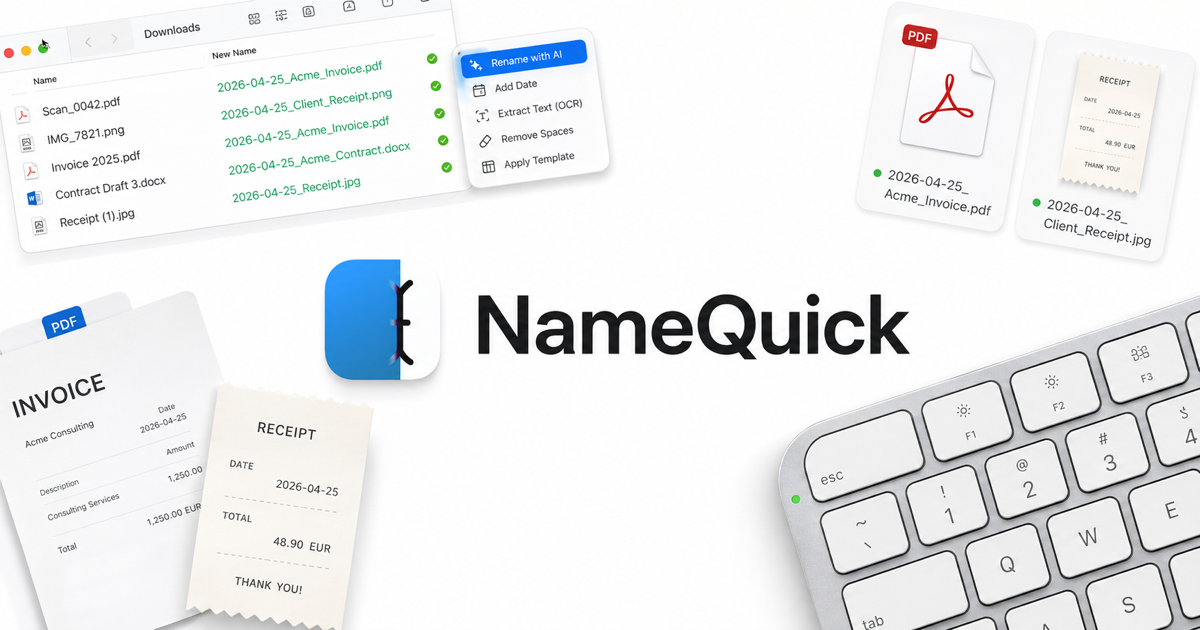
Managed plans start at $12 per month for 500 renames and go up to $99 per month for 10,000. The $69 Self-Managed license needs your own API key or a local model.
Choose NameQuick for a Mac-only document workflow built on if/then rules. Full comparison: Zush vs NameQuick.
5. Wisfile: free local renaming for PDFs and Word
Wisfile is free and runs locally on Mac and Windows. It renames PDFs and Word documents from their content, for example Author-Year-Title for research papers, and can group files into topic folders.
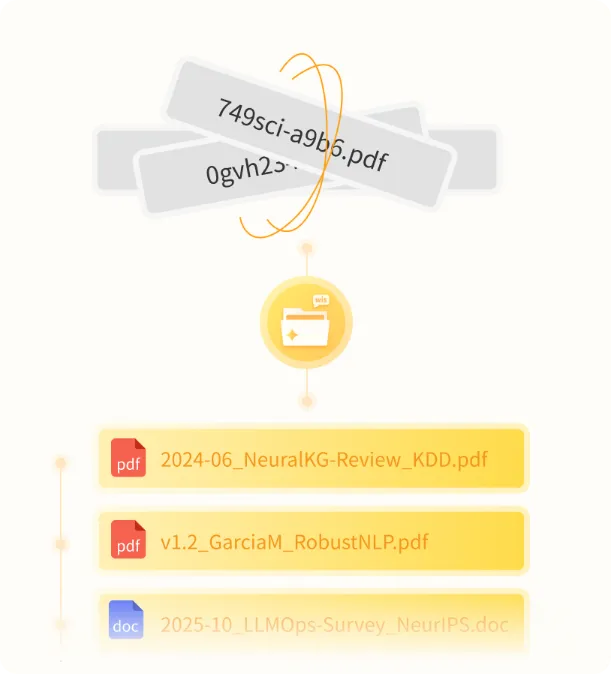
According to its FAQ there is no folder monitoring, no scheduling, and no built-in undo. Choose Wisfile for a one-off cleanup of a document archive on no budget. Details: Zush vs Wisfile.
6. File Juggler: rules for predictable documents on Windows
File Juggler is not AI, but it is a solid way to route documents that always look the same. Rules can match words inside PDFs, Word, and Excel files, reuse dates found in the text, then rename and move the file. It cannot read image-only scans without separate OCR.
It costs $50 one-time before tax, with a 30-day full trial. Choose it when every document of a type follows the same layout. If they do not, see File Juggler alternatives.
Which one fits your documents?
- Invoices, receipts, and contracts in shared folders: Zush.
- A searchable archive for a household or office, and you can self-host: Paperless-ngx.
- A research library on a Mac: DEVONthink.
- Mac-only, rules after renaming: NameQuick.
- Research papers, once, for free: Wisfile.
- Identical documents on Windows, no AI: File Juggler.
Industry guides with naming patterns: organize tax documents, legal file naming conventions, and organize scanned medical records in a small practice.
Test with 15 real documents
Copy fifteen documents into a test folder: five invoices or receipts, three scans without a text layer, two contracts, two spreadsheets, a Word file, a bank statement, and one handwritten note photo. Then check:
- Did the tool read the scans, or skip them?
- Do the names include the fields you search by: date, company, amount?
- Could you review every change first, and undo it afterwards?
- Do the files still open from the same shared folder for everyone else?
FAQ
What is the best AI document organizer?
Zush for documents that should stay in ordinary folders on Mac or Windows, because it names and sorts PDFs, scans, and Office files by content with a preview and undo. Paperless-ngx is the best free choice if you want a self-hosted archive.
Is there a free AI document organizer?
Yes. Paperless-ngx is free and open source but needs a server. Wisfile is free for PDFs and Word documents on Mac and Windows. Zush includes 50 free AI renames.
Can an AI document organizer read scanned PDFs?
Zush reads image-only scans directly. Paperless-ngx and DEVONthink Pro run OCR. File Juggler needs a separate OCR step first.
Can I organize documents with AI without uploading them?
Yes. Zush with Ollama or LM Studio, Wisfile, Paperless-ngx with a local Ollama backend, and DEVONthink with a local model all keep documents on your own hardware.


